

Microsoft Translator
FreeBreak language barriers: translate text, speech, real-time conversations.
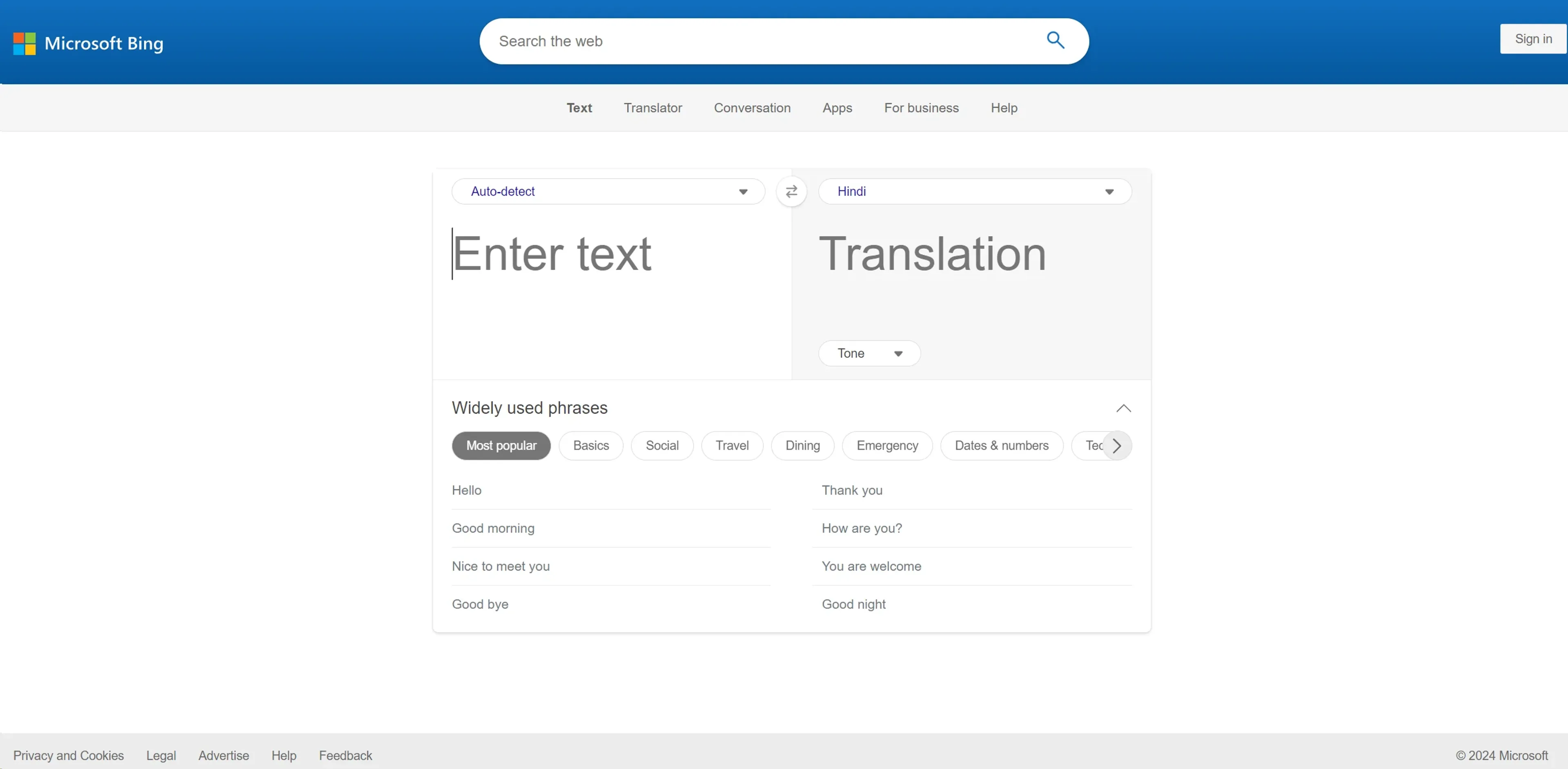
About Microsoft Translator
In the bustling world of digital communication, the ability to break language barriers is more crucial than ever. That's where Microsoft Translator comes into play. This powerful tool is designed to facilitate seamless translation across a multitude of languages, enhancing global interaction and understanding. Whether you're a business professional looking to expand your international market, a traveler navigating foreign lands, or an educator reaching out to a diverse classroom, Microsoft Translator aims to simplify and enrich your communication efforts.
Key Features
- Extensive Language Support: Microsoft Translator impresses with its capability to translate text, speech, and even conversations in real-time across more than 70 languages. This feature is a boon for users requiring diverse linguistic accessibility.
- Integration with Popular Applications: It integrates smoothly with other Microsoft products like Office 365, offering a cohesive experience for users who rely on Microsoft ecosystems for their daily tasks.
- Offline Capabilities: Unlike many other translation apps, it provides offline translation options, which is incredibly useful in areas with poor internet connectivity.
- Real-Time Conversation Translation: This feature allows multiple users to engage in a conversation using different languages, translated in real-time, making it ideal for international meetings or learning environments.
Pros
- Accessibility Enhancements: Offers features like text-to-speech and speech-to-text, making it accessible for users with disabilities.
- User-Friendly Interface: The interface is intuitive, making it easy for even novices to navigate and use effectively.
- Cost-Effective: Provides a free version that is robust enough for casual users, along with competitively priced plans for more advanced needs.
- Secure and Reliable: As a product of Microsoft, it ensures high standards of data privacy and security, giving users peace of mind.
Cons
- Limited Nuances in Translation: Sometimes struggles with regional dialects and idiomatic expressions.
- Dependency on Internet for Some Features: While offline capabilities exist, the most powerful features require an internet connection.
- Occasional Latency Issues: Users might experience delays in real-time conversation translations during high usage.
Use Cases
- Educational Institutions: Facilitating multilingual learning environments and accessible education for non-native speakers.
- Travel and Tourism Businesses: Enhancing communication with international clients and providing real-time translation services.
- Healthcare Providers: Assisting in communicating with patients who speak different languages to ensure accurate medical help.
- International Organizations: Enabling smoother workflow and communication across global branches.
- Uncommon Use Cases: Utilized by authors and researchers for multilingual literature review; adopted by emergency responders for quick translation in multilingual emergency situations.
Pricing
Free Tier: Enjoy Microsoft Translator at no cost with basic features. Advanced Plans: Custom pricing based on specific business needs and usage volume. Disclaimer: Please note that pricing information may not be up to date. For the most accurate and current pricing details, refer to the official Microsoft Translator website.
What Makes It Unique
Microsoft Translator stands out with its seamless integration into the Microsoft ecosystem, making it a natural choice for users who are already within this environment. Its ability to handle real-time multi-person conversations sets it apart, offering significant advantages in both personal and professional communication.
Ratings
Accuracy and Reliability: 4.5/5 Ease of Use: 4.7/5 Functionality and Features: 4.6/5 Performance and Speed: 4.3/5 Customization and Flexibility: 4.0/5 Data Privacy and Security: 4.8/5 Support and Resources: 4.5/5 Cost-Efficiency: 4.4/5 Integration Capabilities: 4.5/5 Overall Score: 4.5/5
Key Features
Pros & Cons
- Accessibility Enhancements: Offers features like text-to-speech and speech-to-text, making it accessible for users with disabilities.
- User-Friendly Interface: The interface is intuitive, making it easy for even novices to navigate and use effectively.
- Cost-Effective: Provides a free version that is robust enough for casual users, along with competitively priced plans for more advanced needs.
- Secure and Reliable: As a product of Microsoft, it ensures high standards of data privacy and security, giving users peace of mind.
- Limited Nuances in Translation: Sometimes struggles with regional dialects and idiomatic expressions.
- Dependency on Internet for Some Features: While offline capabilities exist, the most powerful features require an internet connection.
- Occasional Latency Issues: Users might experience delays in real-time conversation translations during high usage.
Best For
Alternatives to Microsoft Translator
SalesStack
Boost sales with SalesStack.ai—an AI-powered sales engagement and enablement platform for smarter outreach, faster prospecting, and higher conversions.
OmniGPT
Automate tasks, streamline conversations, and access an intuitive user interface for efficient communication.
RivalFlow AI
Enhance your team's SEO with RivalFlow’s AI-driven content tools. Improve rankings, streamline workflows, and track performance effortlessly with automated insights.
RivetAI
RivetAI streamlines your film pre-production with AI tools for budgeting, scheduling, and script analysis. Click here to learn more about it.
WAnywhere
Transform your Work Environment with AI-Powered Solutions
MindPal
Boost Productivity with MindPal’s Industry-Leading AI Solutions