
ProWritingAid
FreemiumGrammar, style, and writing coach
About ProWritingAid
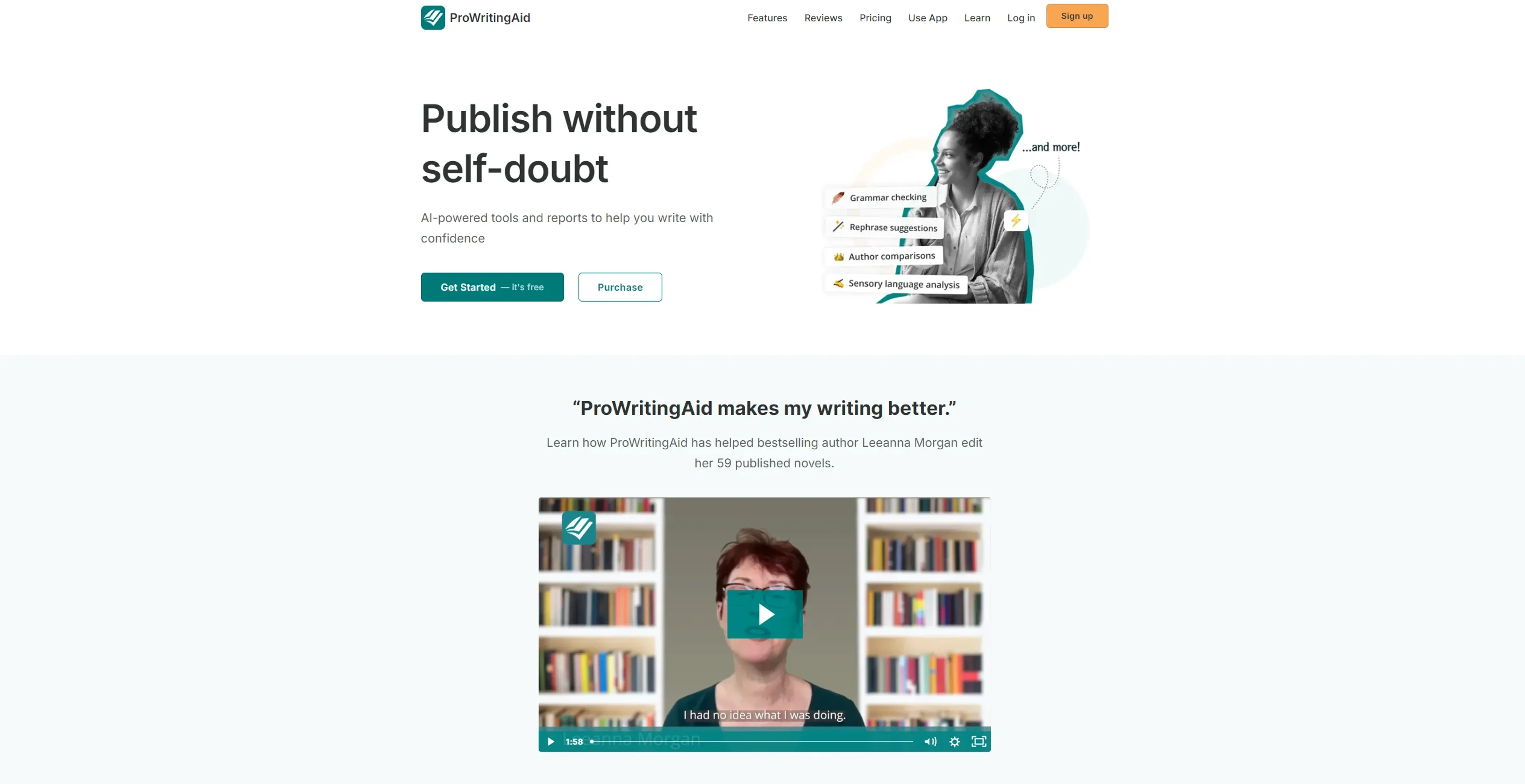
ProWritingAid isn't just another writing tool; it's a robust, AI-powered writing assistant that promises to transform the way we write. Its primary aim is to refine your writing, making it clearer, more engaging, and error-free. Designed for a wide array of users, from creative writers and professionals to educators and non-native English speakers, ProWritingAid offers an extensive suite of features that go beyond simple grammar checks. It's like having a personal editor at your fingertips, ready to polish your prose, enhance your style, and elevate your writing to new heights.
Key Features
- Grammar Checker and Style Editor: ProWritingAid excels in identifying grammatical errors and stylistic issues, offering suggestions that improve your writing's overall clarity and strength.
- In-Depth Reports: The tool provides over 20 different reports on various aspects of your writing, including style, readability, and overused words, offering actionable insights to refine your work.
- Real-Time Editing Suggestions: As you write, ProWritingAid offers instant feedback on your text, allowing for swift corrections and improvements.
- Integration Across Platforms: Whether you're drafting in Google Docs, Microsoft Word, Scrivener, or any other writing platform, ProWritingAid seamlessly integrates to offer its features wherever you prefer to write.
Pros
- Enhances Writing Quality: By addressing a wide range of issues, from basic grammar to complex style nuances, it significantly improves the quality of your writing.
- Saves Time: The immediate feedback and comprehensive reports speed up the editing process, saving valuable time for writers.
- Versatile Use Cases: It's incredibly useful for various users, including students, professionals, and creative writers, making it a versatile tool in any writer's toolkit.
- Educational Benefits: Beyond corrections, it educates users on their writing mistakes, helping them to improve their writing skills over time.
Cons
- Overwhelming Amount of Feedback: For some users, the detailed reports and numerous suggestions can be overwhelming, particularly for those less familiar with writing intricacies.
- May Require a Learning Curve: Maximizing the tool's potential and understanding how to apply its many suggestions effectively can take some time.
- Subscription Cost: While there is a free version, access to the most powerful features requires a subscription, which might be a consideration for budget-conscious users.
Use Cases
- Creative Writers: Crafting compelling narratives with enhanced descriptions and stronger character development.
- Professionals: Producing clear, concise, and impactful business documents, emails, and reports.
- Educators: Assisting in teaching writing skills and providing feedback on student assignments.
- Non-Native English Speakers: Improving their English writing proficiency for academic or professional purposes.
- Uncommon Use Cases: Screenwriters refining scripts for better dialogue and pacing; Bloggers optimizing their posts for SEO and reader engagement.
Pricing
Free Tier: A limited version available to get a taste of ProWritingAid's capabilities. Premium Tier: Starts at $20 per month, offering full access to all features and reports. Disclaimer: For the most accurate and current pricing details, refer to the official ProWritingAid website.
What Makes It Unique
ProWritingAid stands out with its comprehensive feedback on writing that goes well beyond grammar and spelling checks. It's the depth of analysis—covering everything from style improvements to sentence structure—that makes it a game-changer for anyone serious about writing. Its unique selling point is the ability to not only correct mistakes but also teach users how to become better writers through detailed explanations and suggestions.
Ratings
Accuracy and Reliability: 4.8/5 Ease of Use: 4.5/5 Functionality and Features: 4.9/5 Performance and Speed: 4.7/5 Customization and Flexibility: 4.6/5 Data Privacy and Security: 5/5 Support and Resources: 4.5/5 Cost-Efficiency: 4.4/5 Integration Capabilities: 4.8/5 Overall Score: 4.7/5
Key Features
Pros & Cons
- Enhances Writing Quality: By addressing a wide range of issues, from basic grammar to complex style nuances, it significantly improves the quality of your writing.
- Saves Time: The immediate feedback and comprehensive reports speed up the editing process, saving valuable time for writers.
- Versatile Use Cases: It's incredibly useful for various users, including students, professionals, and creative writers, making it a versatile tool in any writer's toolkit.
- Educational Benefits: Beyond corrections, it educates users on their writing mistakes, helping them to improve their writing skills over time.
- Overwhelming Amount of Feedback: For some users, the detailed reports and numerous suggestions can be overwhelming, particularly for those less familiar with writing intricacies.
- May Require a Learning Curve: Maximizing the tool's potential and understanding how to apply its many suggestions effectively can take some time.
- Subscription Cost: While there is a free version, access to the most powerful features requires a subscription, which might be a consideration for budget-conscious users.