 CoPilot
Back to Blog devchallenge
 opensource
![[Dev Log][Python] Create short videos from photos and clips with Gemini 3.7 Flash: ReelCraft](https://media2.dev.to/dynamic/image/width=1200,height=627,fit=cover,gravity=auto,format=auto/https%3A%2F%2Fdev-to-uploads.s3.us-east-2.amazonaws.com%2Fuploads%2Farticles%2F7mbo2bfkglblo44jev8w.png) ai
ai flutter
 aws
aws discuss
 ai
ai
The Accidental DDOS: How a Single React Bracket Triggered 100,000 API Requests and Melted Our Database
Pooja Bhavani August 11, 2026
0 views
This is a submission for DEV's Summer Bug Smash: Smash Stories powered by Sentry. Introduction: The...
This is a submission for DEV's Summer Bug Smash: Smash Stories powered by Sentry.
Introduction: The Innocent Tuesday Deployment It was 4:45 PM on a quiet Tuesday. My code was reviewed, my pipeline was green, and I was one click away from deploying a simple "User Preferences" dashboard card. I hit merge, grabbed a cup of coffee, and prepared to close my laptop for the day.
Then, the alerts started.
First, my laptop’s cooling fans began to scream like a jet engine preparing for takeoff. Seconds later, our team's Slack channel erupted with high-severity database alerts.
CRITICAL ALERT: Database CPU Utilization at 99.8% CRITICAL ALERT: API Gateway Response Times > 8000ms
We weren't experiencing a sudden viral wave of traffic, nor were we under a external malicious cyberattack. The culprit was much closer to home. We were DDOSing ourselves, and the source of the attack was my innocent dashboard card.
The Chaos: The Runaway Hamster Wheel
Within three minutes of deployment, our analytics showed that a single page in our frontend application was aggressively hitting our /api/user-preferences endpoint thousands of times per second for every connected user.
Instead of rendering a clean UI, the browser was locked in an endless, violent render loop.
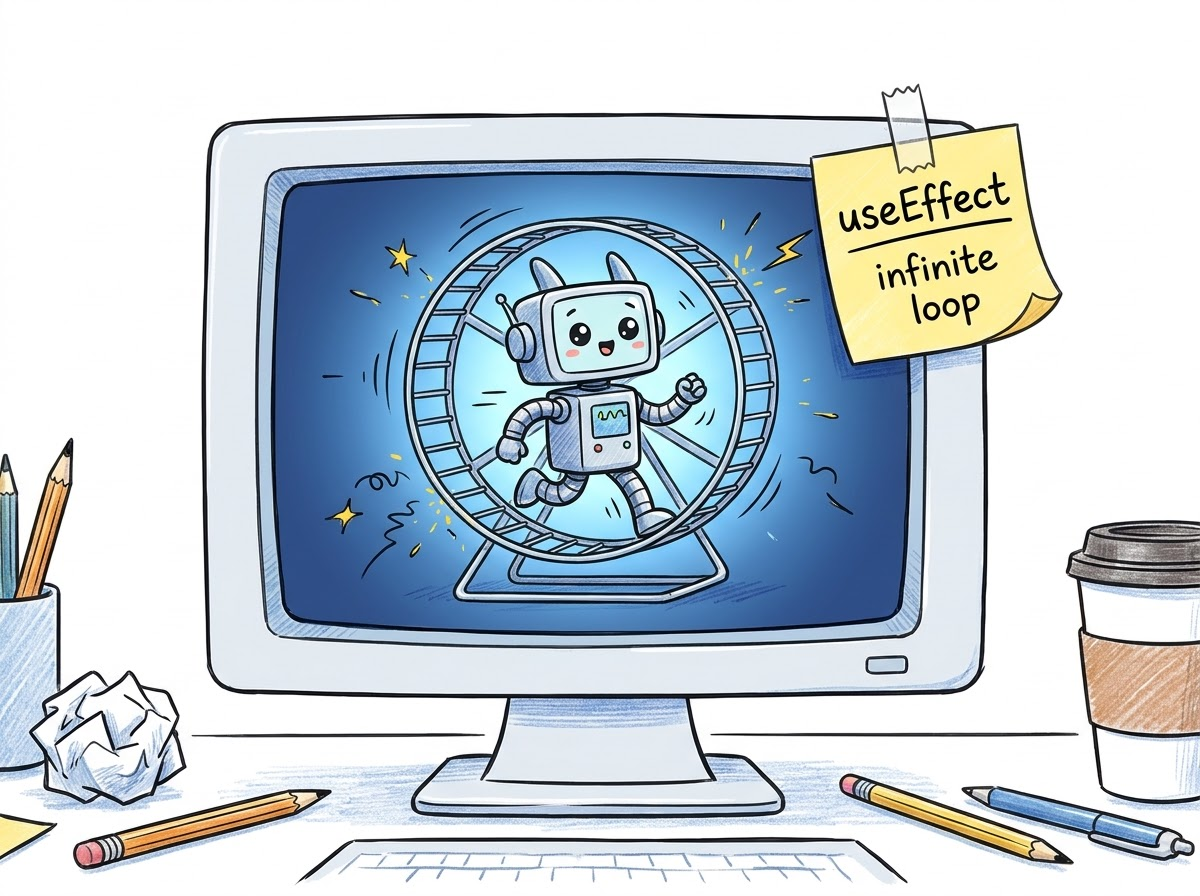
To prevent a total system outage, we immediately rolled back the deployment. The database slowly recovered, the fans quieted down, and I was left staring at my code in absolute disbelief.
How did a simple fetch hook trigger a catastrophic system meltdown?
The Investigation: Hunting with Sentry's Breadcrumbs To find the root cause, I dived headfirst into our Sentry dashboard. Because we had Sentry telemetry wired up, we didn’t have to guess or manually reproduce the issue.
Sentry’s Transaction Spikes instantly pointed us to the exact transaction: /dashboard/settings.
When I opened Sentry's Session Replays, the mystery unravelled in high definition:
- Sentry recorded the user landing on the dashboard.
- The browser immediately fired a fetch request to /api/user-preferences.
- The component re-rendered.
- The browser immediately fired another identical fetch request.
- Sentry’s Breadcrumbs recorded a continuous, cascading waterfall of identical HTTP GET requests firing every 4 milliseconds.
The code responsible for this chaos looked like this:
// The Innocent-Looking Buggy Component
export function UserPreferencesCard() {
  const [preferences, setPreferences] = useState({});

  // The invisible killer: a dynamic object declared directly in the component body
  const queryConfig = { includeMeta: true, theme: 'dark' };

  useEffect(() => {
    fetchUserPreferences(queryConfig).then((data) => {
      setPreferences(data);
    });
  }, [queryConfig]); // Trigger fetch whenever queryConfig changes... right?

  return (
    <div className="preferences-card">
       {/* UI components here */}
    </div>
  );
}
The Science: Why {} is Not Equal to {} On paper, this code looks logical. "Fetch the user preferences whenever queryConfig changes." Since queryConfig is always { includeMeta: true, theme: 'dark' }, it should only fetch once, right?
Wrong. This is the classic trap of JavaScript Reference vs. Value Equality.
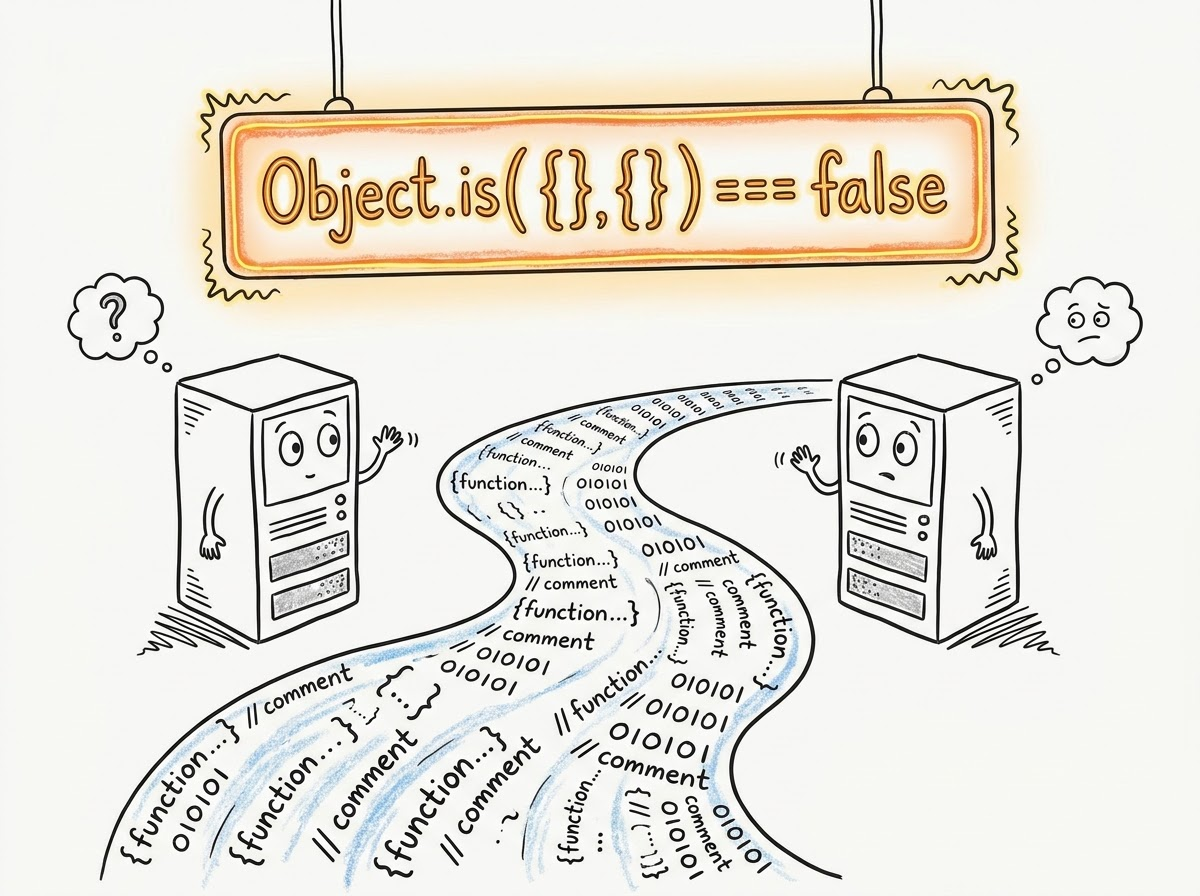
In JavaScript, primitives (like strings, numbers, and booleans) are compared by their value. But objects, arrays, and functions are compared by their reference (their location in computer memory).
When React re-renders a component:
- It executes the functional component from top to bottom.
- It redeclares queryConfig = { includeMeta: true, theme: 'dark' }. This creates a brand-new object in a different memory slot.
- React looks at the useEffect dependency array and compares the old queryConfig with the new queryConfig using Object.is().
- Because they reside in different memory locations, JavaScript declares: oldQueryConfig !== newQueryConfig.
- React thinks the dependency changed, so it triggers the useEffect fetch again.
- The fetch updates the preferences state.
- The state update forces the component to re-render, restarting the cycle ad infinitum.
The Resolution: Bringing Peace to the Database Once the reference trap was exposed, the fix was incredibly simple. I had to ensure that the object reference remained stable across renders. I rewrote the component using a primitive value dependency array:
// The Beautiful, Quiet, Non-DDOSing Solution
export function UserPreferencesCard() {
  const [preferences, setPreferences] = useState({});

  // Primitives are clean, safe, and stable!
  const includeMeta = true;
  const theme = 'dark';

  useEffect(() => {
    fetchUserPreferences({ includeMeta, theme }).then((data) => {
      setPreferences(data);
    });
  }, [includeMeta, theme]); // Compared by VALUE. No more infinite loops!

  return (
    <div className="preferences-card">
       {/* UI components here */}
    </div>
  );
}
I deployed the fix, and our Sentry dashboard fell silent. The dashboard loaded in milliseconds, and the database CPU returned to a peaceful 3%.
The Big Takeaway This bug was an incredible "aha!" moment for me. It transformed how I think about React's state lifecycles and JavaScript's underlying memory structures. It taught me that:
-
Dependency arrays are not magic: They rely strictly on JavaScript's standard equality checks. Passing an object or array literal directly into a dependency array without memoization is a ticking time bomb.
-
Observability is non-negotiable: Without Sentry’s Session Replays and telemetry, we would have spent hours digging through thousands of lines of server logs. Sentry allowed us to pinpoint the exact line of client-side code causing the storm in minutes.
Have you ever accidentally created an infinite loop that set your server on fire? Let me know your favorite debugging horror stories in the comments below!
Comments
More Blog
View allopensourceReviving Open Source Giants: How I Brought Weave Scope Back with Multi-Platform Docker Support in One Afternoon Using Antigravity
How to rescue abandoned open-source projects, modernize build systems, and generate multi-architecture Docker images (x86_64, ARM64) in a single afternoon with Antigravity.
M
Mario Ezquerroai[Dev Log][Python] Create short videos from photos and clips with Gemini 3.7 Flash: ReelCraft
Preface: It all started with a misunderstanding. I noticed a new page in the Gemini API...
E
Evan LinflutterDart 3.13 Primary Constructors + BlocSignal: Boilerplate-Free Reactive Architecture
Discover how Dart 3.13 primary constructors, 'this' constructor bodies, and constructor shorthands transform BlocSignal into the cleanest state management architecture in Flutter.
R
Randal L. SchwartzawsRunning Gemma 4 on EC2 G5g: Graviton2 AMD with NVIDIA GPU
A field report on serving Gemma 4 E2B under vLLM on AWS G5g — the only aarch64 + SM 7.5 hardware there is. No published build covers that combination, AWS quietly solves half of it, and the thing that actually blocks you is 64 KiB of shared memory.
X
xbilldiscussMy (not so pretty) journey in tech
Ever since I joined the platform, I wanted to post about a topic I was really passionate about....
I
isha singhaiI Stopped Trusting AI Agents With Tools. So I Built a Gatekeeper.
Update 08/15 0.2.0 Released github.com/deghosal-2026/agent-tooltrust · pip install agent-tooltrust...
D
Debashish GhosalReady-made automations for this
Workflows from the Neura Market marketplace related to this CoPilot resource
- Location-Based Triggered Reminder via Telegram Bot (iOS)n8n · $4.99 · Related topic
- Automate LinkedIn Profile Discovery and Outreach via Form Submissionn8n · $14.99 · Related topic
- Automate Qualys Vulnerability Scans Triggered from Slackn8n · $14.99 · Related topic
- Automate Personalized WhatsApp Campaigns Triggered by KlickTippn8n · $9.99 · Related topic