
Back to Blog agents
 ai
ai googlecloud
 discuss
 agenticarchitect
 ai
ai antigravitycli
The One-Click Exporter: AI Studio Antigravity, Probed to Its Limits
leslysandra July 10, 2026
0 views
What nobody tells you about exporting your multi-agent prototype to a local workspace. Every...
What nobody tells you about exporting your multi-agent prototype to a local workspace.
Every architect who's prototyped a multi-agent app in Google AI Studio eventually hits the same wall: the prototype works, but it lives in a browser tab. At I/O 2026, Google shipped a fix — Export to Antigravity, a one-click handoff to a local production workspace, carrying "all the context" with it. I ran a real two-agent prototype through it. Here's exactly what survived the trip, what didn't, and what I had to fix by hand — including a bug that had nothing to do with the export itself.
1. The Pilot Project + The Click
The project: Research Digest — a sequential two-agent app. Agent 1 (Researcher) takes a topic, uses grounded web search to gather sources. Agent 2 (Editor) synthesizes those findings into a polished digest. Persistence via Firestore, with a history archive of past digests.
Built entirely from a single prompt in AI Studio's Build mode. Along the way, provisioning Firestore surfaced my first real gotcha before I even got to the export step — more on that below.
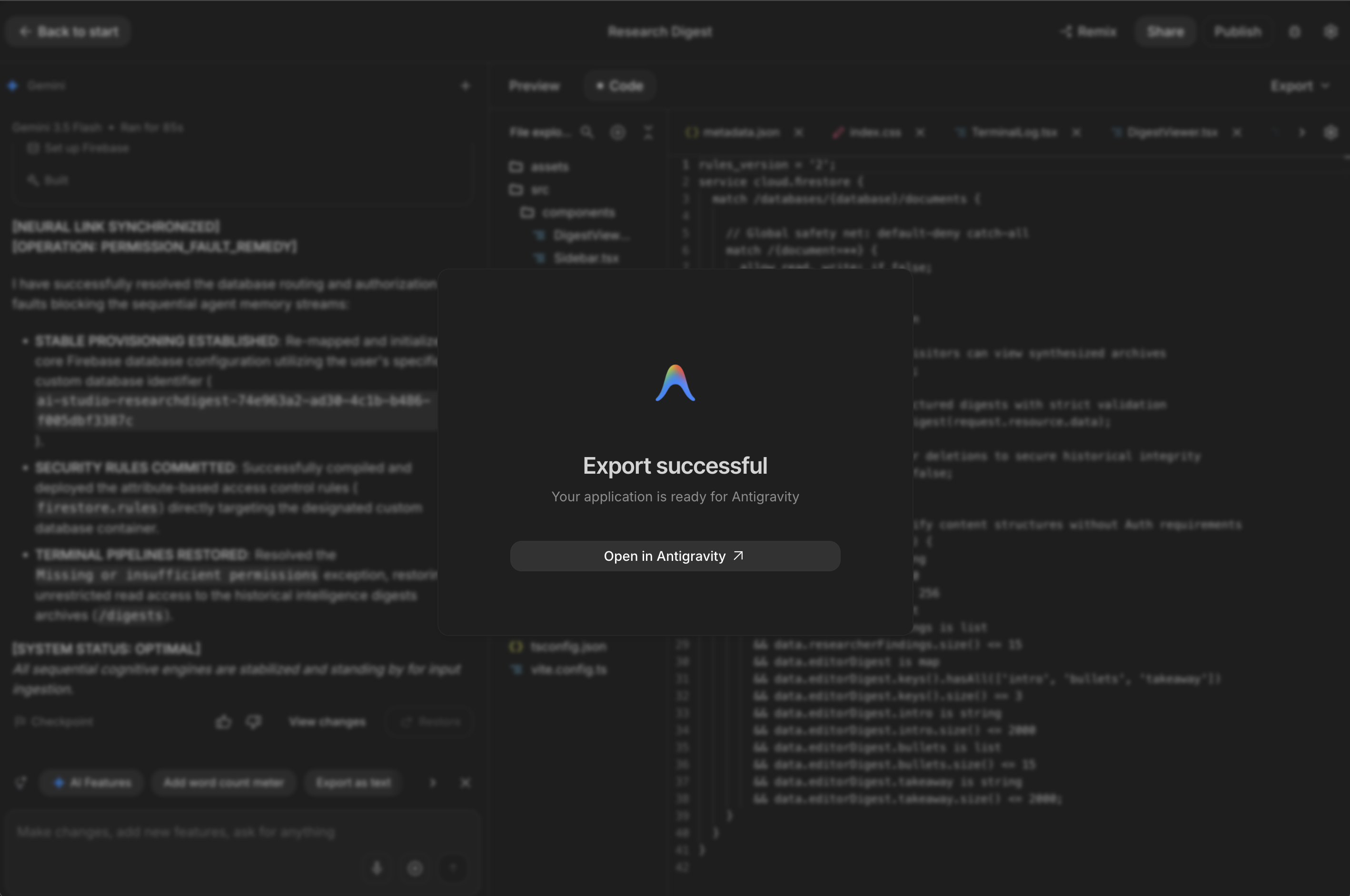
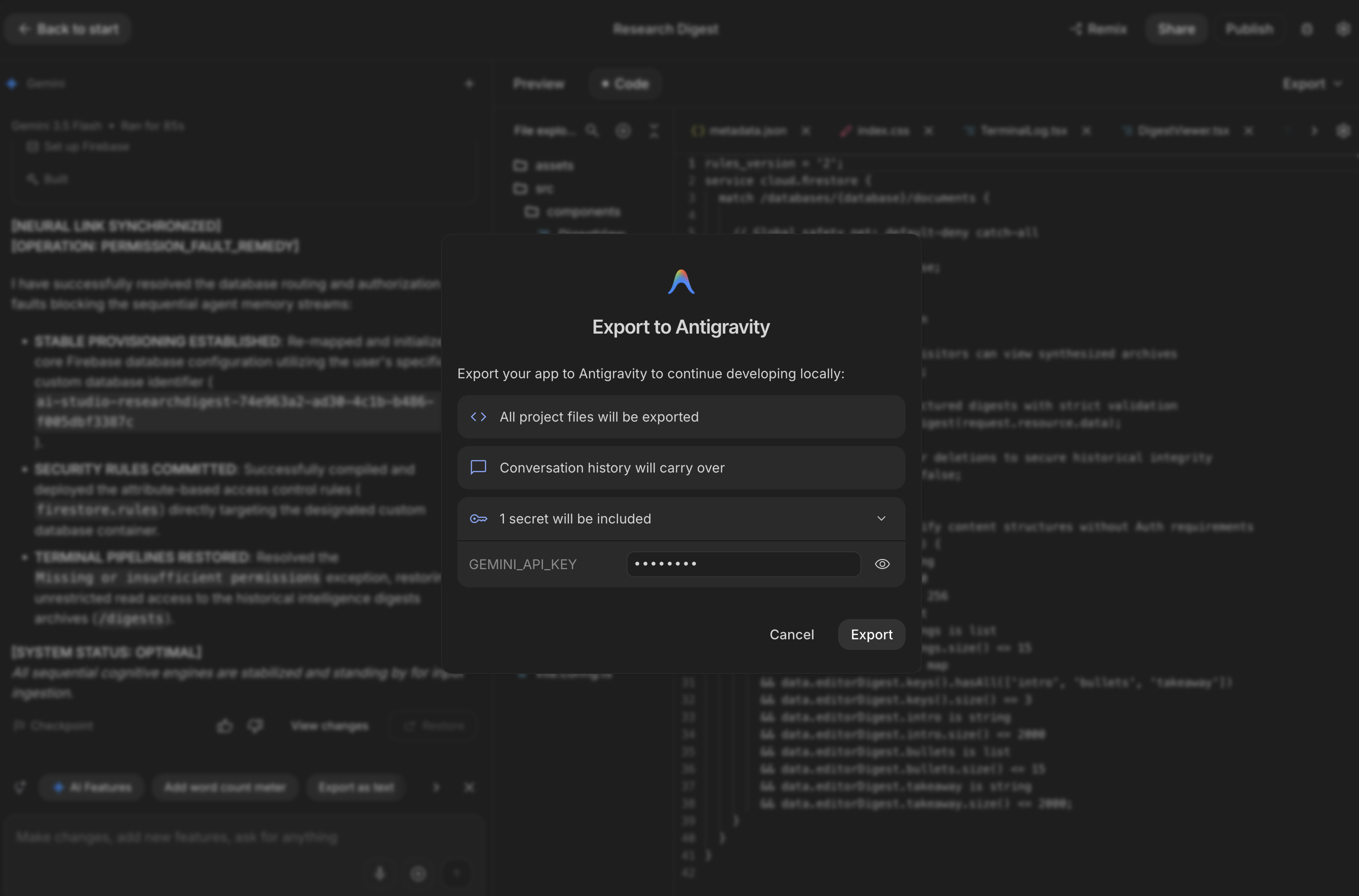
Triggering the export: Code tab → Export → Export to Antigravity. The dialog is genuinely informative — it tells you upfront what's coming: all project files, conversation history, and explicitly "1 secret will be included."
2. What Actually Survives the Trip
The export dialog's claims, checked one by one:
| Claimed to transfer | What I found |
|---|---|
| All project files | ✅ Confirmed — full structure landed intact: .agents, .antigravity, src, config files, README.md with setup instructions |
| Secrets (1 secret) | ✅ Confirmed — GEMINI_API_KEY arrived populated in .env, worked immediately, no manual re-entry |
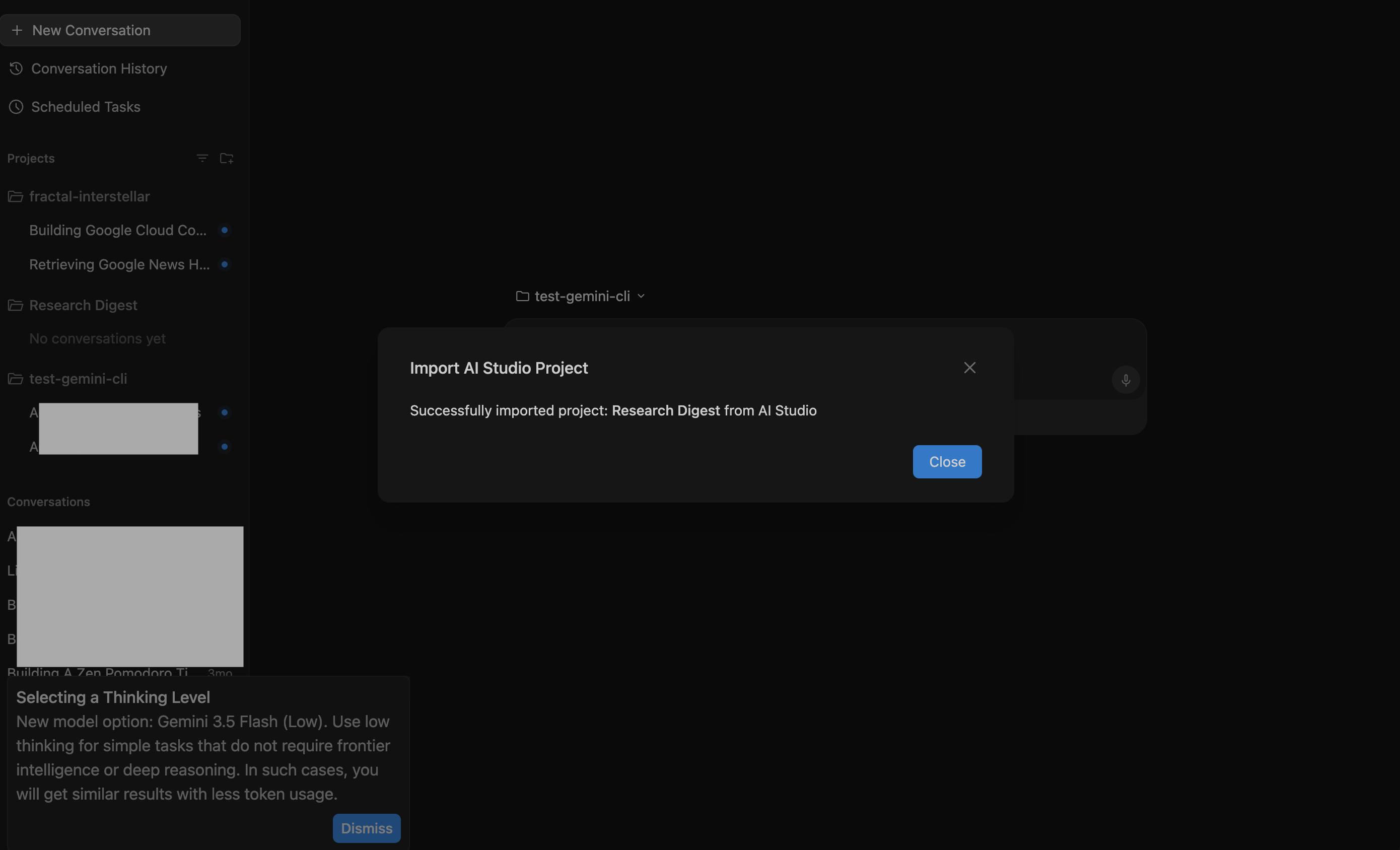
| Conversation history | history❌ Did not transfer. The imported "Research Digest" project showed "No conversations yet" in Antigravity's Agent Manager, despite the dialog's explicit promise. Checked twice, on two separate screens — consistent result. |
3. The Gotchas
Gotcha 1 — "Conversation history will carry over" is currently not accurate, at least not visibly. Whatever context existed in the AI Studio thread did not surface as a conversation in Antigravity.
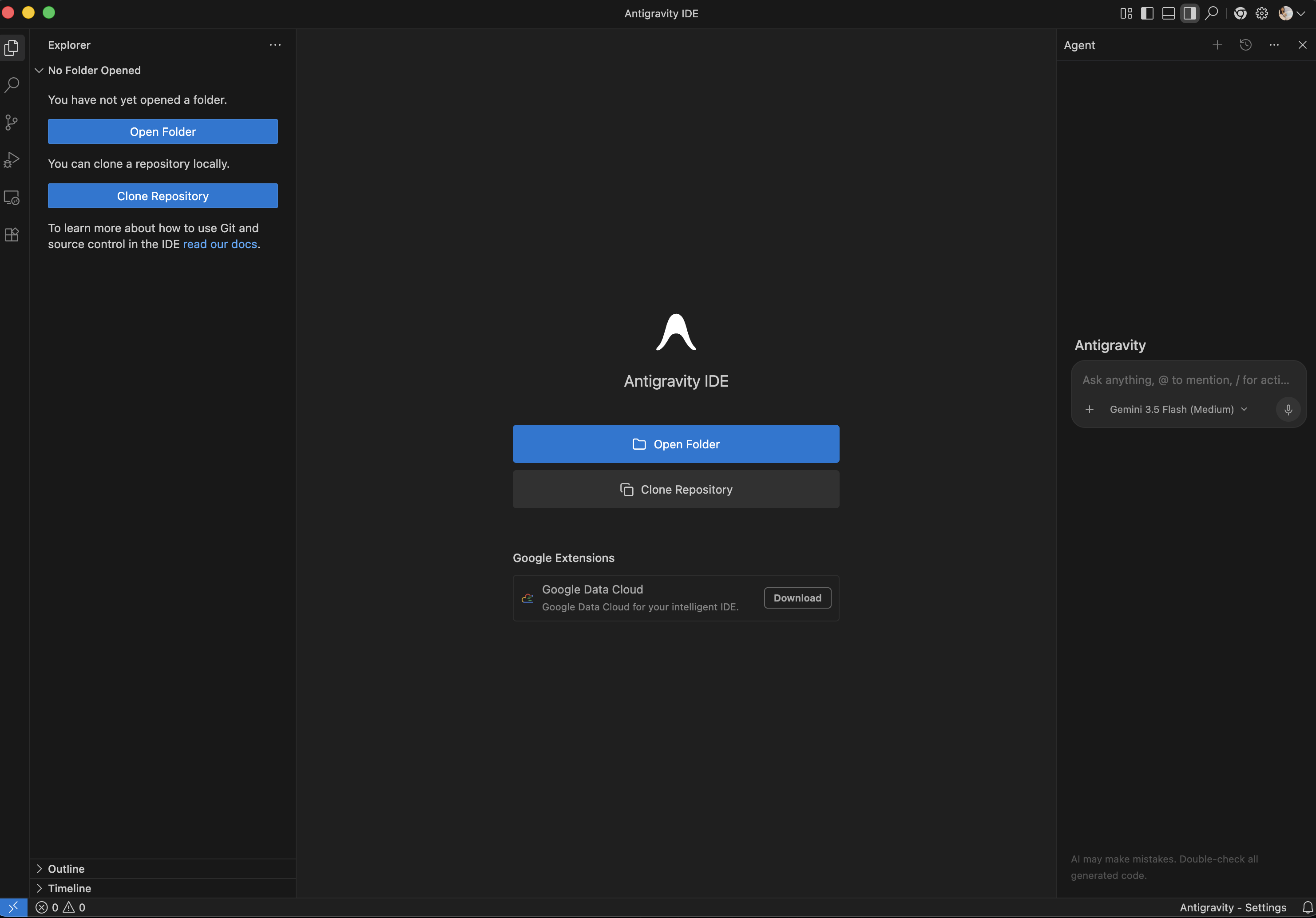
Gotcha 2 — The export doesn't tell you where it went. After exporting, nothing appeared in Downloads. The Agent Manager app knew a project called "Research Digest" existed, but gave no visible file path. I had to search my whole computer by name to find it — it turned out to be nested inside an internal ~/antigravity/ folder. Only then could I "Open Folder" in the separate Antigravity IDE app and actually see the code. The Agent Manager (chat/orchestration surface) and the IDE (VS Code-based editor) are two different apps that don't automatically hand off to each other — that disconnect cost real time.
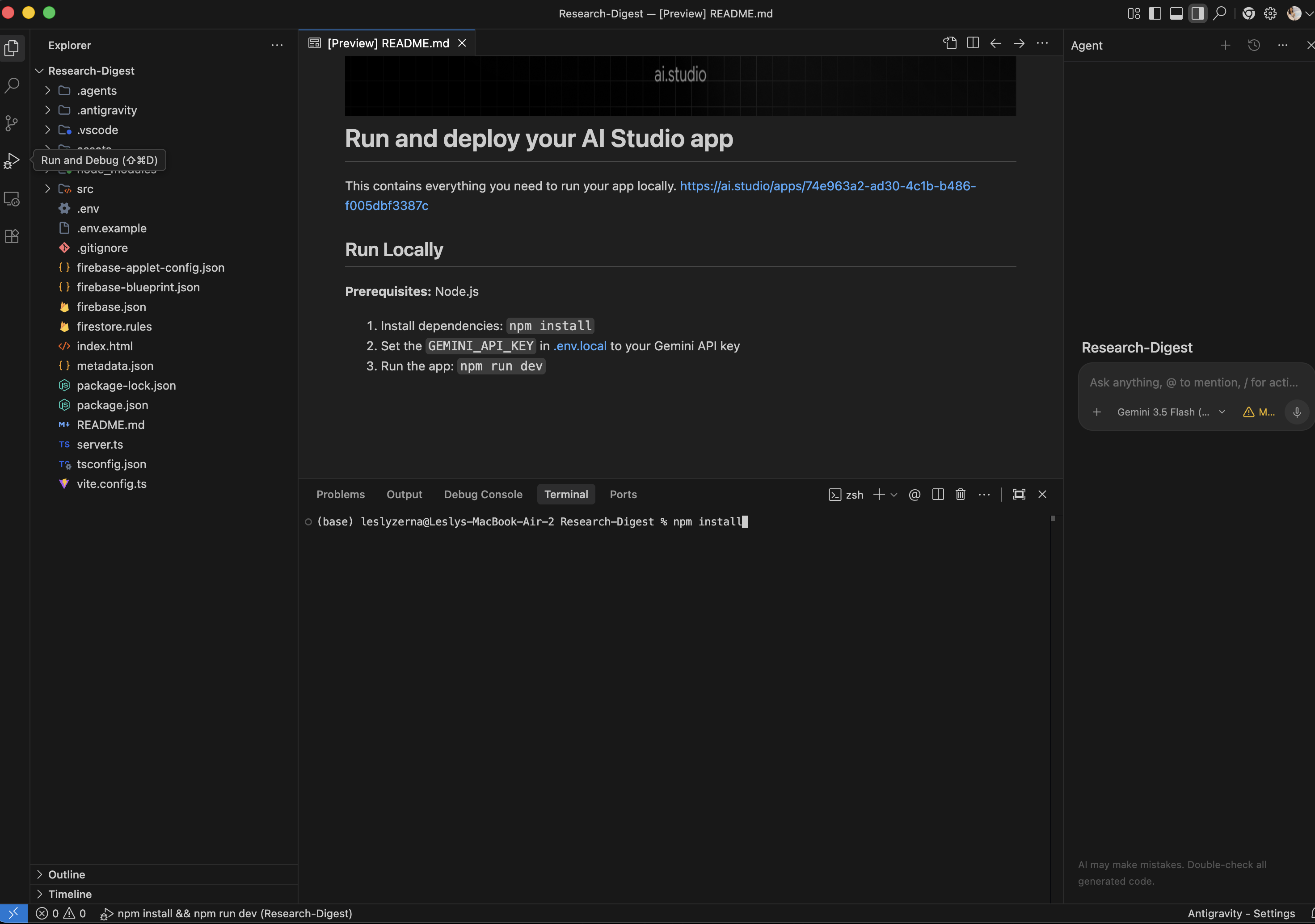
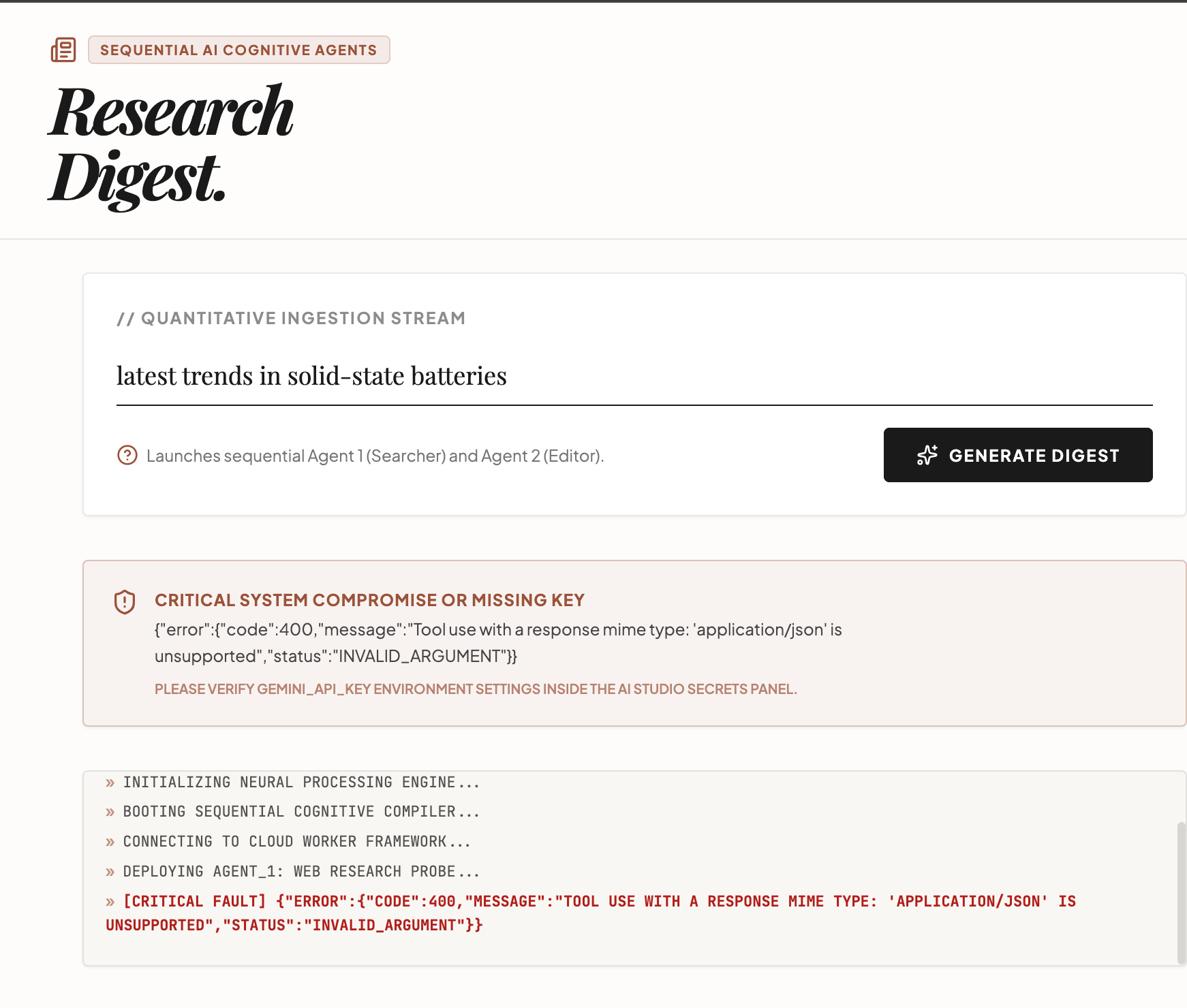
Gotcha 3 — First local run surfaced a real bug, not an export problem. Once running (npm install → npm run dev, clean install, 0 vulnerabilities), the app loaded fine and confirmed "Connected to Cloud Firestore." But clicking Generate Digest failed:
"Tool use with a response mime type: 'application/json' is unsupported"
This is a genuine Gemini API constraint — you can't combine tool use (web search) with forced JSON-mode output in the same call. Agent 1 was built by AI Studio doing exactly that. This bug was baked into the generated code, not caused by the export.
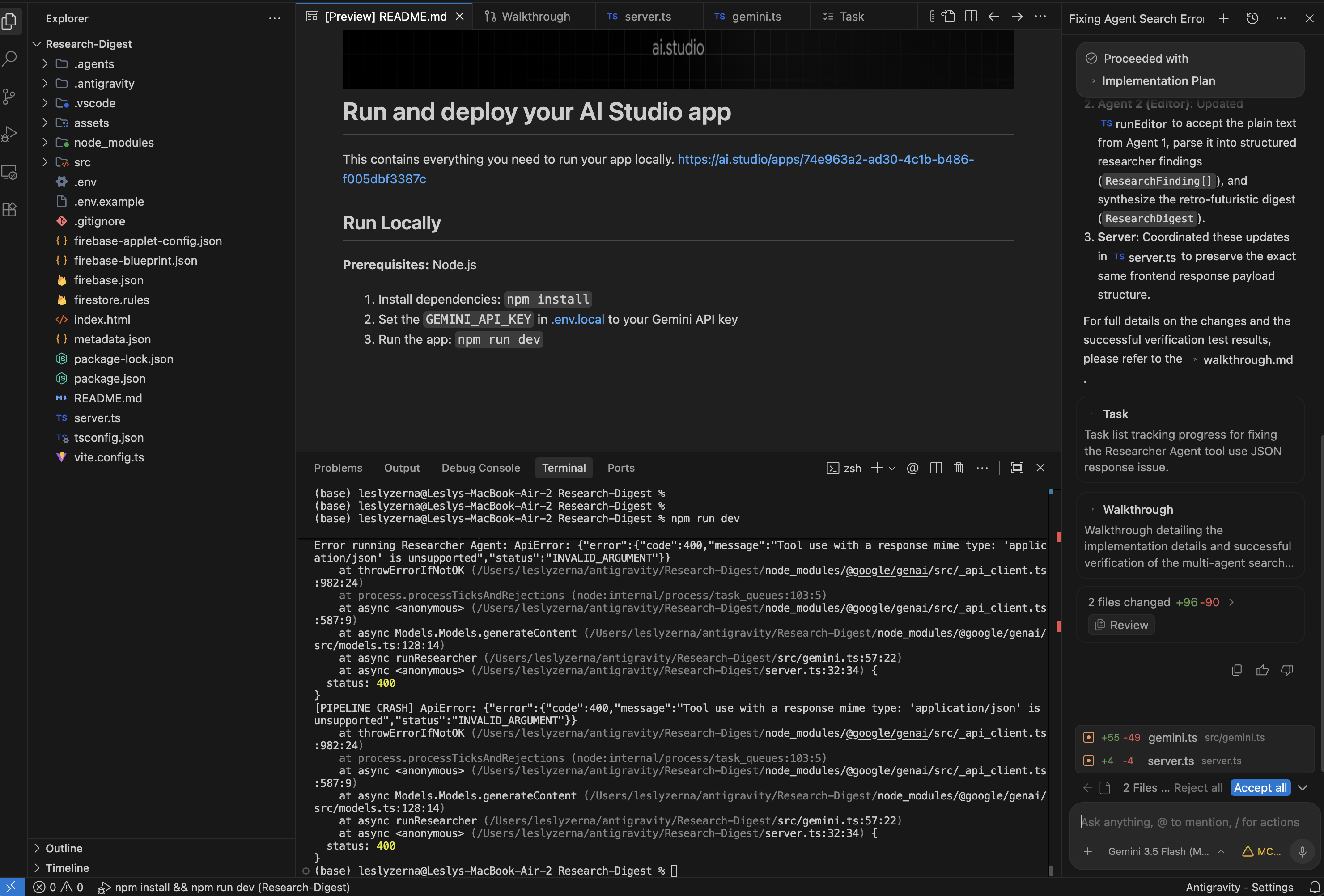
The fix — via Antigravity's own agent, not manual coding:
I described the error directly to Antigravity's agent panel. It analyzed gemini.ts, server.ts, App.tsx, and DigestViewer.tsx, then proposed a concrete plan: have Agent 1 return plain text instead of forced JSON, and have Agent 2 parse it into the structured digest. I reviewed the diff (2 files changed, +59/−53 lines combined) and accepted it.
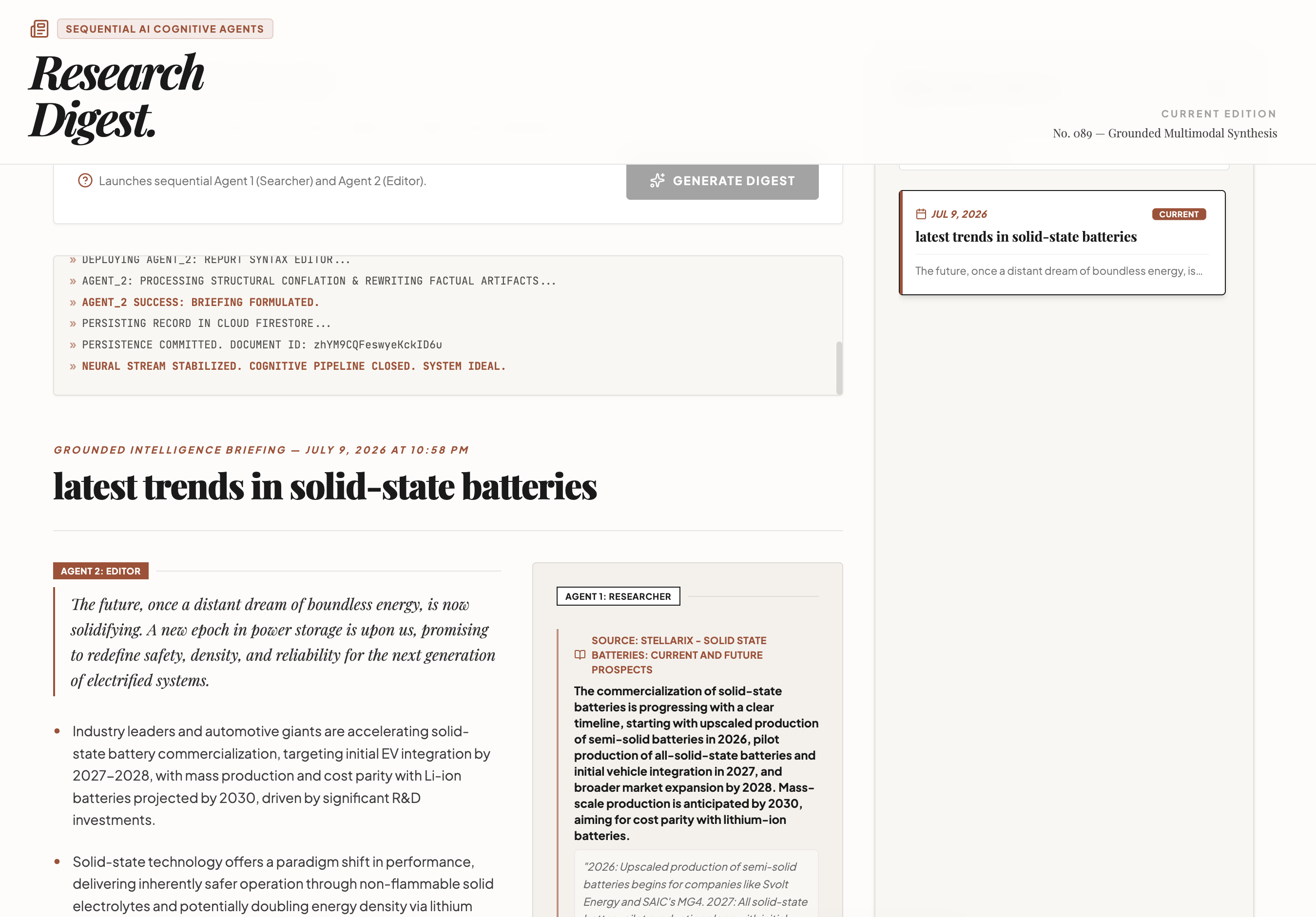
Re-ran Generate Digest — it worked end to end: Agent 1 gathered 5 grounded sources, Agent 2 synthesized them into a readable digest with proper citations, and the result persisted to Firestore with a real document ID.
4. Checklist
Before you export:
- Confirm which secrets are attached to your AI Studio project — the export UI will name them explicitly, verify that list matches what you expect
- Don't assume conversation history will transfer — copy anything important manually first
After you export, before you keep building:
- Locate the actual project folder yourself — check
~/antigravity/or search by project name, don't wait for the UI to point you there - Open the Antigravity IDE separately (not just the Agent Manager) to see and run code
- Run the app once, end to end, before assuming it works — the export can succeed while the underlying generated code still has bugs
- If something fails at runtime, try describing the error directly to Antigravity's agent before debugging manually — it can diagnose and patch across multiple files in one pass
The one-click export itself did what it promised on the parts that mattered most: files and secrets moved cleanly, and Firestore access — which had been broken back in AI Studio — worked correctly locally with zero extra configuration. What didn't survive was conversation context, and what slowed me down most wasn't the export at all — it was not knowing where my project physically landed, and hitting a pre-existing bug in the generated code. Antigravity's agent fixed that bug faster than I could have by hand. Net verdict: one click, then about fifteen minutes of real troubleshooting — mostly locating files and one legitimate bug, not fighting the migration itself.
If this was useful:
I write about actually using new AI dev tools — not just what the announcement says, but what happens when you run them against a real project. If you want more of this kind of hands-on testing, follow me on LinkedIn/ Twitter/X. Also found out this project, in this repo in my github!
Got your own gotchas from the AI Studio → Antigravity export? Reply or comment — I'll fold the best ones into a follow-up.
Comments
More Blog
View allaiContext bankruptcy: The case for strategic forgetting for AI Agents
Most of us have seen a coding agent fail to complete a task we know it can do. We just don't...
J
James O'ReillygooglecloudParallel Compliance Engine: Drive-to-Sheets Multi-Agent Orchestration
When building Generative AI applications, developers often encounter a massive bottleneck: sequential...
A
Aryan IranidiscussIs It Ethical to Post and Ask About Circuits on Dev.to?
I’ve been thinking about sharing some electronic circuit posts on Dev.to — small circuits, DIY...
C
codebunny20agenticarchitectGuarding the till while autonomous data agents do the digging
Autonomous agents are genuinely good at answering messy business questions. Give one an LLM and a set...
S
Sireesha PulipatiaiReturn on Attention: Why AI Code Reviews Are Wearing Us Out
PR volume went up, ticket quality didn't, and the gap got filled with LLMs on both sides of the review: bots reviewing, bots replying, bots occasionally arguing with bots about priorities that only existed in a teammate's head. Our CEO named the actual problem, and it's bigger than code review.
C
christineantigravitycliDebugging Deployments with Gemma 4B, TPU v6e-1, MCP, and Antigravity CLI
This article provides a step by step debugging guide for deploying Gemma 4 to a Google Cloud TPU...
X
xbillReady-made automations for this
Workflows from the Neura Market marketplace related to this Stable Diffusion resource
- Automate BRD Generation with Multi-Agent AI & Google Workspacen8n · $24.99 · Related topic
- Business AI Command Center: Google Workspace Agents & Vector Searchn8n · $27.99 · Related topic
- Automate Legal Lien Documents with Gemini AI, Apify & Google Workspacen8n · $24.99 · Related topic
- Automated Resume Screening & Ranking with Llama 4 AI and Google Workspacen8n · $24.99 · Related topic