Document Q&A Chatbot with Gemini AI and Supabase Vector Search for Telegram
This template creates a Telegram AI Assistant that answers questions based on your documents, powered by Google Gemini and Supabase. Key features include **Intelligent HTML Post-processing** for **rich formatting in Telegram** and **Adaptive Message Chunking** to handle long text responses. ## Watch the Bot in Action [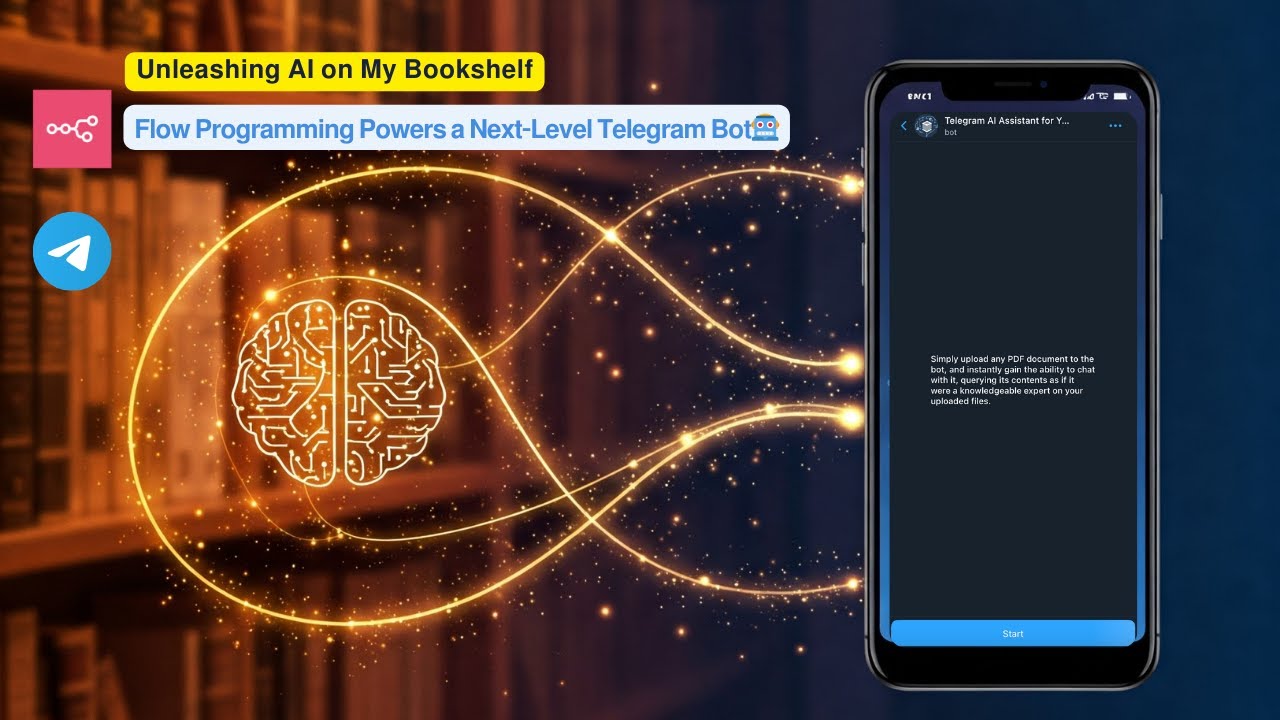](https://www.youtube.com/watch?v=r_KGyJApy5M) **Click the image above to watch a live demo on YouTube.** This video provides a live demonstration of the bot's core features and how it interacts. See a quick walkthrough of its capabilities and user flow. **How it works:** * User uploads a PDF document to a Telegram bot. * The workflow processes the PDF, creates embeddings using Google Gemini, and stores these embeddings in a **Supabase vector table**. * Users then ask questions to the bot. * The workflow performs a **vector search in Supabase** to find relevant document chunks based on the user's query. * Google Gemini uses the retrieved relevant chunks to generate an intelligent answer. * The bot sends the formatted answer back to the user on Telegram, utilizing **HTML markup** for enhanced presentation. **Set up steps:** Setup should take approximately 15-20 minutes. 1. Import the workflow into your n8n instance. 2. Configure credentials for Telegram, Google Gemini, and Supabase. 3. Set up your Supabase vector table using the provided SQL script. 4. Activate the workflow. Detailed setup instructions, including how to get API keys and configure nodes, are available in the sticky notes within the workflow itself.
This template creates a Telegram AI Assistant that answers questions based on your documents, powered by Google Gemini and Supabase. Key features include Intelligent HTML Post-processing for rich formatting in Telegram and Adaptive Message Chunking to handle long text responses.
Watch the Bot in Action

Click the image above to watch a live demo on YouTube. This video provides a live demonstration of the bot's core features and how it interacts. See a quick walkthrough of its capabilities and user flow.
How it works:
-
User uploads a PDF document to a Telegram bot.
-
The workflow processes the PDF, creates embeddings using Google Gemini, and stores these embeddings in a Supabase vector table.
-
Users then ask questions to the bot.
-
The workflow performs a vector search in Supabase to find relevant document chunks based on the user's query.
-
Google Gemini uses the retrieved relevant chunks to generate an intelligent answer.
-
The bot sends the formatted answer back to the user on Telegram, utilizing HTML markup for enhanced presentation.
Set up steps:
Setup should take approximately 15-20 minutes.
-
Import the workflow into your n8n instance.
-
Configure credentials for Telegram, Google Gemini, and Supabase.
-
Set up your Supabase vector table using the provided SQL script.
-
Activate the workflow.
Detailed setup instructions, including how to get API keys and configure nodes, are available in the sticky notes within the workflow itself.
New buyers can create an account from the cart to unlock a controlled $10 first-purchase credit on eligible orders of $25+.
Related bundle
Content Repurposing Engine
8 hand-picked workflows for $29.00.
That is $3.63 each, vs $14.99 for this one alone.
View bundleSecure checkout powered by Stripe
Support
How to import this workflow into n8n
- 1Purchase or download the workflow to get the n8n workflow JSON file.
- 2In your n8n instance, open Workflows and choose "Import from File" (or paste the JSON with Ctrl+V on the canvas).
- 3Open each node marked with a credential warning and connect your own accounts and API keys.
- 4Run the workflow once manually to verify the data flow, then toggle it to Active.
Related AI workflows
- Launch Your First AI-Powered Chatbot with Actionable Tools$9.99
- Build a WhatsApp Assistant with Memory, Google Suite, Multi-AI, Research, and Imaging$24.99
- Automate AI Video Creation and YouTube Upload with Google Sheets$14.99
- Automate Blog Post Creation and Publishing with GPT, Leonardo AI, and WordPress$14.99
- Automate SEO Keyword Generation with ChatGPT from Google Sheets$3.99
- Email Agent$500.99
Need this deployed? We'll set it up for you.
Our automation experts deploy this workflow in your stack, connect your accounts, and verify it works — or build a custom solution from scratch.