Local Business AI Chatbot: 24/7 Website Assistant with Booking Requests
A polished AI chat assistant for any local business website. It answers customers 24/7 in their own language, using only your real business information, and sends booking requests straight to your inbox. Ready-made examples for 8 industries: restaurants, cafés, hotels, hair salons, beauty studios, dental practices, gyms and car workshops. HOW IT WORKS • Customer Chat receives messages from the website chat widget • Business Data holds everything the bot may know (hours, prices, services, booking rules) • AI Assistant (Google Gemini) answers only from that text: no made-up prices or times • Built-in 60-day calendar, so dates like "next Saturday" are always correct • When a customer wants to book, it collects the details, confirms them and emails the request to your team • Complaints, quotes and groups become a call-back request (human handover) • Backup AI model, retries, friendly fallback messages and protection against prompt tricks • Safe answers: no medical or legal advice, allergen-safe for food businesses SETUP STEPS (about 30 minutes) • Import the workflow into n8n (Cloud or self-hosted) • Paste your business info or pick one of the 8 industry examples • Add a Google Gemini API key (free tier available for testing) • Add any SMTP email account (a Gmail app password works) • Publish and paste the included chat snippet into WordPress, Wix, Squarespace, Webflow or any site WHAT'S INCLUDED • n8n workflow (JSON), no API keys included • Premium setup guide (PDF) with troubleshooting • Website chat snippet • 8 industry examples + fill-in knowledge template Tested end-to-end on self-hosted n8n, including a full booking request with the email delivered. LICENSE: use it for yourself and unlimited own clients. Reselling or sharing the files is not allowed.
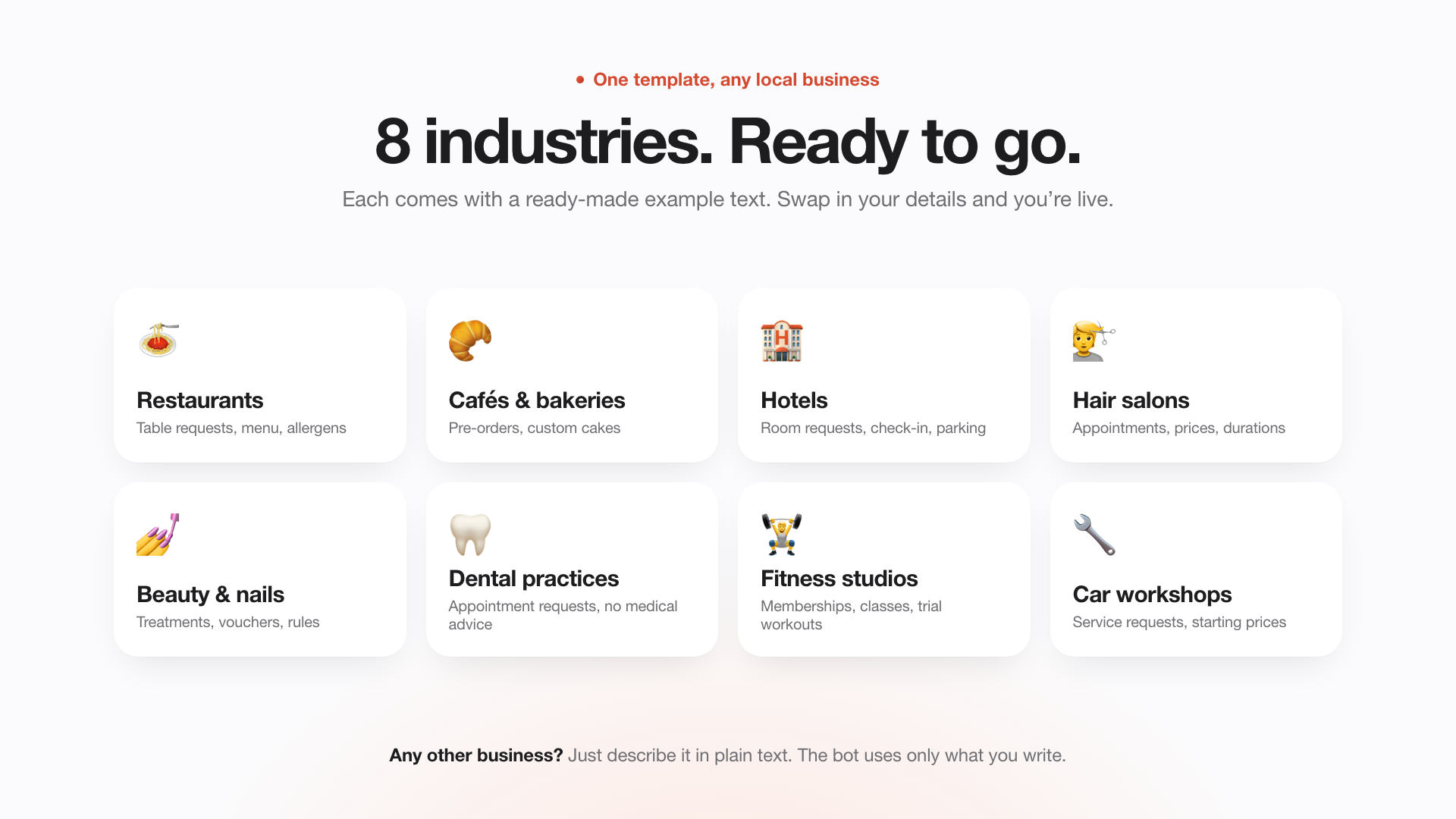
A polished AI chat assistant for any local business website. It answers customers 24/7 in their own language, using only your real business information, and sends booking requests straight to your inbox. Ready-made examples for 8 industries: restaurants, cafés, hotels, hair salons, beauty studios, dental practices, gyms and car workshops.
HOW IT WORKS • Customer Chat receives messages from the website chat widget • Business Data holds everything the bot may know (hours, prices, services, booking rules) • AI Assistant (Google Gemini) answers only from that text: no made-up prices or times • Built-in 60-day calendar, so dates like "next Saturday" are always correct • When a customer wants to book, it collects the details, confirms them and emails the request to your team • Complaints, quotes and groups become a call-back request (human handover) • Backup AI model, retries, friendly fallback messages and protection against prompt tricks • Safe answers: no medical or legal advice, allergen-safe for food businesses
SETUP STEPS (about 30 minutes) • Import the workflow into n8n (Cloud or self-hosted) • Paste your business info or pick one of the 8 industry examples • Add a Google Gemini API key (free tier available for testing) • Add any SMTP email account (a Gmail app password works) • Publish and paste the included chat snippet into WordPress, Wix, Squarespace, Webflow or any site
WHAT'S INCLUDED • n8n workflow (JSON), no API keys included • Premium setup guide (PDF) with troubleshooting • Website chat snippet • 8 industry examples + fill-in knowledge template
Tested end-to-end on self-hosted n8n, including a full booking request with the email delivered.
LICENSE: use it for yourself and unlimited own clients. Reselling or sharing the files is not allowed.
New buyers can create an account from the cart to unlock a controlled $10 first-purchase credit on eligible orders of $25+.
Related bundle
Content Repurposing Engine
8 hand-picked workflows for $29.00.
That is $3.63 each, vs $39.00 for this one alone.
View bundleSecure checkout powered by Stripe
Support
How to import this workflow into n8n
- 1Purchase or download the workflow to get the n8n workflow JSON file.
- 2In your n8n instance, open Workflows and choose "Import from File" (or paste the JSON with Ctrl+V on the canvas).
- 3Open each node marked with a credential warning and connect your own accounts and API keys.
- 4Run the workflow once manually to verify the data flow, then toggle it to Active.
Related workflows
- Automate Personal Life Management with Telegram and Google Services$14.99
- Launch Your First AI-Powered Chatbot with Actionable Tools$9.99
- Automate Multilingual Customer Support with AI Voice Agent and Calendar Integration$9.99
- Nutrition Tracker & Meal Logger with Telegram, Gemini AI, and Google Sheets$24.99
- Automate AI Video Creation and Social Media Publishing$24.99
- Automate AI-Generated Virtual Try-On Images for WooCommerce$14.99
More from Community
Need this deployed? We'll set it up for you.
Our automation experts deploy this workflow in your stack, connect your accounts, and verify it works — or build a custom solution from scratch.