
Hermes Agent Plugins: Custom Tools, Hooks and Integrations
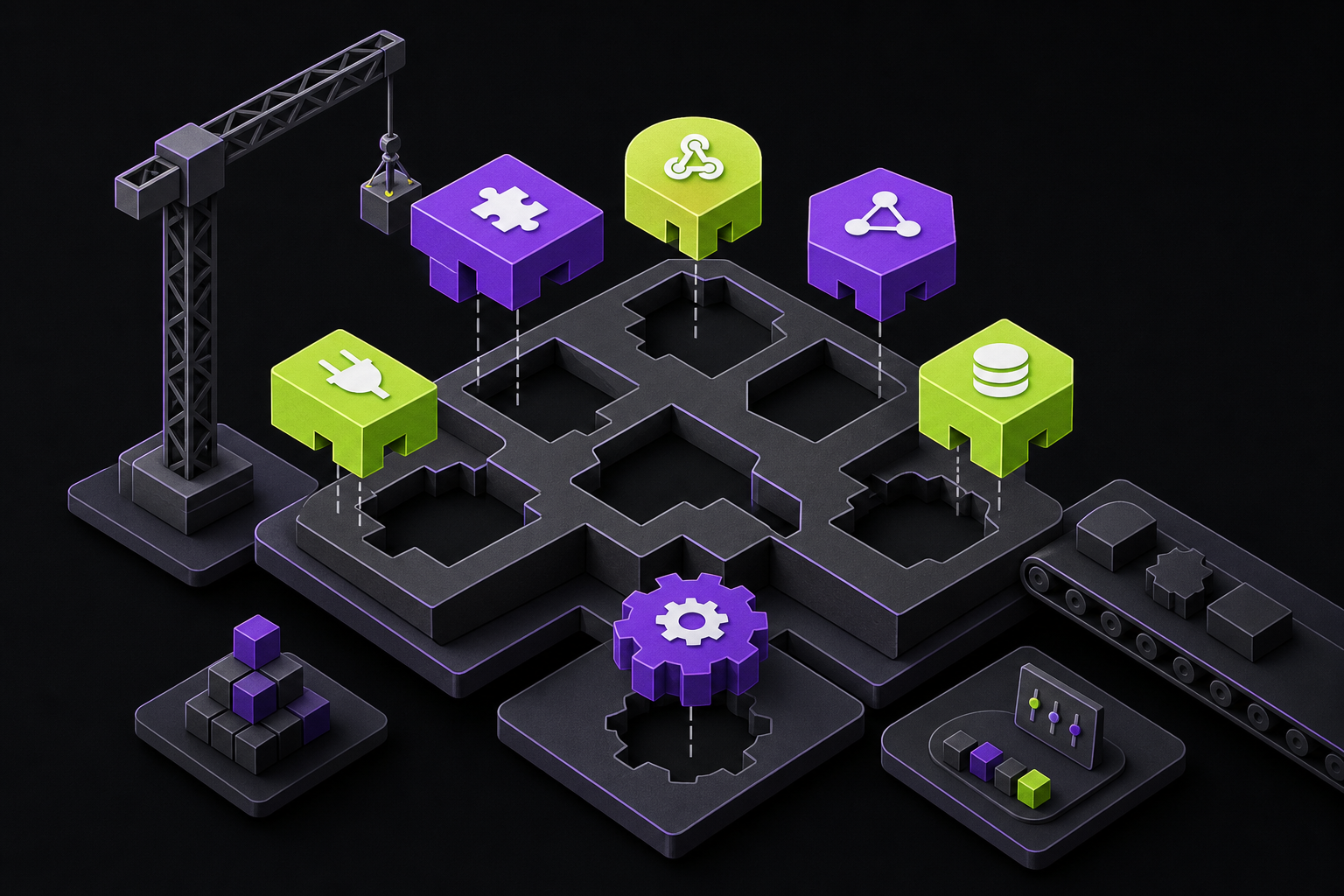
Hermes includes a plugin system that enables you to add custom tools, hooks, and integrations without needing to modify the core codebase.
If you need a custom tool for personal use, a team project, or a specific workflow, building a plugin is typically the recommended approach. The Adding Tools section in the developer guide covers built-in Hermes core tools located under tools/ and defined in toolsets.py.
→ Build a Hermes Plugin — a step-by-step walkthrough that includes a complete, working example.
Quick overview
Place a directory inside ~/.hermes/plugins/ that contains a plugin.yaml file along with Python code:
~/.hermes/plugins/my-plugin/
├── plugin.yaml      # manifest
├── __init__.py      # register() — wires schemas to handlers
├── schemas.py       # tool schemas (what the LLM sees)
└── tools.py         # tool handlers (what runs when called)
Launch Hermes and your tools will show up right alongside the built-in ones. The model can invoke them straight away.
Minimal working example
Below is a fully functional plugin that introduces a hello_world tool and records every tool invocation using a hook.
~/.hermes/plugins/hello-world/plugin.yaml
name: hello-world
version: "1.0"
description: A minimal example plugin
~/.hermes/plugins/hello-world/__init__.py
"""Minimal Hermes plugin — registers a tool and a hook."""

import json

def register(ctx):
    # --- Tool: hello_world ---
    schema = {
        "name": "hello_world",
        "description": "Returns a friendly greeting for the given name.",
        "parameters": {
            "type": "object",
            "properties": {
                "name": {
                    "type": "string",
                    "description": "Name to greet",
                }
            },
            "required": ["name"],
        },
    }

    def handle_hello(params, **kwargs):
        del kwargs
        name = params.get("name", "World")
        return json.dumps({"success": True, "greeting": f"Hello, {name}!"})

    ctx.register_tool(
        name="hello_world",
        toolset="hello_world",
        schema=schema,
        handler=handle_hello,
        description="Return a friendly greeting for the given name.",
    )

    # --- Hook: log every tool call ---
    def on_tool_call(tool_name, params, result):
        print(f"[hello-world] tool called: {tool_name}")

    ctx.register_hook("post_tool_call", on_tool_call)
Copy both files into ~/.hermes/plugins/hello-world/, restart Hermes, and the model will be able to call hello_world right away. The hook outputs a log line after each tool call.
Plugins stored locally in a project under ./.hermes/plugins/ are turned off by default. To enable them only for repositories you trust, set HERMES_ENABLE_PROJECT_PLUGINS=true before starting Hermes.
What plugins can do
Every ctx.* API listed below is accessible from within a plugin's register(ctx) function.
| Capability | How |
|---|---|
| Add tools | ctx.register_tool(name=..., toolset=..., schema=..., handler=...) |
| Add hooks | ctx.register_hook("post_tool_call", callback) |
| Add slash commands | ctx.register_command(name, handler, description) — this creates a /name command usable in both CLI and gateway sessions |
| Dispatch tools from commands | ctx.dispatch_tool(name, args) — triggers a previously registered tool, automatically wiring in the parent agent's context |
| Add CLI commands | ctx.register_cli_command(name, help, setup_fn, handler_fn) — adds a hermes subcommand |
| Inject messages | ctx.inject_message(content, role="user") — refer to the Injecting Messages section for details |
| Ship data files | Path(__file__).parent / "data" / "file.yaml" |
| Bundle skills | ctx.register_skill(name, path) — skills are namespaced as plugin:skill and loaded via skill_view("plugin:skill") |
| Gate on env vars | requires_env: [API_KEY] in plugin.yaml — the user is prompted for these values during hermes plugins install |
| Distribute via pip | [project.entry-points."hermes_agent.plugins"] |
| Register a gateway platform (Discord, Telegram, IRC, …) | ctx.register_platform(name, label, adapter_factory, check_fn, ...) — detailed instructions are in Adding Platform Adapters |
| Register an image-generation backend | ctx.register_image_gen_provider(provider) — see Image Generation Provider Plugins |
| Register a video-generation backend | ctx.register_video_gen_provider(provider) — see Video Generation Provider Plugins |
| Register a context-compression engine | ctx.register_context_engine(engine) — see Context Engine Plugins |
| Register a memory backend | Subclass MemoryProvider in plugins/memory//__init__.py — see Memory Provider Plugins (this uses a separate discovery mechanism) |
| Run a host-owned LLM call | ctx.llm.complete(...) / ctx.llm.complete_structured(...) — leverages the user's active model and authentication for a one-shot completion, optionally with JSON schema validation. Refer to Plugin LLM Access |
| Register an inference backend (LLM provider) | register_provider(ProviderProfile(...)) in plugins/model-providers//__init__.py — see Model Provider Plugins (this uses a separate discovery mechanism) |
Plugin discovery
| Source | Path | Use case |
|---|---|---|
| Bundled | /plugins/ | Ships with Hermes — see Built-in Plugins |
| User | ~/.hermes/plugins/ | Personal plugins |
| Project | .hermes/plugins/ | Project-specific plugins (requires HERMES_ENABLE_PROJECT_PLUGINS=true) |
| pip | hermes_agent.plugins entry_points | Distributed packages |
| Nix | services.hermes-agent.extraPlugins / extraPythonPackages | NixOS declarative installs — see Nix Setup |
When a name collision occurs, sources listed later in the table take precedence over earlier ones. This means a user plugin sharing the same name as a bundled plugin will replace the bundled version entirely.
Plugin sub-categories
Within each source location, Hermes further identifies sub-category directories that route plugins to their appropriate specialized discovery systems:
| Sub-directory | What it holds | Discovery system |
|---|---|---|
plugins/ (root) | General plugins — tools, hooks, slash commands, CLI commands, bundled skills | PluginManager (kind: standalone or backend) |
plugins/platforms// | Gateway channel adapters (ctx.register_platform()) | PluginManager (kind: platform, one level deeper) |
plugins/image_gen// | Image-generation backends (ctx.register_image_gen_provider()) | PluginManager (kind: backend, one level deeper) |
plugins/memory// | Memory providers (subclass MemoryProvider) | Own loader in plugins/memory/__init__.py (kind: exclusive — one active at a time) |
plugins/context_engine// | Context-compression engines (ctx.register_context_engine()) | Own loader in plugins/context_engine/__init__.py (one active at a time) |
plugins/model-providers// | LLM provider profiles (register_provider(ProviderProfile(...))) | Own loader in providers/__init__.py (lazily scanned on first get_provider_profile() call) |
User plugins placed under ~/.hermes/plugins/model-providers// and ~/.hermes/plugins/memory// override bundled plugins with the same name — the last-writer-wins rule applies in both register_provider() and register_memory_provider(). Simply dropping a directory into the appropriate location replaces the built-in version without requiring any edits to the repository.
Plugins are opt-in (with a few exceptions)
General plugins and user-installed backends are disabled by default — the discovery process locates them (making them visible in hermes plugins and /plugins), but nothing with hooks or tools activates until you explicitly add the plugin's name to plugins.enabled in ~/.hermes/config.yaml. This precaution prevents third-party code from executing without your explicit authorization.
plugins:
  enabled:
    - my-tool-plugin
    - disk-cleanup
  disabled:       # optional deny-list — always wins if a name appears in both
    - noisy-plugin
Three methods for toggling the state:
hermes plugins                    # interactive toggle (space to check/uncheck)
hermes plugins enable <name>      # add to allow-list
hermes plugins disable <name>     # remove from allow-list + add to disabled
After running hermes plugins install owner/repo, you'll see the prompt Enable 'name' now? [y/N] — the default answer is no. For scripted installations, bypass the prompt using --enable or --no-enable.
What the allow-list does NOT gate
Several categories of plugins bypass plugins.enabled — these are integral parts of Hermes' built-in functionality and would disrupt basic operations if restricted by default:
| Plugin kind | How it's activated instead |
|---|---|
Bundled platform plugins (IRC, Teams, etc. under plugins/platforms/) | Auto-loaded so every shipped gateway channel remains accessible. The actual channel activates through gateway.platforms..enabled in config.yaml. |
Bundled backends (image-gen providers under plugins/image_gen/, etc.) | Auto-loaded so the default backend functions immediately. Selection is controlled via .provider in config.yaml (e.g. image_gen.provider: openai). |
Memory providers (plugins/memory/) | All are discovered; exactly one is active, determined by memory.provider in config.yaml. |
Context engines (plugins/context_engine/) | All are discovered; one is active, determined by context.engine in config.yaml. |
Model providers (plugins/model-providers/) | All bundled providers under plugins/model-providers/ discover and register upon the first get_provider_profile() call. The user selects one at a time via --provider or config.yaml. |
Pip-installed backend plugins | Opt-in via plugins.enabled (same as general plugins). |
User-installed platforms (under ~/.hermes/plugins/platforms/) | Opt-in via plugins.enabled — third-party gateway adapters require explicit consent. |
In short: bundled "always-works" infrastructure loads automatically; third-party general plugins require opt-in. The plugins.enabled allow-list serves specifically as the gate for arbitrary code a user places into ~/.hermes/plugins/.
Migration for existing users
When you upgrade to a version of Hermes that implements opt-in plugins (config schema v21+), any user plugins already installed under ~/.hermes/plugins/ that were not already listed in plugins.disabled are automatically grandfathered into plugins.enabled. Your existing configuration continues to function. Bundled standalone plugins are NOT grandfathered — even existing users must explicitly opt in. (Bundled platform/backend plugins never required grandfathering since they were never restricted.)
Available hooks
Plugins can register callbacks for the following lifecycle events. The Event Hooks page provides complete details, callback signatures, and usage examples.
| Hook | Fires when |
|---|---|
pre_tool_call | Immediately before any tool begins execution |
post_tool_call | Immediately after any tool completes and returns its result |
pre_llm_call | Once per turn, prior to the LLM loop — can return {"context": "..."} to inject context into the user message |
post_llm_call | Once per turn, after the LLM loop completes (only fires on successful turns) |
on_session_start | When a new session is created (fires only on the first turn) |
on_session_end | At the conclusion of every run_conversation call, plus when the CLI exit handler runs |
on_session_finalize | When the CLI or gateway tears down an active session (triggered by /new, garbage collection, or CLI quit) |
on_session_reset | When the gateway swaps in a new session key (triggered by /new, /reset, /clear, or idle rotation) |
subagent_stop | Once per child agent after delegate_task finishes execution |
pre_gateway_dispatch | When the gateway receives a user message, before authentication and dispatch. Return {"action": "skip" | "rewrite" | "allow", ...} to control the flow |
Plugin types
Hermes defines four categories of plugins, each serving a distinct role:
| Type | What it does | Selection | Location |
|---|---|---|---|
| General plugins | Add tools, hooks, slash commands, CLI commands | Multi-select (enable/disable) | ~/.hermes/plugins/ |
| Memory providers | Replace or augment built-in memory | Single-select (one active) | plugins/memory/ |
| Context engines | Replace the built-in context compressor | Single-select (one active) | plugins/context_engine/ |
| Model providers | Declare an inference backend (OpenRouter, Anthropic, …) | Multi-register, picked by --provider / config.yaml | plugins/model-providers/ |
Memory providers and context engines fall under the category of provider plugins — only one instance of each type may be active at any given time. Model providers are also considered plugins, but multiple can be loaded simultaneously; the user selects which one to use at runtime via the --provider flag or by setting it in config.yaml. General plugins, on the other hand, can be enabled in any combination without restriction.
Pluggable interfaces — where to go for each
The preceding table outlines the four plugin categories, but within "General plugins" the PluginContext exposes several distinct extension points — and Hermes also accepts extensions outside the Python plugin system (config-driven backends, shell-hooked commands, external servers, etc.). Use this table to find the right doc for what you want to build:
| Want to add… | How | Authoring guide |
|---|---|---|
| A tool the LLM can call | Python plugin — ctx.register_tool() | Build a Hermes Plugin · Adding Tools |
| A lifecycle hook (pre/post LLM, session start/end, tool filter) | Python plugin — ctx.register_hook() | Hooks reference · Build a Hermes Plugin |
| A slash command for the CLI / gateway | Python plugin — ctx.register_command() | Build a Hermes Plugin · Extending the CLI |
A subcommand for hermes | Python plugin — ctx.register_cli_command() | Extending the CLI |
| A bundled skill that your plugin ships | Python plugin — ctx.register_skill() | Creating Skills |
| An inference backend (LLM provider: OpenAI-compat, Codex, Anthropic-Messages, Bedrock) | Provider plugin — register_provider(ProviderProfile(...)) in plugins/model-providers// | Model Provider Plugins · Adding Providers |
| A gateway channel (Discord / Telegram / IRC / Teams / etc.) | Platform plugin — ctx.register_platform() in plugins/platforms// | Adding Platform Adapters |
| A memory backend (Honcho, Mem0, Supermemory, …) | Memory plugin — subclass MemoryProvider in plugins/memory// | Memory Provider Plugins |
| A context-compression strategy | Context-engine plugin — ctx.register_context_engine() | Context Engine Plugins |
| An image-generation backend (DALL·E, SDXL, …) | Backend plugin — ctx.register_image_gen_provider() | Image Generation Provider Plugins |
| A video-generation backend (Veo, Kling, Pixverse, Grok-Imagine, Runway, …) | Backend plugin — ctx.register_video_gen_provider() | Video Generation Provider Plugins |
| A TTS backend (any CLI — Piper, VoxCPM, Kokoro, xtts, voice-cloning scripts, …) | Config-driven (recommended) — declare under tts.providers. with type: command in config.yaml. OR Python backend plugin — ctx.register_tts_provider() for Python-SDK / streaming engines that need more than a shell template. | TTS Setup · Python plugin guide |
| An STT backend (any CLI — whisper.cpp, custom whisper binary, local ASR CLI) | Config-driven (recommended) — declare under stt.providers. with type: command in config.yaml, or set HERMES_LOCAL_STT_COMMAND for the legacy single-command escape hatch. OR Python backend plugin — ctx.register_transcription_provider() for Python-SDK engines (OpenRouter, SenseAudio, Gemini-STT, etc.). | STT Setup · Python plugin guide |
| External tools via MCP (filesystem, GitHub, Linear, Notion, any MCP server) | Config-driven — declare mcp_servers. with command: / url: in config.yaml. Hermes auto-discovers the server's tools and registers them alongside built-ins. | MCP |
| Additional skill sources (custom GitHub repos, private skill indexes) | CLI — hermes skills tap add | Skills Hub · Publishing a custom tap |
Gateway event hooks (fire on gateway:startup, session:start, agent:end, command:*) | Drop HOOK.yaml + handler.py into ~/.hermes/hooks// | Event Hooks |
| Shell hooks (run a shell command on events — notifications, audit logs, desktop alerts) | Config-driven — declare under hooks: in config.yaml | Shell Hooks |
Not every extension point requires writing a Python plugin. Several surfaces are intentionally designed around config-driven shell commands (TTS, STT, shell hooks) so that any existing CLI tool can serve as a plugin without needing Python code. Others rely on external servers (MCP) that the agent connects to and automatically registers tools from. And some use drop-in directories (gateway hooks) with their own manifest format. Choose the right surface for the integration style that fits your use case; the authoring guides in the table above each cover placeholders, discovery, and examples.
NixOS declarative plugins
When running NixOS, you can install plugins declaratively through the module options, eliminating the need to run hermes plugins install. For complete instructions, refer to the Nix Setup guide.
services.hermes-agent = {
  # Directory plugin (source tree with plugin.yaml)
  extraPlugins = [ (pkgs.fetchFromGitHub { ... }) ];
  # Entry-point plugin (pip package)
  extraPythonPackages = [ (pkgs.python312Packages.buildPythonPackage { ... }) ];
  # Enable in config
  settings.plugins.enabled = [ "my-plugin" ];
};
Plugins installed declaratively are symlinked with a nix-managed- prefix, allowing them to coexist alongside any manually installed plugins. When you remove a plugin from your Nix configuration, its symlink is automatically cleaned up without any additional steps.
Managing plugins
hermes plugins                               # unified interactive UI
hermes plugins list                          # table: enabled / disabled / not enabled
hermes plugins install user/repo             # install from Git, then prompt Enable? [y/N]
hermes plugins install user/repo --enable    # install AND enable (no prompt)
hermes plugins install user/repo --no-enable # install but leave disabled (no prompt)
hermes plugins update my-plugin              # pull latest
hermes plugins remove my-plugin              # uninstall
hermes plugins enable my-plugin              # add to allow-list
hermes plugins disable my-plugin             # remove from allow-list + add to disabled
Interactive UI
When you run hermes plugins without any arguments, it launches a combined interactive screen:
Plugins
  ↑↓ navigate  SPACE toggle  ENTER configure/confirm  ESC done

  General Plugins
 → [✓] my-tool-plugin — Custom search tool
   [ ] webhook-notifier — Event hooks
   [ ] disk-cleanup — Auto-cleanup of ephemeral files [bundled]

  Provider Plugins
     Memory Provider          ▸ honcho
     Context Engine           ▸ compressor
- General Plugins section — displayed as checkboxes that you toggle using the SPACE key. A checked box means the plugin appears in
plugins.enabled, while an unchecked box means it is placed inplugins.disabled(explicitly turned off). - Provider Plugins section — shows the currently selected provider. Press ENTER to open a radio-button picker where you can select a single active provider.
- Bundled plugins appear in the same list alongside others, marked with a
[bundled]tag.
Your provider plugin selections are saved into config.yaml:
memory:
  provider: "honcho"      # empty string = built-in only

context:
  engine: "compressor"    # default built-in compressor
Enabled vs. disabled vs. neither
Every plugin exists in one of three possible states:
| State | Meaning | In plugins.enabled? | In plugins.disabled? |
|---|---|---|---|
enabled | Will be loaded the next time you start a session | Yes | No |
disabled | Explicitly turned off — will not load even if it also appears in enabled | (irrelevant) | Yes |
not enabled | Discovered by the system but never opted in | No | No |
The default state for a newly installed plugin or a bundled plugin is not enabled. Running hermes plugins list displays all three distinct states, so you can clearly see which plugins have been explicitly disabled versus those that are simply waiting to be enabled.
During an active session, you can use /plugins to see which plugins are currently loaded.
Injecting Messages
Plugins have the ability to insert messages into the currently active conversation by calling ctx.inject_message():
ctx.inject_message("New data arrived from the webhook", role="user")
Signature: ctx.inject_message(content: str, role: str = "user") -> bool
The behavior depends on the agent's current state:
- When the agent is idle (awaiting user input), the injected message is placed into the queue as the next input, which triggers a new turn.
- When the agent is mid-turn (actively processing), the message interrupts the ongoing operation — this behaves identically to a user typing a new message and pressing Enter.
- For roles other than
"user", the content is automatically prefixed with[role](for example,[system] ...). - The method returns
Trueif the message was successfully queued, andFalsewhen no CLI reference is available (such as in gateway mode).
This capability is particularly useful for plugins such as remote control viewers, messaging bridges, or webhook receivers that need to feed messages into the conversation from external sources.
Note that inject_message is only functional in CLI mode. In gateway mode, there is no CLI reference available, so the method will always return False.
For comprehensive details on handler contracts, schema format, hook behavior, error handling, and common mistakes, refer to the full guide.
The #1 AI Newsletter
The most important ai updates, guides, and fixes — one weekly email.
No spam, unsubscribe anytime. Privacy policy