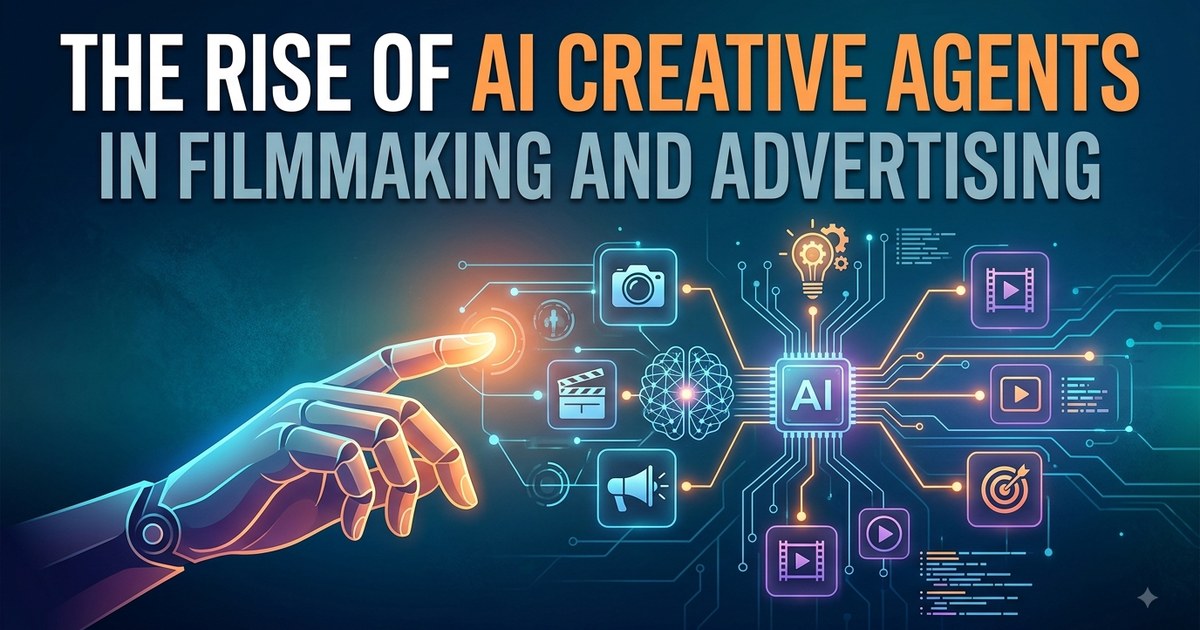
For decades, filmmaking and advertising have run on specialists. A director holds the creative vision, a cinematographer shapes the visuals, a writer develops the story, editors assemble the footage, and producers keep the whole thing moving. Every one of those roles carries context the others rely on.
That model is not disappearing. But the way those teams work is changing.
AI has moved past single-shot generation and started taking on structured creative responsibility. Instead of asking a tool to produce one image or one clip, filmmakers and advertisers can now work with creative agents that understand a project, follow direction, operate across different tasks, and — critically — retain context between them.
That last part is the shift. A tool forgets. A crew member remembers.
From AI Tools to AI Crew Members
The first wave of generative AI was organised around isolated tasks. You could generate an image, turn text into video, draft a script, or produce a voiceover. Each request was its own transaction, and each one started from nothing.
Creative agents work differently. Rather than treating every prompt as a fresh command, an agent operates inside a larger project. It can hold what the team is trying to make, use the references that already exist, and carry a decision forward into the next task.
The practical difference looks like this:
| Generation tool | Creative agent | |
|---|---|---|
| Unit of work | One asset per request | A project with many assets |
| Memory | None — every prompt restarts | Persistent context across sessions |
| Input | A text prompt | Scripts, brand books, rough cuts, references |
| Role | Executes an instruction | Interprets a direction |
| Output | A clip or an image | A stage of production |
That changes the relationship. It feels less like operating software and more like briefing an extra member of the crew.
Why Context Matters
Consider a film with a specific character, a defined visual style, a lighting setup, and a particular storytelling approach.
If the system discards those details after every interaction, the filmmaker spends their time re-describing decisions that were already made. The creative work stops being creative and becomes administration.
A project-aware agent can hold those decisions as the work develops. The character stays consistent. The lighting rules survive into the next scene. The tone established in shot four is still there in shot forty.
That matters most where volume and continuity collide: long-form films, episodic content, and advertising campaigns where dozens of assets have to look like they belong to the same idea.
Invideo Agent Brings the Crew Concept Into One Workflow
Invideo agent approaches AI video creation as a broader creative workflow rather than a clip generator. It can work across scripting, scene planning, visuals, editing, voiceovers, music, and other parts of production, with access to 200+ AI models — which means a creator is not locked into a single model's aesthetic when exploring different directions.
The more interesting capability is role creation. Instead of one general-purpose assistant, a filmmaker can define expert agents around specific responsibilities: a DOP agent, a storyboard artist, a casting director, a creative producer, or whatever the production actually needs.
That mirrors how real crews are built. You do not hire "a creative person" — you hire someone with a defined remit, and the remit is what makes their judgement useful.
When the Agents Work Together
These agents can operate inside the same project context, which is where the crew analogy stops being a metaphor.
A storyboard artist agent can establish shot requirements while a DOP agent develops the visual treatment against them. A casting agent can define character requirements while another agent moves the next production stage forward. Because they share the project, a specialist added halfway through does not start from zero — the brief, the decisions, and the constraints are already there.
Invideo agent two is built around that idea of persistent project memory. It can retain conversations, creative decisions, character details, and visual rules instead of asking the user to re-explain the same brief every session.
It can also read the material a production already generates: scripts, PDFs, brand books, videos, rough cuts, and uploaded footage. For sequences that lean on effects, the same workflow extends to AI VFX video creation, letting teams explore effects work and fold generated elements into a broader concept rather than treating VFX as a separate pipeline bolted on at the end.
Try Invideo agent to see how the crew model works in practice.
The Filmmaker Becomes More of a Creative Director
When more of the production work can be handled inside the workflow, the filmmaker's role shifts — not out of the process, but up a level in it.
Less time goes into executing every step manually. More time goes into directing the outcome, judging the results, and deciding what the work is actually trying to say.
Give Direction Instead of Instructions
There is a real difference between telling an AI exactly what to generate and giving it creative direction.
An instruction sounds like a spec sheet: 35mm lens, warm key light, slow push-in. A direction sounds like this:
"The scene should feel restrained. Keep the camera close, let the performance carry the moment, and don't make the lighting too polished."
That is the kind of note a director gives a crew member. It communicates intent and leaves the execution open. The agent has to interpret what "restrained" means for this project rather than execute a list of technical parameters.
Working that way is faster, but more importantly it is closer to how creative teams already talk to each other.
This way of working now has a name. Vibe directing is the practice of communicating what a scene should feel like — intention, references, and constraints — and letting the agent handle more of the execution.
Advertising Is a Natural Fit for Creative Agents
Advertising teams face a different constraint than film: volume.
A single campaign might need dozens of creative variations — different platforms, different aspect ratios, different audiences, different products, different stages of the customer journey. In a traditional workflow, each of those is a production cost, and the tenth variation is rarely as considered as the first.
Creative agents change the economics of getting from one campaign idea to many executions.
One Brief, Multiple Creative Directions
An agency can hand an agent the campaign brief and ask it to explore several distinct approaches: one built on storytelling, one that foregrounds the product, one designed social-first.
The team then decides which direction deserves real development. That is a meaningfully different starting point from a whiteboard — the options are visible, comparable, and cheap enough to discard.
None of that means letting AI decide the campaign. Choosing the idea, protecting the brand, and approving the final work stay with the creative team. The agent widens the field of options; it does not pick the winner.
Agents Can Read the Material Filmmakers Already Use
One of the quiet limitations of most creative workflows is that the information is scattered. A director has a treatment in one document, visual references in a folder, a rough cut on a drive, and the most recent round of feedback buried in a message thread.
Creative agents can pull those materials into one working context.
From Documents to Production Context
Instead of compressing everything into a simplified prompt, an agent can work from the source material itself:
- A brand book supplies the visual and messaging rules a campaign has to respect.
- A treatment establishes the story and the tone.
- A rough cut shows what has already been filmed and where the gaps are.
- Reference footage communicates a camera move or a lighting approach faster than any paragraph.
Each of those is richer than a prompt, and together they give the next creative decision a much better foundation.
AI Agents Could Change Pre-Production
Pre-production is mostly planning. Scripts become shot lists. Characters get defined. Locations get considered and reconsidered. Visual references get gathered and organised. It is unglamorous, expensive, and almost entirely about reducing uncertainty before money starts moving.
Creative agents can support that preparation directly.
Exploring Before Committing
A production team can test approaches to a scene before booking a location or building a set. A director can explore camera treatments. A storyboard agent can generate alternatives to react to. A creative producer agent can flag what is missing from the plan.
The point is not to replace pre-production — it is to make planning more visual and more iterative, so the expensive decisions get made against something you can actually look at.
The New Creative Pipeline Is More Collaborative
Agents could also change how departments communicate. In a traditional production, information travels person to person through meetings, documents, and messages, and every hop is a chance for something to be lost.
With connected agents, updates can move through the project itself.
A Change Can Travel Across Departments
Suppose a director changes a character's costume.
That single decision touches the storyboard, continuity, lighting, casting references, and every shot that follows. In a manual pipeline, someone has to notice each dependency and chase it down. In a connected agent workflow, those dependencies are easier to surface and easier to update.
The bigger the project, the more that matters — because on a large production, a small change quietly creates a chain of manual work that nobody scheduled.
More Creative Options Can Also Create a New Problem
There is an obvious downside to unlimited generation: too many options slow decisions down.
If an agency can produce 50 versions of an ad, someone still has to decide which one is worth publishing — and reviewing 50 versions is its own kind of cost. Volume without judgement is just a bigger pile.
Taste Becomes the Filter
As production gets easier, creative judgement gets more valuable.
A technically impressive shot is not automatically a good shot. A beautifully generated commercial can still fail to communicate the product. The constraint moves from "can we make it" to "should this be the one we ship".
The strongest teams will use agents to expand the creative space while keeping humans firmly responsible for selection, storytelling, and brand decisions.
What This Means for the Future of Filmmaking
AI creative agents are unlikely to eliminate directors, writers, cinematographers, editors, or producers. What they change is how those professionals spend their hours.
- A director spends less time managing repetitive production tasks.
- An editor gets more time for storytelling and less for asset wrangling.
- A creative strategist explores more campaign concepts before committing to one.
- A producer coordinates a larger volume of work with the same size team.
The technology becomes another layer of the production crew rather than a replacement for it.
Frequently Asked Questions
What is an AI creative agent? An AI creative agent is a system that works inside a project rather than answering one-off prompts. It retains context — characters, visual rules, brand guidelines, prior decisions — and can take on a defined role such as storyboard artist or director of photography across multiple production tasks.
How is that different from an AI video generator? A generator produces an asset from a prompt and forgets it. An agent holds the project: it can read your script and brand book, remember what was decided three sessions ago, and hand its output to another agent working on the same production.
Does this replace a film crew? No. It shifts where human time goes. Selection, storytelling, and brand judgement stay with people, while the agents absorb more of the repetitive production and exploration work.
Where do creative agents help most? Two places: campaigns that need many variations of one idea, and long-form or episodic work where consistency across dozens of assets is the hardest part to maintain manually.
Final Thoughts
The rise of AI creative agents reflects a broader shift in how creative work gets done. The focus is moving away from isolated tools and toward systems that understand a project, retain context, take on specialised roles, work with the material a team already has, and support several stages of production at once.
For filmmakers, that could mean more time directing and experimenting. For advertising teams, it could mean producing and testing more creative work without rebuilding the entire production process for every campaign.
Tools such as Invideo agent — with 200+ AI models and the ability to create specialised expert agents — point toward that model of creative production. The crew is not going away. It is getting a new department.
Exploring what agents can do beyond video? Browse the AI agents hub for agent tooling and setups, or the workflow marketplace for automations you can run today.
Some links in this article are affiliate links. If you sign up through them, Neura Market may earn a commission at no extra cost to you.
Stay ahead of the AI curve
The most important updates, news, and content — delivered in one weekly newsletter.
Make the video
InVideo turns a script or a prompt into a finished, publish-ready video. Free plan, no card required.
Try InVideo free