
Back to Blog agents
 githubcopilot
 githubcopilot
 agents
 jetson
 ai
ai ai
ai
The Rise of the Fleet: Scaling My Engineering Workflow with Github Copilot Agents
Ivelin (Ivo) April 6, 2026
0 views
In this post, I’ll walk you through how I use Copilot and my personal preferences for different...
In this post, I’ll walk you through how I use Copilot and my personal preferences for different approaches. For this demo, I’m using an Express server with two endpoints that find books by author or publisher. My goal is to build a simple UI for it.
I should start by saying I’m no expert; I’m learning new things every day and constantly adapting my workflow. By sharing this, I hope to kick off some discussions in the comments and at the office so I can learn how you’re using the tool, too.
I’m not going to dive into specific models here - just use whatever suits your needs. It’s worth trying different ones to see what you like best. Models change and improve faster than I can blink (at least it feels that way!).
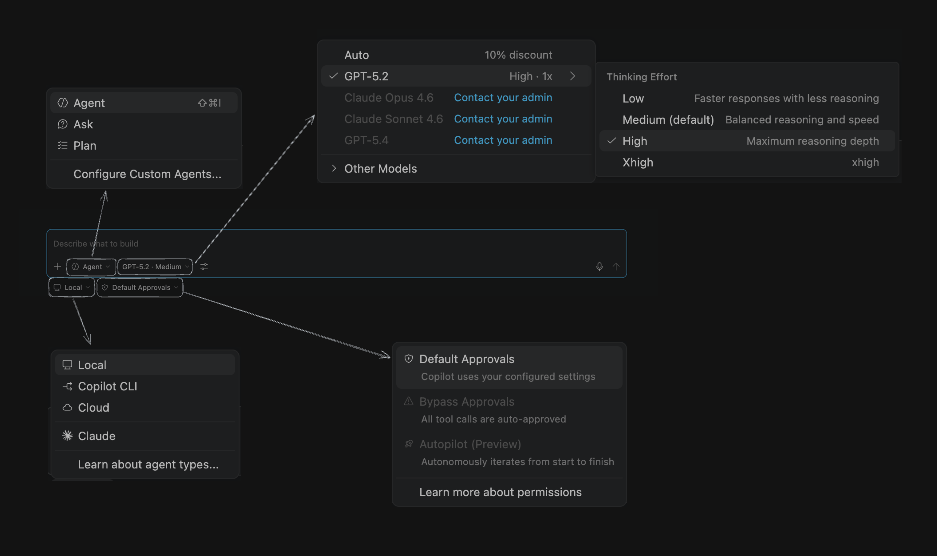
The below is a screenshot of the chat with with all the options expanded. Let’s explore some of them:
### Using ‘Local’ mode
I use ‘Local’ for tasks that need less compute and a faster response. When I’m planning, brainstorming, or exploring parts of the codebase and want to talk through ideas, I’ll stick with Local. Let’s start by mapping out the UI concept:

The Agent helpfully clarifies the process, catches edge cases, or flags anything it finds a bit ambiguous.
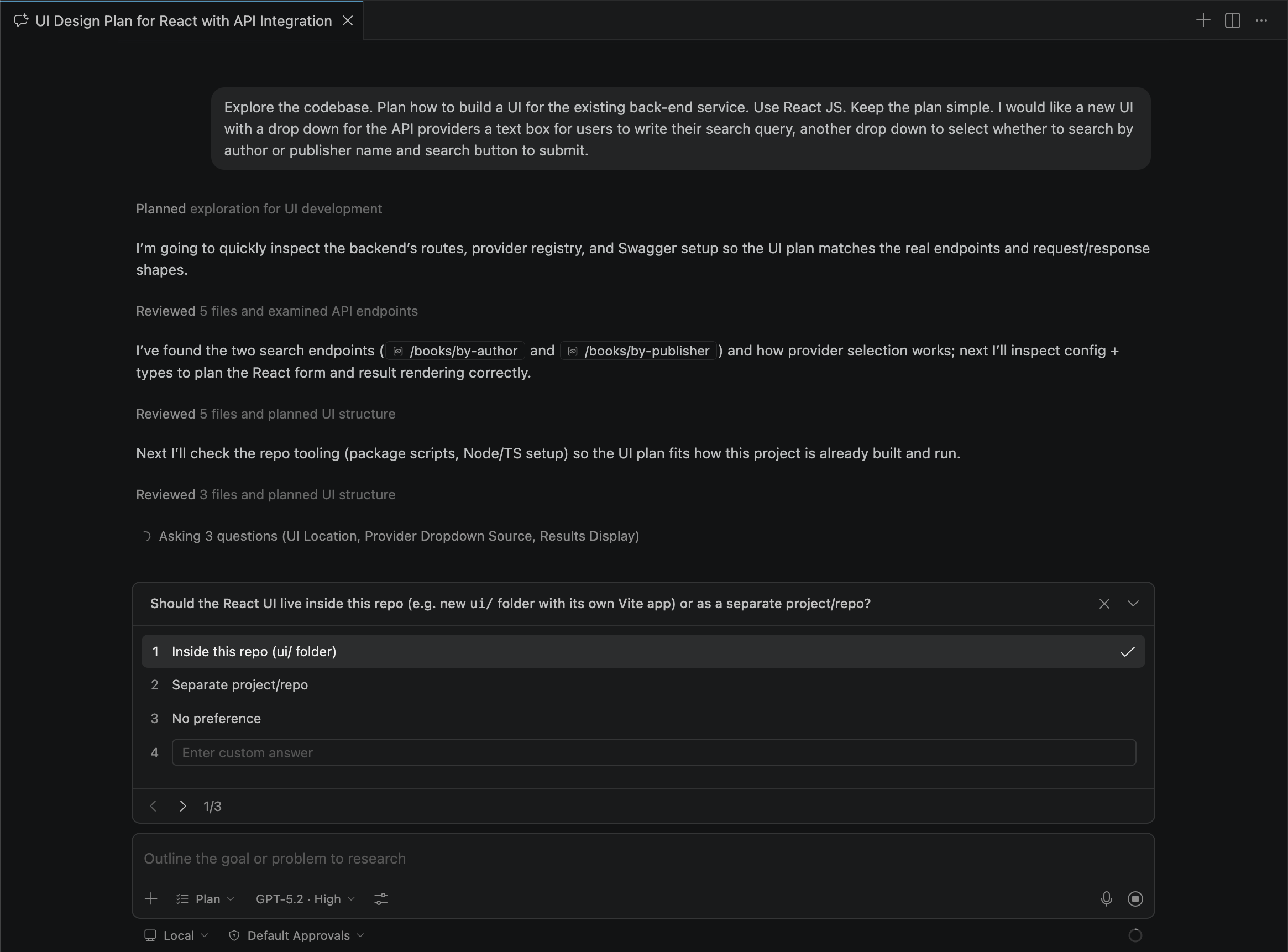
Once we’ve gone back and forth a few times and the plan feels solid, it’s time to implement the changes.
### CoPilot CLI
Moving on to the Copilot CLI. I think of it as the ‘agent’ that takes the guesswork out of the equation. It’s perfect for those tougher tasks that require a bit more compute.
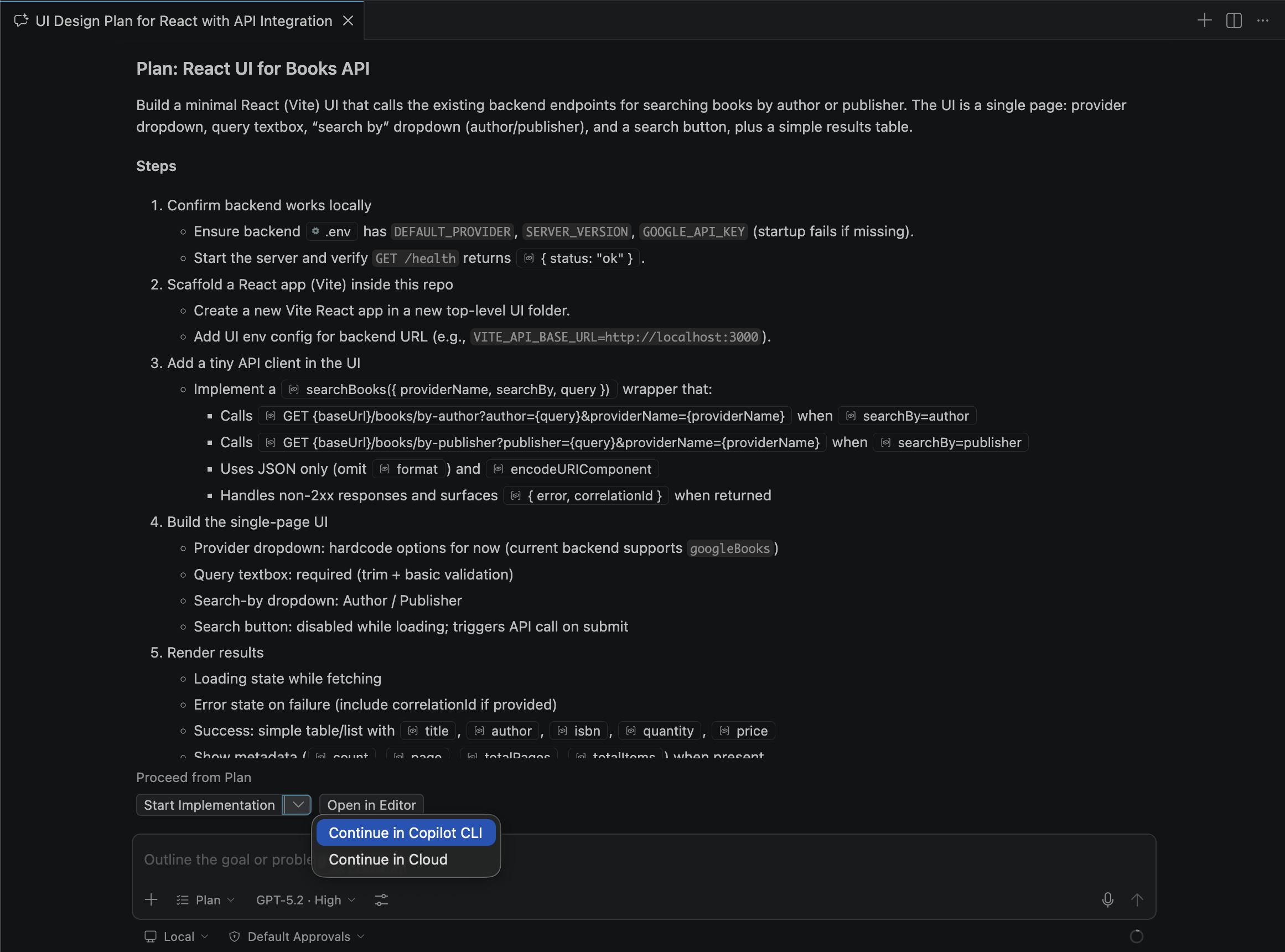
In the top right of the search bar, you can check your ‘sessions in progress’ or ‘unread sessions’ that are waiting for your input or permission to continue.
In the screenshot below, I accidentally kicked off the implementation twice. I’m going to archive one of them so I can focus on the session that actually needs my attention.
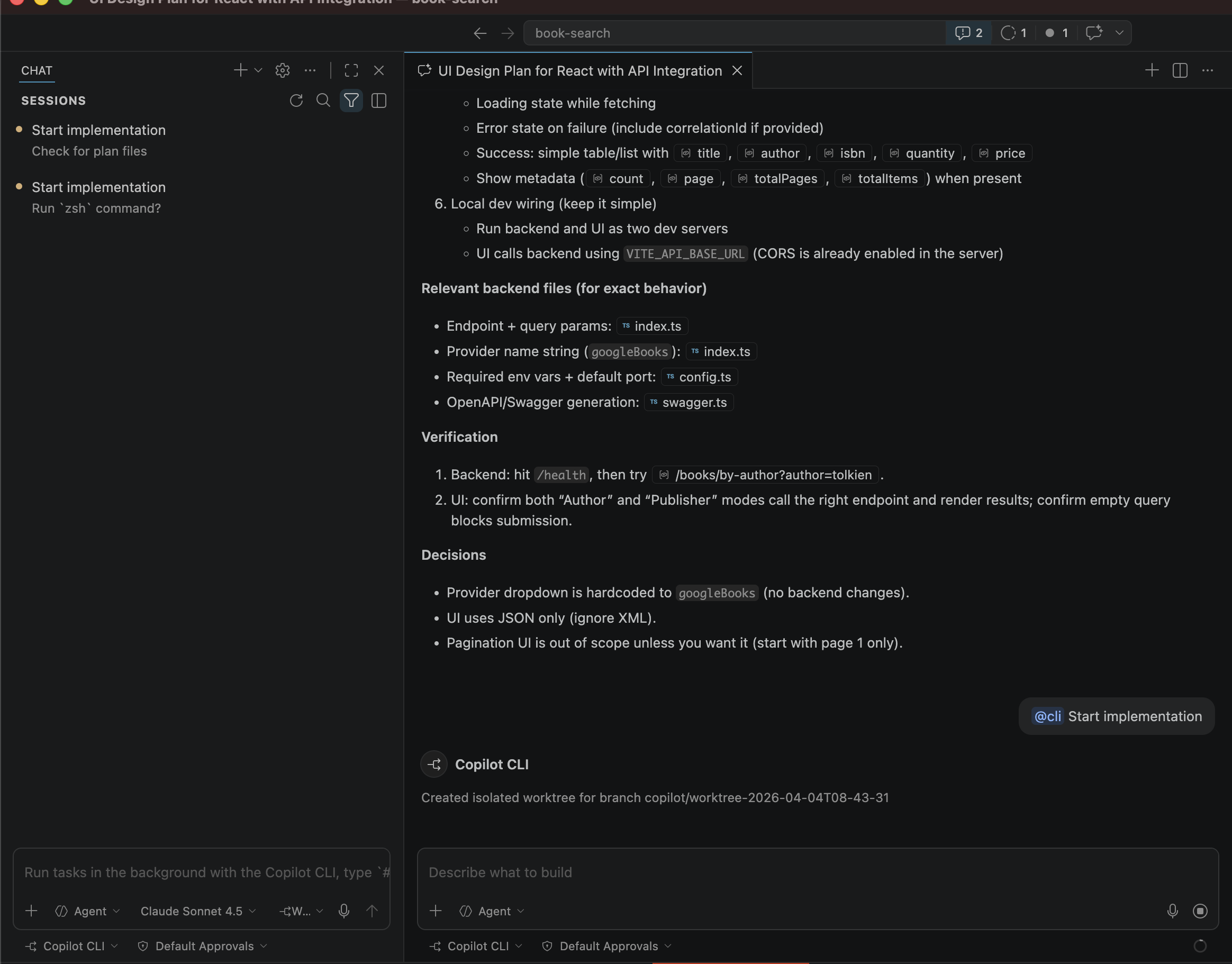
The Agent starts by checking out the plan and executing the steps in order. It’ll ask for permission before running certain commands, giving you a few ways to handle the workflow:
- **Manually approve** each prompt as it comes.
- **Whitelist** specific commands to always be allowed in the session, workspace, or globally.
- **Go rogue** and allow all commands for the duration of this session.
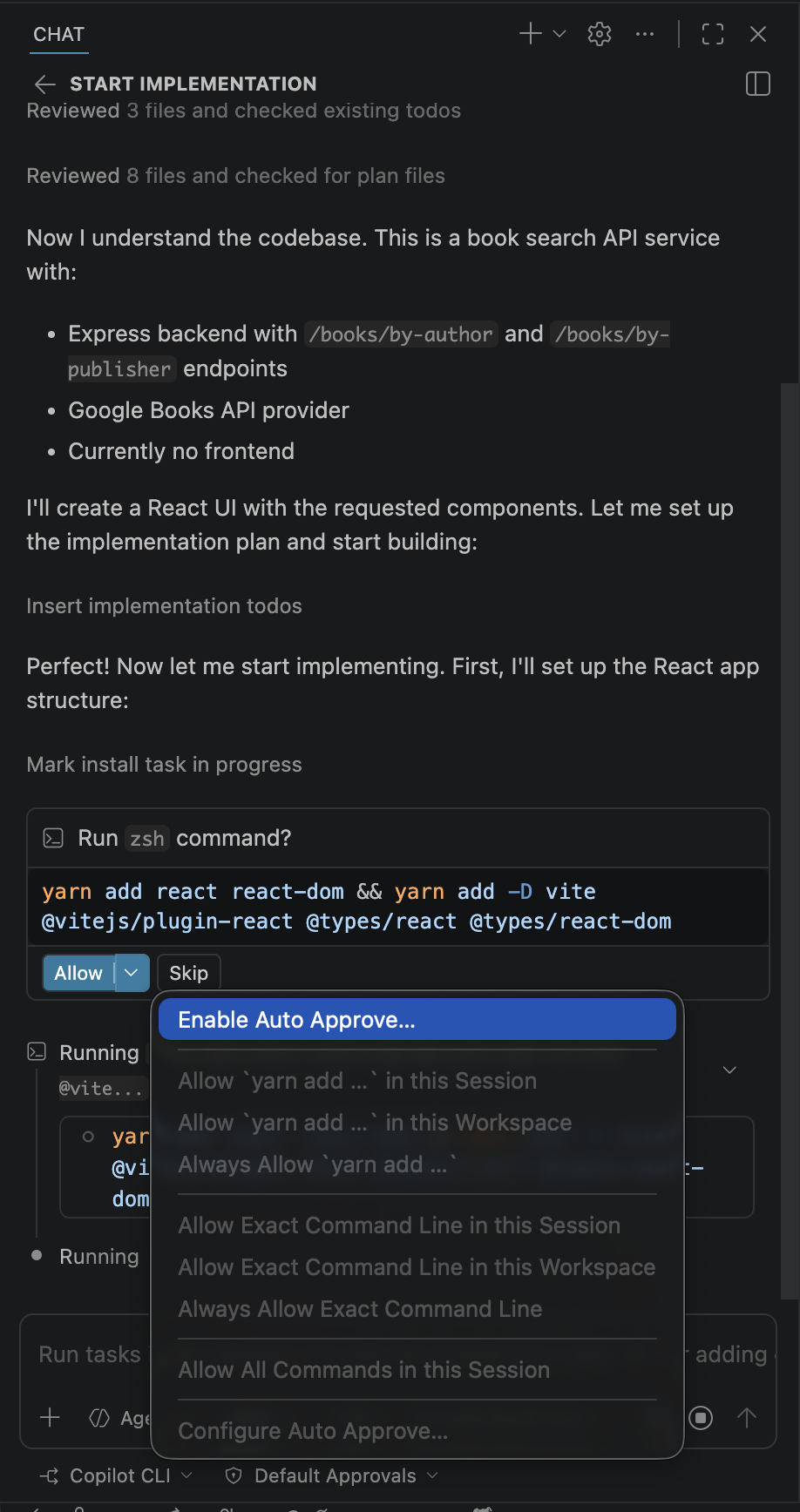
While waiting for the plan to finish executing, I decided to kick off another session to update the documentation.
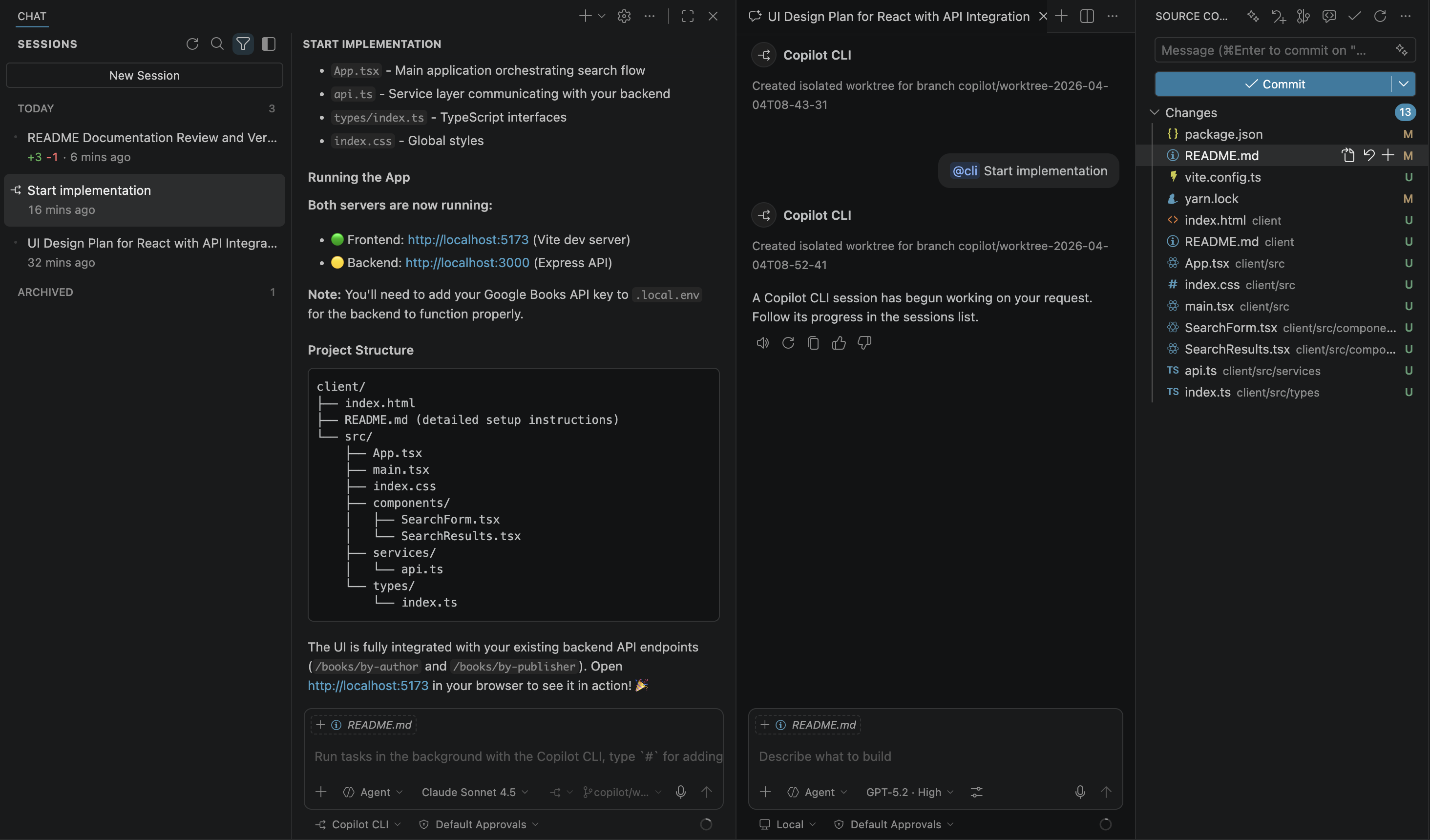
A few minutes later, the work is done. Before reviewing the code, I’ll QA the changes. The first thing I noticed is that the response isn’t rendering, so let’s get the agent to fix it.
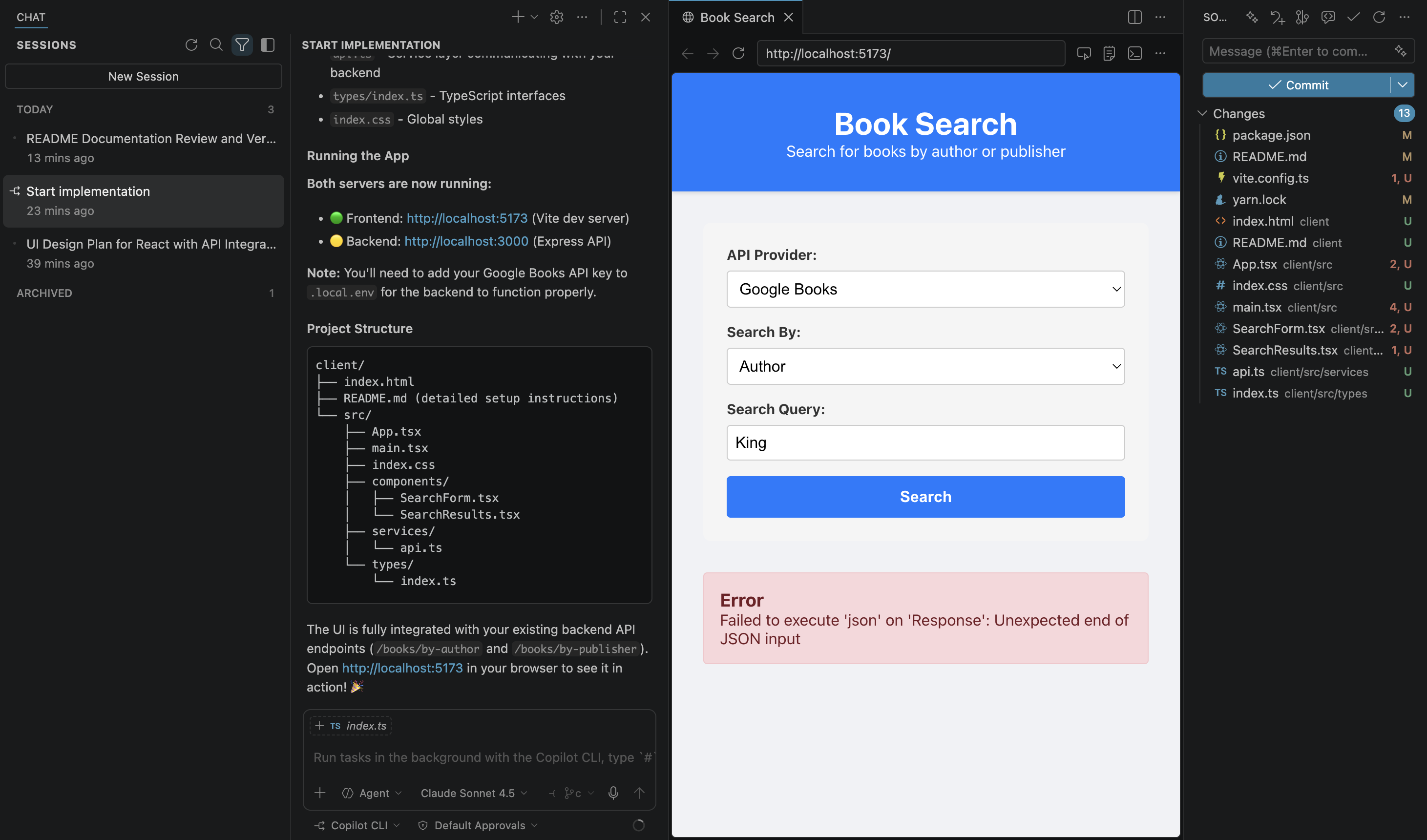
I’m going to enable the ‘debugger’ custom agent to help me fix the error. (I’ll dive deeper into custom agents a bit later in the post.)
It’s often a good idea to spin up a separate session for debugging, so your agent starts from a fresh session, but you can definitely keep it within the same session if you prefer.

This agent has access to the Simple Browser in VSCode, so it can check the error directly, but I usually include the details in my request anyway just to be sure.
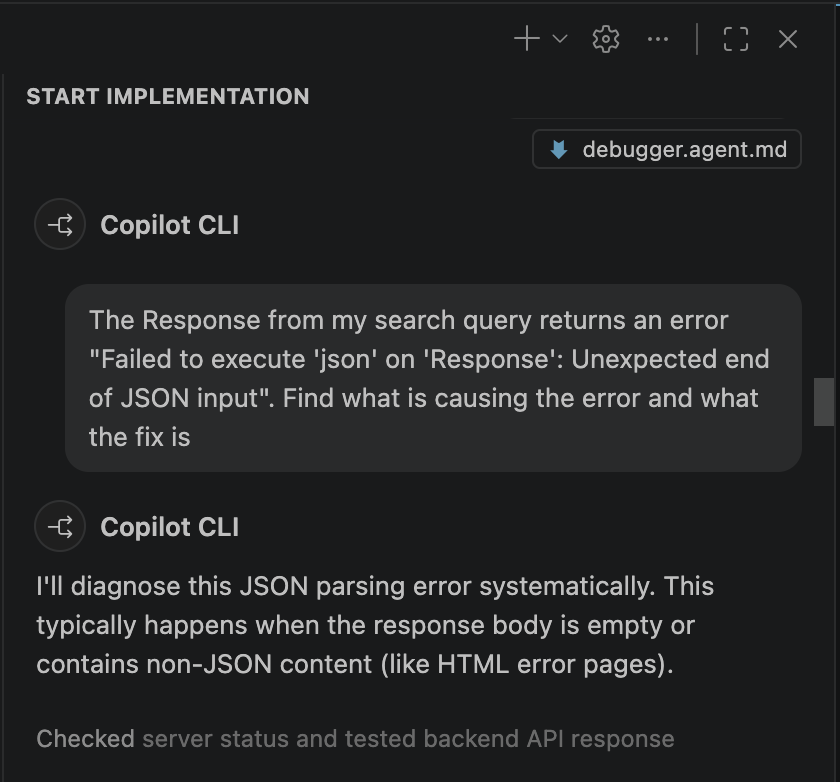
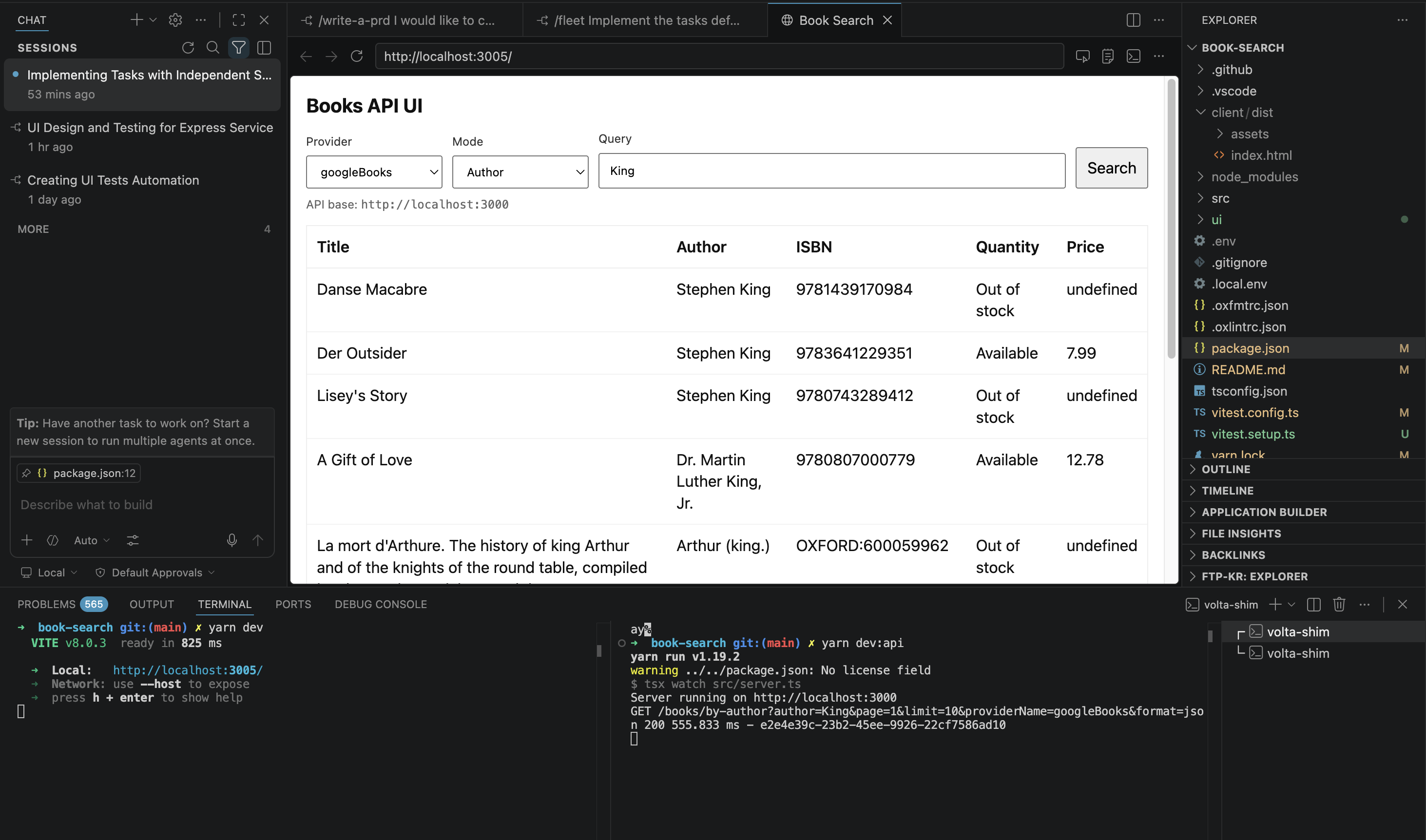
First, I’d totally forgotten to start the server in the background (a classic "face-palm" moment). Second, the returned price was occasionally `undefined`, so calling `.toFixed()` was breaking the app. Thankfully, the Debugger agent caught both.
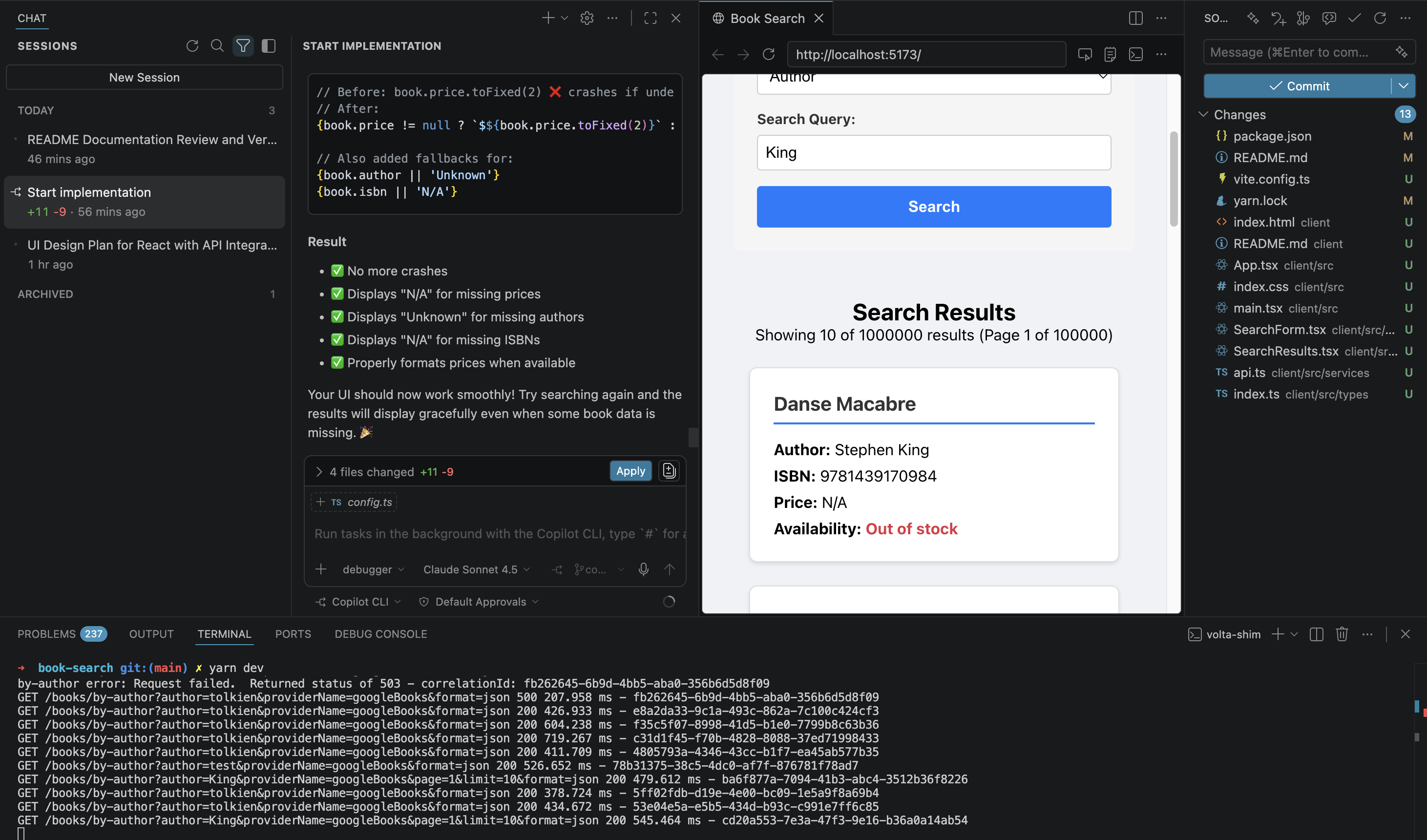
Next, I’ll review the code to make sure it matches what I had in mind. Once I’m happy, I’ll ask it to create a PR - this automatically runs some checks and raises the request against my main branch.
In this example, I kept all my prompts in one session, but if you like to keep things tidy, you can easily do the PR part in a fresh session instead.
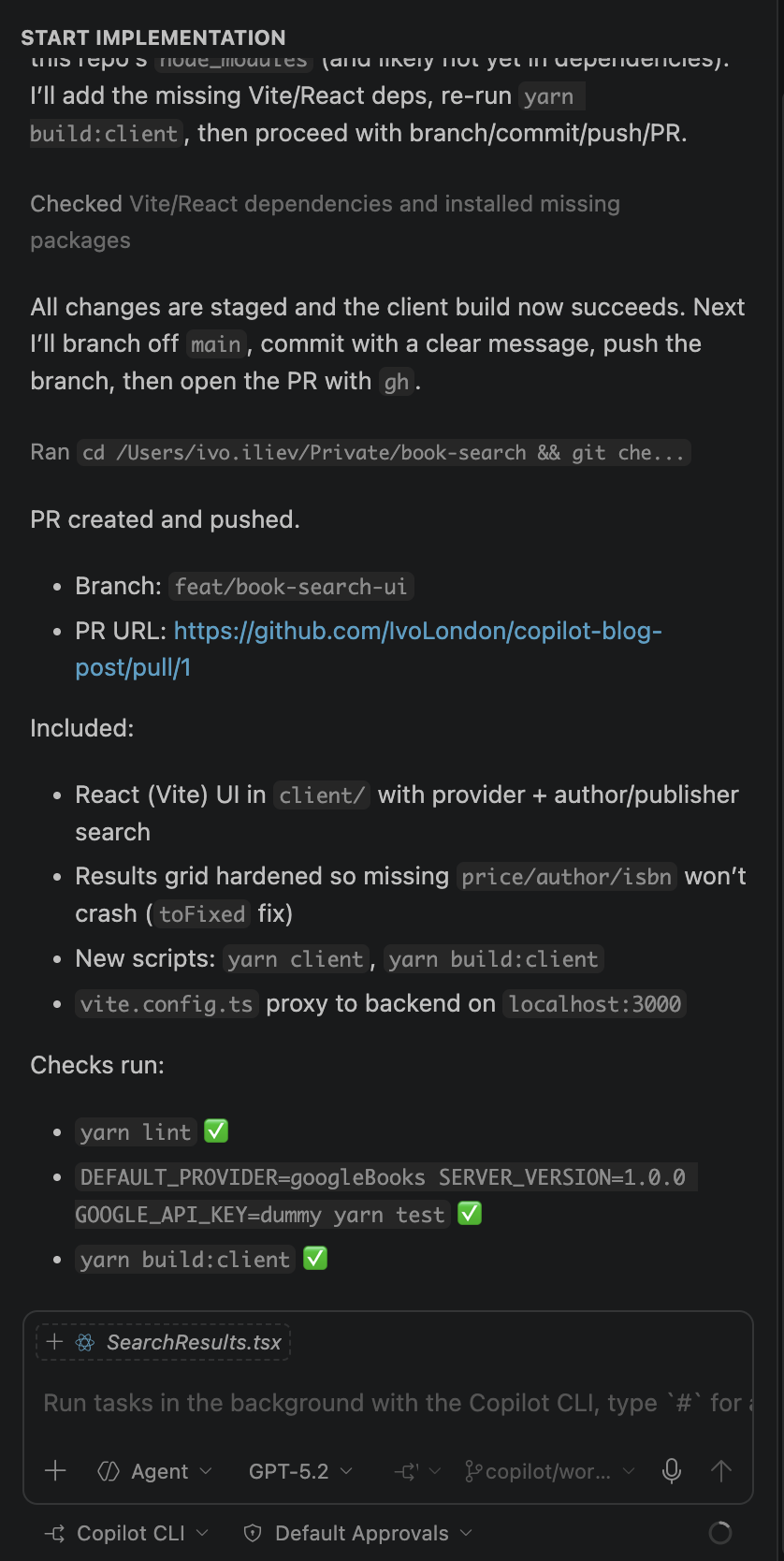
### Copilot CLI options
If you type `/`, Copilot brings up a list of available commands with a brief description for each. Let’s break down the main ones and what they’re used for:
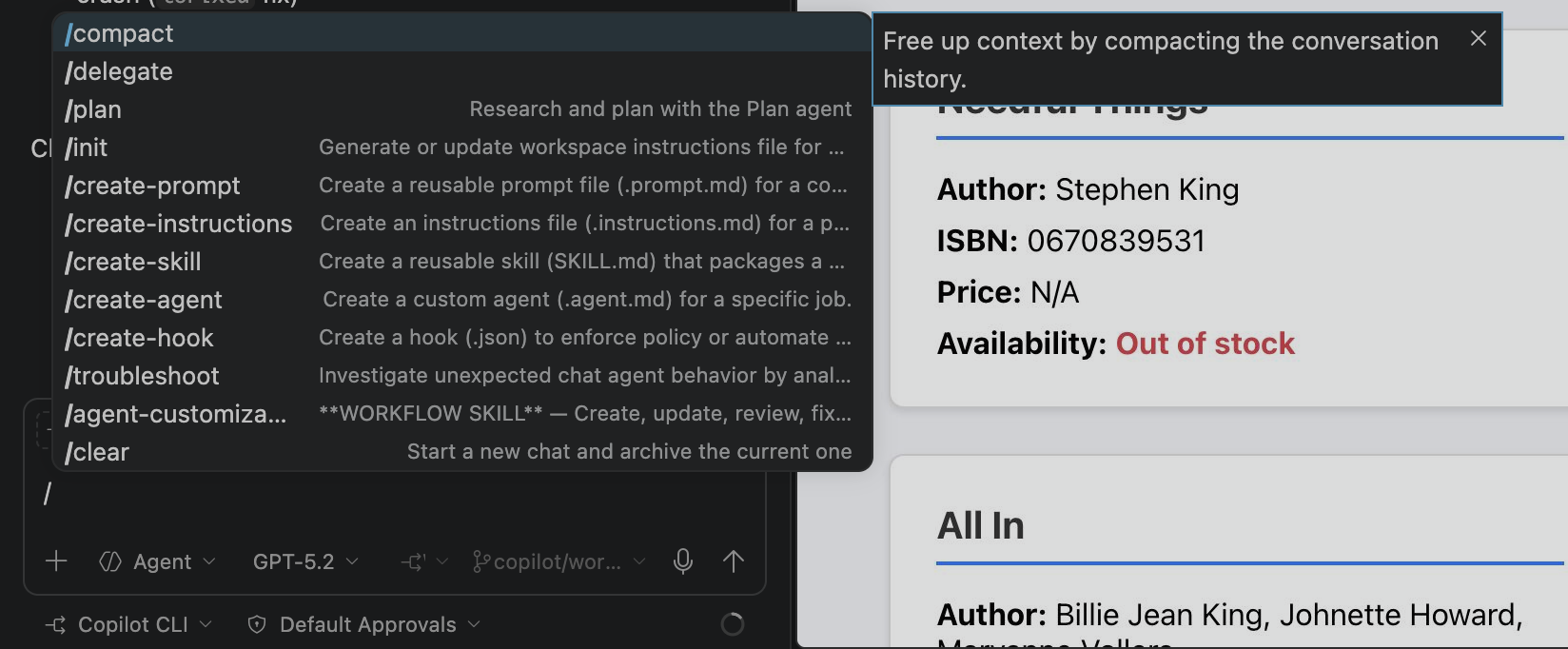
To keep this brief, I’ll give you a quick overview of what’s what and how I use each, but I’d love for you to share your favourite prompt or agent that’s been game-changing for your workflow.
I also recommend checking out the community-created collections of custom agents, skills, and workflows to supercharge your experience. One big tip: **ALWAYS READ THE RAW FILES** before you copy them. Make sure no prompt injection commands are hidden in the comments, which are easy to miss in preview mode.
Awesome-copilot collection:
[https://github.com/github/awesome-copilot](https://github.com/github/awesome-copilot)
And Anthropic’s collection:
[https://github.com/anthropics/skills](https://github.com/anthropics/skills)
I’d also recommend Matt Pocock’s collection:
[https://github.com/mattpocock/skills](https://github.com/mattpocock/skills)
#### `/create-prompt`
If you find yourself repeating the same prompts, save some time by creating a workspace-specific prompt. You can also save them globally to use across all your repos.
#### `/create-instructions`
Instructions are the guidelines for how an Agent should behave in a repository. Think of them as the ‘onboarding docs’ for the AI.
#### `/create-skill`
I think of Skills as the ‘playbook’ you hand to your agents. They bundle together high-level instructions, strict context constraints, and technical tool definitions. This helps agents tackle complex workflows with much higher precision and consistency.
#### `/create-agent`
Think of Agents as personas with different skills. You can create one to help you brainstorm, another to turn those ideas into action, and a third to actually build them out - essentially a different persona for every stage of your development.
#### `/create-hook`
Think of these like Git hooks, but for AI agents—instructions that trigger during specific events like `sessionStart`, `sessionEnd`, `userPromptSubmitted`, `preToolUse`, `postToolUse`, or `errorOccurred`. I’d definitely suggest checking out the `secrets-scanner` hook as a solid example.
---
### Using a Fleet (multiple agents)
Let’s tackle that same task again, but this time using a Skill to generate a Product Requirements Document (PRD) and then kicking off a fleet of agents to execute the work in parallel.
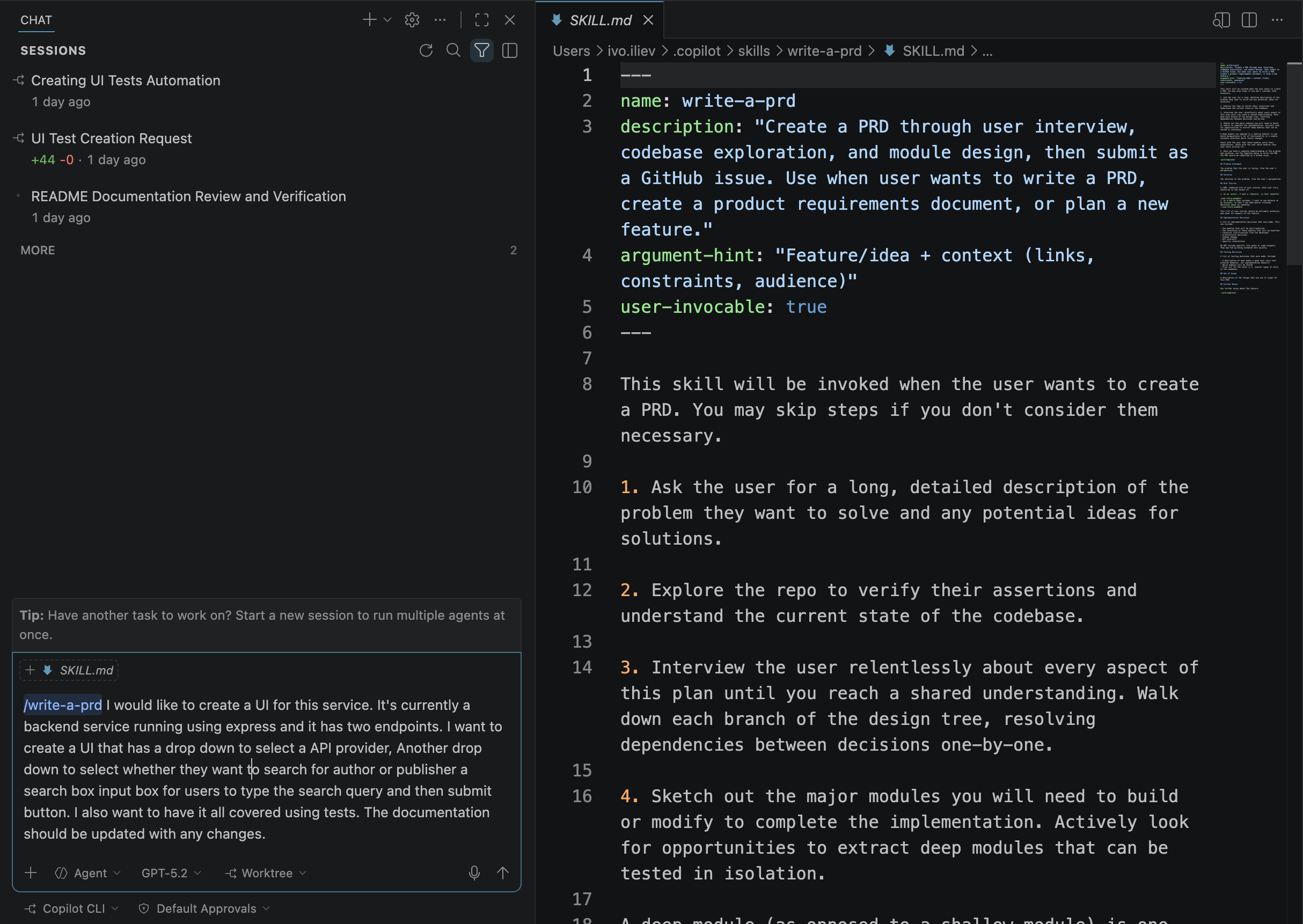
It then follows up with a bunch of questions about any criteria I might have missed.
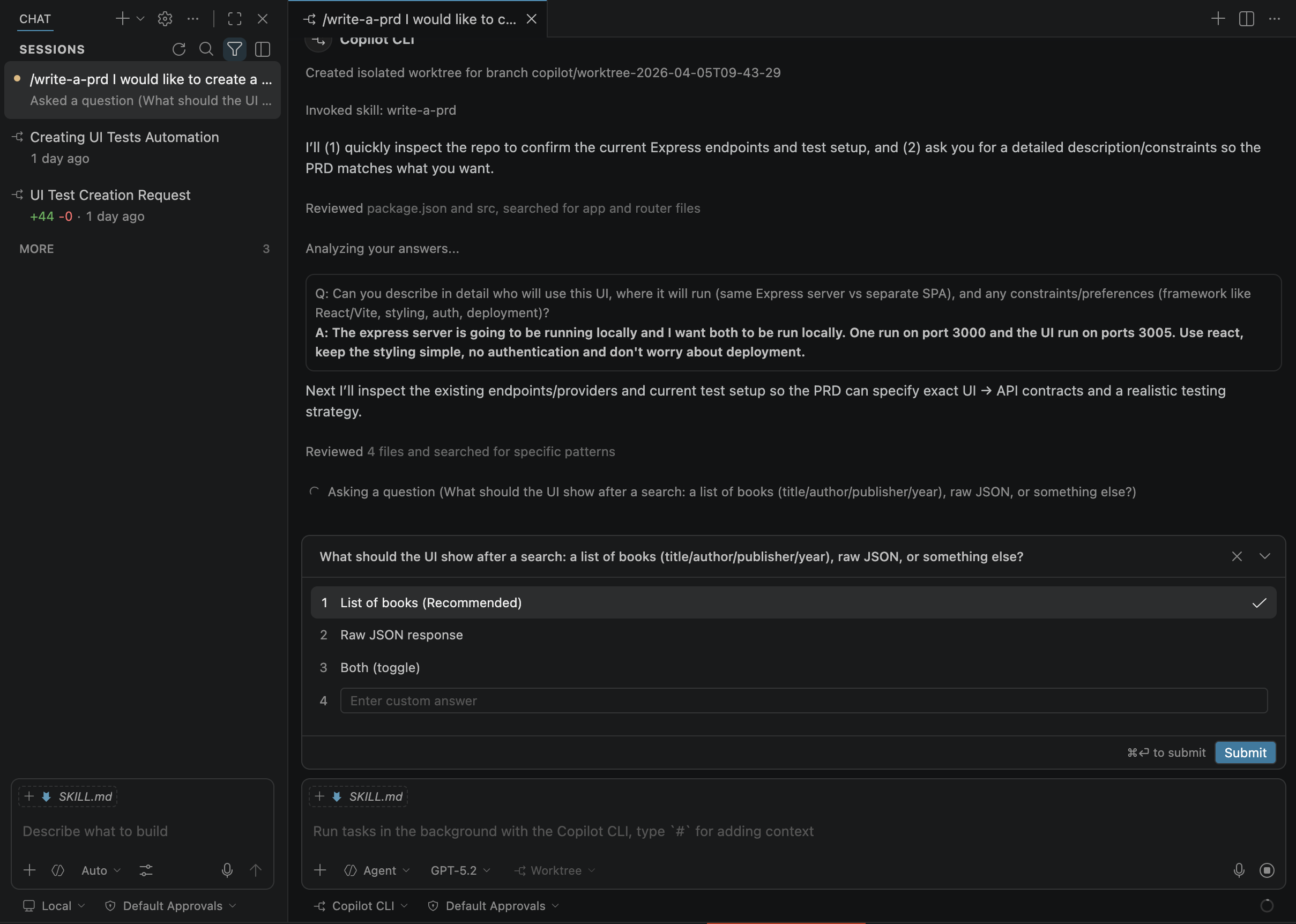
The Skill I used splits tasks into GitHub issues, but you can easily set it up to create them locally instead.
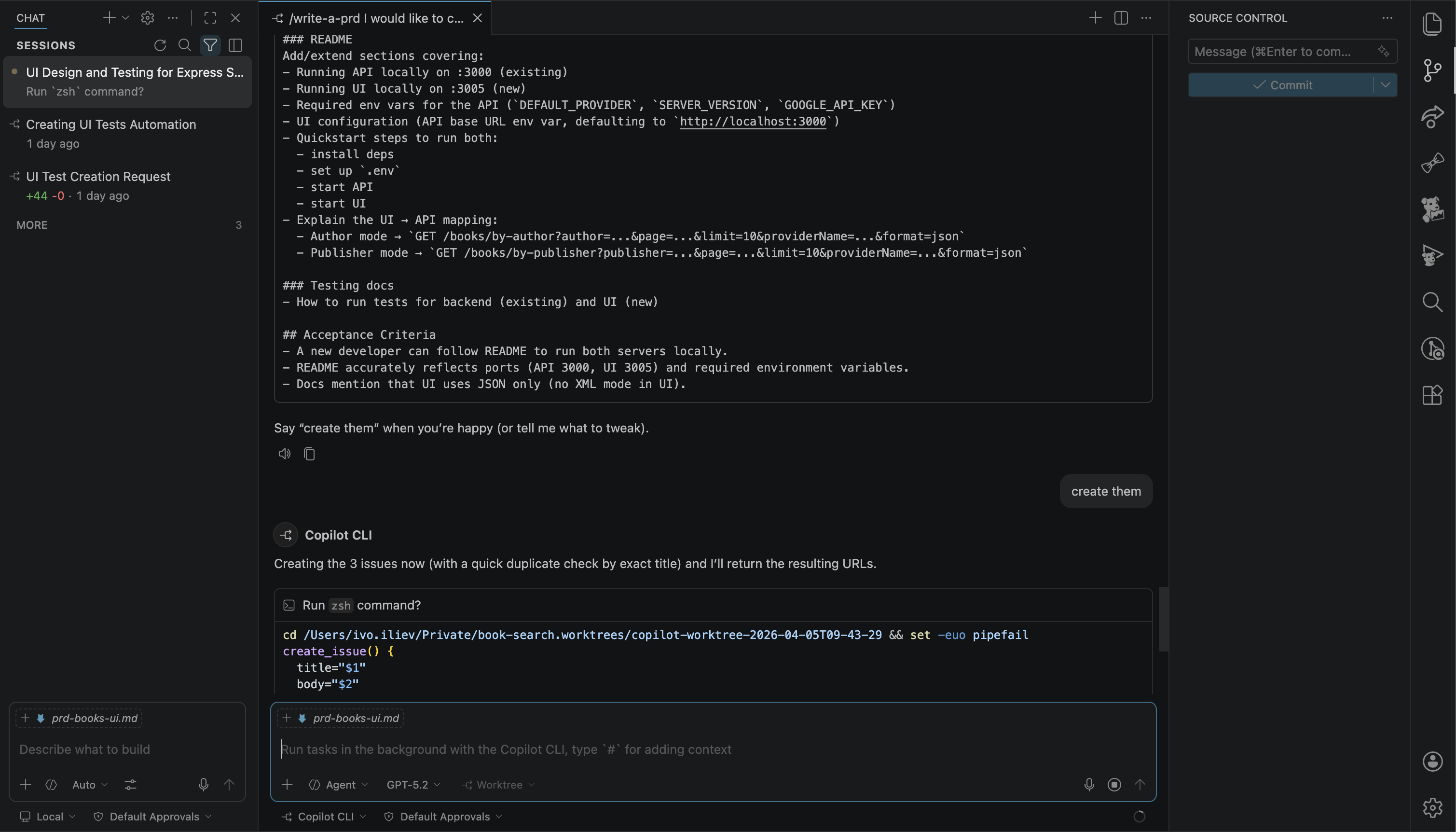
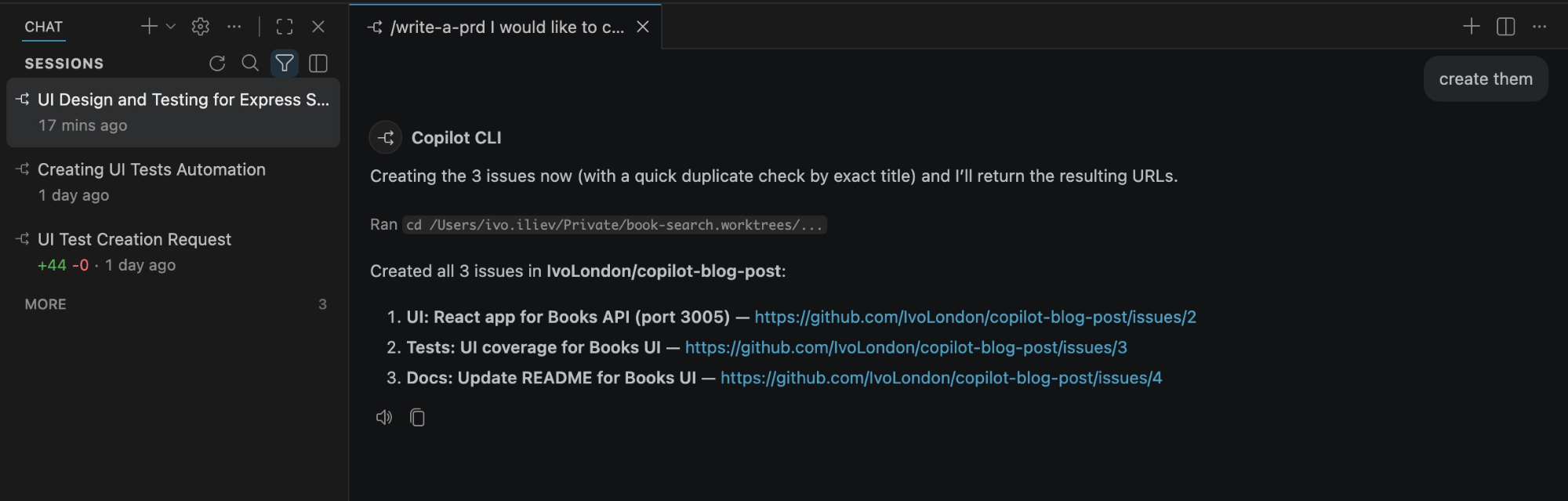
Done! Let’s check and see if those issues were actually created.
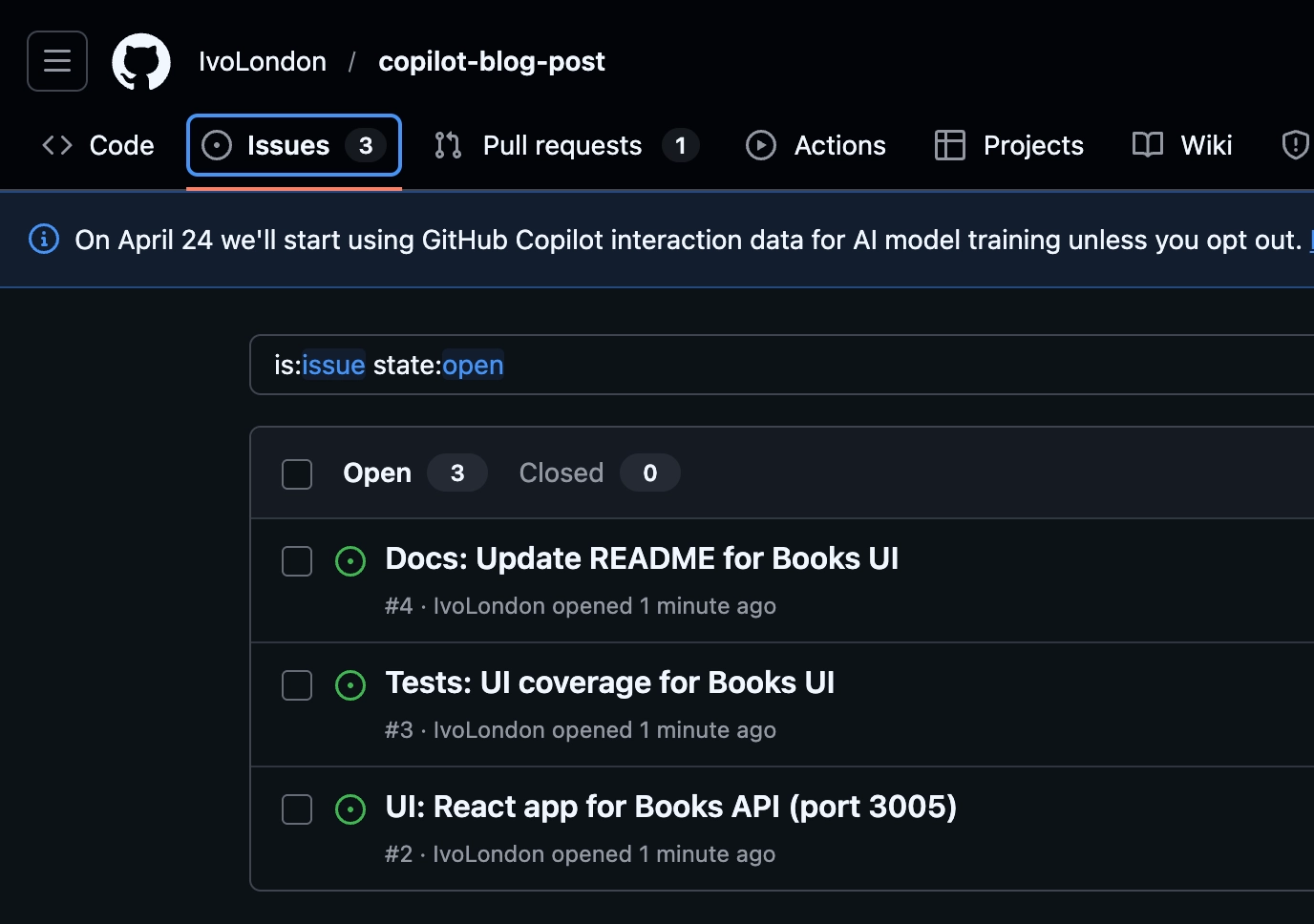
And in Github:
Next, I’ll use the `/fleet` command to kick off multiple agents. Each one will grab an issue and execute the task independently.
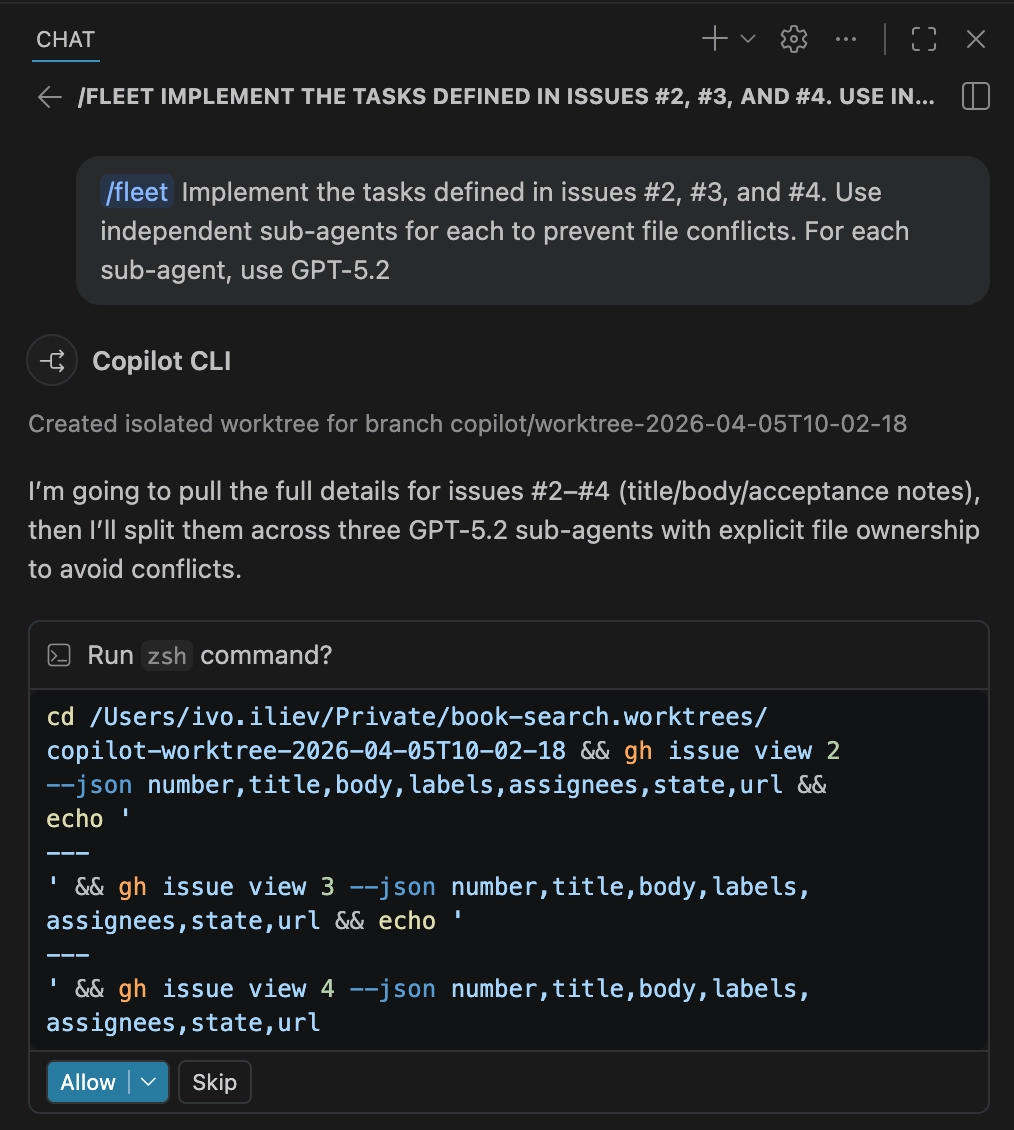
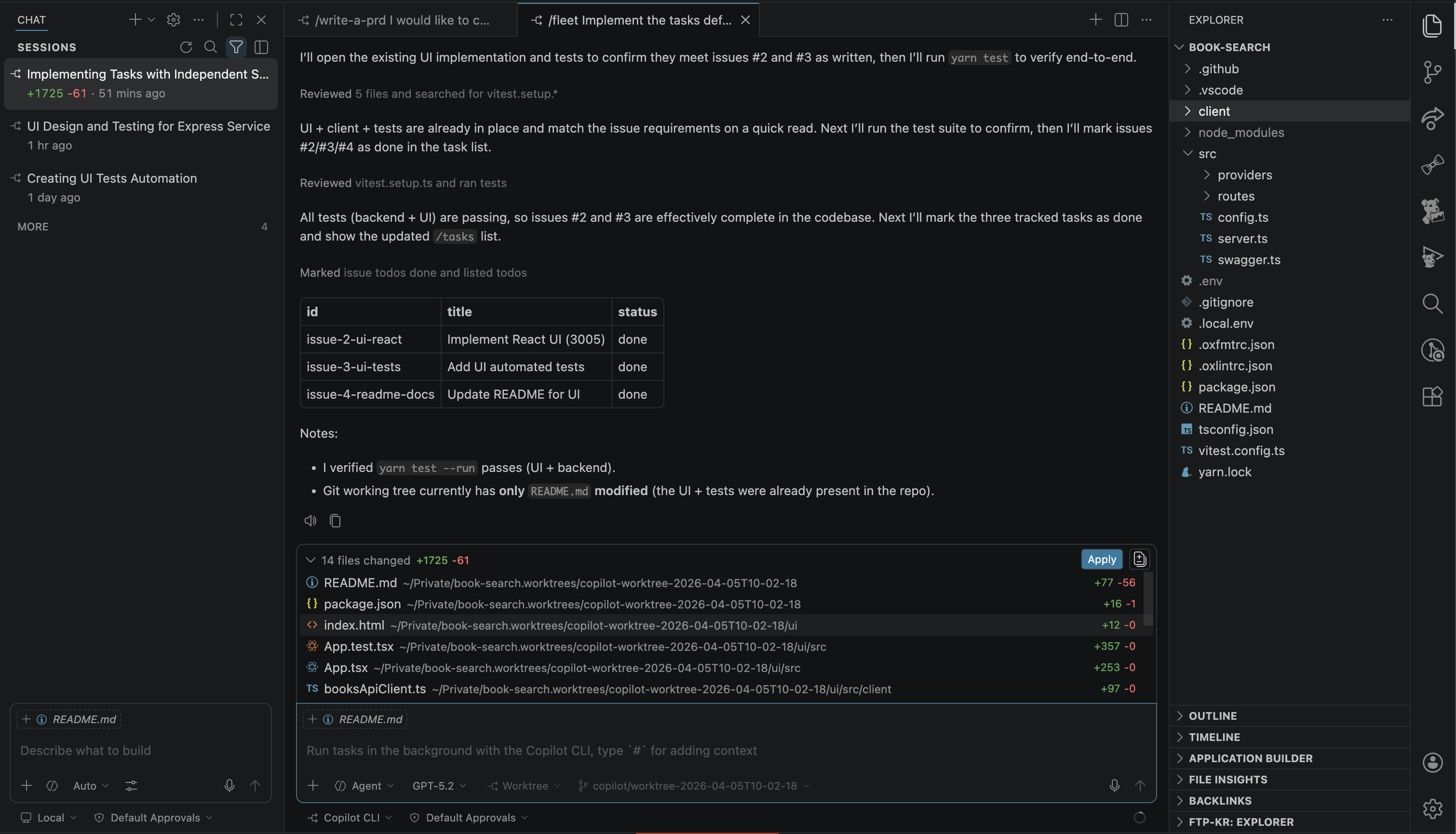
Once it’s finished, it’ll let me know in the chat and provide the files for review. I’ll usually run a quick test to make sure everything works as expected before I dive into the code review.
The UI looks okay - I didn’t give it much detail on the styling, so I’m pretty happy with the result. If anything feels off, I’ll just keep iterating until it’s exactly where I want it.
In my experience, deploying a fleet can be a bit slower-this specific task took about 15 minutes. But as models improve, this is only going to get faster.
It’s more cost-effective since you end up using fewer tokens. Because each agent has its own context and focuses on its own task, you get much less context drift. You can even assign specific personalities to different tasks.
One thing to watch out for: agents share the same file system, which can lead to conflicts. It’s a "last write wins" scenario, so if multiple agents hit the same file, they might overwrite each other. Ideally, you want them working on separate areas.
The best part is that you can "set and forget" them. Once they’re finished, you just review all the changes in one go.
### Conclusion
Orchestrating agents and agentic development is only going to get faster and more effective-and hopefully cheaper, too. We’re still in the early days, so experiment and see what fits your needs. Just be mindful of what you copy from the web and the permissions you grant your agents. If you have any tips, share them-we’re all in this together. Embrace the learning and enjoy the process. Happy coding (or maybe I should say Happy prompting)!
Comments
More Blog
View allgithubcopilotSteer GitHub Copilot CLI Sessions Remotely from Any Device
Start a Copilot CLI session on your workstation, then monitor and steer it from the browser or your phone.
M
Marcel.LgithubcopilotGet started with GitHub Copilot SDK, part 1
This article explains what GitHub Copilot SDK is and why use it
C
Chris NoringagentsI Run a Solo Company with AI Agent Departments
I built 8 AI agent departments using GitHub Copilot custom agents — CEO, CFO, COO, Lawyer, Accountant, Marketing, CTO, and an Improver. They share memory, consult each other, and self-improve. Here's how it works.
J
João Pedro Silva SetasjetsonHow GPU-Powered Coding Agents Can Assist in Development of GPU-Accelerated Software
This blog post chronicles how VS Code equipped with GitHub Copilot powered by Claude Opus 4.6 was used to port the open-source whisper-asr-webservice project to NVIDIA Jetson hardware with full GPU acceleration — navigating over 15 build iterations, compiling CTranslate2 from source for aarch64 CUDA, working around Poetry resolver conflicts and pip wheel priority bugs, creating runtime compatibility shims for torchaudio, torch.load, and huggingface_hub API changes, testing all three ASR engines with self-generated speech audio, and ultimately forking the repo, opening a detailed pull request, and pushing a pre-built container image to Docker Hub — all driven by natural-language prompts — demonstrating how GPU-powered AI coding agents can come full circle by building GPU-accelerated software for edge devices like the Jetson Orin, unlocking practical automations such as automatic subtitle generation for Plex media libraries via Bazarr integration.
P
Paul DeCarloai38 Issues: Code Review Agent Showdown between BugBot, Copilot and Claude
AI code review tools promise to catch what human reviewers miss. But which one actually delivers? I...
T
Terence ThamaiRan out of Cursor tokens and switched to GitHub Copilot: Side-by-Side
Update, April 1 (and this is not a joke). Insider Preview version is way more usable and capable as...
M
Maxim Saplin