 Perplexity
Back to Guides productivity
The
The
 api
api
Perplexity Pro Search: Advanced Research Workflows with the Agent API
Neura Market Research July 23, 2026
2 views
Learn how to use the Perplexity Agent API for advanced research workflows. Covers setup, prompt engineering, tool control, cost management, and troubleshooting for multi-step web-grounded research.
This guide covers how to use the Perplexity Agent API for advanced research workflows. It is for developers and power users who want to move beyond simple Q&A and build multi-step, web-grounded research pipelines. You will learn how to configure the API for deep research, write effective prompts, control tool usage, and manage costs.
What You Need
Before you start, you need the following:
- A Perplexity API key. Navigate to the API Keys tab in the API Portal and generate a new key. See the API Groups page to learn more about API groups.
- The Perplexity SDK. Install it for your preferred language:
- Python:
pip install perplexityai - TypeScript:
npm install @perplexity-ai/perplexity_ai
- Python:
- An environment variable for your API key. Set it as
PERPLEXITY_API_KEY.- macOS/Linux:
export PERPLEXITY_API_KEY="your_api_key_here" - Windows:
setx PERPLEXITY_API_KEY "your_api_key_here"
- macOS/Linux:
- Pay-as-you-go pricing. No subscription is required. See the pricing page for current rates.
Understanding the Perplexity API Ecosystem
The Perplexity API provides three core APIs for different use cases. This guide focuses on the Agent API, but understanding all three helps you choose the right tool.
Agent API
This is the primary API for web-grounded AI responses. It provides built-in citations and multi-provider model access (OpenAI, Anthropic, Google, xAI). You send a message and get a researched, cited response with conversation context when you need it. You can pick a preset for simplicity or take granular control over model, reasoning, token budgets, and tools. It is best for AI assistants, research and Q&A tools, agentic workflows, and custom AI applications.
Search API
This API returns ranked web search results without LLM processing. Use it when you need raw search results for custom AI workflows, data collection, or search integration. It is best for custom AI pipelines, data collection, and search integration.
Embeddings API
This API generates high-quality text embeddings for semantic search and RAG. Use it when you need semantic similarity between texts, are building RAG pipelines, or need to cluster, classify, or compare text without generating a response. It is best for semantic search, RAG applications, text classification, and recommendation systems.
The Agent API: Core Concepts
The Agent API runs a bounded multi-turn loop. On each turn, the model can call a tool (such as web_search), read the result, and decide whether to continue or answer. This loop is what makes it suitable for advanced research workflows. Prompts that work well with single-shot LLMs often underperform here because the same text shapes tool selection, search query generation, and the final response together.
Two parameters drive most of the prompt design:
instructions: Sets the role, tone, formatting, and grounding rules that apply regardless of the user's question.input: Holds the actual question. It also seeds the first search query, so specificity here directly improves retrieval.
For hard constraints on retrieval (allowed domains, date ranges, region) and on the loop itself (max steps), use request parameters rather than prose.
Setting Up Your First Research Call
Here is how to make your first API call using the Agent API with a preset. The example uses the low preset, which is designed for fast, focused research.
Python Example
from perplexity import Perplexity

# Initialize the client (uses PERPLEXITY_API_KEY environment variable)
client = Perplexity()

# Make the API call with a preset
response = client.responses.create(
    preset="low",
    input="Summarize the core findings of the original 'Attention Is All You Need' transformer paper and explain why it changed NLP.",
)

# Print the AI's response
print(response.output_text)
TypeScript Example
import Perplexity from '@perplexity-ai/perplexity_ai';

// Initialize the client (uses PERPLEXITY_API_KEY environment variable)
const client = new Perplexity();

// Make the API call with a preset
const response = await client.responses.create({
    preset: "low",
    input: "Summarize the core findings of the original 'Attention Is All You Need' transformer paper and explain why it changed NLP.",
});

// Print the AI's response
console.log(response.output_text);
cURL Example
curl https://api.perplexity.ai/v1/agent \
  -H "Authorization: Bearer $PERPLEXITY_API_KEY" \
  -H "Content-Type: application/json" \
  -d '{
    "preset": "low",
    "input": "Summarize the core findings of the original 'Attention Is All You Need' transformer paper and explain why it changed NLP."
  }' | jq
Understanding the Response
The response includes structured output with tool usage and citations. Here is an example response object with key fields explained:
{
  "id": "resp_1234567890",
  "created_at": 1756485272,
  "model": "openai/gpt-5.1",
  "object": "response",
  "status": "completed",
  "output": [
    {
      "type": "message",
      "id": "msg_abc123",
      "role": "assistant",
      "status": "completed",
      "content": [
        {
          "type": "output_text",
          "text": "Recent developments in AI include...",
          "annotations": [
            {
              "type": "citation",
              "url": "https://example.com/article1"
            }
          ],
          "logprobs": []
        }
      ]
    }
  ],
  "usage": {
    "input_tokens": 3681,
    "output_tokens": 780,
    "total_tokens": 4461,
    "cost": {
      "currency": "USD",
      "input_cost": 0.0046,
      "output_cost": 0.0078,
      "tool_calls_cost": 0.0025,
      "total_cost": 0.0149
    },
    "input_tokens_details": {
      "cached_tokens": 0
    },
    "output_tokens_details": {
      "reasoning_tokens": 0
    },
    "tool_calls_details": {
      "search_web": {
        "invocation": 1
      }
    }
  },
  "tools": [
    { "type": "web_search" },
    { "type": "fetch_url" }
  ],
  "tool_choice": "auto",
  "temperature": 1,
  "top_p": 1,
  "frequency_penalty": 0,
  "presence_penalty": 0,
  "max_output_tokens": null,
  "max_tool_calls": null,
  "parallel_tool_calls": true,
  "truncation": "disabled",
  "store": true,
  "service_tier": "default",
  "instructions": "## Abstract...",
  "background": false,
  "completed_at": 1756485272,
  "error": null,
  "incomplete_details": null,
  "metadata": {},
  "previous_response_id": null,
  "prompt_cache_key": null,
  "reasoning": null,
  "safety_identifier": null,
  "user": null
}
Key fields to note:
id: The unique identifier for the response.model: The model used. In this case, it isopenai/gpt-5.1.output: An array of output items. Each item can be a message or a tool call result. Thecontentarray contains the actual text and annotations (citations).usage: Detailed token and cost breakdown.input_tokensare the tokens in your request.output_tokensare the tokens generated in the response.tool_calls_costis the cost of any tool invocations.tools: The tools available to the model. By default,web_searchandfetch_urlare available.tool_choice: How the model decides to use tools.automeans the model decides. You can set it tononeto disable tools, orrequiredto force a tool call.temperature: Controls randomness. 1 is the default.top_p: Nucleus sampling parameter. 1 means no filtering.frequency_penaltyandpresence_penalty: Penalties for token repetition and novelty.max_output_tokens: The maximum number of tokens the model can generate.nullmeans no limit.max_tool_calls: The maximum number of tool calls the model can make.nullmeans no limit.parallel_tool_calls: Whether the model can make multiple tool calls in parallel.truncation: How the model handles requests that exceed the context window.disabledmeans the request will fail if it is too long.store: Whether the response is stored for later retrieval.service_tier: The service tier for the request.instructions: The system prompt used for the request.background: Whether the response was generated in the background.
Writing Effective Prompts for Research
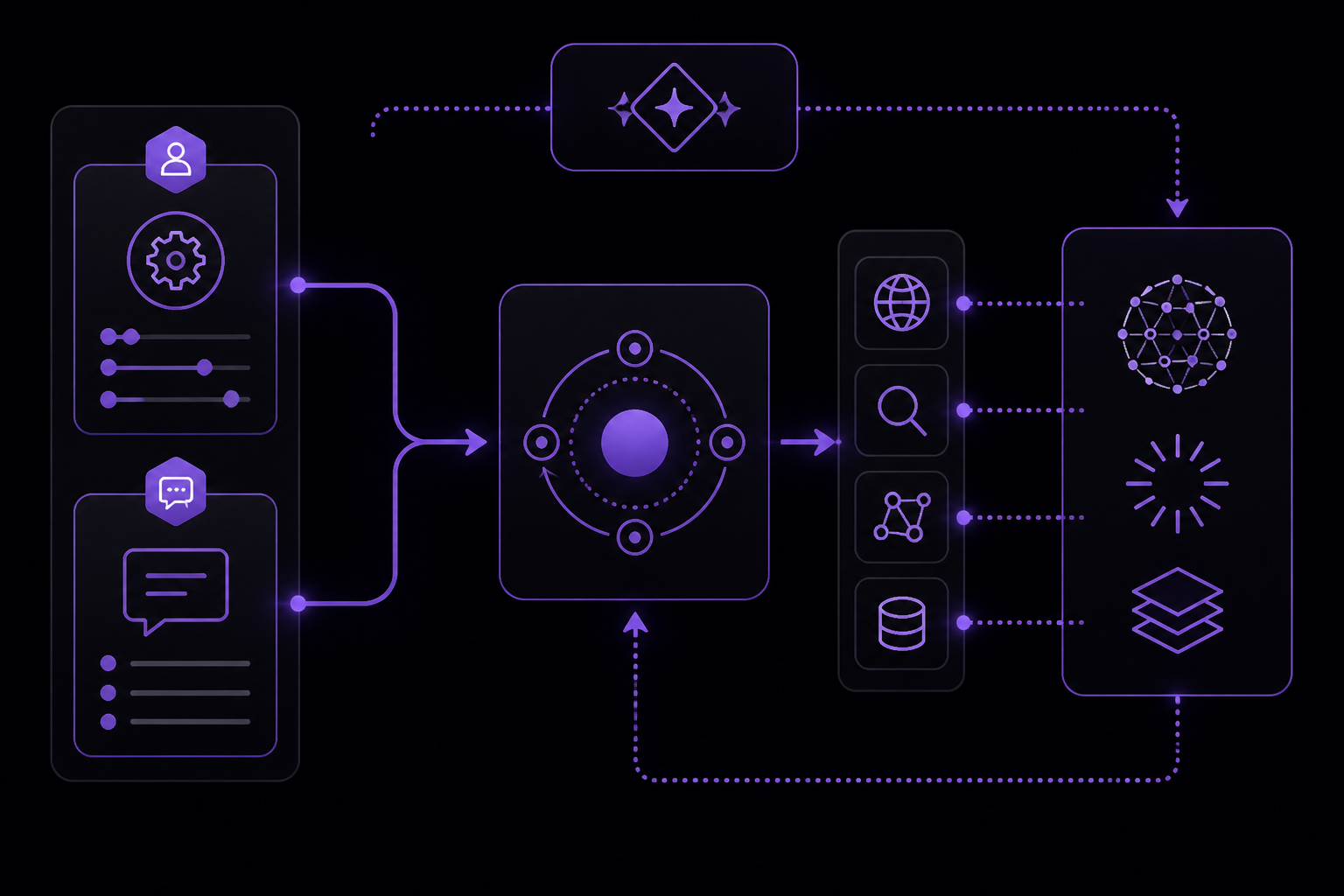
The Prompt Guide from Perplexity provides detailed advice on how to structure prompts for the Agent API. The key insight is that the same text shapes tool selection, search query generation, and the final response. Therefore, you must be deliberate about what goes into instructions versus input.
The instructions Parameter
Use the instructions parameter for role, tone, language, formatting, and grounding rules. Instructions apply on every turn of the agent loop, so put things here that hold regardless of the user's question.
Important: Setting instructions with a preset replaces the preset's system prompt. It does not append. Each preset (fast, low, medium) already covers tool-call discipline, query construction, citation, and formatting. You should only override the preset's prompt when app-specific behavior is needed. Without a preset, instructions is the only system prompt the model sees.
Example instructions block:
You are a financial analyst writing for retail investors.
Rules:
- Aim for brief sentences and paragraphs.
- Define jargon the first time you use it.
- Prefer concrete numbers over vague qualifiers ("up 12% YoY" not "growing strongly").
Grounding rules:
- Cite sources inline by domain, e.g. (reuters.com). Do not write full URLs.
- If searches return no relevant results after trying alternative phrasings, or if the only matches are off-topic (different company, different fiscal year, etc.), say so explicitly rather than substituting related results.
Keep instructions focused. They are re-read on every turn of the agent loop, so bloat compounds across tool calls. If your block is growing long, check whether parts of it would be better expressed as request parameters:
- Use
response_formatwith a JSON schema for machine-readable output. - Use
web_searchfilters for retrieval constraints. - Move query-specific framing into
input.
Built-in tools like web_search and fetch_url are tuned to work well without prompt-side guidance. You do not need to describe what they do, when to call them, or how to construct queries. Adjust tool-call count with the max_steps parameter and search constraints with web_search filters.
If you are using custom instructions and want to nudge how the model uses built-in tools, you can reference them there. For custom function tools you define yourself, the model relies on the description and parameter schema you provide, so make those as clear as you can. You can reinforce the tool's role in instructions if the description alone is not enough to steer behavior.
The input Parameter
Use the input parameter for the actual query you want answered. Input strongly shapes search behavior, so descriptive and specific phrasing directly improves retrieval. Vague inputs lead to vague searches.
Example user prompt:
What are the best sushi restaurants in the world currently?
Full API Example with Instructions
Here is a complete example that uses both instructions and input:
Python:
from perplexity import Perplexity

client = Perplexity()

response = client.responses.create(
    preset="low",
    input="Explain how hosted LLM API pricing is typically structured: input vs output tokens, context window limits, and the implication for long-document workloads.",
    instructions="You are a concise, well-researched assistant. If searches still return no relevant results after trying alternative phrasings, say so explicitly rather than guessing."
)

print(response.output_text)
TypeScript:
import Perplexity from '@perplexity-ai/perplexity_ai';

const client = new Perplexity();

const response = await client.responses.create({
    preset: "low",
    input: "Explain how hosted LLM API pricing is typically structured: input vs output tokens, context window limits, and the implication for long-document workloads.",
    instructions: "You are a concise, well-researched assistant. If searches still return no relevant results after trying alternative phrasings, say so explicitly rather than guessing."
});

console.log(response.output_text);
cURL:
curl https://api.perplexity.ai/v1/agent \
  -H "Authorization: Bearer $PERPLEXITY_API_KEY" \
  -H "Content-Type: application/json" \
  -d '{
    "preset": "low",
    "input": "Explain how hosted LLM API pricing is typically structured: input vs output tokens, context window limits, and the implication for long-document workloads.",
    "instructions": "You are a concise, well-researched assistant. If searches still return no relevant results after trying alternative phrasings, say so explicitly rather than guessing."
  }' | jq
Advanced Research Workflows
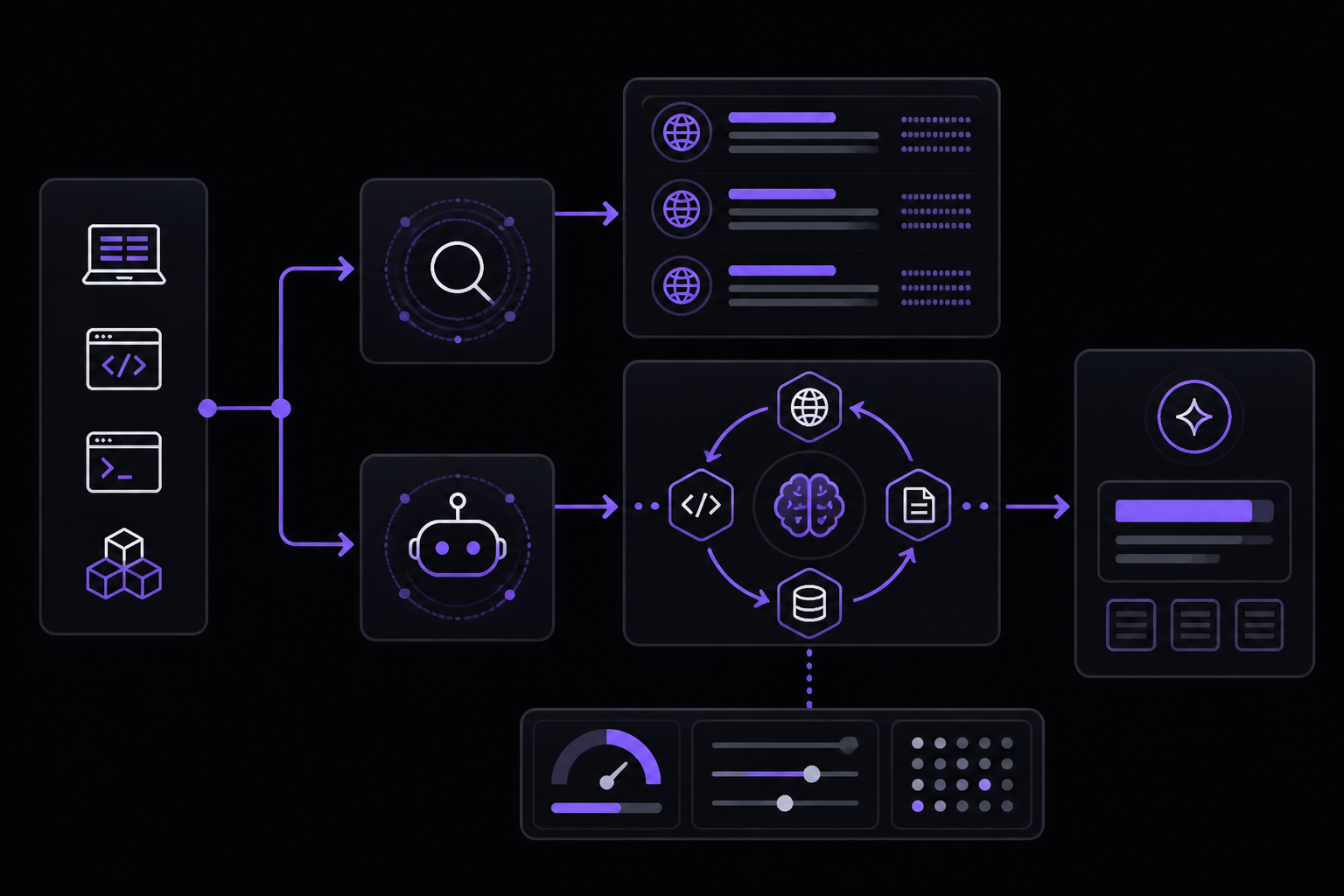
Using the Search API for Raw Results
If you need raw search results without LLM processing, use the Search API. This is useful for building custom AI workflows with your own models or for data collection.
Python:
from perplexity import Perplexity

client = Perplexity()

search = client.search.create(
    query="SpaceX Starship architecture and orbital test milestones",
    max_results=5
)

for result in search.results:
    print(f"{result.title}: {result.url}")
TypeScript:
import Perplexity from '@perplexity-ai/perplexity_ai';

const client = new Perplexity();

const search = await client.search.create({
    query: "SpaceX Starship architecture and orbital test milestones",
    max_results: 5
});

for (const result of search.results) {
    console.log(`${result.title}: ${result.url}`);
}
cURL:
curl -X POST 'https://api.perplexity.ai/search' \
  -H "Authorization: Bearer $PERPLEXITY_API_KEY" \
  -H "Content-Type: application/json" \
  -d '{
    "query": "SpaceX Starship architecture and orbital test milestones",
    "max_results": 5
  }' | jq
The response includes ranked search results with titles, URLs, and snippets:
{
  "results": [
    {
      "title": "SpaceX Starship Flight 10: Full Mission Recap",
      "url": "https://example.com/starship-flight-10",
      "snippet": "SpaceX successfully completed its tenth Starship test flight, achieving full booster recovery and orbital insertion...",
      "date": "2026-02-20",
      "last_updated": "2026-02-21"
    },
    {
      "title": "Starship Launch Manifest: 2026 Schedule and Updates",
      "url": "https://example.com/starship-2026-schedule",
      "snippet": "SpaceX has announced an ambitious 2026 launch manifest for Starship, targeting monthly flights and the first cargo mission...",
      "date": "2026-01-15",
      "last_updated": "2026-03-01"
    }
  ],
  "query_info": {
    "query": "SpaceX Starship architecture and orbital test milestones",
    "normalized_query": "spacex starship launch updates 2026"
  }
}
Controlling the Agent Loop
The Agent API runs a bounded multi-turn loop. You can control the loop with these parameters:
max_steps: The maximum number of tool calls the agent can make. This is a key parameter for controlling cost and depth of research. A higher value allows the agent to perform more searches and gather more information before answering.max_tool_calls: The maximum number of tool calls the model can make in a single turn.parallel_tool_calls: When set totrue, the model can make multiple tool calls in parallel, which can speed up research.
Using Presets
Presets are pre-configured system prompts that control the agent's behavior. The available presets are:
fast: Optimized for speed. The agent makes fewer tool calls and provides concise answers.low: A balanced preset for general research. It is the default and is suitable for most use cases.medium: A more thorough preset that allows more tool calls and provides more detailed answers.
When you use a preset, you do not need to provide instructions unless you want to override the preset's behavior. If you do provide instructions, it replaces the preset's system prompt entirely.
Managing Costs
The Perplexity API uses pay-as-you-go pricing. The cost of a request is determined by the number of input tokens, output tokens, and tool calls. The usage object in the response provides a detailed breakdown:
"usage": {
  "input_tokens": 3681,
  "output_tokens": 780,
  "total_tokens": 4461,
  "cost": {
    "currency": "USD",
    "input_cost": 0.0046,
    "output_cost": 0.0078,
    "tool_calls_cost": 0.0025,
    "total_cost": 0.0149
  },
  "input_tokens_details": {
    "cached_tokens": 0
  },
  "output_tokens_details": {
    "reasoning_tokens": 0
  },
  "tool_calls_details": {
    "search_web": {
      "invocation": 1
    }
  }
}
To manage costs:
- Be specific in your
input. Vague inputs lead to more searches and higher costs. - Use presets. Presets are optimized for cost and performance.
- Limit
max_steps. A lower value means fewer tool calls and lower cost. - Use
max_output_tokens. Limit the length of the response to control output token costs. - use caching. The API supports caching of input tokens. If you reuse the same system prompt or fixed context across many calls, you may see lower costs due to cached tokens.
OpenAI Compatibility
Perplexity's API supports the OpenAI Chat Completions format. You can use OpenAI client libraries by pointing to the Perplexity endpoint. See the OpenAI Compatibility Guide for examples.
Troubleshooting
No Relevant Results Found
If the agent reports that it cannot find relevant results, it may be because:
- The query is too vague. Rephrase the
inputto be more specific. - The search domain is too narrow. If you have set domain filters, try broadening them.
- The information is not publicly available. The agent can only search the web.
According to the Prompt Guide, you can instruct the agent to handle this gracefully by adding a rule to your instructions: "If searches return no relevant results after trying alternative phrasings, say so explicitly rather than substituting related results."
Request Exceeds Context Window
If you get an error about the request exceeding the context window, you need to reduce the size of your input. This can happen if you include a very long document in the input or if your conversation history is too long. Solutions include:
- Chunking: Split your document into smaller pieces and send them in separate requests.
- Truncation: Set the
truncationparameter toautoto allow the API to truncate the input. However, this may lose important context. - Reduce history: If you are using conversation history, limit the number of previous turns you include.
High Costs
If your costs are higher than expected, check the following:
- Token usage: Review the
usageobject in the response. Are you using a lot of input tokens? Are you making many tool calls? - Preset: Are you using a preset? The
mediumpreset will make more tool calls and generate longer responses than thelowpreset. max_steps: Are you setting a highmax_stepsvalue? Each tool call adds to the cost.max_output_tokens: Are you setting a highmax_output_tokensvalue? Long responses cost more.
Going Further
To deepen your understanding of the Perplexity API and advanced research workflows, explore the following topics from the documentation:
- API Groups: Learn more about API groups on the API Groups page.
- OpenAI Compatibility Guide: See how to use OpenAI client libraries with the Perplexity endpoint.
- Pricing: Review the pricing page for current rates.
- Prompt Guide: Study the full Prompt Guide for more advanced prompt engineering techniques.
- Search API: Explore the Search API for raw search results.
- Embeddings API: Learn about the Embeddings API for semantic search and RAG.
Comments
More Guides
View allapiPerplexity Sonar Models: Choosing Between Online and Chat Models
Learn how to choose between Perplexity's online (web-grounded) and chat (non-search) models when using the Agent API. Covers setup, prompt design, tool configuration, and cost optimization.
N
Neura Market Research 8
Getting Started
Complete Guide to Perplexity AI Search
Everything you need to know about using Perplexity AI for research and information retrieval
S
SearchCraft 2,495
API & Integration
Perplexity API Getting Started Guide
Step-by-step guide to integrating the Perplexity API into your applications
D
DataMinds 2,148
Academic Use
Academic Research with Perplexity
How to use Perplexity AI for rigorous academic research with proper citations
R
ResearchBot 3,698
Getting Started
Perplexity Chrome Extension Guide
Install, configure, and master the Perplexity Chrome extension for instant AI-powered search
D
DeepSearch 4,135
Academic Use
Citation Management in Perplexity
Manage and export citations from Perplexity research for academic papers and reports
P
Perplexity Team 2,246
Ready-made automations for this
Workflows from the Neura Market marketplace related to this Perplexity resource
- Integrate Multi-Source AI Agent with OpenAI, Perplexity, and Google Sheetsn8n · $9.99 · Related topic
- Automate SEO-Optimized Blog Creation with GPT-4, Perplexity AI & Multi-Language Supportn8n · $24.99 · Related topic
- State Management System for Long-Running Workflows with Wait Nodesn8n · $24.99 · Related topic
- Deep Research Assistant with Perplexity AI and Telegram Citationsn8n · $14.99 · Related topic