
Back to Blog aws
aws
 ai
ai googlecloud
 discuss
 agents
 agenticarchitect
 ai
ai
AWS Cloud Shell with Antigravity CLI
xbill May 26, 2026
0 views
This article covers the initial setup and configuration for the Antigravity CLI on the AWS Cloud...
title: AWS Cloud Shell with Antigravity CLI series: agy tags: aws,cli,gemini35,antigravitycli
This article covers the initial setup and configuration for the Antigravity CLI on the AWS Cloud Shell. Why? Sometimes you need more than one Cloud!
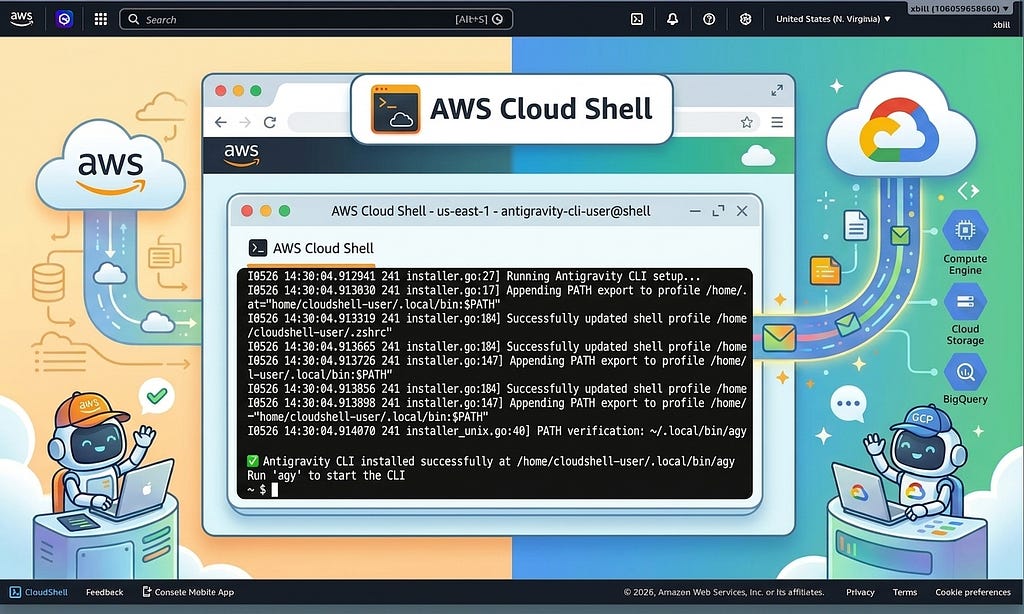
What is Antigravity CLI?
The Google Antigravity CLI is a lightweight Terminal User Interface (TUI) that allows developers to invoke, monitor, and interact with Google Antigravity AI agents directly from the command line. It pairs with Antigravity 2.0 to offer the same core agentic capabilities — like multi-step reasoning, tool calling, and sub-agents — without the overhead of a desktop application.
More information is available here:
Amazon Cloud Shell
AWS CloudShell is a browser-based, pre-authenticated terminal that allows users to securely manage, explore, and interact with AWS resources directly from the AWS Management Console. It comes pre-installed with the AWS CLI, popular programming languages (Python, Node.js), and developer tools, removing the need for local configuration.
The full background information on the Cloud Shell is here:
Browser-based Shell - AWS CloudShell - AWS
Why would I want Antigravity CLI on AWS? Isn’t that a Google Thing?
Yes- Antigravity CLI leverages the Google Gemini models but it is also platform agnostic. Many applications are already cross-cloud so this enables familiar tools to be run natively on Amazon AWS.
Activating Amazon CloudShell
The AWS CloudShell comes preinstalled on all AWS Accounts.
To access the shell — click the Terminal Icon in the upper right hand corner of the console:

Then activate the full shell:
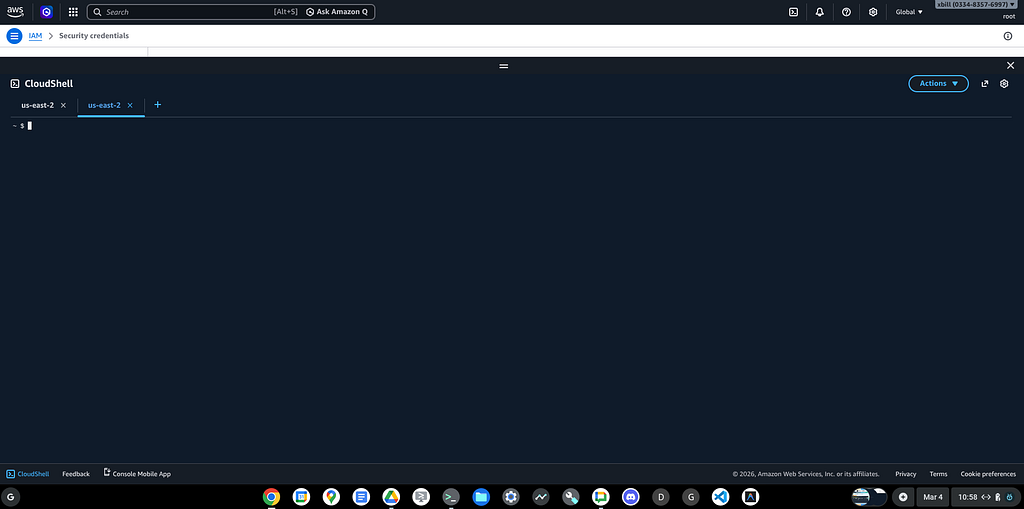
Note- the disk space in the environment is limited to 1GB.
Download and Install agy CLI
The main Antigravity download page is here:
For a terminal window/ shell install:
curl -fsSL https://antigravity.google/cli/install.sh | bash
This will start the installation process:
⠋ Detecting system environment...
✓ Platform detected: linux_amd64
⠋ Querying release repository...
✓ Latest available version: 1.0.2
⠋ Downloading release package...
✓ Download complete and checksum verified.
⠋ Extracting binary from archive...
⠋ Configuring shell environment...
I0526 14:30:04.912941 241 installer.go:27] Running Antigravity CLI setup...
I0526 14:30:04.913030 241 installer.go:147] Appending PATH export to profile /home/cloudshell-user/.bashrc: export PATH="/home/cloudshell-user/.local/bin:$PATH"
I0526 14:30:04.913261 241 installer.go:184] Successfully updated shell profile: /home/cloudshell-user/.bashrc
I0526 14:30:04.913319 241 installer.go:147] Appending PATH export to profile /home/cloudshell-user/.zshrc: export PATH="/home/cloudshell-user/.local/bin:$PATH"
I0526 14:30:04.913665 241 installer.go:184] Successfully updated shell profile: /home/cloudshell-user/.zshrc
I0526 14:30:04.913726 241 installer.go:147] Appending PATH export to profile /home/cloudshell-user/.zprofile: export PATH="/home/cloudshell-user/.local/bin:$PATH"
I0526 14:30:04.913856 241 installer.go:184] Successfully updated shell profile: /home/cloudshell-user/.zprofile
I0526 14:30:04.913898 241 installer.go:147] Appending PATH export to profile /home/cloudshell-user/.bash_profile: export PATH="/home/cloudshell-user/.local/bin:$PATH"
I0526 14:30:04.914038 241 installer.go:184] Successfully updated shell profile: /home/cloudshell-user/.bash_profile
I0526 14:30:04.914070 241 installer_unix.go:40] PATH verification: ~/.local/bin is correctly configured in active PATH environment.

✅ Antigravity CLI installed successfully at /home/cloudshell-user/.local/bin/agy
Run 'agy' to start the CLI
~ $
Testing the Antigravity CLI Environment
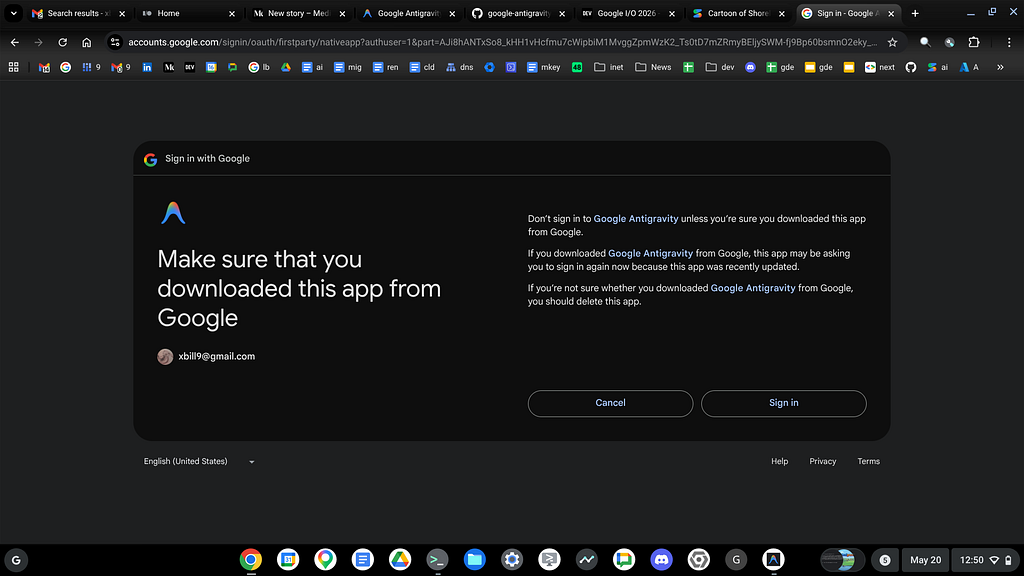
Once you have the package installed — you can test the startup of Antigravity CLI. You will need to authenticate with a Google Project or your Google Account:
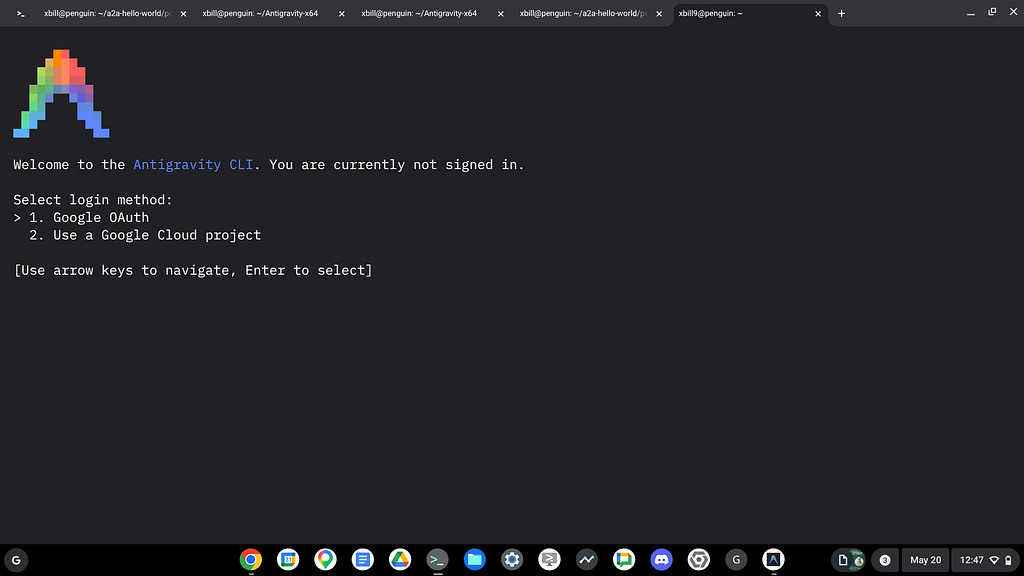
Then step through the process:
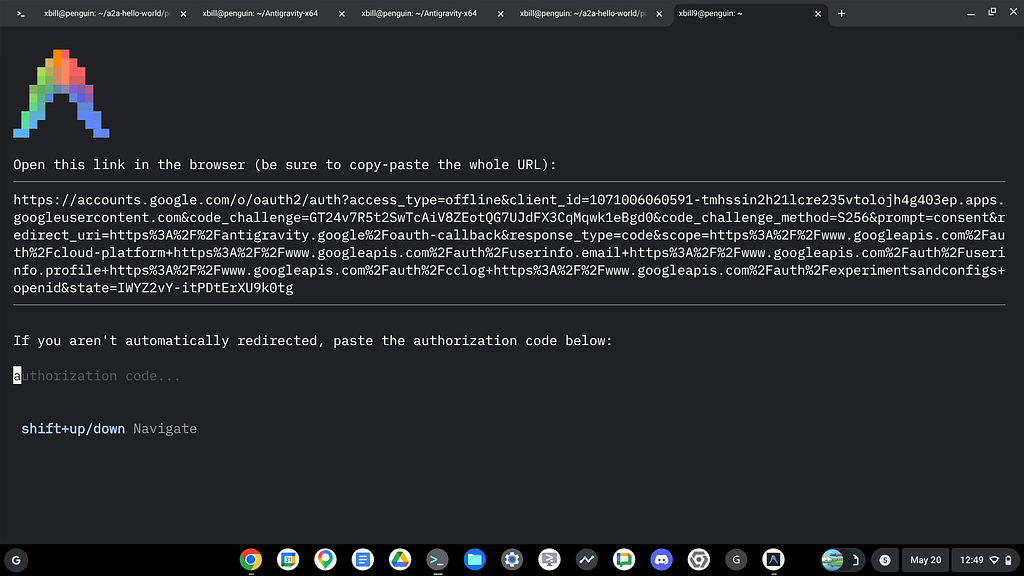
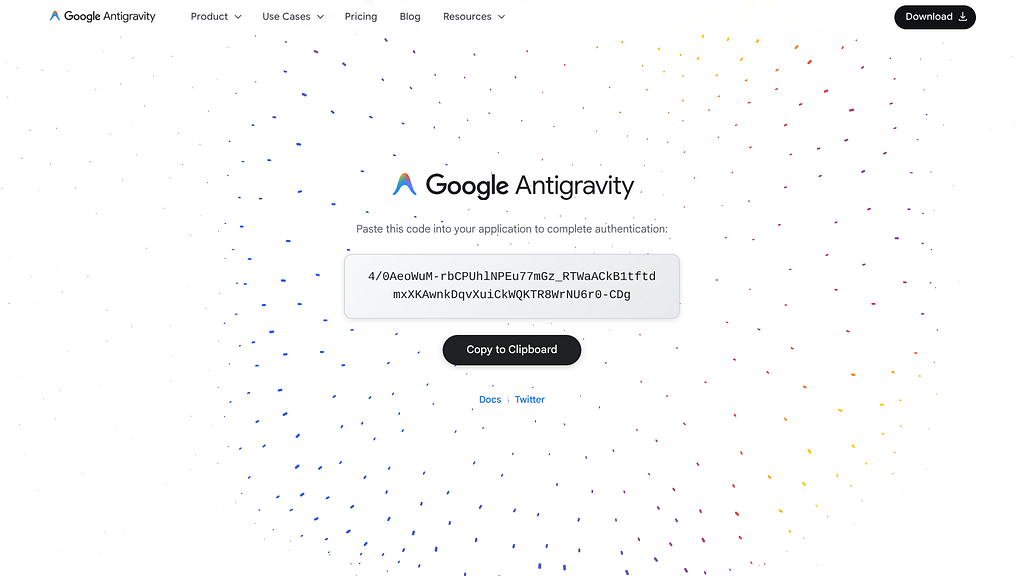
And finally the One time code:
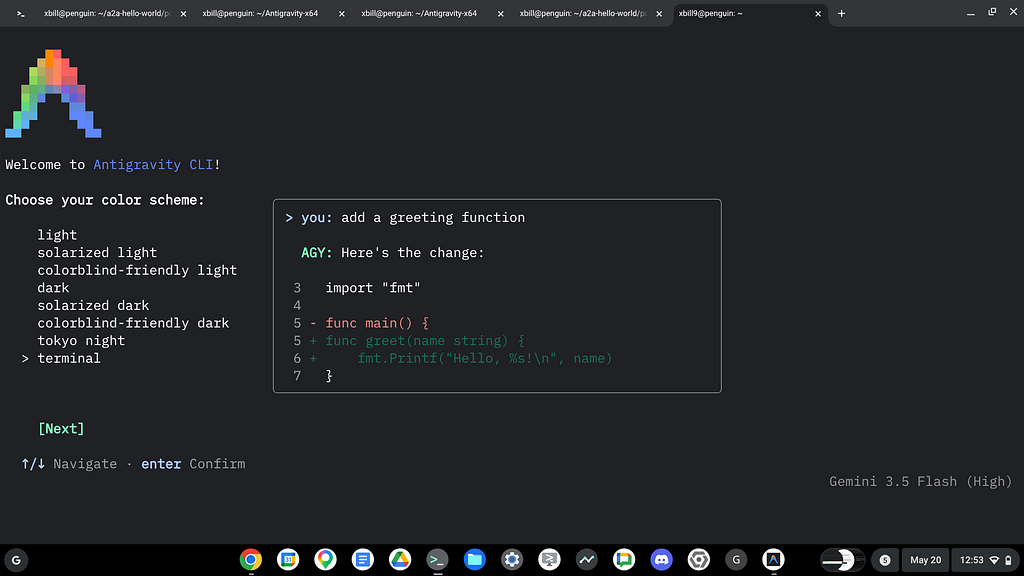
Initial Configuration
Once you have installed and authenticated. Step through initial configuration:
Are we There Yet!?!?
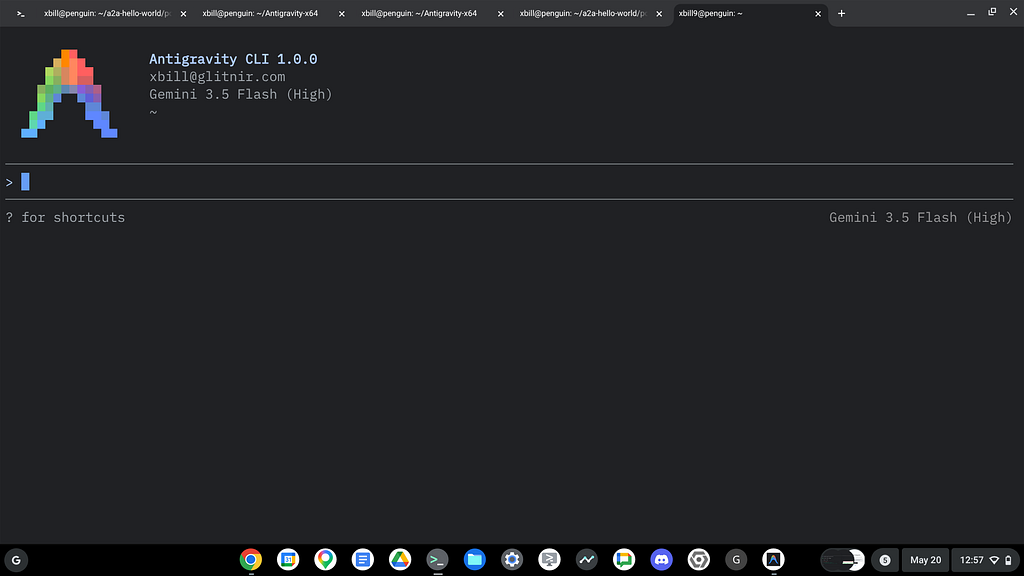
If all the stars align and you do the correct sacrifices to the pagan Gods then at this point you should be able to start up the agy CLI and get down to business.
The startup command is agy:
agy
All Right Already! Can you actually do something?
Fire up that terminal window and get to work:
> what does the aws command line tool do?

  The AWS Command Line Interface (AWS CLI) is a unified tool that allows you to manage and control Amazon Web Services
  (AWS) directly from your terminal or command-line shell.

  Instead of clicking through the web-based AWS Management Console, you can interact with almost all AWS services by
  running commands.

  ### Key Capabilities

  • Service Management: You can provision, configure, and delete AWS resources across services like Amazon S3 (storage),
  Amazon EC2 (virtual servers), DynamoDB (databases), IAM (identity/access management), and more.
  • Automation and Scripting: Because it runs in the shell, you can write scripts (using Bash, Zsh, or PowerShell) to
  automate complex tasks, deployments, backups, and resource monitoring.
  • API Integration: The CLI is a wrapper around the AWS REST APIs. It handles request signing, authentication,
  pagination, and output formatting (supporting JSON, YAML, text, or tables).

  ### Basic Command Structure

  AWS CLI commands follow a standard pattern:

    aws <service> <operation> [options-and-parameters]

  ### Common Examples

  1. List files in an Amazon S3 bucket:
    aws s3 ls s3://my-bucket-name

  2. Upload a file to Amazon S3:
    aws s3 cp document.pdf s3://my-bucket-name/

  3. List running Amazon EC2 instances:
    aws ec2 describe-instances --filters "Name=instance-state-name,Values=running"

  4. Get the identity details of the current CLI user/role:
    aws sts get-caller-identity

──────────────────────────────────────────────────────────────────────────────────────────────────────────────────────────
>
Describe the AWS environment:
  Here is the environment information retrieved using the AWS CLI tool:

  ### 1. AWS CLI Version Info

  • CLI Version: 2.34.50
  • Python Version: 3.14.4
  • OS Platform: Linux (Amazon Linux 2023, run from AWS CloudShell)

  ### 2. AWS CLI Configuration

  • Active Profile: None set (default profile is active)
  • Access & Secret Keys: Configured via IAM role credentials (container-role)
  • Default Region: us-east-1 (defined by the AWS_REGION or AWS_DEFAULT_REGION environment variables)
And AWS specific commands:
> aws s3 ls

● Bash(aws s3 ls --no-cli-pager) (ctrl+o to expand)

  Here is the list of Amazon S3 buckets in your account:

  • bedrock-agentcore-runtime-106059658660-us-west-2-0jicfccoj2 (Created: 2026-05-08 13:52:46)
  • cdk-hnb659fds-assets-106059658660-us-east-1 (Created: 2026-05-06 01:16:31)
  • elasticbeanstalk-us-east-1-106059658660 (Created: 2026-05-08 20:56:05)
  • my-adk-comic-artifacts (Created: 2026-04-21 16:11:53)
  • xbill-test (Created: 2026-03-10 14:22:51)

──────────────────────────────────────────────────────────────────────────────────────────────────────────────────────────
>
Antigravity Commands
Get high level agy e nvironment info:
>
──────────────────────────────────────────────────────────────────────────────────────────────────────────────────────────
Antigravity CLI general commands shortcuts (←/→ or tab to cycle)
Antigravity CLI understands your codebase, makes edits with your permission,
and executes commands — right from your terminal.

Version 1.0.2
[email protected] (Google AI Ultra)
Workspace: ~
Project: /home/cloudshell-user
Conversation: 2182496d-3225-4864-a42d-af69db5684bc
You can switch between models:
>
──────────────────────────────────────────────────────────────────────────────────────────────────────────────────────────
Switch Model

  Gemini 3.5 Flash (Medium) (current)
  Gemini 3.5 Flash (High)
> Gemini 3.5 Flash (Low)
  Gemini 3.1 Pro (Low)
  Gemini 3.1 Pro (High)
  Claude Sonnet 4.6 (Thinking)
  Claude Opus 4.6 (Thinking)
  GPT-OSS 120B (Medium)
Get Context info:
>
──────────────────────────────────────────────────────────────────────────────────────────────────────────────────────────
└ Context Usage
◉ ◉ ◉ ◉ ◉ ◉ ◉ ◉ ◉ □ □ □ □ □ □ □ □ □ □ □ □ □ □ □ Gemini 3.5 Flash (Low) · 28.4k/1.0M tokens
□ □ □ □ □ □ □ □ □ □ □ □ □ □ □ □ □ □ □ □ □ □ □ □ (2.7%)
□ □ □ □ □ □ □ □ □ □ □ □ □ □ □ □ □ □ □ □ □ □ □ □ Token usage by category
□ □ □ □ □ □ □ □ □ □ □ □ □ □ □ □ □ □ □ □ □ □ □ □ ◉ User messages: 19 tokens (0.0%)
□ □ □ □ □ □ □ □ □ □ □ □ □ □ □ □ □ □ □ □ □ □ □ □ ◉ Agent responses: 4.5k tokens (0.4%)
□ □ □ □ □ □ □ □ □ □ □ □ □ □ □ □ □ □ □ □ □ □ □ □ ◉ Tool calls: 163 tokens (0.0%)
□ □ □ □ □ □ □ □ □ □ □ □ □ □ □ □ □ □ □ □ □ □ □ □ ⛁ System prompt: 7.7k tokens (0.7%)
□ □ □ □ □ □ □ □ □ □ □ □ □ □ □ □ □ □ □ □ □ □ □ □ ⛁ System tools: 15.4k tokens (1.5%)
□ □ □ □ □ □ □ □ □ □ □ □ □ □ □ □ □ □ □ □ □ □ □ □ ⛁ Subagents: 662 tokens (0.1%)
□ □ □ □ □ □ □ □ □ □ □ □ □ □ □ □ □ □ □ □ □ □ □ □ □ Free space: 1.0M (97.3%)
□ □ □ □ □ □ □ □ □ □ □ □ □ □ □ □ □ □ □ □ □ □ □ □ ⊠ Checkpoint buffer: 571 tokens (not counted in usage)

Checkpoints (1) · /rewind
└ Checkpoint 1 (active, in context): Initializing Coding Workspace
Check your quota:
>
──────────────────────────────────────────────────────────────────────────────────────────────────────────────────────────
└ Model Quota

  Gemini 3.5 Flash (Medium)
  ███████████ ███████████ ███████████ ███████████ ███████████ 100%
  Quota available

  Gemini 3.5 Flash (High)
  ███████████ ███████████ ███████████ ███████████ ███████████ 100%
  Quota available

  Gemini 3.5 Flash (Low)
  ███████████ ███████████ ███████████ ███████████ ███████████ 100%
  Quota available

  Gemini 3.1 Pro (Low)
  ███████████ ███████████ ███████████ ███████████ ███████████ 100%
  Quota available
Summary
Antigravity CLI was introduced as a compliment to the existing GUI based IDE versions. Antigravity CLI was then installed from the official Google sources to the AWS Cloud Shell. Sample AWS specific querys were tested and some common slash commands were highlighted.
Comments
More Blog
View allaiContext bankruptcy: The case for strategic forgetting for AI Agents
Most of us have seen a coding agent fail to complete a task we know it can do. We just don't...
J
James O'ReillygooglecloudParallel Compliance Engine: Drive-to-Sheets Multi-Agent Orchestration
When building Generative AI applications, developers often encounter a massive bottleneck: sequential...
A
Aryan IranidiscussIs It Ethical to Post and Ask About Circuits on Dev.to?
I’ve been thinking about sharing some electronic circuit posts on Dev.to — small circuits, DIY...
C
codebunny20agentsThe One-Click Exporter: AI Studio Antigravity, Probed to Its Limits
What nobody tells you about exporting your multi-agent prototype to a local workspace. Every...
L
leslysandraagenticarchitectGuarding the till while autonomous data agents do the digging
Autonomous agents are genuinely good at answering messy business questions. Give one an LLM and a set...
S
Sireesha PulipatiaiReturn on Attention: Why AI Code Reviews Are Wearing Us Out
PR volume went up, ticket quality didn't, and the gap got filled with LLMs on both sides of the review: bots reviewing, bots replying, bots occasionally arguing with bots about priorities that only existed in a teammate's head. Our CEO named the actual problem, and it's bigger than code review.
C
christineReady-made automations for this
Workflows from the Neura Market marketplace related to this Stable Diffusion resource
- Auto-translate Blog Articles with Google Translate and Airtable Storagen8n · Free · Related topic
- WordPress Content Assistant: Article Recommendations & Q&A with Mistral AIn8n · Free · Related topic
- Command-based Telegram Bot for Article Summarization & Image Prompts with OpenAIn8n · Free · Related topic
- TechCrunch AI Article Scraper & Classifier with GPT-4.1-nano to Sheets & Telegramn8n · Free · Related topic