 Stable Diffusion
Back to Blog kubernetes
 flutter
 googleappsscript
 flutter
 kubernetes
 ai
ai gemma
gemma
Unlocking workload rightsizing visibility on GKE: How VPA decision logs bring observability to autoscaling
Olivier Bourgeois August 29, 2026
0 views
Learn how to troubleshoot and audit GKE Vertical Pod Autoscaler actions with structured decision logs in Cloud Logging.
title: Unlocking workload rightsizing visibility on GKE: How VPA decision logs bring observability to autoscaling published: true description: Learn how to troubleshoot and audit GKE Vertical Pod Autoscaler actions with structured decision logs in Cloud Logging. tags: kubernetes, ai, gke, googlecloud cover_image: https://dev-to-uploads.s3.us-east-2.amazonaws.com/uploads/articles/x5vcq4zofx74e73l43ji.png
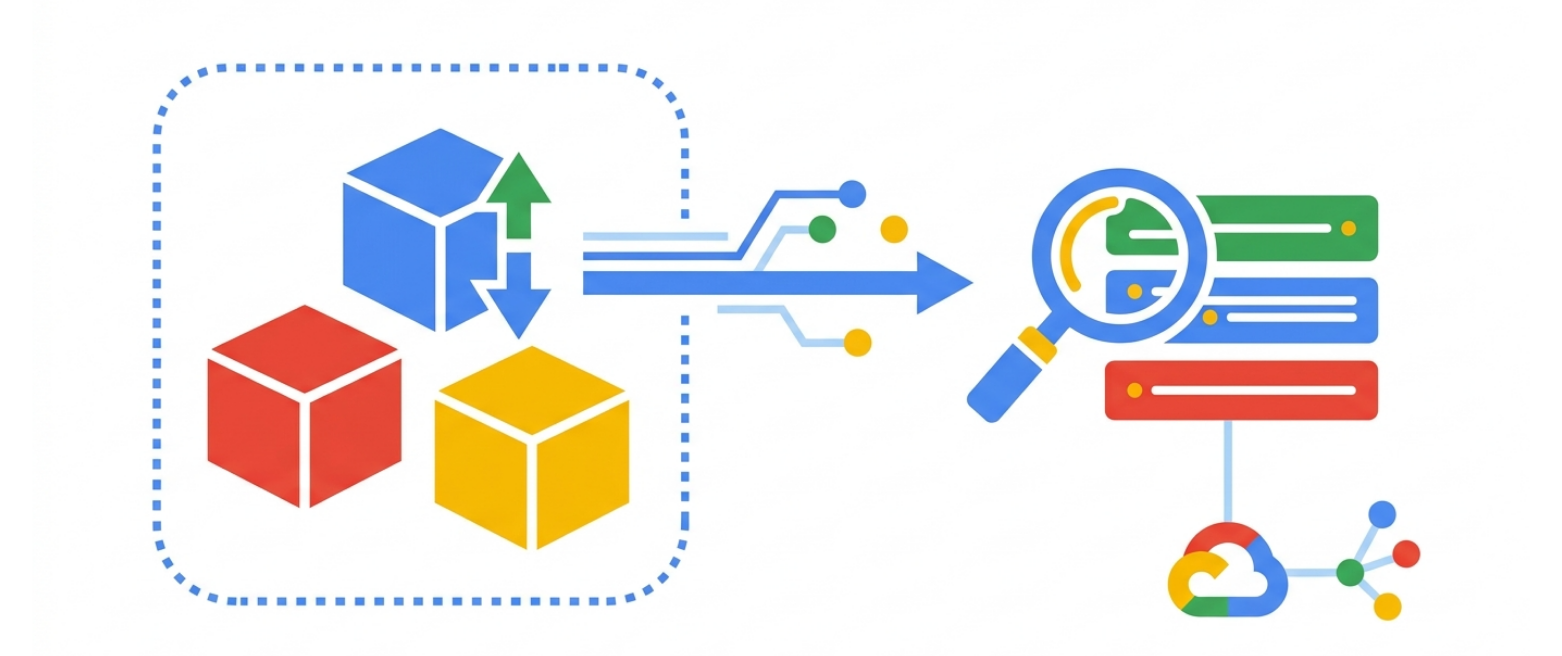
Use a ratio of 100:42 for best results.
published_at: 2026-08-29 18:49 +0000
Automating resource management in Kubernetes has always required a high degree of trust. When you hand over CPU and memory sizing to the Vertical Pod Autoscaler (VPA), you expect it to rightsize containers efficiently without introducing unexpected restarts or performance regressions. Yet for many platform engineers, running VPA in production has felt like operating a black box.
Until recently, inspecting VPA decisions meant relying on standard Kubernetes events or running kubectl describe vpa. These events are transient, often expiring after an hour. If a Pod was evicted unexpectedly during an overnight batch job, or if an in-place resize failed silently due to node capacity limits, diagnosing the root cause the next morning was frustratingly difficult.
To solve this observability gap, the GKE team launched the Public Preview of VerticalPodAutoscaler (VPA) Logs. Available on GKE clusters running version 1.36.0-gke.1601000 or newer, this feature streams structured VPA decision events directly into Cloud Logging.
In this article, I will explain what VPA logs capture, how they demystify autoscaler decisions, and how you can use them to troubleshoot scaling actions and build reliable autonomous workload management.
The missing link in workload autoscaling observability
Vertical autoscaling decisions are inherently complex. The VPA controller continuously evaluates historical CPU and memory utilization, computes recommendations with upper and lower safety bounds, and determines whether an active container needs adjustment.
Without persistent logging, answering essential operational questions was difficult:
- Why did VPA decide to evict a specific Pod instead of keeping it running?
- Was an applied resource recommendation modified by Autopilot compute ratios or custom resource policies?
- Did an in-place resource resize fail, forcing the controller to fall back to recreation?
- How much confidence did the recommendation engine have when calculating new targets?
By exporting VPA decision events to Cloud Logging as first-class control plane logs (KCP_VPA), GKE gives platform operators a permanent audit trail. Combined with existing Horizontal Pod Autoscaler (HPA) logging, teams now have complete visibility across horizontal and vertical scaling dimensions.
Understanding the structure of VPA decision logs
VPA logs are emitted by the vpa-controller control plane component and stored under the log destination container.googleapis.com/vpa-controller in Cloud Logging. Each log entry arrives as a structured JSON payload containing detailed metadata about the target workload, the evaluation state, and the calculated resource bounds.
The controller categorizes decision logs across four primary operations:
- Update recommendation (
UPDATE_RECOMMENDATION): Emitted periodically (once per minute per VPA object). This log details the raw recommendation calculated by the recommender, including lower bound, upper bound, target, uncapped target, and recommendation confidence. - Evict Pod (
EVICT_POD): Emitted when the VPA updater decides to evict a Pod to apply new resource requests underRecreatemode (or as a fallback if in-place resize fails). - Apply recommendation on eviction (
APPLY_RECOMMENDATION_ON_EVICTION): Emitted when a newly scheduled replacement Pod receives resized resource requests during admission. - Apply recommendation in place (
APPLY_RECOMMENDATION_IN_PLACE): Emitted when VPA modifies container resource limits and requests live on a running Pod without a restart underInPlaceOrRecreatemode.
Each log entry includes a state field (SUCCEEDED, SKIPPED, or FAILED) and an explanatory reason string. When an operation succeeds, the reason field clarifies whether applied recommendations diverged from raw recommendations due to policy caps or Autopilot ratio constraints.
Crucially, the payload includes a confidence field:
LOW: The recommender has processed fewer than 10 metric samples.HIGH: The recommender has processed 10 or more metric samples, indicating a mature usage profile.
Enabling VPA decision logs on GKE
VPA logs can be enabled on both new and existing GKE clusters using the Google Cloud CLI.
Enabling logs on cluster creation
To create a new GKE cluster with VPA decision logs enabled, include KCP_VPA in the --logging flag alongside SYSTEM logs:
gcloud container clusters create CLUSTER_NAME \
    --location=LOCATION \
    --project=PROJECT_ID \
    --logging=SYSTEM,KCP_VPA
Updating an existing cluster
When updating an existing cluster, preserve your currently configured logging components so you do not inadvertently overwrite them. Add KCP_VPA to your existing configuration:
gcloud container clusters update CLUSTER_NAME \
    --location=LOCATION \
    --project=PROJECT_ID \
    --logging=SYSTEM,KCP_VPA
Verifying the logging configuration
You can confirm that KCP_VPA is active by retrieving the enabled logging components for the cluster:
gcloud container clusters describe CLUSTER_NAME \
    --location=LOCATION \
    --flatten=loggingConfig \
    --format='csv[delimiter=",",no-heading](componentConfig.enableComponents)'
The output will list KCP_VPA alongside your other active control plane components.
Practical queries for Logs Explorer
Once enabled, you can search and analyze VPA events directly in Google Cloud Logs Explorer.
To view all decision events for a specific workload within a cluster, use the following filter:
resource.type="k8s_control_plane_component"
resource.labels.cluster_name="CLUSTER_NAME"
logName="projects/PROJECT_ID/logs/container.googleapis.com%2Fvpa-controller"
jsonPayload.target.name="WORKLOAD_NAME"
To find instances where VPA skipped or failed an in-place resize operation, query by operation and state:
logName="projects/PROJECT_ID/logs/container.googleapis.com%2Fvpa-controller"
jsonPayload.operation="APPLY_RECOMMENDATION_IN_PLACE"
jsonPayload.state=("SKIPPED" OR "FAILED")
To audit recommendations generated with low confidence, filter on the confidence attribute:
logName="projects/PROJECT_ID/logs/container.googleapis.com%2Fvpa-controller"
jsonPayload.operation="UPDATE_RECOMMENDATION"
jsonPayload.confidence="LOW"
These queries enable site reliability teams to quickly diagnose scaling anomalies, track resize frequency, and identify workloads that require longer profiling before enforcing automated actuation.
Enabling autonomous, intent-based workload autoscaling
The launch of VPA decision logs represents more than a troubleshooting convenience. In modern cloud-native architectures, platform engineering teams are moving toward intent-based infrastructure where autonomous agents monitor, optimize, and heal application environments.
For an AI agent or automated governance pipeline to safely manage container resources, it requires complete observability into both horizontal and vertical scaling lifecycles. By providing a structured, historical record of why the VPA made every sizing decision, GKE equips platform teams and intelligent systems with the data needed to automate workload rightsizing with confidence.
Next steps
VerticalPodAutoscaler logs bring much-needed clarity to container resource optimization on GKE, turning automated rightsizing into a transparent, auditable process.
To get started with VPA logs on your clusters, review the official GKE vertical Pod autoscaler event logs documentation and learn more about configuring Vertical Pod Autoscaling in GKE.
Comments
More Blog
View allflutterOvercoming Dart's Single Inheritance Wall: Composable CubitSignalMixin & BlocSignalMixin in Flutter
Discover how CubitSignalMixin and BlocSignalMixin allow any existing Flutter controller, domain repository, or enterprise class to gain full reactive state container capabilities without occupying its single inheritance slot.
R
Randal L. SchwartzgoogleappsscriptTaking Advantage of Gemini Managed Agents with Google Apps Script
Breaking the Limits of GAS with Direct Cloud-to-Cloud Streaming in Persistent Linux...
T
TanaikeflutterGrand Central Station: Why BLoC, Riverpod, and BlocSignal Are Now True Peers
Discover why Flutter state management is no longer an all-or-nothing choice. Explore how BlocSignal, Classic BLoC, and Riverpod now operate as first-class bidirectional peers at the Grand Central State Terminal.
R
Randal L. SchwartzkubernetesAccelerating JVM startup on GKE: How VPA CPU startup boost eliminates ongoing resource waste
Learn how GKE VerticalPodAutoscaler (VPA) CPU Startup Boost cuts JVM cold starts and eliminates ongoing CPU waste using in-place Pod resizing.
O
Olivier BourgeoisaiWhy AI Websites All Look the Same and How to Build Something Different
If you've built a website with AI recently, there is a good chance it looks familiar. Maybe you have...
M
Mfonobong UmondiagemmaGemma 4 in Pure JAX: What Ports from TPU to GPU, and What Doesn't
This article is about running a hand-written Gemma 4 port in pure JAX on three different...
X
xbillReady-made automations for this
Workflows from the Neura Market marketplace related to this Stable Diffusion resource
- Learn n8n Expressions with an Interactive Step-by-Step Tutorial for Beginnersn8n · $14.99 · Related topic
- Text-to-Image Generation with Flux AI, Google Drive Storage & Sheets Loggingn8n · $9.99 · Related topic
- Build Comprehensive Entity Profiles with GPT-4, Wikipedia & Vector DB for Contentn8n · $24.99 · Related topic
- Extract Text from Images & PDFs via Telegram with Mistral OCR to Markdownn8n · $24.99 · Related topic