Discover HIDDEN YouTube Trends / Outlier Videos in Your Niche (Apify + Airtable)
## For Who? - Content Creators - YouTube Automation - Marketing Team --- ## How it works? **1 -** Every week, retrieve the keywords you want to track. **2 -** Thanks to Apify, scrape videos from YouTube Search related to these keywords, filtered by relevance. **3 -** Wait until the dataset is completed. **4 -** Get the information contained in the dataset. **5 -** For each video, clean and summarize the script. **6 -** Upload everything to your Airtable database. **YouTube Video Tutorial:** [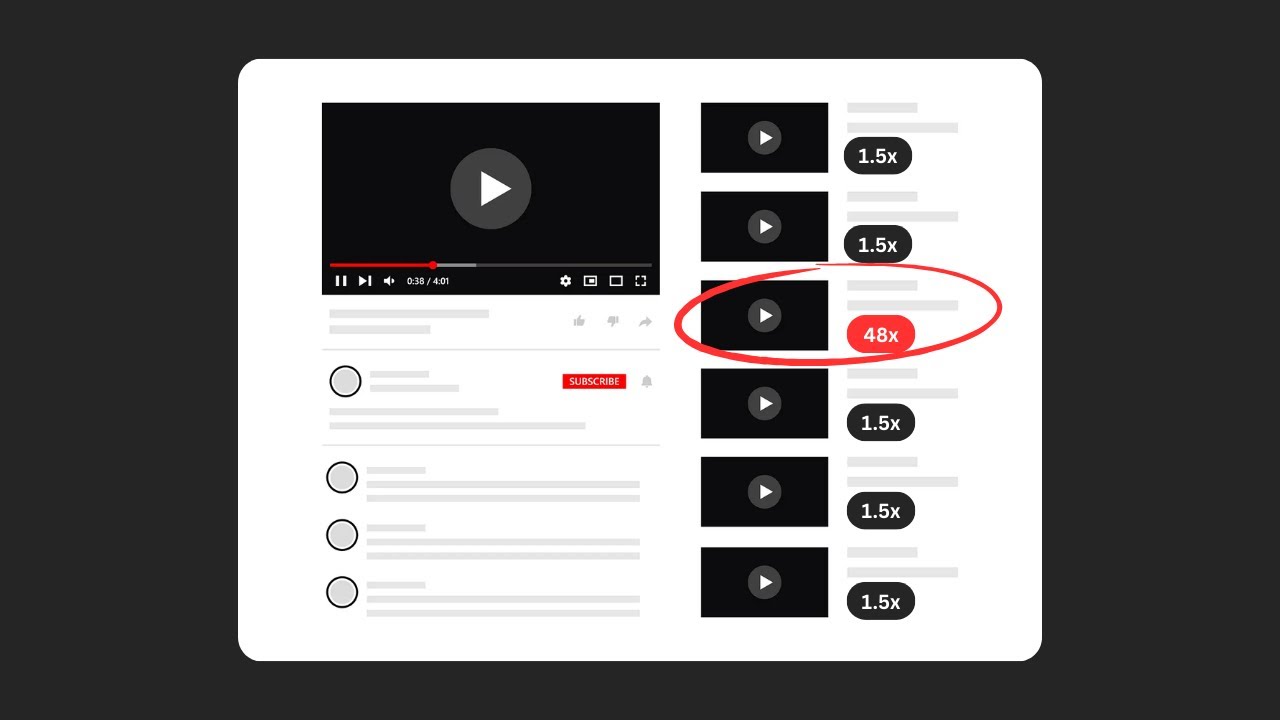](https://www.youtube.com/watch?v=pH2hVaij3FY) --- ## Setup (~5min) **Scheduled Trigger:** Select the frequency you want. If you change it, update the data accordingly in the Create Videos Dataset HTTP Request node in Body → JSON → dateFilter. **Setup Keywords:** Enter keywords related to the niche you want. If you change the number of keywords, update the data accordingly in the Create Videos Dataset HTTP Request node in Body → JSON → searchQueries. **Create Videos Dataset:** Refer to the Apify documentation for more: [https://docs.apify.com/api/v2/getting-started](https://docs.apify.com/api/v2/getting-started) **APIs:** For all HTTP Request nodes in the URL field, replace `[YOUR_API_TOKEN]` with your API token. --- **More Workflows:** [https://n8n.io/creators/nasser/](https://n8n.io/creators/nasser/)
For Who?
- Content Creators
- YouTube Automation
- Marketing Team
How it works?
1 - Every week, retrieve the keywords you want to track.
2 - Thanks to Apify, scrape videos from YouTube Search related to these keywords, filtered by relevance.
3 - Wait until the dataset is completed.
4 - Get the information contained in the dataset.
5 - For each video, clean and summarize the script.
6 - Upload everything to your Airtable database.
YouTube Video Tutorial:

Setup (~5min)
Scheduled Trigger: Select the frequency you want. If you change it, update the data accordingly in the Create Videos Dataset HTTP Request node in Body → JSON → dateFilter.
Setup Keywords: Enter keywords related to the niche you want. If you change the number of keywords, update the data accordingly in the Create Videos Dataset HTTP Request node in Body → JSON → searchQueries.
Create Videos Dataset: Refer to the Apify documentation for more: https://docs.apify.com/api/v2/getting-started
APIs: For all HTTP Request nodes in the URL field, replace [YOUR_API_TOKEN] with your API token.
More Workflows: https://n8n.io/creators/nasser/
New buyers can create an account from the cart to unlock a controlled $10 first-purchase credit on eligible orders of $25+.
Related bundle
Lead Generation Machine
8 hand-picked workflows for $49.00.
That is $6.13 each, vs $14.99 for this one alone.
View bundleSecure checkout powered by Stripe
Support
How to import this workflow into n8n
- 1Purchase or download the workflow to get the n8n workflow JSON file.
- 2In your n8n instance, open Workflows and choose "Import from File" (or paste the JSON with Ctrl+V on the canvas).
- 3Open each node marked with a credential warning and connect your own accounts and API keys.
- 4Run the workflow once manually to verify the data flow, then toggle it to Active.
Related Marketing workflows
- Automate UGC Video Creation and Instagram Posting with Google Gemini and Veo 3$9.99
- Automate Lead Generation and Cold Email Outreach$14.99
- Automate Professional Video Ad Creation from Product Images$19.99
- Track SEO Keyword Rankings with Bright Data MCP and GPT-4o AI Analysis$14.99
- Automate Google Maps Data Scraping and Email Discovery for Local Business Outreach$14.99
- Automate AI-Driven Social Media Content for Auto Services$19.99
Need this deployed? We'll set it up for you.
Our automation experts deploy this workflow in your stack, connect your accounts, and verify it works — or build a custom solution from scratch.