
SandBase CLI: MCP Bridge for Hermes Agent to 2,000+ Models
Connects Hermes Agent to 2,000+ AI models and APIs via a local MCP bridge.
- Author
- sandbaseai
- Stars
- 61
- Language
- TypeScript
- License
- Apache-2.0
- Upstream updated
- 2026-08-27
The SandBase CLI (@sandbaseai/cli) is an open-source command-line tool that connects Hermes Agent, along with 24 other AI clients, to over 2,000 AI models and APIs through a local Model Context Protocol (MCP) bridge. Once wired up, a Hermes Agent can perform web searches, pull social media data, generate images and videos, run language models, scrape web pages, and more, all through natural-language requests without managing a single API key.
What It Does
According to the official README and the Hermes Atlas project listing, the SandBase CLI gives an AI agent access to a broad catalog of capabilities. The concrete capabilities claimed by the sources are:
- Web Search: Google, Exa, Tavily, Scholar for real-time research.
- Social Media: Twitter/X, YouTube, Reddit, Instagram, TikTok, Xiaohongshu, Weibo, Bilibili for monitoring trends, pulling posts, and analyzing content.
- Scraping: Firecrawl, Exa Content to extract data from any public webpage.
- AI Models: GPT-4o, Claude, Gemini, DeepSeek, Qwen, Llama, run any model without managing keys.
- Image Generation: Flux, DALL-E, Ideogram, Recraft for logos, illustrations, and mockups.
- Video Generation: Kling, MiniMax, Runway, Luma for short clips and animations.
- Audio: ElevenLabs for text-to-speech, Whisper for transcription.
- E-commerce: Taobao, Amazon for product research and price comparison.
- Finance: Stock data and company info for market research and analysis.
The CLI exposes six MCP tools to the agent after connection: sandbase_discover, sandbase_inspect, sandbase_run, sandbase_run_get, sandbase_runs, and sandbase_account. These tools let the agent search the catalog, inspect schemas and pricing, execute endpoints, poll async results, review run history with cost breakdowns, and check the account balance.
The sources emphasize that the agent follows a verifiable workflow: discover → inspect → run. This means the agent first searches for a suitable tool, then inspects its input schema and pricing, and only then executes, after confirming the endpoint and parameters. This workflow is designed to be inspectable and to avoid surprise costs.
Setup
Prerequisites
- Node.js with
npxavailable (the CLI is distributed as an npm tarball and run vianpx). - A free SandBase account (create one at https://sandbase.ai).
- A supported AI client, such as Hermes Agent, installed and running.
Installation and Authorization
The primary installation method is to run the CLI directly via npx from the immutable GitHub release tarball. The sources give this exact command:
npx -y https://github.com/sandbaseai/cli/releases/download/v0.1.17/sandbaseai-cli-0.1.17.tgz connect
This command opens a browser-based OAuth authorization flow. You approve once, and the CLI saves the API key locally and configures the MCP bridge for your detected clients.
Reproducible Install with SHA-256 Verification
For a reproducible install, the sources recommend verifying the immutable release archive before running it. The SHA-256 for sandbaseai-cli-0.1.17.tgz is 1ad535b2899ca460b57b3c268aef278fee28fd28e649a89b92951514fd71fffa. The exact commands are:
curl -fL -o sandbaseai-cli-0.1.17.tgz \
  https://github.com/sandbaseai/cli/releases/download/v0.1.17/sandbaseai-cli-0.1.17.tgz
echo '1ad535b2899ca460b57b3c268aef278fee28fd28e649a89b92951514fd71fffa  sandbaseai-cli-0.1.17.tgz' | shasum -a 256 -c -
npx -y ./sandbaseai-cli-0.1.17.tgz connect
Note that the echo command in the Hermes Atlas source has a single space between the hash and the filename, while the GitHub README has two spaces. Both are shown here; the README version is the official one. The shasum -a 256 -c - command verifies the checksum; if it fails, do not run the tarball.
Homebrew Installation (macOS/Linux)
The official README also documents a Homebrew formula:
brew install sandbaseai/tap/sandbaseai-cli
sandbase connect
This is an alternative to the npx method. The sources link to a Homebrew launch announcement and macOS/Linux CI evidence in the repository discussions.
Inspecting the Compatibility Catalog
Before signing in or changing configuration, you can preview the verified 25-client catalog with a read-only command:
npx -y https://github.com/sandbaseai/cli/releases/download/v0.1.17/sandbaseai-cli-0.1.17.tgz catalog --json
Homebrew users can run the same check with sandbase catalog --json. This command does not write any files and is safe to run before authorization.
Hermes-Specific Setup
The sources include a dedicated Hermes quickstart. To connect Hermes Agent specifically, run:
npx -y https://github.com/sandbaseai/cli/releases/download/v0.1.17/sandbaseai-cli-0.1.17.tgz connect --client hermes
npx -y https://github.com/sandbaseai/cli/releases/download/v0.1.17/sandbaseai-cli-0.1.17.tgz doctor --client hermes
The connect command installs both the managed Hermes Skill and the local MCP entry in one authorization transaction. The doctor command verifies the owned local credential, MCP entry, and Skill. After doctor reports everything as configured, restart Hermes to confirm native discovery in a fresh client session, then use the SandBase Skill or MCP tools.
If Hermes already has a non-SandBase MCP entry named sandbase, the installer leaves it untouched instead of overwriting it. This ownership-aware behavior is a documented security feature.
OpenClaw Quickstart (for Comparison)
The sources also document an OpenClaw quickstart, which is useful to understand the pattern. To target OpenClaw directly:
npx -y https://github.com/sandbaseai/cli/releases/download/v0.1.17/sandbaseai-cli-0.1.17.tgz connect --client openclaw
npx -y https://github.com/sandbaseai/cli/releases/download/v0.1.17/sandbaseai-cli-0.1.17.tgz doctor --client openclaw
After doctor reports the credential, MCP bridge, and Skill as configured, restart OpenClaw and make a natural-language request that needs SandBase. If OpenClaw already has a non-SandBase MCP server named sandbase, the installer leaves it untouched.
Connecting All Detected Clients or a Specific One
The general connect command without a --client flag connects all detected clients at once. To target one specific client, use the --client flag:
# Connect all detected clients at once
npx -y https://github.com/sandbaseai/cli/releases/download/v0.1.17/sandbaseai-cli-0.1.17.tgz connect

# Or target one specific client
npx -y https://github.com/sandbaseai/cli/releases/download/v0.1.17/sandbaseai-cli-0.1.17.tgz connect --client cursor
Configuration Reference
The sources document the following CLI commands and MCP tools. There are four or more options, so a table is used.
CLI Commands
| Command | Purpose |
|---|---|
sandbase connect [--client <name>] | Authorize and configure the MCP bridge for detected or specified clients |
sandbase doctor [--client <name>] | Health check; verifies credential, MCP entry, and Skill |
sandbase unregister [--client <name>] | Remove configuration owned by SandBase for the specified client |
sandbase catalog --json | List all supported clients in JSON format (read-only) |
MCP Tools (available to the agent after connecting)
| Tool | Purpose |
|---|---|
sandbase_discover | Search all 2,000+ available AI models and APIs |
sandbase_inspect | Get input schema, pricing, and ready-to-use template |
sandbase_run | Execute a model or API endpoint |
sandbase_run_get | Poll status/result of an async run (e.g., video generation) |
sandbase_runs | List recent API calls with cost breakdown |
sandbase_account | Check account balance (free, no cost) |
Configuration Details
- API key storage: The API key is saved locally with file permissions
0600, meaning only the owner can read or write it. - OAuth flow: Uses browser-based OAuth device flow with PKCE. No secrets appear in URLs or CLI arguments.
- MCP bridge: Configured for each client. The bridge runs on-demand; there is no daemon or background process.
- Ownership-aware updates: Existing JSONC comments and user-managed MCP entries are preserved. On failure or
unregister, only configuration owned by SandBase is removed. - Revocation: You can revoke access anytime with one click in the SandBase Dashboard.
How It Works
The sources explain the architecture with a diagram:
┌─────────────────┐         ┌───────────────┐         ┌────────────────────┐
│   Your Agent    │  MCP    │  Local Bridge │  HTTPS  │    SandBase API     │
│  (Cursor, etc.) │────────▶│  (on-demand)  │────────▶│ 2,000+ models/APIs │
│                 │◀────────│               │◀────────│                    │
└─────────────────┘         └───────────────┘         └────────────────────┘
The data flow is as follows:
- Run
connect→ CLI opens browser auth → you approve. - API key is saved locally with file permissions
0600. - MCP bridge is configured for your client.
- Agent calls tools on-demand. No daemon. No background process.
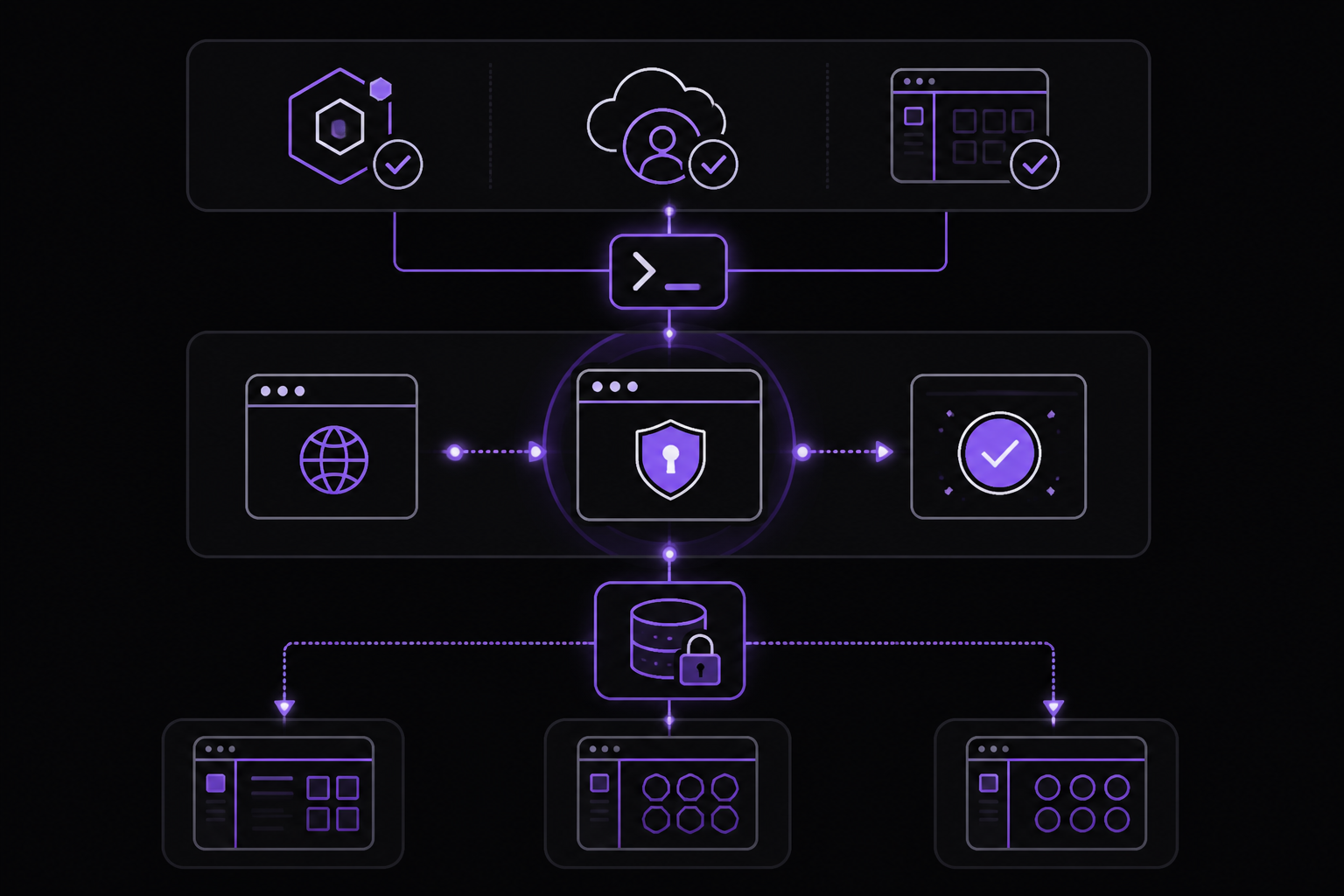
The agent communicates with the local MCP bridge using the Model Context Protocol. The bridge then makes HTTPS requests to the SandBase API, which aggregates 2,000+ models and APIs. The bridge is on-demand, meaning it only runs when the agent calls a tool, and it shuts down when not in use.
The recommended agent workflow is:
discover → inspect → run
Concretely:
1. sandbase_discover(q: "twitter search")          → find current candidates
2. sandbase_inspect(name: discovered_name)          → get schema and pricing
3. sandbase_run(name: discovered_name, input: {...}) → run after confirmation
The sources stress that catalog entries, schemas, pricing, latency, and availability can change, so the agent should use the tool response from the current session rather than a static example. The sandbase_inspect tool is meant to be used before running a model or API to see its current schema and price.
For asynchronous work, such as video generation, the agent uses sandbase_run_get with the returned run_id instead of creating a duplicate run. The sandbase_runs tool lets the agent review recent run status and recorded cost, and sandbase_account checks the current account balance.
Requirements and Limitations
The sources specify the following requirements and limitations:
- Supported platforms: The Homebrew formula is available on macOS and Linux. The
npxmethod requires Node.js. No Windows-specific instructions are given. - Client catalog: The CLI supports 25 client targets. The sources list them as:
- Auto-configured: Cursor, Cursor CLI, Claude Code, Codex, Kiro IDE, Kiro CLI, Windsurf, Gemini CLI, Amp, Warp, OpenCode, Qwen Code, Kimi CLI, Hermes, OpenClaw.
- Manual setup: ChatGPT, Claude Desktop.
- Version note: The npm
latesttag currently serves v0.1.14 while tokenless trusted publishing is being enabled. The GitHub release tarball is built from the immutablev0.1.17tag; its SHA-256 is published with the release. This meansnpx @sandbaseai/climight install an older version than the one documented. - OpenClaw Skill removal limitation: OpenClaw currently exposes no supported Skill removal command, so
unregisterreports that limitation and leaves the verified SandBase Skill installed. This is a known gap. - Hermes integration status: The Hermes integration is independently listed in the Hermes Atlas ecosystem catalog and as beta in Awesome Hermes Agent. The beta status implies it may be less stable than other integrations.
- Cost and availability: Live results, latency, availability, and pricing vary by provider and request. The sources advise using
sandbase_inspectbefore running a model or API to see current schema and price. - Account balance: The
sandbase_accounttool is free and has no cost, but running models and APIs generally incurs costs.
Troubleshooting
The sources mention a few failure modes and their fixes:
- Checksum verification failure: If the
shasum -a 256 -c -command fails, the downloaded tarball is not the immutable release. Do not run it. Re-download from the official GitHub release URL and verify again. - Pre-existing MCP entry named
sandbase: If the client already has a non-SandBase MCP entry namedsandbase, the installer leaves it untouched instead of overwriting it. This is by design. To avoid confusion, the sources recommend usingdoctorto verify the managed entry. If you need to remove the managed entry later, useunregister. - OpenClaw Skill removal not supported: If you try to remove the SandBase Skill from OpenClaw,
unregisterwill report that OpenClaw exposes no supported Skill removal command and will leave the Skill installed. This is a documented limitation, not a bug. - Hermes not discovering tools after connect: The sources instruct to restart Hermes after
connectanddoctorto confirm native discovery in a fresh client session. If discovery fails, rundoctor --client hermesagain to verify the credential, MCP entry, and Skill are all configured. - Stale catalog or pricing: The sources warn that catalog entries, schemas, pricing, latency, and availability can change. If an agent uses a static example, it may get outdated information. The fix is to always use
sandbase_discoverandsandbase_inspectin the current session before running.
Security
The sources highlight several security features:
- Zero secrets in URLs or CLI args: OAuth device flow with PKCE ensures no API keys are exposed in command lines or URLs.
- Restricted file permissions: Credentials are stored with
0600permissions, so only the owner can read them. - Ownership-aware updates: Existing JSONC comments and user-managed MCP entries are preserved. The installer only modifies what it owns.
- Exact rollback: On failure or
unregister, only configuration owned by SandBase is removed. This prevents accidental deletion of user-managed settings. - Revoke anytime: You can revoke access with one click in the SandBase Dashboard.
Supported Clients (25 Targets)
The full list of supported clients, as documented in the sources, is:
| Auto-configured | Manual setup |
|---|---|
| Cursor, Cursor CLI | ChatGPT |
| Claude Code | Claude Desktop |
| Codex | |
| Kiro IDE, Kiro CLI | |
| Windsurf | |
| Gemini CLI | |
| Amp | |
| Warp | |
| OpenCode, Qwen Code, Kimi CLI | |
| Hermes, OpenClaw |
This catalog is verified in the v0.1.17 release and can be previewed with the catalog --json command without signing in or changing any files.
Community and Ecosystem
The SandBase CLI is part of a broader open-source stack:
- SandBase Harness: A self-hosted agent runtime with persistent sessions, sandbox isolation, approvals, audit, and replay.
- SandBase Agent Skills: 88 installable Skills for research, social intelligence, marketing, and business workflows.
- SandBase for Codex: An official Codex plugin packaging the SandBase MCP bridge and guided Agent Skill.
The CLI is listed in the official MCP Registry and various community directories, including Hermes Atlas and Awesome Hermes Agent. The Hermes integration is independently listed in the Hermes Atlas ecosystem catalog and as beta in Awesome Hermes Agent.
License
The project is licensed under Apache-2.0.
Sources & References
This page was researched from 2 independent sources, combined and verified for completeness.
- 1.sandbaseai/cliBlog · primary source
- 2.sandbaseai/cli READMEOfficial documentation
The #1 AI Newsletter
The most important ai updates, guides, and fixes — one weekly email.
No spam, unsubscribe anytime. Privacy policy