
Hermes TimeTree Sync: Calendar Automation for Hermes Agent
Hermes Agent to TimeTree calendar bridge for non-interactive event sync.
- Author
- kfa-ai
- Stars
- 1
- Language
- Python
- Upstream updated
- 2026-05-22
What It Does
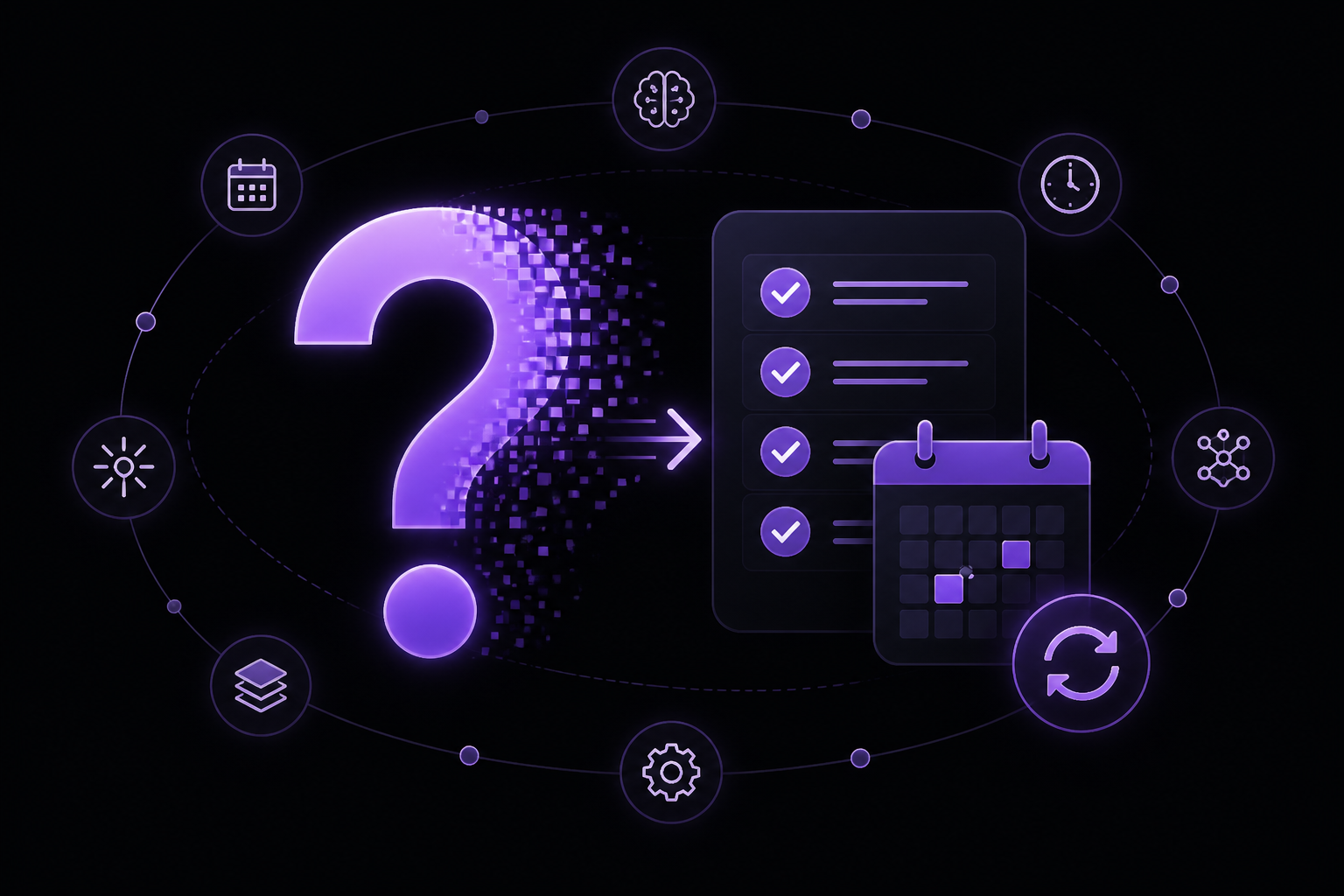
Hermes TimeTree Sync connects the Hermes Agent runtime to TimeTree, a shared calendar platform. Once wired up, an agent can create, update, and delete TimeTree calendar events directly from a chat conversation without requiring the user to open the TimeTree app or browser. The agent translates natural language requests like "Add Day off on May 18" into structured calendar writes using locally stored credentials.
Concrete capabilities from the sources:
- Create all-day events non-interactively via HTTP requests.
- Create timed events through a Safari-backed automation path.
- Batch create all-day events with a single user lookup for efficiency.
- List calendars and labels for discovery.
- Sync calendar events through TimeTree's web sync endpoint.
- Update and delete events through guarded client methods.
- Map natural language terms to calendar labels using an optional local YAML policy.
- Authenticate via a stored TimeTree web session cookie, with an experimental email/password sign-in command.
The bridge is designed to be UI-free at runtime. A local setup step stores or refreshes the session cookie and calendar ID outside of chat. Hermes then parses a natural-language calendar request into structured event data and calls the CLI or client library directly. For all-day events, the TimeTree UI is never opened during the user request. Timed events currently use Safari page-context execution because the direct replay path is unreliable for writes.
Setup
Installation
Clone the repository and install dependencies using uv, the project's package manager:
git clone git@github.com:kfa-ai/hermes-timetree-sync.git
cd hermes-timetree-sync
uv sync --dev
After installation, run the local quality gates to verify everything is working:
uv run pytest
uv run ruff check .
Configuration
Provide runtime configuration via a .env file or environment variables. Two variables are required:
TIMETREE_SESSION_COOKIE=...
TIMETREE_CALENDAR_ID=...
TIMETREE_SESSION_COOKIEis the value of TimeTree's_session_idbrowser cookie. Treat it as a bearer secret. Never commit it or paste it into chat.TIMETREE_CALENDAR_IDis the target TimeTree calendar ID for writes.
For local email/password TimeTree accounts, an experimental sign-in command can attempt to exchange credentials for a web session. Set these environment variables:
TIMETREE_EMAIL=you@example.com
TIMETREE_PASSWORD=...
Then run:
uv run hermes-timetree-sync sign-in
Direct sign-in may fail depending on TimeTree's browser/session checks. Production Hermes usage should rely on a stored, locally refreshed session cookie. See docs/authentication.md for more details.
Label Policy (Optional)
Create and update helpers can set label_id from a local YAML policy instead of hard-coding calendar-specific terms in source code. Copy the example file:
cp timetree-labels.yaml.example timetree-labels.yaml
Edit timetree-labels.yaml with the target calendar's label IDs and matching terms. The local file is ignored by git. To use a different policy file:
export TIMETREE_LABEL_POLICY_FILE=/path/to/timetree-labels.yaml
Configuration Reference
| Option | Description | Default |
|---|---|---|
TIMETREE_SESSION_COOKIE | Value of TimeTree's _session_id browser cookie. Required for all write operations. | None |
TIMETREE_CALENDAR_ID | Target TimeTree calendar ID for writes. Required. | None |
TIMETREE_EMAIL | TimeTree account email for experimental sign-in. | None |
TIMETREE_PASSWORD | TimeTree account password for experimental sign-in. | None |
TIMETREE_LABEL_POLICY_FILE | Path to a YAML file mapping terms/categories to TimeTree label IDs. | timetree-labels.yaml in the project root |
How It Works
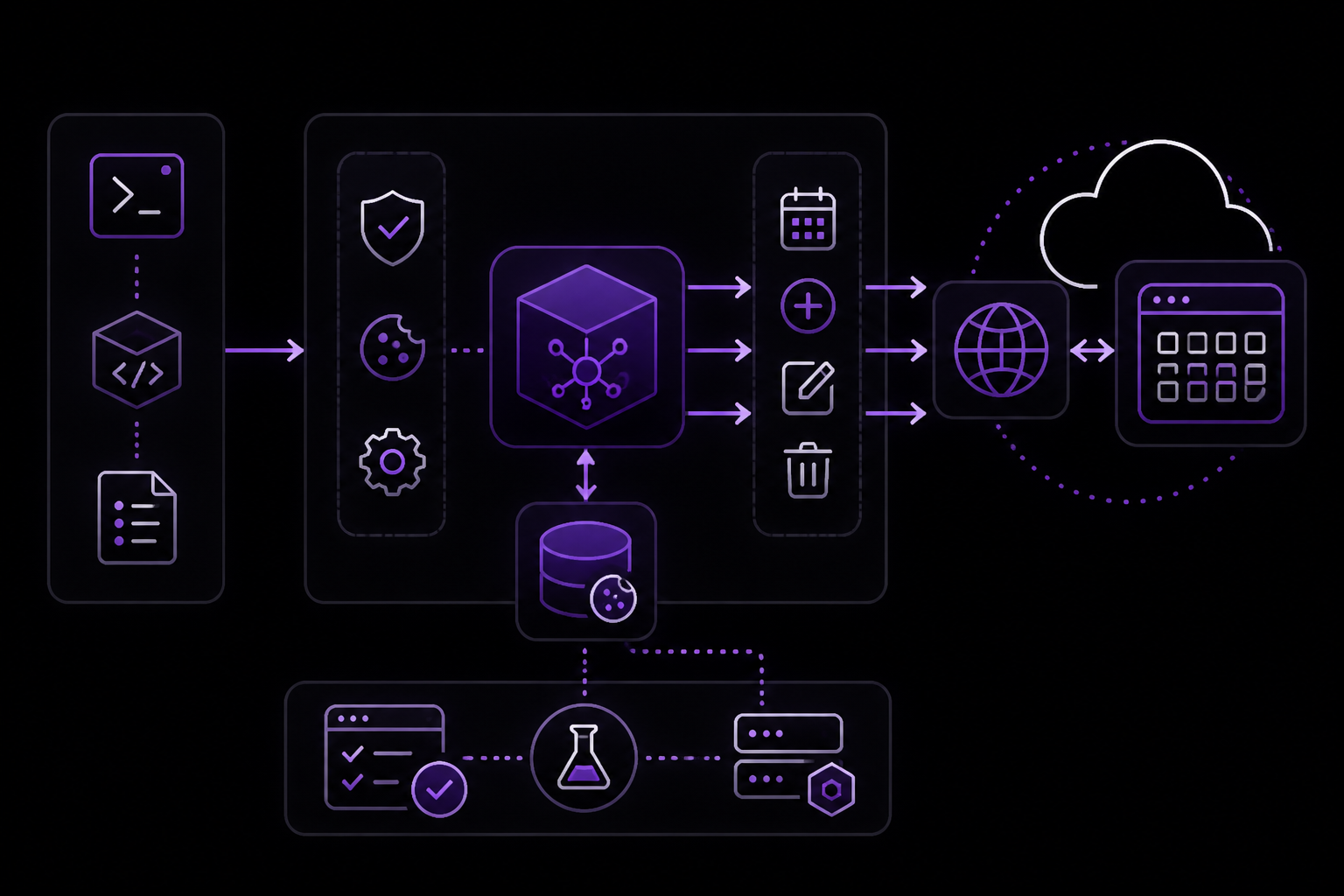
Hermes TimeTree Sync is a Python CLI and client library that interacts with TimeTree's current web endpoints. Since TimeTree discontinued its official third-party API in December 2023, this bridge uses authenticated web endpoints and session cookies to perform non-interactive writes.
The architecture follows a narrow, tested client boundary. All TimeTree-specific behavior is kept behind TimeTreeClient or narrow CLI helpers. The project prefers mocked HTTP tests over live credentials.
For all-day events, the tool sends HTTP requests directly to TimeTree's web endpoints using the stored session cookie. The batch command (create-all-day-batch) fetches the current TimeTree user once and reuses that ID for all event attendees, making it faster for multiple calendar writes. It also includes regression coverage for TimeTree accounts whose /api/v1/user ID is returned as a number rather than a string.
For timed events, the tool uses a Safari-backed automation path. It requires Safari to already be logged into TimeTree with Develop > Allow JavaScript from Apple Events enabled. The command opens the target TimeTree calendar, posts a timed all_day: false event with browser credentials: include, then verifies the created event through /events/sync. This path exists because direct non-browser writes with only _session_id can return HTTP 422 even when browser-context writes succeed.
The Hermes integration model works in four steps:
- A local setup/bootstrap step stores or refreshes
TIMETREE_SESSION_COOKIEandTIMETREE_CALENDAR_IDoutside chat. - Hermes parses a natural-language calendar request into structured event data.
- Hermes calls the CLI or client library directly.
- For all-day events, the TimeTree UI is not opened during the user request. Timed events currently use Safari page-context execution because the direct replay path is unreliable for writes.
For multiple requested all-day events, Hermes-facing wrappers should prefer create-all-day-batch so the current TimeTree user is fetched once and reused for all event attendees. For timed events, wrappers should prefer create-timed rather than embedding Safari JavaScript locally.
Requirements and Limitations
- Python 3.12+ is required.
- Package manager:
uvis used for dependency management and running commands. - TimeTree API status: TimeTree discontinued its official third-party API in December 2023. This bridge uses TimeTree's current web endpoints through a deliberately narrow, tested client boundary. Upstream web-app changes may require maintenance.
- Authentication: Production usage requires a stored, locally refreshed session cookie. The email/password sign-in is experimental and may fail depending on TimeTree's browser/session checks.
- Timed events: Currently require Safari with Develop > Allow JavaScript from Apple Events enabled. Direct non-browser writes with only
_session_idcan return HTTP 422 even when browser-context writes succeed. - All-day events: Can be created non-interactively via HTTP requests. The TimeTree UI is not opened during the user request.
- Batch writes: The batch command was added in
v0.1.1for faster Hermes calendar writes. It also includes regression coverage for TimeTree accounts whose/api/v1/userID is returned as a number rather than a string. - Label policy: Optional local YAML policy for mapping terms/categories to TimeTree labels. The local file is ignored by git.
- Security: Never commit or paste into chat: TimeTree passwords,
_session_id/_timetree_sessioncookies, raw private calendar payloads, Google OAuth tokens or other downstream calendar credentials. Local.envfiles are for development/runtime configuration only. Keep examples, docs, tests, logs, and issue comments sanitized. - License: Private/internal project unless a license is added later.
Troubleshooting
Direct sign-in fails
The experimental email/password sign-in command (uv run hermes-timetree-sync sign-in) may fail depending on TimeTree's browser/session checks. The sources recommend relying on a stored, locally refreshed session cookie for production Hermes usage. See docs/authentication.md for more guidance.
Timed event creation returns HTTP 422
Direct non-browser writes with only _session_id can return HTTP 422 even when browser-context writes succeed. The create-timed command works around this by using Safari's authenticated TimeTree page context. Ensure Safari is already logged into TimeTree with Develop > Allow JavaScript from Apple Events enabled.
Batch command fails for some accounts
The batch command (create-all-day-batch) includes regression coverage for TimeTree accounts whose /api/v1/user ID is returned as a number rather than a string. If you encounter issues, ensure you are using version v0.1.1 or later.
General troubleshooting
- Run
uv run hermes-timetree-sync doctorto check configuration. - Run
uv run hermes-timetree-sync list-calendarsto verify calendar discovery works. - Run
uv run pytestanduv run ruff check .to verify the local environment is healthy. - Check the project documentation:
docs/authentication.md,docs/reverse-engineered-api.md,docs/roadmap.md, andCHANGELOG.md.
Sources & References
This page was researched from 2 independent sources, combined and verified for completeness.
- 1.kfa-ai/hermes-timetree-syncBlog · primary source
- 2.kfa-ai/hermes-timetree-sync READMEOfficial documentation
The #1 AI Newsletter
The most important ai updates, guides, and fixes — one weekly email.
No spam, unsubscribe anytime. Privacy policy