
Back to Blog devchallenge
 githubcopilot
 agents
 githubcopilot
 agents
 jetson
 ai
ai
I Watched an Anime and Built a VS Code Theme Bundle Inspired by 17th-Century Japanese Art
Mohit ✨ February 4, 2026
0 views
This is a submission for the GitHub Copilot CLI Challenge What I Built I built Ukiyo-Tone...
*This is a submission for the [GitHub Copilot CLI Challenge](https://dev.to/challenges/github-2026-01-21)*
## What I Built
I built **Ukiyo-Tone** — a six-theme VS Code bundle inspired by 17th-century Japanese Ukiyo-e woodblock prints and Sumi-e ink traditions.
It started with a Netflix binge.
I was watching *Blue Eye Samurai* and couldn't stop staring at the animation. Gorgeous. Every frame felt like a painting. That sent me down a rabbit hole — researching Ukiyo-e techniques, woodblock printing, mineral pigments, the whole aesthetic tradition.
And somewhere in that rabbit hole, I thought: *What if my code editor felt like this?*
Not flashy. Not trendy. Just... calm. Sharp. Built for long hours of focused work.
Honestly? Most VS Code themes feel like they're designed for screenshots, not actual coding sessions. They're either too sterile (corporate vibes) or too chaotic (rainbow syntax highlighting that makes your eyes bleed after two hours).
Ukiyo-Tone is different. It treats color as **syntax, not paint**. Keywords define grammar. Functions express motion. Variables carry weight. Nothing exists purely for aesthetics.
The bundle includes six distinct themes, each inspired by specific elements of Edo period culture:
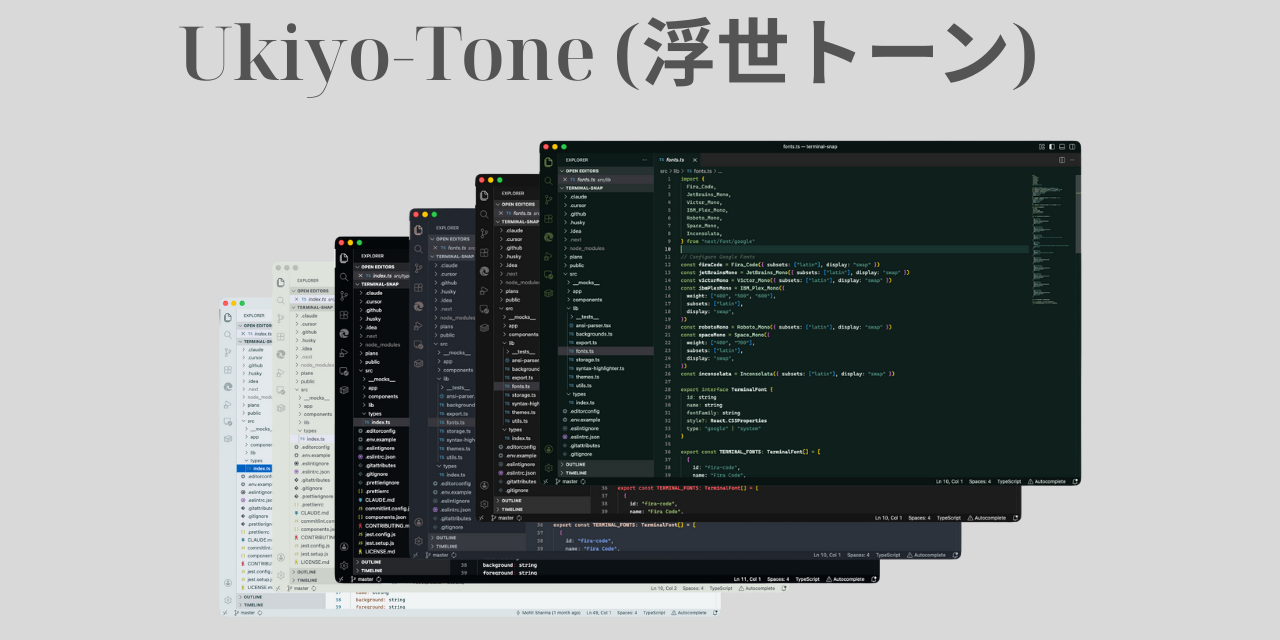
**Asahi (旭 - Morning Sun)** — Light theme. Fresh washi paper and early morning light.
**Karesansui (枯山水 - Dry Landscape)** — Zen garden theme. Moss, stone, and raked sand.
**Tasogare (黄昏 - Twilight)** — Soft dark theme. Evening landscapes and faded indigo.
**Koke-Dera (苔寺 - Moss Temple)** — Monotone dark. Deep forest shadows.
**Kuro-Sumi (黒墨 - Black Ink)** — Deep dark theme. Charcoal ink and midnight shadows.
**Kachi-iro (勝ち色 - Victory Color)** — High contrast dark. The "lucky" navy indigo worn by samurai.
Each theme follows the same philosophy: **restraint over abundance**. If a visual choice improves screenshots but harms long-term focus, it gets rejected.
## Demo
🎨 **Install from VS Code Marketplace:** [Ukiyo-Tone](https://marketplace.visualstudio.com/items?itemName=OneMohitSharma.ukiyo-tone)
🔗 **GitHub Repository:** [github.com/mohitSharma74/ukiyo-tone](https://github.com/mohitSharma74/ukiyo-tone)
🚀 **Install on VS Code Forked IDEs from Open VSIX:** [Ukiyo-tone](https://open-vsx.org/extension/OneMohitSharma/ukiyo-tone)
**Asahi (旭 - Morning Sun)**
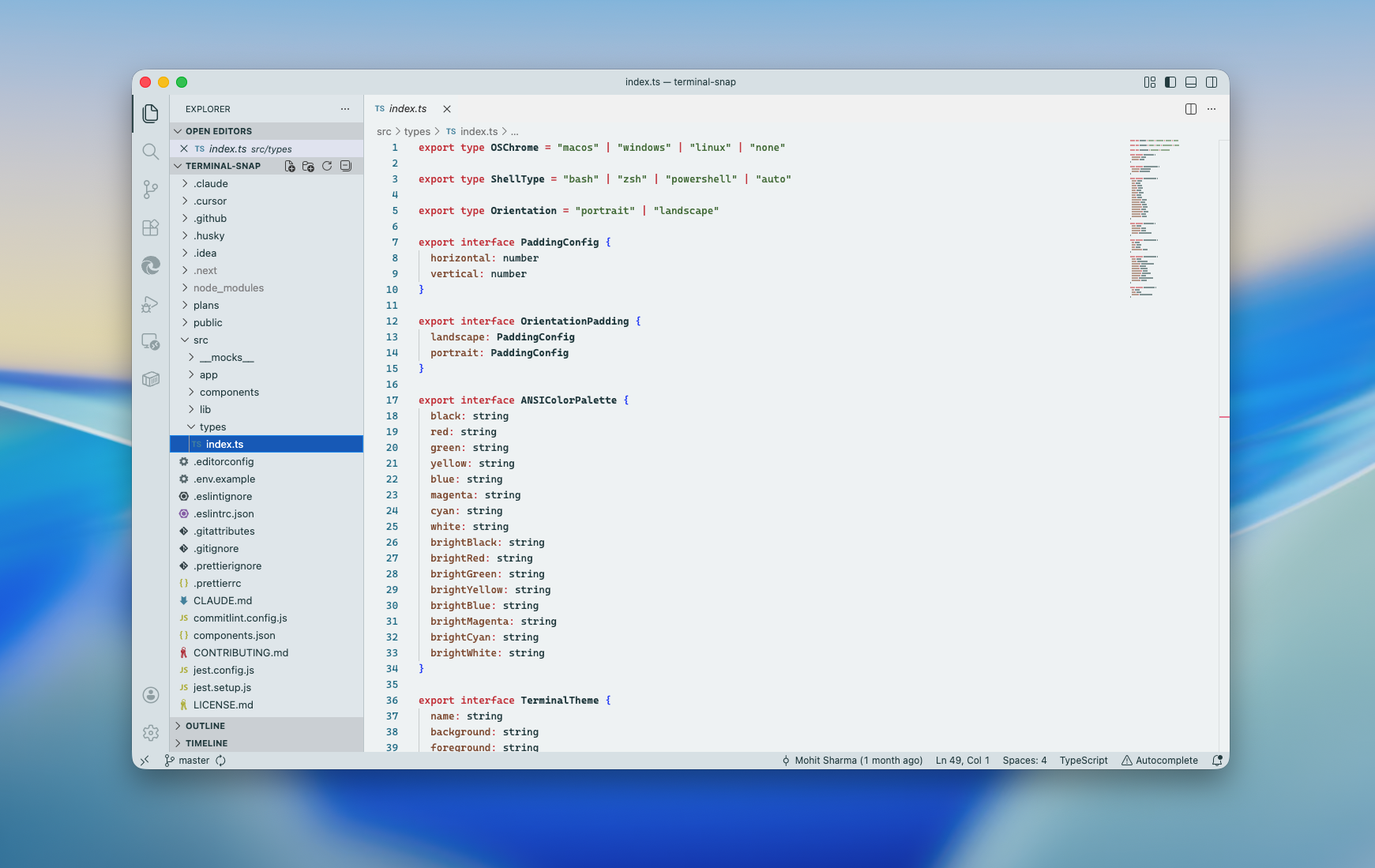
**Karesansui (枯山水 - Dry Landscape)**
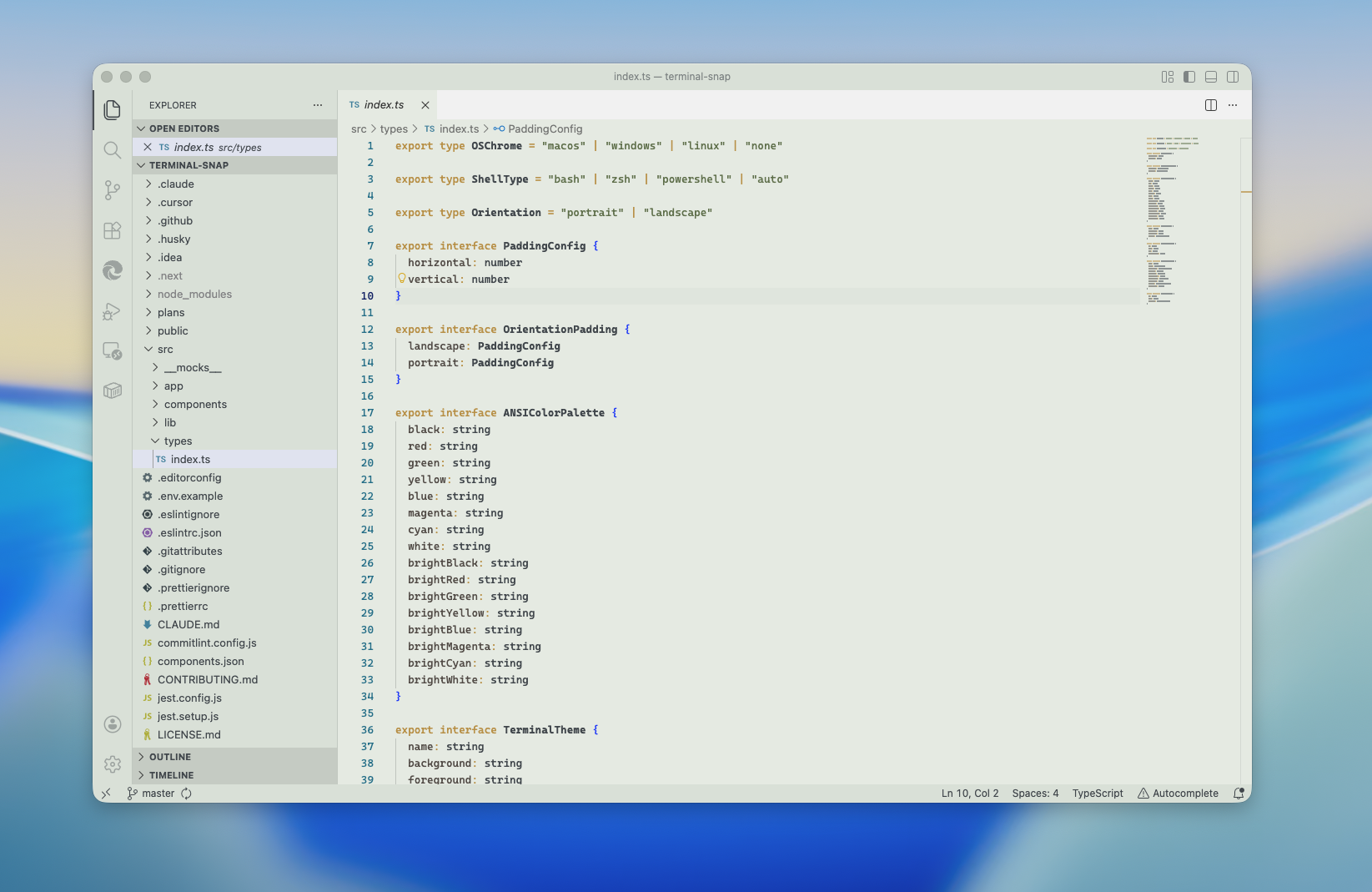
**Tasogare (黄昏 - Twilight)**
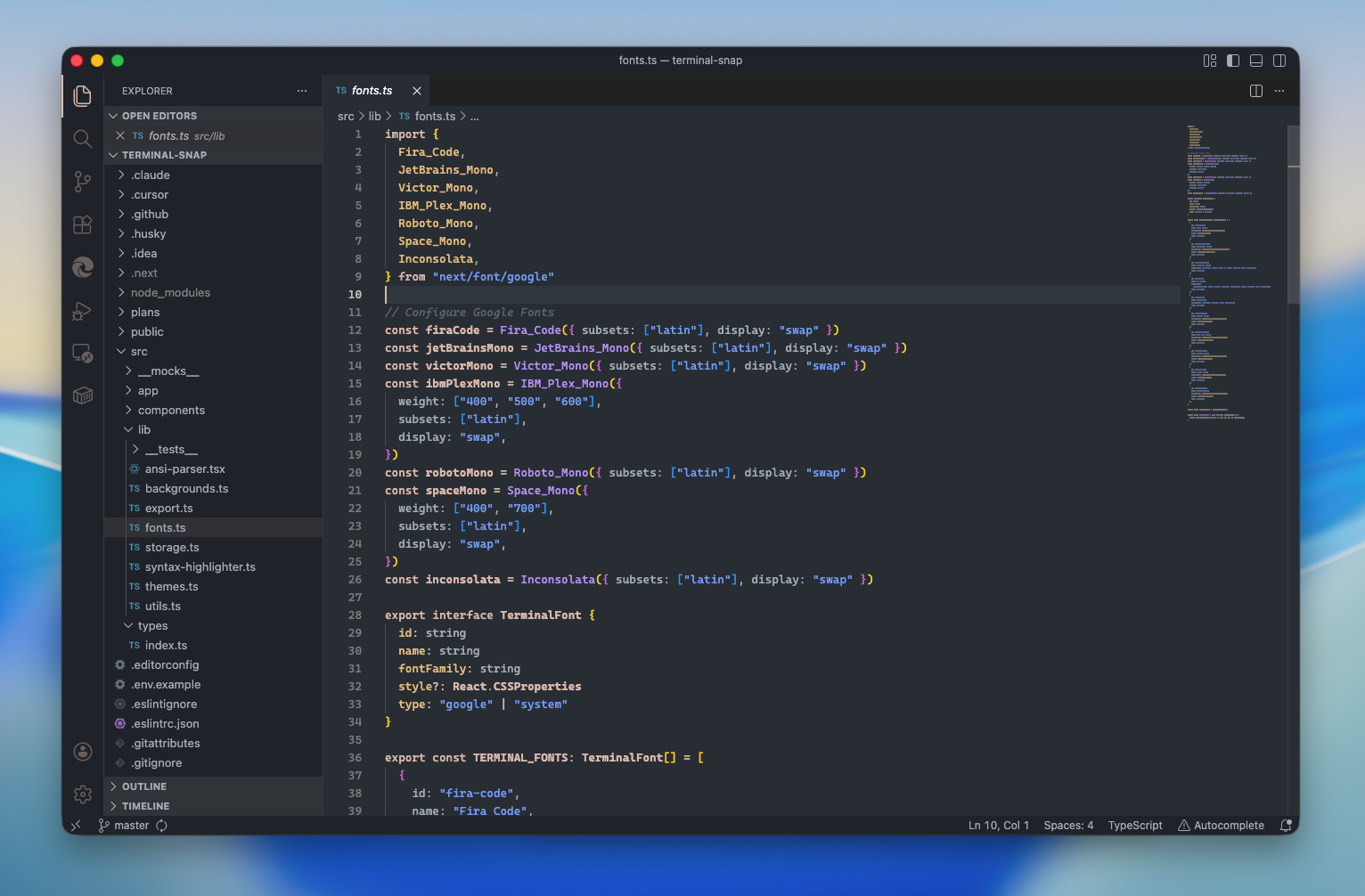
**Koke-Dera (苔寺 - Moss Temple)**
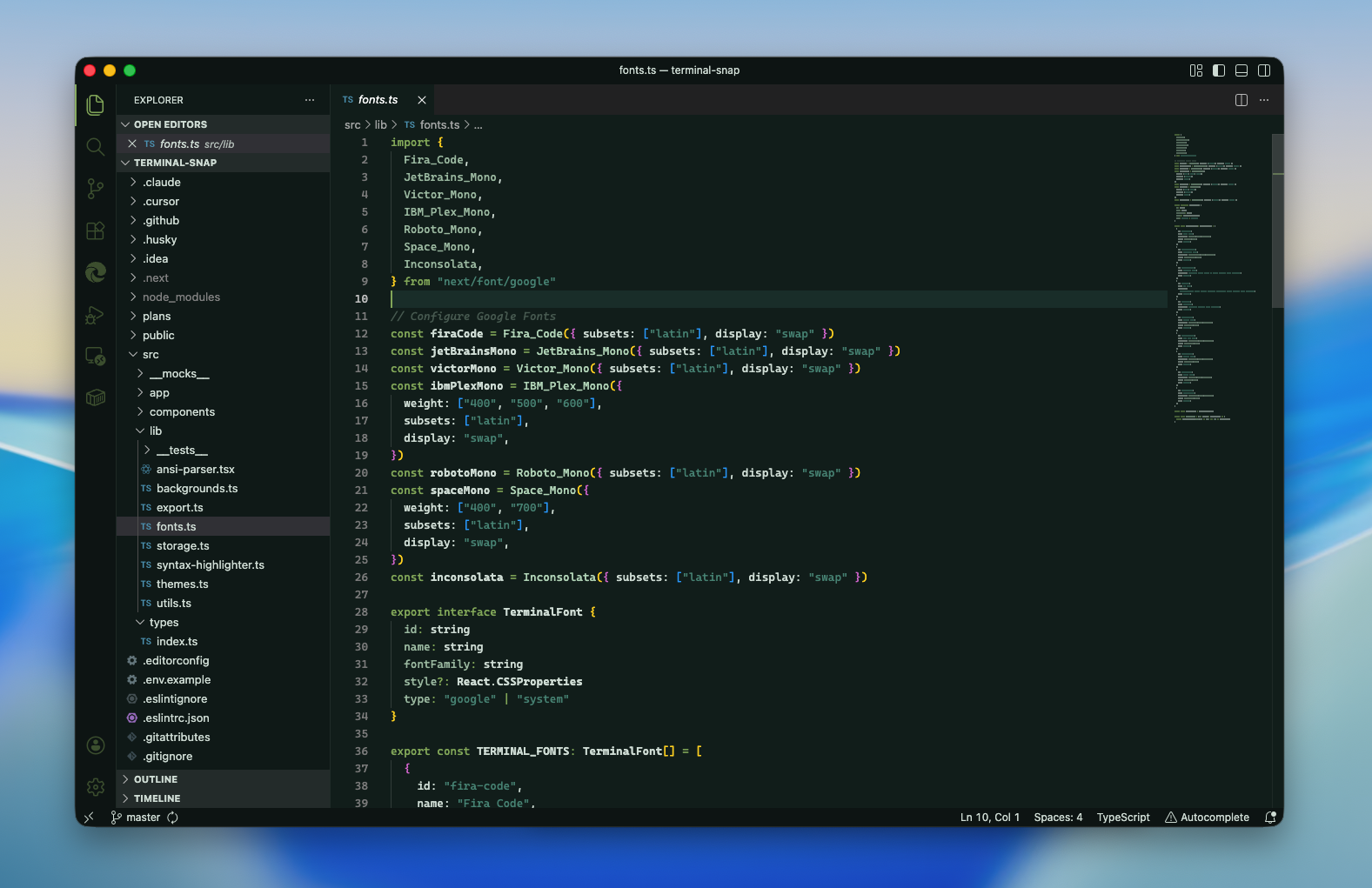
**Kuro-Sumi (黒墨 - Black Ink)**
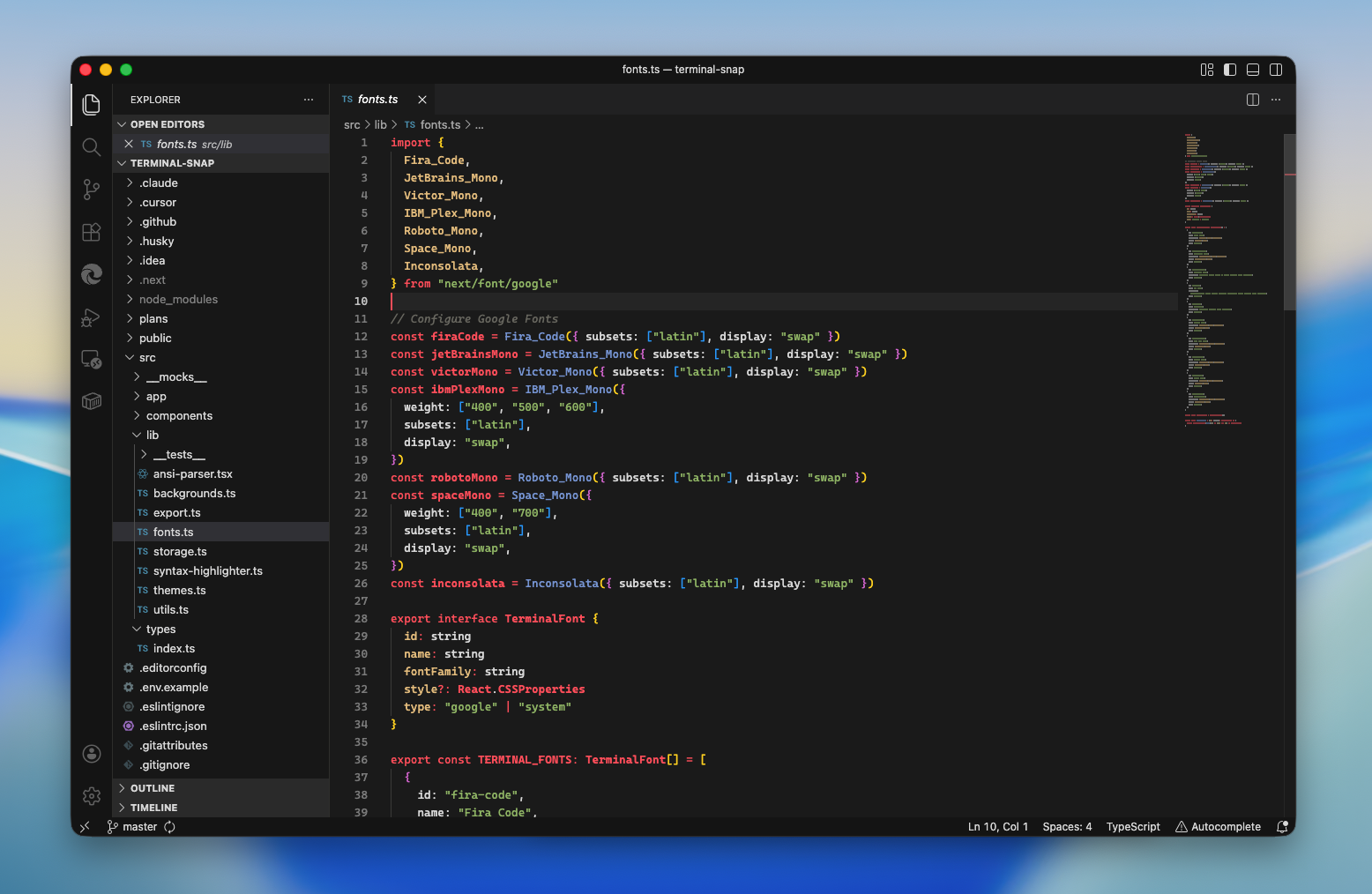
**Kachi-iro (勝ち色 - Victory Color)**
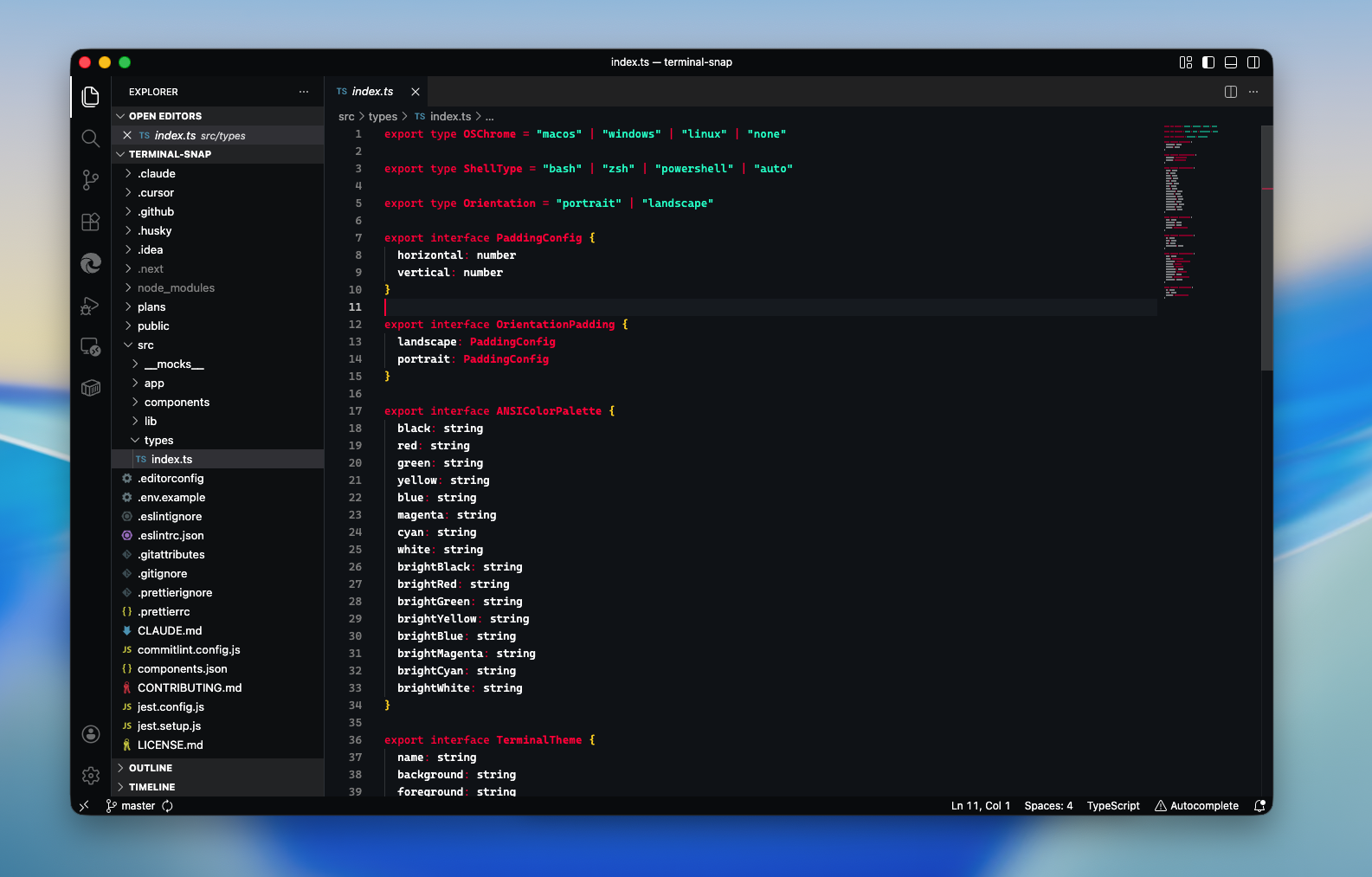
## My Experience with GitHub Copilot CLI
GitHub Copilot CLI didn't just help me build this — it helped me *think* through this.
### Extracting Color Palettes from Art
I fed Copilot CLI a bunch of reference images — actual Ukiyo-e paintings, woodblock prints, photos of zen gardens. Then I asked it to analyze and extract color palettes that would work for syntax highlighting while staying true to the aesthetic.
This wasn't just "give me hex codes." It was a conversation about which colors carry enough contrast for readability, which ones feel organic versus mechanical, and how mineral pigment limitations in traditional art could translate to a modern coding environment.
### Developing the Philosophy Document
The PHILOSOPHY.md file in my repo isn't an afterthought — it's the project's north star. I used Copilot CLI to help articulate my vision clearly.
I'd describe what I wanted ("a theme that disappears once deep focus begins") and Copilot would help me sharpen the language, identify contradictions in my thinking, and structure the document so it could guide future decisions.
The result is a decision framework that works for both humans and AI agents:
> *When evaluating any change, ask:*
> 1. Does this improve long-session clarity?
> 2. Does this preserve visual hierarchy?
> 3. Does this reduce cognitive noise?
> 4. Would removing this make the theme weaker?
>
> *If the answer is unclear — do nothing.*
### Learning VS Code Theme Standards
I used the Microsoft Learn MCP server with Copilot to stay up to speed on VS Code theme development standards. Instead of jumping between documentation tabs, I could ask contextual questions while building — what token types exist, how semantic highlighting works, which scopes to target for specific languages.
It kept me in flow instead of breaking my concentration to search docs.
### The Honest Truth
Copilot CLI made this project possible in the time I had. Without it, I would've spent weeks just researching color theory and VS Code APIs. Instead, I spent that time on what mattered: making deliberate design choices that serve developers who actually want calm in their editor.
## What's Next
Ukiyo-Tone itself is just the beginning.
I'm currently working on a companion project: **VS Code icons inspired by Ukiyo-e art and Sumi-e brush strokes**. Same philosophy — restraint, clarity, cultural grounding. Designed to pair seamlessly with these themes.
Because honestly? Your editor shouldn't feel like six different design languages duct-taped together. It should feel like one intentional space.
## Who This Is For
This theme isn't for everyone. And that's intentional.
It's for developers who spend long hours in their editor and want something that doesn't fight for their attention. For night-shift coders who need low eye strain without sacrificing readability. For anyone who's ever looked at their VS Code setup and thought: *this feels like a corporate tool, not a craftsman's instrument*.
Ukiyo-Tone is for people who want their workspace to feel like a zen garden — calm, intentional, and built for seeking clarity.
If you've ever felt like your editor's theme was designed for someone else's demo video instead of your actual workflow, give this a try.
That's exactly what I'd like you to take away from this.
Comments
More Blog
View allgithubcopilotSteer GitHub Copilot CLI Sessions Remotely from Any Device
Start a Copilot CLI session on your workstation, then monitor and steer it from the browser or your phone.
M
Marcel.LagentsThe Rise of the Fleet: Scaling My Engineering Workflow with Github Copilot Agents
In this post, I’ll walk you through how I use Copilot and my personal preferences for different...
I
Ivelin (Ivo)githubcopilotGet started with GitHub Copilot SDK, part 1
This article explains what GitHub Copilot SDK is and why use it
C
Chris NoringagentsI Run a Solo Company with AI Agent Departments
I built 8 AI agent departments using GitHub Copilot custom agents — CEO, CFO, COO, Lawyer, Accountant, Marketing, CTO, and an Improver. They share memory, consult each other, and self-improve. Here's how it works.
J
João Pedro Silva SetasjetsonHow GPU-Powered Coding Agents Can Assist in Development of GPU-Accelerated Software
This blog post chronicles how VS Code equipped with GitHub Copilot powered by Claude Opus 4.6 was used to port the open-source whisper-asr-webservice project to NVIDIA Jetson hardware with full GPU acceleration — navigating over 15 build iterations, compiling CTranslate2 from source for aarch64 CUDA, working around Poetry resolver conflicts and pip wheel priority bugs, creating runtime compatibility shims for torchaudio, torch.load, and huggingface_hub API changes, testing all three ASR engines with self-generated speech audio, and ultimately forking the repo, opening a detailed pull request, and pushing a pre-built container image to Docker Hub — all driven by natural-language prompts — demonstrating how GPU-powered AI coding agents can come full circle by building GPU-accelerated software for edge devices like the Jetson Orin, unlocking practical automations such as automatic subtitle generation for Plex media libraries via Bazarr integration.
P
Paul DeCarloai38 Issues: Code Review Agent Showdown between BugBot, Copilot and Claude
AI code review tools promise to catch what human reviewers miss. But which one actually delivers? I...
T
Terence Tham