
Back to Blog agents
 ai
ai googlecloud
 discuss
 agents
 agenticarchitect
 ai
ai
GCP in Action: Building a Persistent AI Assistant with GCE, Hermes Agent, and Telegram
Evan Lin May 2, 2026
0 views
Background After solving the LINE Bot's Vertex AI migration, I started thinking: Could...
Background
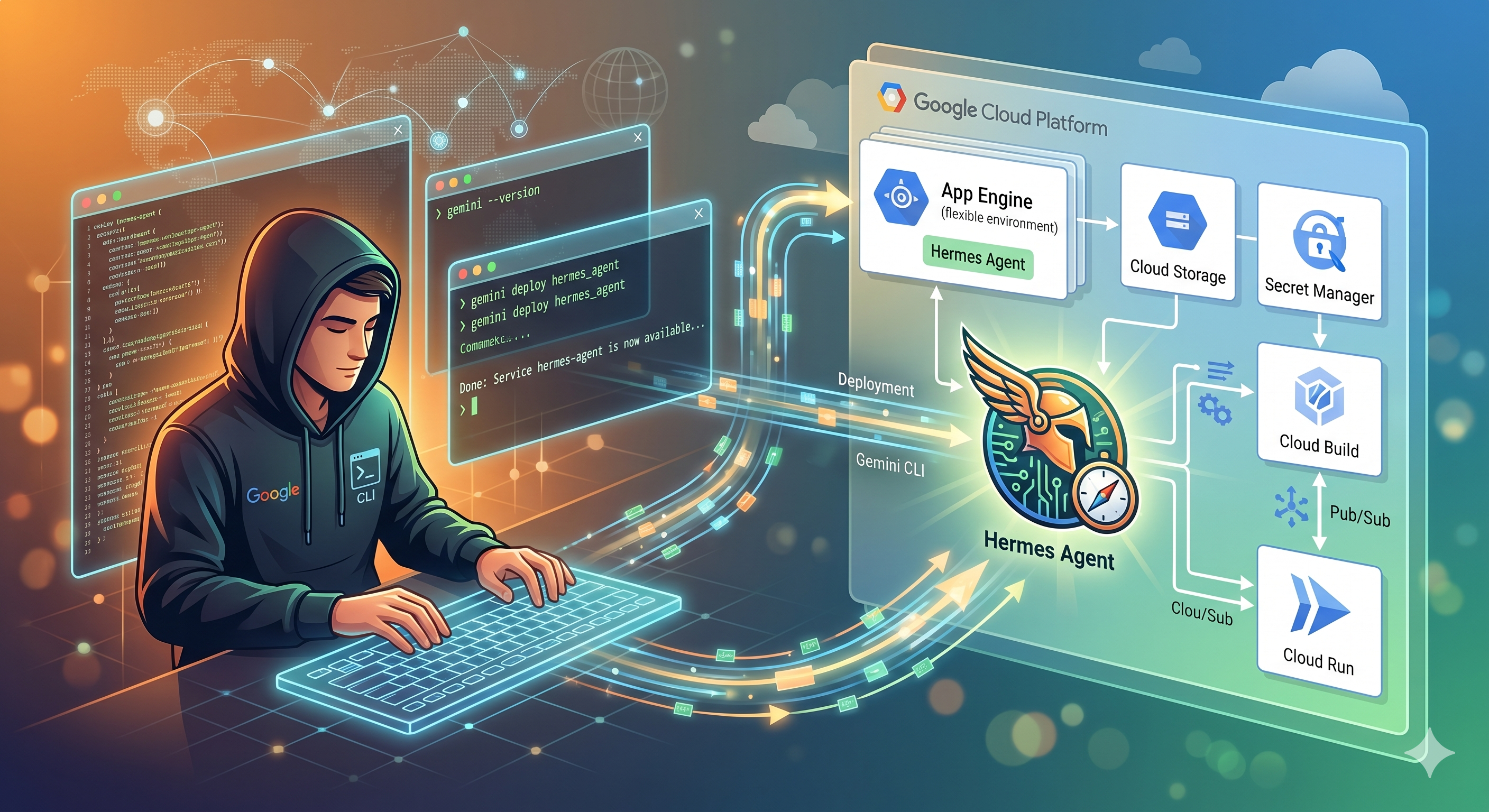
After solving the LINE Bot's Vertex AI migration, I started thinking: Could there be an AI assistant that is "more proactive" and "has long-term memory"? At this time, I set my sights on NousResearch's open-source Hermes Agent.
Unlike a typical Chatbot, Hermes is designed as an "operating system that breathes". It can execute Shell commands, write Python scripts, manage long-term memory, and even stay in touch with you via different Gateways (Telegram, Discord) at any time.
To make it available 24/7, I chose to deploy it on Google Compute Engine (GCE). This article will document the deployment process from scratch, as well as the pitfalls I encountered when configuring the latest Gemini 2.5 Flash model.
Environment Parameter Preparation
Before you start, please make sure you have these necessary parameters:
- PROJECT_ID:
YOUR_PROJECT_ID - LOCATION:
global - GOOGLE_API_KEY:
YOUR_GOOGLE_API_KEY(Obtained from Google AI Studio)
Step 1: Create a GCE Instance
Hermes Agent needs some computing power to handle tool use. It is recommended to use the e2-medium specification.
gcloud compute instances create hermes-agent-vm \
    --project=YOUR_PROJECT_ID \
    --zone=us-central1-a \
    --machine-type=e2-medium \
    --image-family=ubuntu-2204-lts \
    --image-project=ubuntu-os-cloud \
    --boot-disk-size=30GB \
    --metadata=startup-script='#!/bin/bash
        apt-get update
        apt-get install -y git curl python3-pip python3-venv nodejs npm
    '
Step 2: Install Hermes Agent
After SSHing into the VM, use the official one-click installation script directly.
- Enter the VM:
gcloud compute ssh hermes-agent-vm --zone=us-central1-a
- Execute the installation:
curl -fsSL https://raw.githubusercontent.com/NousResearch/hermes-agent/main/scripts/install.sh | bash
source ~/.bashrc
Step 3: Configure Gemini 2.5 Flash (SOP Practice)
This is the most likely place to step on a landmine in the entire exercise. Hermes may default to pointing to non-existent or outdated model identifiers.
-
Create a configuration file: In
~/.hermes/config.yaml, we must precisely specify Gemini 2.5 Flash, and do not include thegoogle/prefix. -
Set the API Key: Write the key and permission settings in
~/.hermes/.env:
Step 4: Connect to Telegram and Background Persistence
To prevent the Agent from disappearing after the SSH connection is lost, we use Systemd to manage it.
- Create a Systemd service (
/etc/systemd/system/hermes.service):
[Unit]
Description=Hermes Agent Gateway
After=network.target

[Service]
Type=simple
User=root
Environment=HOME=/root
Environment=PYTHONUNBUFFERED=1
ExecStart=/usr/local/lib/hermes-agent/venv/bin/hermes gateway run
Restart=always
RestartSec=10

[Install]
WantedBy=multi-user.target
- Start the service:
sudo systemctl daemon-reload
sudo systemctl enable hermes
sudo systemctl restart hermes
Blood and Tears in the Migration Process: Why Isn't My Agent Responding?
Even with the correct configuration, I still encountered the dilemma of "the Agent reads messages but doesn't reply". After checking the logs (journalctl -u hermes), I found several deep pitfalls:
Pitfall 1: The 404 Ghost of Gemini 3.0
I tried to pursue the latest version when configuring, and used gemini-3-flash-preview. As a result, the logs spewed out a bunch of 404 Model Not Found. Reason: The internal auxiliary_client.py of Hermes hardcodes many gemini-3-flash-preview as the default value. When these auxiliary functions (such as generating titles) report errors, it will affect the reply logic of the entire Gateway. Solution: Manually define all auxiliary models as gemini-2.5-flash in config.yaml, or directly patch the source code with sed.
Pitfall 2: Prefix Confusion of Model Identifiers
In different SDKs, some people use google/gemini-2.5-flash, and some people use gemini-2.5-flash. Experience: In Hermes' Gemini Provider, using the short name gemini-2.5-flash directly is the safest. Adding google/ will instead cause API routing errors.
Pitfall 3: Conflict between Systemd and "Processes Already Running"
When you manually run hermes gateway and then start the service, the system will report Gateway already running (PID xxxx). Solution: Before ExecStart in Systemd, you can add an ExecStartPre=/usr/bin/pkill -9 -f hermes || true to ensure a clean environment every time you start.
Summary
Now, my dedicated Hermes Agent is running stably on GCE and is available via Telegram at any time. It can not only help me find information, but also run some simple computing scripts for me directly on the cloud VM.
This deployment taught me: In the face of rapidly updating models, the official documentation (or MCP tool query) is the only truth. Don't blindly pursue the latest version number; ensuring that the identifier matches the current API environment is the key to stable operation.
If you also want a 24-hour AI digital double, get a machine set up according to this SOP!
Comments
More Blog
View allaiContext bankruptcy: The case for strategic forgetting for AI Agents
Most of us have seen a coding agent fail to complete a task we know it can do. We just don't...
J
James O'ReillygooglecloudParallel Compliance Engine: Drive-to-Sheets Multi-Agent Orchestration
When building Generative AI applications, developers often encounter a massive bottleneck: sequential...
A
Aryan IranidiscussIs It Ethical to Post and Ask About Circuits on Dev.to?
I’ve been thinking about sharing some electronic circuit posts on Dev.to — small circuits, DIY...
C
codebunny20agentsThe One-Click Exporter: AI Studio Antigravity, Probed to Its Limits
What nobody tells you about exporting your multi-agent prototype to a local workspace. Every...
L
leslysandraagenticarchitectGuarding the till while autonomous data agents do the digging
Autonomous agents are genuinely good at answering messy business questions. Give one an LLM and a set...
S
Sireesha PulipatiaiReturn on Attention: Why AI Code Reviews Are Wearing Us Out
PR volume went up, ticket quality didn't, and the gap got filled with LLMs on both sides of the review: bots reviewing, bots replying, bots occasionally arguing with bots about priorities that only existed in a teammate's head. Our CEO named the actual problem, and it's bigger than code review.
C
christineReady-made automations for this
Workflows from the Neura Market marketplace related to this Stable Diffusion resource
- N8N workflow 24/7 Ai assistant n8n · $7 · Related topic
- Family Assistant: Schedule, Meal & Routine Management with Email & Telegramn8n · Free · Related topic
- Self-Learning AI Assistant with Permanent Memory | GPT, Telegram & Pinecone RAGn8n · Free · Related topic
- Deep Research Assistant with Perplexity AI and Telegram Citationsn8n · Free · Related topic