Inbox Chief of Staff: AI Gmail Triage and Reply Drafts for n8n (Never Auto-Sends)
Your inbox, handled. Your judgment, kept. Most AI email templates either just label things or reply on your behalf. This one does the boring 90% and leaves the final 10% to you. Every 5 minutes: - New mail is sorted into Client, Lead, Invoice, Admin, Newsletter, or Needs-Human - Emails that need an answer get a reply draft in your voice, saved inside the thread - Auto-replies, bounces, and out-of-office mail are skipped before the AI runs At 6 PM: - One short email to you: what needs you, which drafts are waiting, and new leads Safe by default: - Drafts only. It cannot send email to anyone but you. - Fraud tripwires: emails about bank details, gift cards, passwords, or codes skip AI drafting and get flagged. - Prompt-injection guards: email text is treated as data, never as instructions. - No promises: prices, dates, and refunds become [CONFIRM: ...] placeholders. What you get: - The main triage and drafts workflow (this file), plus the full kit download: label setup workflow, evening digest workflow, prompts with voice recipes, and a 25-minute setup guide. Credentials you add yourself in n8n: Gmail (OAuth) and one OpenAI-compatible AI provider (OpenAI, OpenRouter, Groq, or Gemini). No API keys are included. Typical AI cost: about $0.50 to $2 a month. Built with AI assistance and tested by hand. More tested workflows at aiagentstarterkit.com.

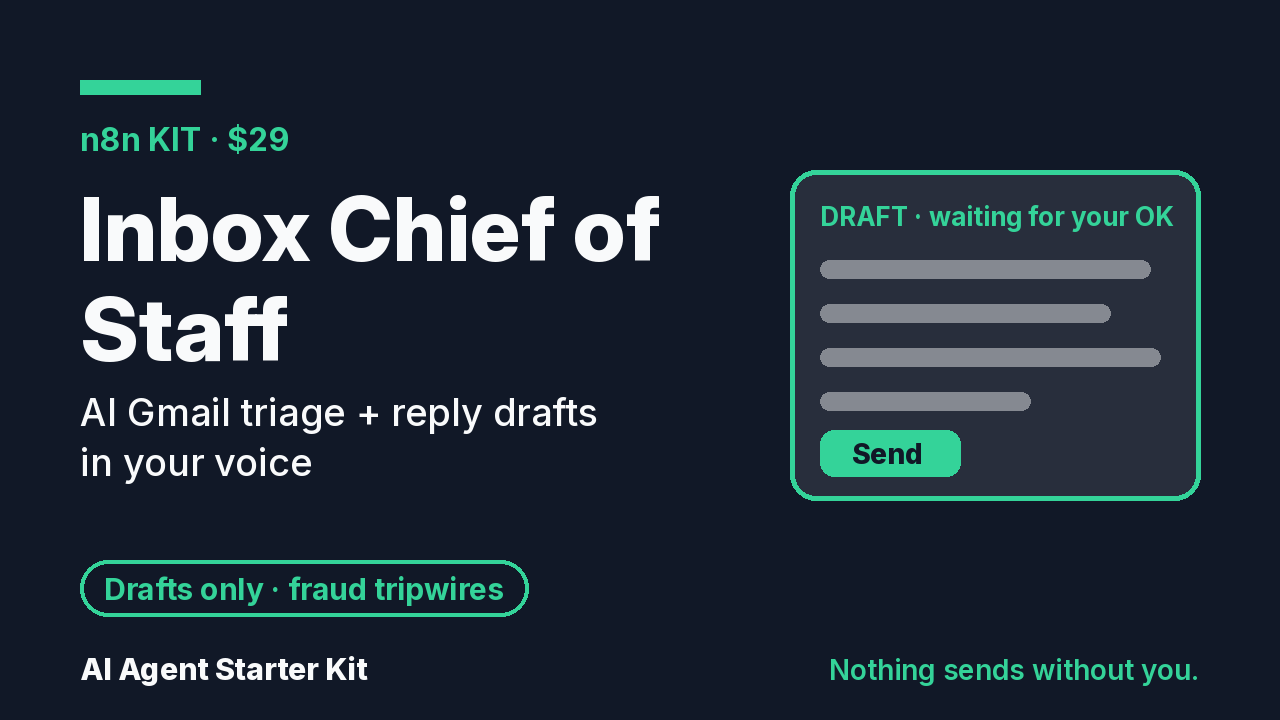
Your inbox, handled. Your judgment, kept.
Most AI email templates either just label things or reply on your behalf. This one does the boring 90% and leaves the final 10% to you.
Every 5 minutes:
- New mail is sorted into Client, Lead, Invoice, Admin, Newsletter, or Needs-Human
- Emails that need an answer get a reply draft in your voice, saved inside the thread
- Auto-replies, bounces, and out-of-office mail are skipped before the AI runs
At 6 PM:
- One short email to you: what needs you, which drafts are waiting, and new leads
Safe by default:
- Drafts only. It cannot send email to anyone but you.
- Fraud tripwires: emails about bank details, gift cards, passwords, or codes skip AI drafting and get flagged.
- Prompt-injection guards: email text is treated as data, never as instructions.
- No promises: prices, dates, and refunds become [CONFIRM: ...] placeholders.
What you get:
- The main triage and drafts workflow (this file), plus the full kit download: label setup workflow, evening digest workflow, prompts with voice recipes, and a 25-minute setup guide.
Credentials you add yourself in n8n: Gmail (OAuth) and one OpenAI-compatible AI provider (OpenAI, OpenRouter, Groq, or Gemini). No API keys are included. Typical AI cost: about $0.50 to $2 a month.
Built with AI assistance and tested by hand.
More tested workflows at aiagentstarterkit.com.
New buyers can create an account from the cart to unlock a controlled $10 first-purchase credit on eligible orders of $25+.
Related bundle
WhatsApp Business Automation
7 hand-picked workflows for $39.00.
That is $5.57 each, vs $29.00 for this one alone.
View bundleSecure checkout powered by Stripe
Support
How to import this workflow into n8n
- 1Purchase or download the workflow to get the n8n workflow JSON file.
- 2In your n8n instance, open Workflows and choose "Import from File" (or paste the JSON with Ctrl+V on the canvas).
- 3Open each node marked with a credential warning and connect your own accounts and API keys.
- 4Run the workflow once manually to verify the data flow, then toggle it to Active.
Related workflows
- Automate Personal Life Management with Telegram and Google Services$14.99
- Launch Your First AI-Powered Chatbot with Actionable Tools$9.99
- Automate Multilingual Customer Support with AI Voice Agent and Calendar Integration$9.99
- Nutrition Tracker & Meal Logger with Telegram, Gemini AI, and Google Sheets$24.99
- Automate AI Video Creation and Social Media Publishing$24.99
- Automate AI-Generated Virtual Try-On Images for WooCommerce$14.99
More from Community
Need this deployed? We'll set it up for you.
Our automation experts deploy this workflow in your stack, connect your accounts, and verify it works — or build a custom solution from scratch.