LinkedIn Content Creation and Publishing via Email with AI
This n8n workflow automates LinkedIn content creation and publishing with an email-based approval process: triggered manually or via a weekly schedule, it loads settings for niche, audience, tone of voice, and content pillars; uses an Anthropic agent to generate five post ideas; logs everything in Google Sheets; and sends the ideas via Gmail for approval. A Gmail trigger monitors for replies with the subject line `[IDEA-APPROVAL]`, interprets the selected number, retrieves the approved idea from the spreadsheet, and activates another agent to generate three complete post drafts—which are also logged and emailed. A second Gmail trigger captures `[DRAFT-APPROVAL]` replies, allowing the user to publish the chosen draft directly to LinkedIn, regenerate new drafts (by replying "0"), or receive a clarification email in the event of an invalid response. Upon publication, the workflow logs the post and sends a confirmation containing the link; additionally, a global Error Trigger logs any failures in Google Sheets and notifies the user via email.

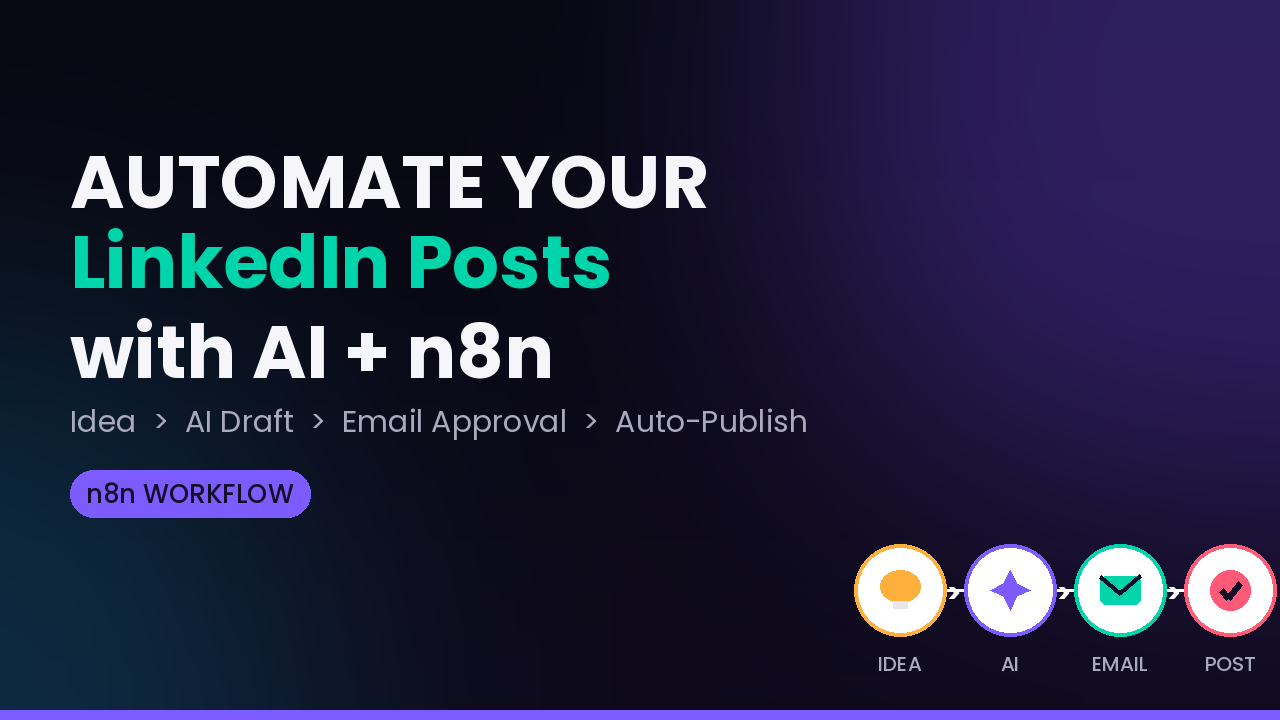
This n8n workflow automates LinkedIn content creation and publishing with an email-based approval process: triggered manually or via a weekly schedule, it loads settings for niche, audience, tone of voice, and content pillars; uses an Anthropic agent to generate five post ideas; logs everything in Google Sheets; and sends the ideas via Gmail for approval. A Gmail trigger monitors for replies with the subject line [IDEA-APPROVAL], interprets the selected number, retrieves the approved idea from the spreadsheet, and activates another agent to generate three complete post drafts—which are also logged and emailed. A second Gmail trigger captures [DRAFT-APPROVAL] replies, allowing the user to publish the chosen draft directly to LinkedIn, regenerate new drafts (by replying "0"), or receive a clarification email in the event of an invalid response. Upon publication, the workflow logs the post and sends a confirmation containing the link; additionally, a global Error Trigger logs any failures in Google Sheets and notifies the user via email.
New buyers can create an account from the cart to unlock a controlled $10 first-purchase credit on eligible orders of $25+.
Related bundle
WhatsApp Business Automation
7 hand-picked workflows for $39.00.
That is $5.57 each, vs $20.00 for this one alone.
View bundleSecure checkout powered by Stripe
Support
How to import this workflow into n8n
- 1Purchase or download the workflow to get the n8n workflow JSON file.
- 2In your n8n instance, open Workflows and choose "Import from File" (or paste the JSON with Ctrl+V on the canvas).
- 3Open each node marked with a credential warning and connect your own accounts and API keys.
- 4Run the workflow once manually to verify the data flow, then toggle it to Active.
Related workflows
- Automate Personal Life Management with Telegram and Google Services$14.99
- Launch Your First AI-Powered Chatbot with Actionable Tools$9.99
- Automate Multilingual Customer Support with AI Voice Agent and Calendar Integration$9.99
- Nutrition Tracker & Meal Logger with Telegram, Gemini AI, and Google Sheets$24.99
- Automate AI Video Creation and Social Media Publishing$24.99
- Automate AI-Generated Virtual Try-On Images for WooCommerce$14.99
More from Community
Need this deployed? We'll set it up for you.
Our automation experts deploy this workflow in your stack, connect your accounts, and verify it works — or build a custom solution from scratch.