Load DeepSeek-V3 Model from Local Repo with Hugging Face Transformers
Original question: Load DeepSeek-V3 model from local repo

Direct Answer
Yes, you can load a DeepSeek-V3 model from a local directory using the Hugging Face Transformers library (version 4.51.0 or later) by passing the filesystem path directly to the model parameter in the pipeline function. Instead of using the model name "deepseek-ai/DeepSeek-R1", provide the absolute or relative path to the folder containing the downloaded model files, such as "/my-models/deepseek-r1". The pipeline function will first attempt to load from the local filesystem, and if the path is not found, it will fall back to searching the Hugging Face Hub.
The Full Answer
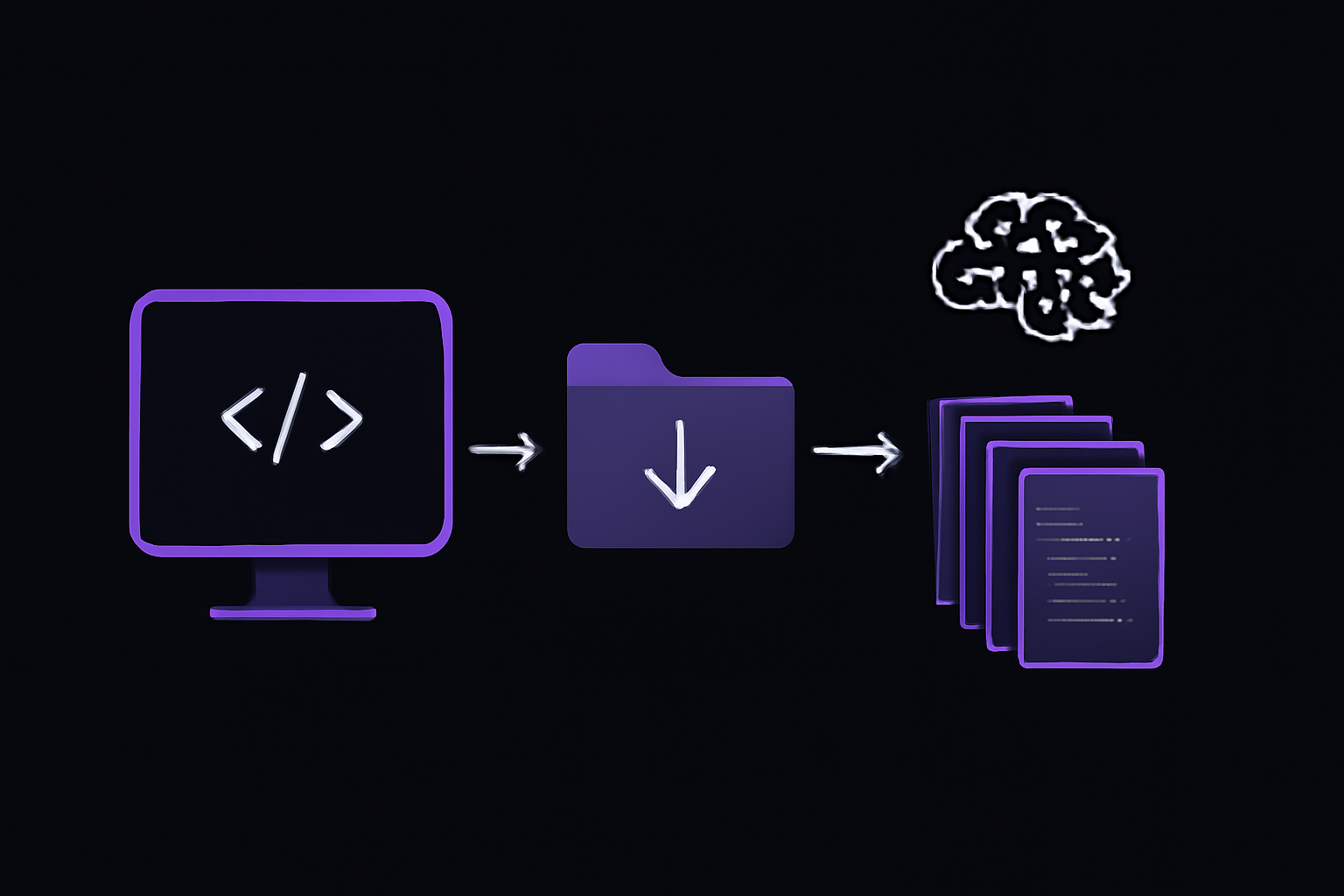
Prerequisites
Before you can load a DeepSeek-V3 model from a local repository, you need the following:
- Hugging Face Transformers library version 4.51.0 or later. This version introduced support for DeepSeek-V3 model architectures. You can check your installed version with
pip show transformersand upgrade if needed usingpip install --upgrade transformers. - The model files downloaded from Hugging Face. This includes all files from the model repository, such as:
config.json(model configuration)model.safetensorsorpytorch_model.bin(model weights)tokenizer.jsonortokenizer_config.json(tokenizer files)generation_config.json(generation parameters)- Any additional JSON files that describe the model architecture for loading (e.g.,
modeling_deepseek.pyor custom code files)
- Trust remote code enabled. DeepSeek models often require custom modeling code that is not part of the standard Transformers library. You must set
trust_remote_code=Truewhen loading the model.
Step-by-Step: Loading from a Local Path
-
Download the model repository to a local directory. For example, if you have cloned or downloaded the DeepSeek-R1 repository from Hugging Face, it might be located at
/my-models/deepseek-r1. Ensure the folder contains all necessary files. The official repository isdeepseek-ai/DeepSeek-R1, but the same approach works for DeepSeek-V3 variants. -
Use the pipeline function with the local path. The following code snippet demonstrates how to load the model from a local directory and run inference:
from transformers import pipeline

# Define your conversation messages
messages = [
    {"role": "user", "content": "Who are you?"},
]

# Load the pipeline using a local filesystem path
pipe = pipeline(
    "text-generation",
    model="/my-models/deepseek-r1",
    trust_remote_code=True
)

# Generate a response
output = pipe(messages)
print(output)
What happens under the hood:
- The
pipelinefunction checks if the string passed tomodelis a valid filesystem path. If it is, it loads the model from that path. - If the path does not exist on the filesystem, the function falls back to searching the Hugging Face Hub for a model with that name.
- The
trust_remote_code=Trueflag is required because DeepSeek models use custom modeling code that is not included in the standard Transformers library. This flag allows the library to execute code from the model repository (e.g.,modeling_deepseek.py).
- Run inference. The
pipelineobject handles tokenization, model inference, and decoding automatically. You can pass a list of messages (as shown) or a single string.
Alternative: Using the AutoModel and AutoTokenizer Directly
If you need more control over the loading process (e.g., for custom generation parameters or batch processing), you can use the AutoModelForCausalLM and AutoTokenizer classes directly:
from transformers import AutoModelForCausalLM, AutoTokenizer

model_path = "/my-models/deepseek-r1"

# Load tokenizer and model from local path
tokenizer = AutoTokenizer.from_pretrained(model_path, trust_remote_code=True)
model = AutoModelForCausalLM.from_pretrained(model_path, trust_remote_code=True)

# Tokenize input
inputs = tokenizer("Who are you?", return_tensors="pt")

# Generate output
outputs = model.generate(**inputs, max_new_tokens=100)
print(tokenizer.decode(outputs[0], skip_special_tokens=True))
This approach gives you direct access to the model and tokenizer objects, which is useful for debugging or when you need to modify generation parameters (e.g., temperature, top_p, repetition_penalty).
When to Use Each Approach
- Use the
pipelineapproach when you want a quick, high-level interface for text generation. It handles all the details (tokenization, device placement, decoding) automatically. This is ideal for prototyping or simple applications. - Use the
AutoModel/AutoTokenizerapproach when you need fine-grained control over the generation process, such as setting specific generation parameters, handling multiple sequences, or integrating with custom inference loops.
Important Notes
- Path must point to the repository root, not to individual files. The folder should contain all the files from the Hugging Face repository, including JSON configuration files and any custom Python modules.
- The model files must be complete. Missing files (e.g.,
config.jsonortokenizer.json) will cause loading errors. The error message typically indicates which file is missing. - DeepSeek-V3 vs DeepSeek-R1: The question specifically mentions DeepSeek-V3, but the accepted solution uses the DeepSeek-R1 repository as an example. Both models follow the same loading pattern. If you have downloaded DeepSeek-V3 files, replace the path accordingly.
Common Pitfalls
1. Missing trust_remote_code=True
If you omit trust_remote_code=True, you will get an error like:
ValueError: The model you are trying to load requires custom code. Please set `trust_remote_code=True`.
This is a common mistake because many standard models (like GPT-2 or BERT) do not require this flag. DeepSeek models use custom modeling code, so this flag is mandatory.
2. Incorrect Path or Missing Files
If the path does not exist or is missing critical files, the pipeline function will fall back to the Hugging Face Hub. This can lead to unexpected behavior if you intended to use a local copy. To verify that the local path is being used, check the log output during loading. The Transformers library prints messages like:
Loading model from /my-models/deepseek-r1...
If you see a message about downloading from the Hub, the local path was not found.
3. Version Mismatch
DeepSeek-V3 requires Transformers version 4.51.0 or later. If you are using an older version, the model may fail to load or produce incorrect results. Upgrade with:
pip install --upgrade transformers
4. Community-Reported: Tokenizer Issues
Some users on Stack Overflow and GitHub have reported that the tokenizer for DeepSeek models may not load correctly if the tokenizer.json file is missing or if the tokenizer configuration is incomplete. Ensure that the local repository includes all tokenizer files. If you encounter tokenization errors, try downloading the repository again or verifying the file integrity.
5. Community-Reported: Custom Code Dependencies
The custom modeling code in DeepSeek repositories may depend on additional Python packages (e.g., accelerate, einops, flash-attn). If you get import errors during loading, install the required packages:
pip install accelerate einops
For Flash Attention support (optional, for faster inference on compatible GPUs):
pip install flash-attn --no-build-isolation
Related Questions
How do I download the DeepSeek-V3 model from Hugging Face to a local directory?
You can download the model repository using the snapshot_download function from the huggingface_hub library. First, install the library with pip install huggingface-hub. Then run:
from huggingface_hub import snapshot_download

snapshot_download(repo_id="deepseek-ai/DeepSeek-R1", local_dir="/my-models/deepseek-r1")
This downloads all files from the repository to the specified local directory. Alternatively, you can use git clone if the repository is public:
git clone https://huggingface.co/deepseek-ai/DeepSeek-R1 /my-models/deepseek-r1
Can I use the model without trust_remote_code=True?
No, DeepSeek models require custom modeling code that is not part of the standard Transformers library. The trust_remote_code=True flag is mandatory. If you are concerned about security, you can review the custom code in the repository before loading it. The custom code is typically located in files like modeling_deepseek.py or configuration_deepseek.py.
What if I want to load the model on a specific device (e.g., GPU)?
When using the pipeline function, you can specify the device with the device parameter:
pipe = pipeline("text-generation", model="/my-models/deepseek-r1", trust_remote_code=True, device=0)
For the AutoModel approach, use the device_map parameter:
model = AutoModelForCausalLM.from_pretrained(model_path, trust_remote_code=True, device_map="auto")
The device_map="auto" option automatically distributes the model across available devices (GPU, CPU, or multiple GPUs) using the accelerate library.
How do I verify that the model is loaded from the local path and not from the Hub?
Enable verbose logging to see which path is being used. Add the following before loading the model:
import transformers
import logging

logging.basicConfig(level=logging.INFO)
transformers.logging.set_verbosity_info()
During loading, you will see log messages indicating the source of the model. If it says "Loading model from /my-models/deepseek-r1", the local path is being used. If it says "Downloading from Hugging Face Hub", the local path was not found.
The #1 Deepseek Newsletter
The most important deepseek updates, guides, and fixes — one weekly email.
No spam, unsubscribe anytime. Privacy policy
Keep exploring DeepSeek
DeepSeek resources
Latest error solutions
Skip the manual work
Ready-made AI workflows and automation templates — import and run instead of building from scratch.