
Hermes Agent Integrations: Complete Guide to Connecting Tools and Platforms
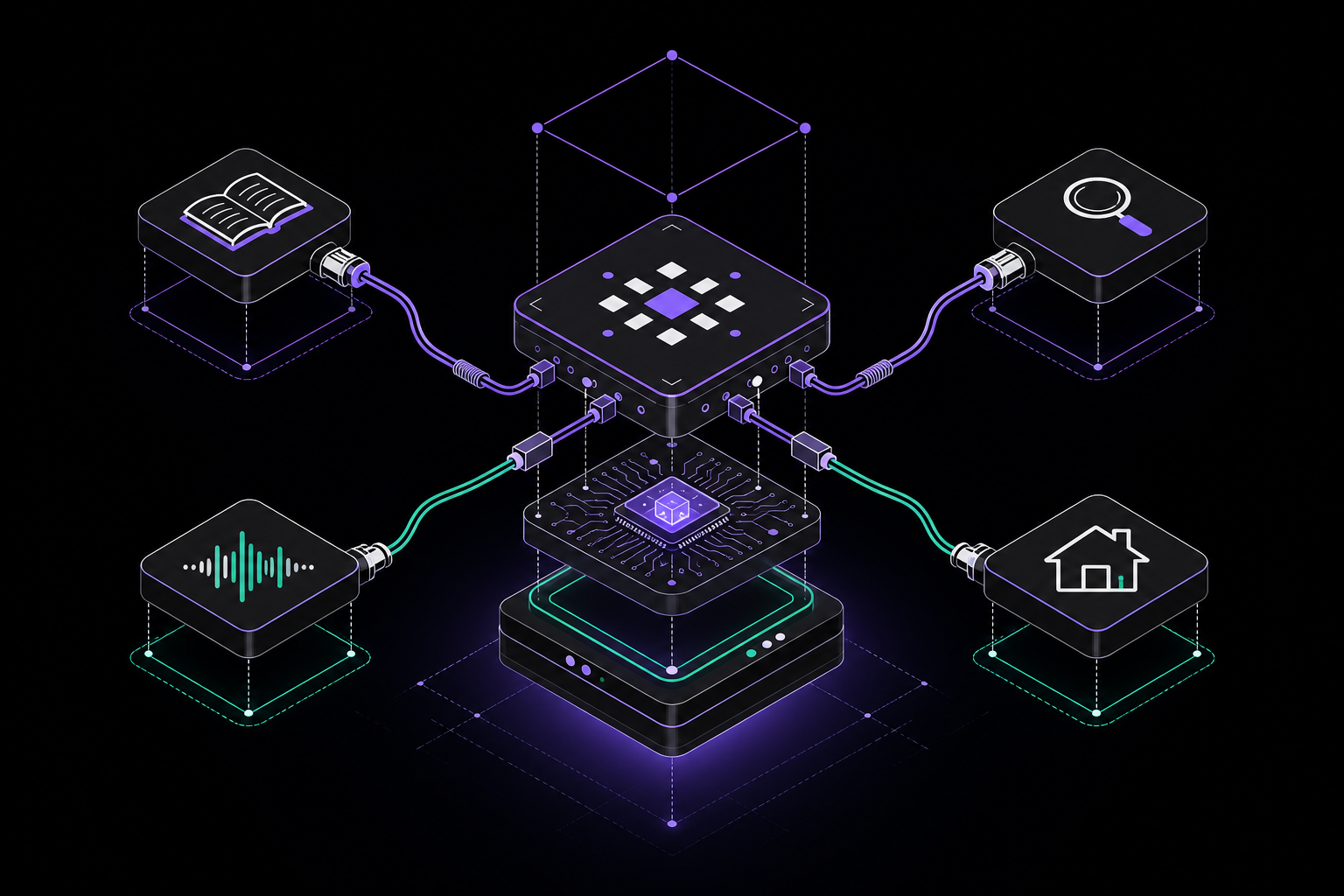
This guide covers every integration available for Hermes Agent, from messaging platforms and AI providers to tool servers, web search backends, browser automation, voice services, IDE editors, memory systems, home automation, and plugins. It is for anyone setting up Hermes Agent for the first time or expanding its capabilities into their existing workflow.
What You Need
Before working with integrations, ensure you have the following:
- A working Hermes Agent installation. The official documentation assumes you have already installed Hermes and can run basic commands like
hermes modelandhermes tools. - Python 3.10 or later (required by Hermes).
- API keys or tokens for any third-party service you plan to connect. These are stored in environment variables or in
config.yaml. - For messaging platform integrations, you need either a hosted Hermes instance or a self-hosted setup with network access to the platform's servers.
- For MCP tool servers, you need the server endpoints (stdio or SSE) and any required authentication.
- Basic familiarity with YAML configuration files and environment variables.
Integration Categories
Hermes Agent integrations fall into several categories, each extending the agent's capabilities in a different dimension. The official documentation groups them as follows: AI providers and routing, tool servers (MCP), web search backends, browser automation, voice and TTS providers, IDE and editor integration, programmatic access, memory and personalization, messaging platforms, home automation, plugins, and training and evaluation.
AI Providers and Routing
Hermes supports multiple AI inference providers out of the box. You can configure them interactively using hermes model or by editing config.yaml. The supported providers are OpenRouter, Anthropic, OpenAI, Google, and any OpenAI-compatible endpoint. According to the official documentation, Hermes auto-detects capabilities like vision, streaming, and tool use per provider.
Provider Routing
For OpenRouter requests, you have fine-grained control over which underlying providers handle your requests. You can optimize for cost, speed, or quality using sorting, whitelists, blacklists, and explicit priority ordering. This is configured in config.yaml under the provider_routing section.
Fallback Providers
Hermes includes automatic failover to backup LLM providers when your primary model encounters errors. There are two types of fallback:
- Primary model fallback: If the main model fails, Hermes tries the next provider in the fallback chain.
- Independent auxiliary task fallback: For vision, compression, and web extraction tasks, you can specify separate fallback providers that operate independently of the primary model.
Tool Servers (MCP)
Hermes connects to external tool servers via the Model Context Protocol (MCP). This allows you to access tools from GitHub, databases, file systems, browser stacks, internal APIs, and more without writing native Hermes tools. The official documentation states that MCP supports both stdio and SSE transports, per-server tool filtering, and capability-aware resource and prompt registration.
To configure an MCP server, add it to your config.yaml under the mcp_servers section. You specify the transport type (stdio or SSE), the command or URL, and any environment variables the server needs. For example:
mcp_servers:
  github:
    transport: stdio
    command: npx
    args:
      - "-y"
      - "@modelcontextprotocol/server-github"
    env:
      GITHUB_TOKEN: "your_github_token"
You can also filter which tools from a server are available to Hermes by setting a tools allowlist or blocklist per server.
Web Search Backends
The web_search and web_extract tools support eight backend providers. The official documentation provides a table of backends, their required environment variables, and which features (search, extract, crawl) they support:
| Backend | Env Var | Search | Extract | Crawl |
|---|---|---|---|---|
| Firecrawl (default) | FIRECRAWL_API_KEY | Yes | Yes | Yes |
| SearXNG | SEARXNG_URL | Yes | No | No |
| Brave (free tier) | BRAVE_SEARCH_API_KEY | Yes | No | No |
| DuckDuckGo (ddgs) | (none) | Yes | No | No |
| Tavily | TAVILY_API_KEY | Yes | Yes | Yes |
| Exa | EXA_API_KEY | Yes | Yes | No |
| Parallel | PARALLEL_API_KEY | Yes | Yes | No |
| xAI | XAI_API_KEY | Yes | No | No |
Configuration is done in config.yaml under the web section. Here is the quick setup example from the official documentation:
web:
  backend: firecrawl # firecrawl | searxng | brave-free | ddgs | tavily | exa | parallel | xai
If web.backend is not set, the backend is auto-detected from whichever API key is available. Self-hosted Firecrawl is also supported via the FIRECRAWL_API_URL environment variable.
Browser Automation
Hermes includes full browser automation with multiple backend options for navigating websites, filling forms, and extracting information. The official documentation lists these backends:
- Browserbase: Managed cloud browsers with anti-bot tooling, CAPTCHA solving, and residential proxies.
- Browser Use: Alternative cloud browser provider.
- Local Chromium-family CDP: Connect to your running Chrome, Brave, Chromium, or Edge browser using
/browser connect. - Local Chromium: Headless local browser via the
agent-browserCLI.
See the Browser Automation documentation for setup and usage details.
Voice and TTS Providers
Text-to-speech and speech-to-text work across all messaging platforms. The official documentation provides a table of TTS providers:
| Provider | Quality | Cost | API Key |
|---|---|---|---|
| Edge TTS (default) | Good | Free | None needed |
| ElevenLabs | Excellent | Paid | ELEVENLABS_API_KEY |
| OpenAI TTS | Good | Paid | VOICE_TOOLS_OPENAI_KEY |
| MiniMax | Good | Paid | MINIMAX_API_KEY |
| xAI TTS | Good | Paid | XAI_API_KEY |
| NeuTTS | Good | Free | None needed |
Speech-to-text supports six providers: local faster-whisper (free, runs on-device), a local command wrapper, Groq, OpenAI Whisper API, Mistral, and xAI. Voice message transcription works across Telegram, Discord, WhatsApp, and other messaging platforms. See Voice and TTS and Voice Mode for details.
IDE and Editor Integration
Hermes integrates with ACP-compatible editors such as VS Code, Zed, and JetBrains. According to the official documentation, Hermes runs as an ACP server, rendering chat messages, tool activity, file diffs, and terminal commands inside your editor. This allows you to interact with Hermes without leaving your development environment.
Programmatic Access
Hermes can be exposed as an OpenAI-compatible HTTP endpoint via the API Server. Any frontend that speaks the OpenAI format, such as Open WebUI, LobeChat, LibreChat, NextChat, or ChatBox, can connect and use Hermes as a backend with its full toolset. This is configured in config.yaml under the api_server section.
Memory and Personalization
Hermes includes built-in memory via MEMORY.md and USER.md files. These are persistent, curated stores of personal notes and user profile data that survive across sessions. The agent maintains bounded stores to prevent unbounded growth.
Memory Providers
For deeper personalization, you can plug in external memory backends. The official documentation lists eight supported providers:
- Honcho: Dialectic reasoning.
- OpenViking: Tiered retrieval.
- Mem0: Cloud extraction.
- Hindsight: Knowledge graphs.
- Holographic: Local SQLite.
- RetainDB: Hybrid search.
- ByteRover: CLI-based.
- Supermemory: General purpose.
Each provider has its own configuration requirements, detailed in the Memory Providers documentation.
Messaging Platforms
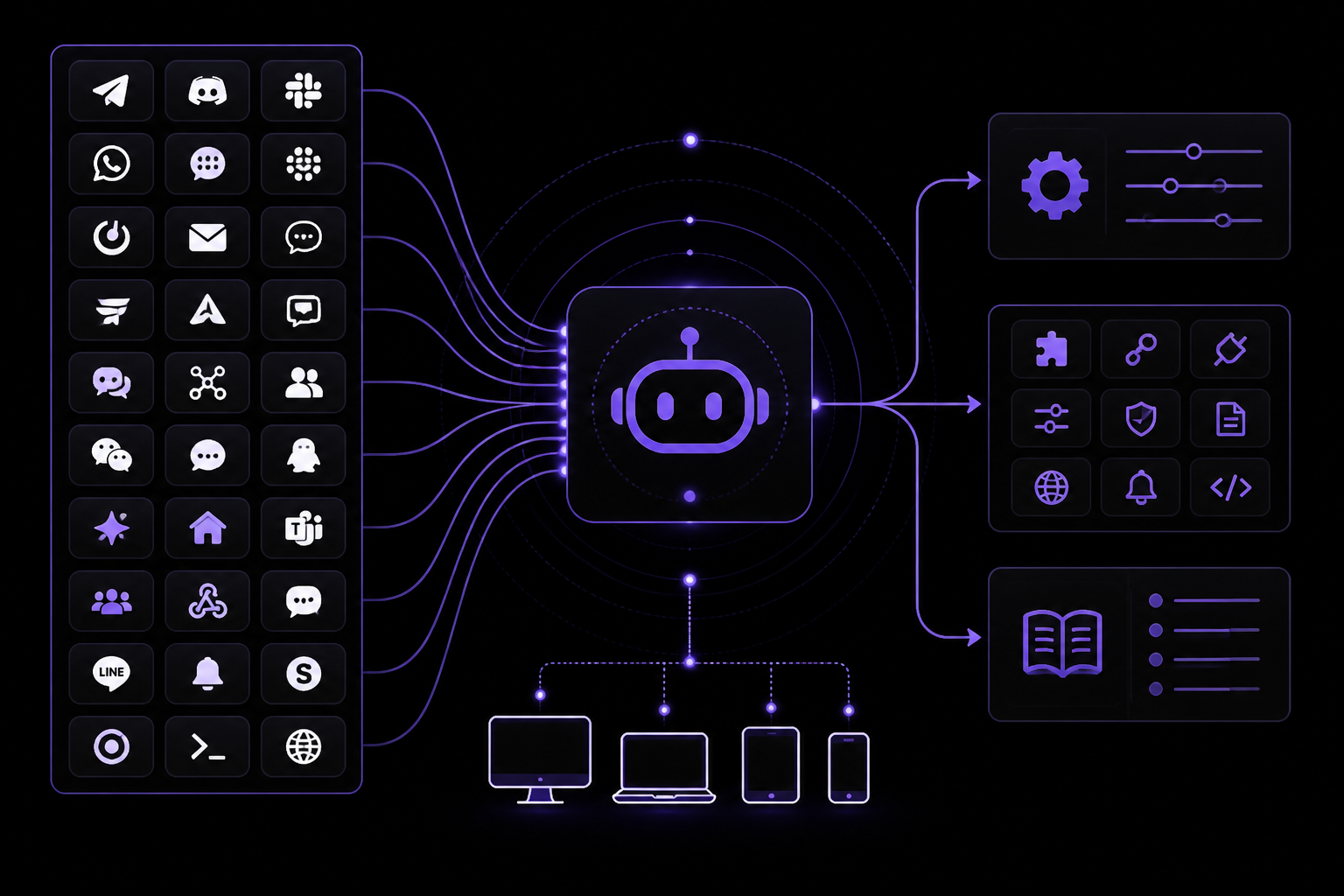
Hermes runs as a gateway bot on 27+ messaging platforms, all configured through the same gateway subsystem. The official documentation lists these platforms: Telegram, Discord, Slack, WhatsApp, Signal, Matrix, Mattermost, Email, SMS, DingTalk, Feishu/Lark, WeCom, WeCom Callback, Weixin, BlueBubbles, QQ Bot, Yuanbao, Home Assistant, Microsoft Teams, Microsoft Teams Meetings, Microsoft Graph Webhook, Google Chat, LINE, ntfy, SimpleX, Open WebUI, and Webhooks.
Each platform has its own integration page with detailed setup instructions. The official documentation recommends starting with the Messaging Gateway overview for a platform comparison table and setup guide.
Key Messaging Integration Pages
The integrations hub on hermes-agent.ai lists the following high-intent paths:
- Telegram: Setup with BotFather, profile isolation, gateway checks, provider-budget smoke tests, forum topics, and hosted-vs-self-hosted decision logic.
- Discord: Setup with the current fail-closed access policy, bot intents, users/roles/channels, thread sessions, gateway proof, and managed option.
- Slack: Setup with Socket Mode, generated app manifests, channel allowlists, thread commands, scheduled delivery, and team-safe gateway controls.
- WhatsApp: Quick Baileys bridge or Meta's official Cloud API. Compare setup, ban risk, webhooks, groups, voice notes, access control, cron delivery, and gateway recovery.
- Signal: Setup using signal-cli, a linked device, allowlisted users, group controls, cron delivery, and an end-to-end gateway test.
- Email: Setup as an email-based assistant using the Email gateway, IMAP, SMTP, allowed senders, and safe reply-in-thread workflows.
- GitHub: Use as an AI agent for GitHub: review pull requests, triage issues, summarize Actions failures, with scoped, verified access.
- Notion: Connect for database queries, project briefs, meeting notes, task updates, and structured knowledge automation.
- Google Calendar: AI-powered scheduling, meeting management, and reminders.
- VS Code: Run inside VS Code with ACP: editor chat, file diffs, terminal commands, approvals, project memory, and autonomous coding.
- Matrix: Setup with a dedicated account, homeserver token, user and room allowlists, threads, session isolation, and optional E2EE.
- Obsidian: Use as a scoped local Markdown layer for project notes, memory review, daily summaries, and safe agent context.
- Linear: Connect via the MCP catalog so an agent can read issues, create follow-ups, triage sprint risk, and link to GitHub.
- Jira: AI-powered ticket management, sprint planning, and team workflows.
- Home Assistant: Connect with a long-lived token so the agent can query entities, inspect state, and control devices safely.
- n8n: Connect so workflows can trigger agents, inspect automations, hand off tasks, and combine deterministic steps with LLM reasoning.
- iMessage: Personal assistant messages, reminders, and mobile handoffs on Apple-centric setups.
- WeChat: Chat-based assistant access, notifications, and lightweight operations workflows.
- WeCom: Company chat workflows, approvals, team alerts, and agent-delivered status reports.
- DingTalk: Enterprise chat requests, operational alerts, approval handoffs, and agent status reports.
- Feishu/Lark: Team chat messaging, work routing, and status reports.
- Mattermost: Self-hosted team chat for code, ops, research, and incident support.
- SMS: Twilio integration so trusted phone numbers can trigger short requests, alerts, and fallback workflows.
- Webhooks: Receive GitHub, GitLab, Jira, Stripe, or custom POST events, validate signatures, transform payloads, and route agent responses.
- QQ Bot: Chat-based agent access for research, operations, and workflow help.
Home Automation
Hermes integrates with Home Assistant via four dedicated tools: ha_list_entities, ha_get_state, ha_list_services, and ha_call_service. According to the official documentation, the Home Assistant toolset activates automatically when the HASS_TOKEN environment variable is configured. You can control smart home devices by querying entities, inspecting state, and calling services.
Plugins
Hermes has a plugin system that lets you extend the agent with custom tools, lifecycle hooks, and CLI commands without modifying core code. The official documentation states that plugins are discovered from three locations:
~/.hermes/plugins/(user-level)- Project-local
.hermes/plugins/(project-level) - pip-installed entry points (system-level)
There is a step-by-step guide for building plugins with tools, hooks, and CLI commands.
Training and Evaluation
Hermes supports batch processing for running the agent across hundreds of prompts in parallel. This generates structured ShareGPT-format trajectory data, which can be used for training data generation or evaluation.
Troubleshooting
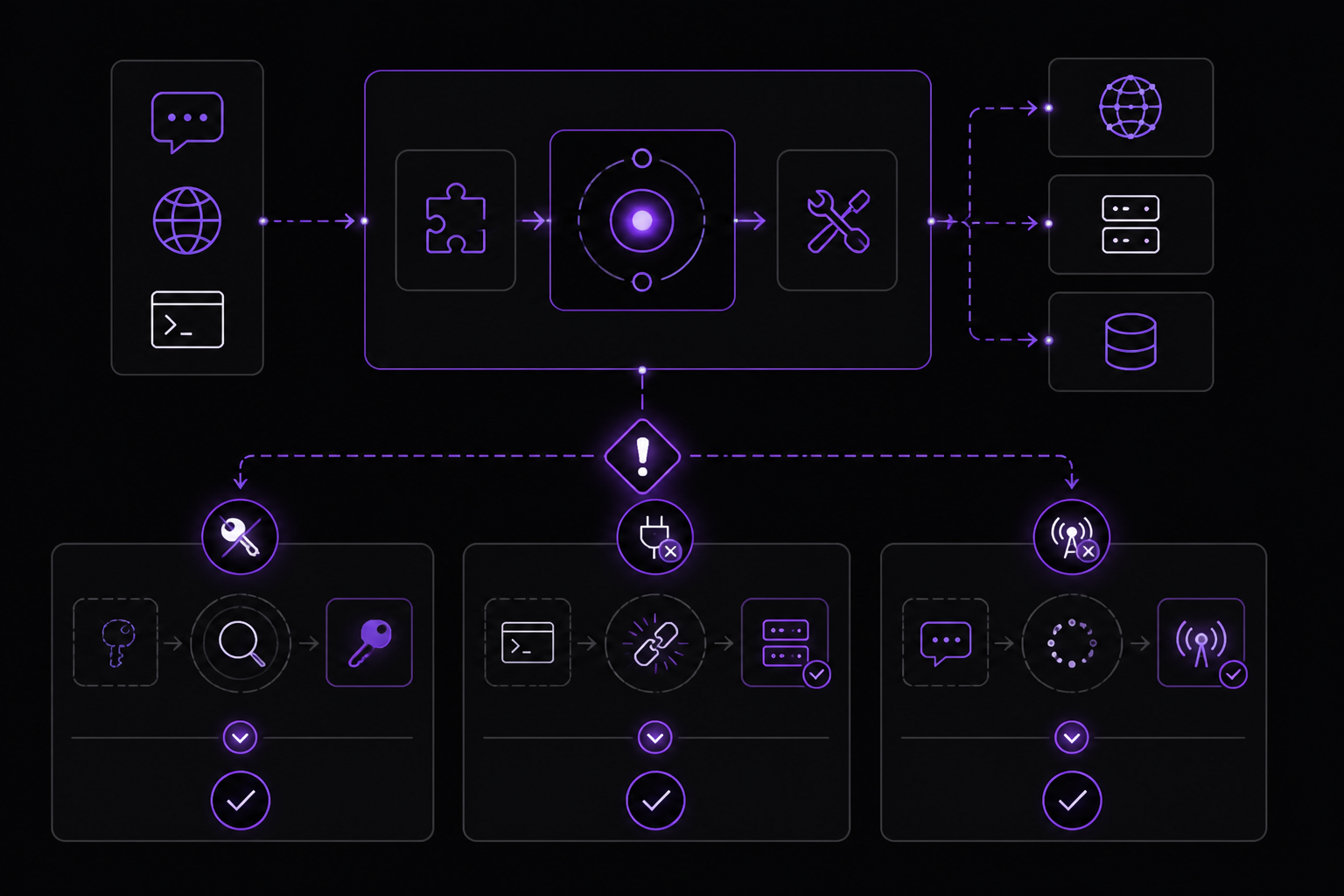
Based on the source material, here are common issues and their solutions:
- API key not detected: If
web.backendis not set, Hermes auto-detects the backend from available API keys. If no key is found, the web search tools will fail. Ensure the correct environment variable is set for your chosen backend. - MCP server connection failure: For stdio transport, verify the command and arguments are correct. For SSE transport, ensure the URL is reachable and the server is running. Check firewall rules if using self-hosted servers.
- Messaging platform gateway not connecting: Verify the bot token or API key, ensure the platform's webhook or socket mode is configured correctly, and check that the Hermes gateway subsystem is enabled in
config.yaml. - Voice transcription not working: Confirm the speech-to-text provider is configured and the API key is valid. For local faster-whisper, ensure the model is downloaded and the system has sufficient resources.
- Plugin not loading: Check that the plugin is in one of the three discovery locations and that it exports the correct entry points. Restart Hermes after adding a new plugin.
Going Further
To deepen your understanding of Hermes Agent integrations, the official documentation recommends the following next steps:
- Set up the Nous Portal integration first, as a single OAuth login covers 300+ models plus the four Tool Gateway tools (web search, image generation, TTS, and browser automation).
- Explore the Messaging Gateway overview for a platform comparison table and setup guide.
- Read the Browser Automation documentation for detailed setup and usage of browser backends.
- Review the Voice and TTS and Voice Mode documentation for configuring speech services.
- Study the Memory Providers documentation for deeper personalization options.
- Follow the Build a Plugin guide to create custom extensions.
- Check the Batch Processing documentation for training and evaluation workflows.
The #1 AI Newsletter
The most important ai updates, guides, and fixes — one weekly email.
No spam, unsubscribe anytime. Privacy policy