
Hermes Agent Matrix Setup: Rooms, Threads, and E2EE
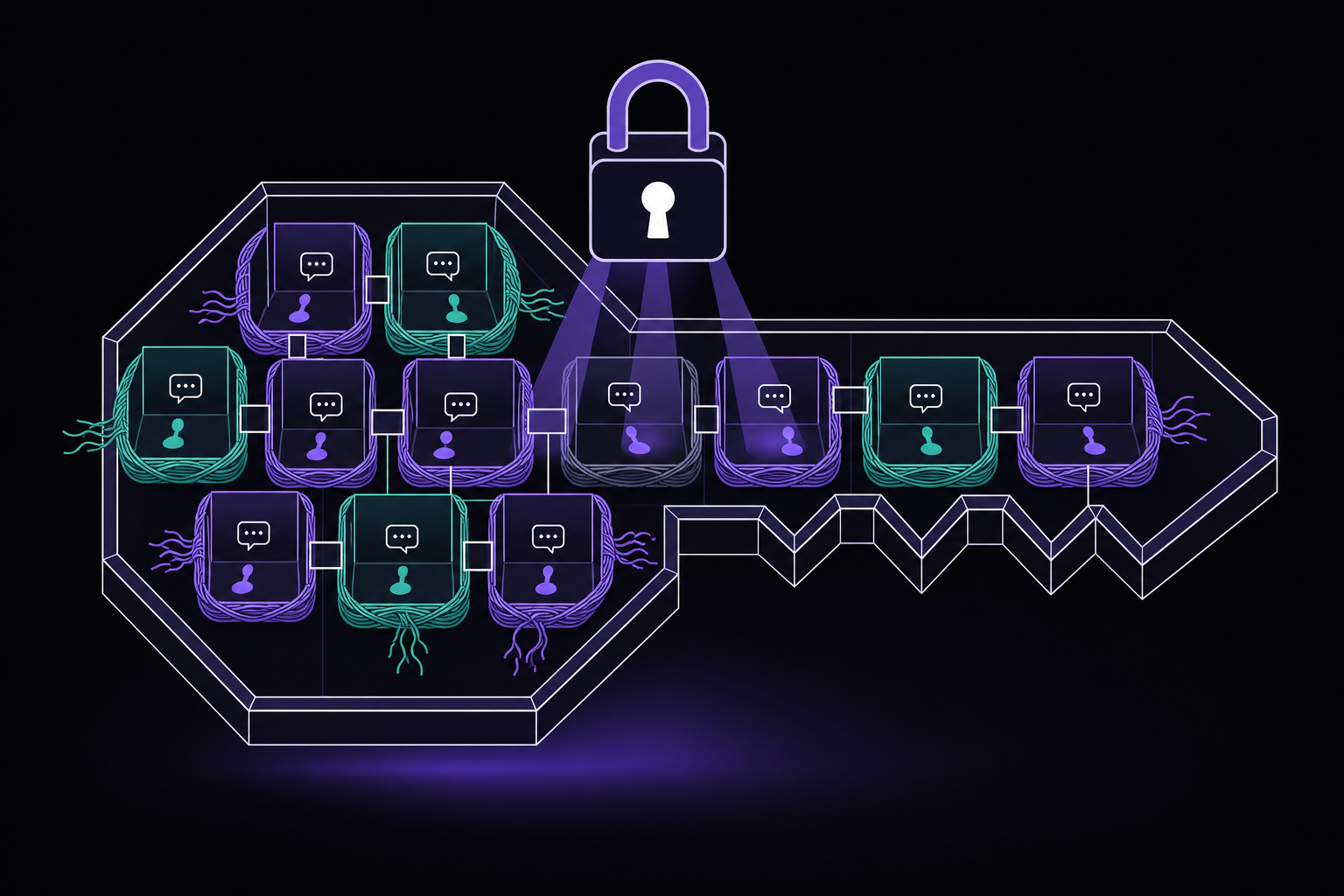
This guide covers how to connect Hermes Agent to any Matrix homeserver, configure rooms and threads, enforce per-user session isolation, and optionally enable end-to-end encryption (E2EE). It is written for teams already using Element or another Matrix client, self-hosters who want agent runtime and chat transport under their control, and engineering or operations rooms that benefit from thread and per-user context isolation.
What You Need
Before starting, you need the following items drawn from the official documentation:
- A dedicated Matrix bot account on your homeserver or matrix.org. Using a personal account works for a solo assistant, but a separate identity is easier to secure and recover.
- An access token for that account, obtained from Element under Settings -> Help & About -> Advanced. Treat it like a password: never paste it into chat or commit it.
- The Hermes Agent installed and configured with a working profile. You should have already run
hermes gateway setupat least once. - A Matrix homeserver such as Synapse, Conduit, Dendrite, or matrix.org. Any homeserver that supports the Matrix client-server API works.
- For E2EE: mautrix encryption support and libolm installed on the machine running the Hermes gateway.
- A private test room on your homeserver where you can invite the bot without exposing it to untrusted users.
How the Hermes Matrix Gateway Behaves
Hermes connects to the homeserver through the mautrix Python SDK. The gateway handles several interaction patterns differently:
- Direct messages (DMs): Every allowed message can trigger Hermes. No
@mentionis required. TheMATRIX_DM_AUTO_THREADsetting is off by default, meaning replies appear in the main DM timeline, not in a sub-thread. - Shared rooms: By default, the bot requires an
@mentionto respond. This is controlled byMATRIX_REQUIRE_MENTION=true, which is the safe default for any room with multiple participants. - Threads: Replies stay inside the Matrix thread (MSC3440) and use an isolated session namespace. This means each thread gets its own conversation history, separate from the main room timeline.
- Progress updates: Matrix can update threaded thinking or tool panes instead of flooding the room with multiple messages. This keeps the room readable during long-running agent tasks.
Setup Path
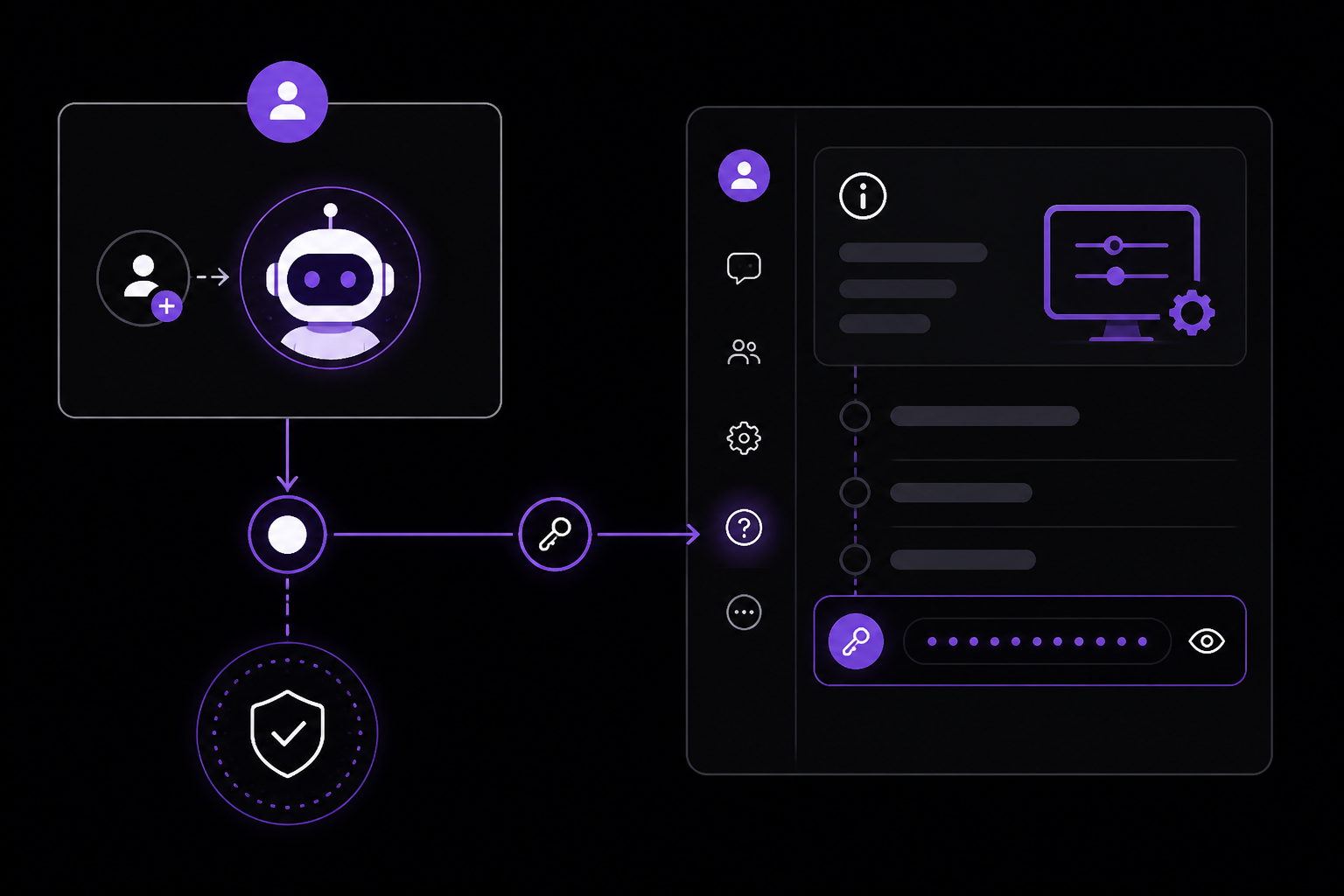
Step 1: Create a Dedicated Matrix Bot Account
Create a new Matrix account specifically for the bot. Do not use your personal account. According to the official documentation, using a personal account works for a solo assistant, but a separate identity is easier to secure and recover. If you ever need to rotate credentials or investigate a security issue, the bot account can be isolated without affecting your personal chats.
Step 2: Get an Access Token
Log into the bot account using Element (web or desktop). Navigate to Settings -> Help & About -> Advanced. Scroll down to the "Access Token" section and copy the token. The documentation warns: treat it like a password. Never paste it into chat, commit it to version control, or share it in any unencrypted channel.
If you prefer password-based login instead of a token, you can use MATRIX_USER_ID and MATRIX_PASSWORD environment variables. The token method is generally more secure because tokens can be revoked without changing the account password.
Step 3: Run hermes gateway setup
Run the following command:
hermes gateway setup
The setup wizard will prompt you to choose a transport. Select Matrix. Then enter:
- The homeserver URL (e.g.,
https://matrix.example.comorhttps://matrix.org) - The access token (or user ID plus password if you chose that method)
- The allowed Matrix user IDs (the user IDs of people who are permitted to interact with the bot)
After completing the wizard, the gateway configuration is written to your active Hermes profile.
Step 4: Set User and Room Allowlists
For a private deployment, you must set both MATRIX_ALLOWED_USERS and MATRIX_ALLOWED_ROOMS. The documentation is explicit: without them, any sender or joined room that reaches the bot may be able to trigger an agent turn. This is a significant security risk for a tool-using agent.
Set these environment variables in your Hermes profile or in a .env file:
MATRIX_ALLOWED_USERS=@user1:example.com,@user2:example.com
MATRIX_ALLOWED_ROOMS=!room1:example.com,!room2:example.com
MATRIX_ALLOWED_USERS: A comma-separated list of Matrix user IDs that are allowed to send messages to the bot.MATRIX_ALLOWED_ROOMS: A comma-separated list of room IDs that the bot is allowed to participate in.
Step 5: Configure Mention Requirements
Keep MATRIX_REQUIRE_MENTION=true for shared rooms. This is the safe default. If you have a room where you want the bot to respond to every message without a mention, add that room's ID to MATRIX_FREE_RESPONSE_ROOMS:
MATRIX_REQUIRE_MENTION=true
MATRIX_FREE_RESPONSE_ROOMS=!freeforall:example.com
The documentation advises adding only deliberate exceptions to MATRIX_FREE_RESPONSE_ROOMS. Keep room-wide @room mentions disabled.
Step 6: Start or Restart the Gateway
Start or restart the Hermes gateway:
hermes gateway start
Then invite the bot account to one private room. Send a harmless DM or @mention in the room. Count setup as complete only after the reply lands in Matrix. If no reply appears, check the gateway logs before rotating credentials.
Step 7: Configure Session Scope
For stable project-room context, use MATRIX_SESSION_SCOPE=room. This setting determines whether the bot's conversation history is scoped to the room level or the thread level. The documentation explains that Matrix has two independent context decisions:
MATRIX_SESSION_SCOPEselects the room or thread lane.group_sessions_per_userdecides whether people inside a shared room get separate histories.
Use MATRIX_SESSION_SCOPE=room and MATRIX_AUTO_THREAD=false for one stable project-room lane. This means all messages in that room share a single conversation context, regardless of which thread they are in.
Step 8: Add E2EE (Optional)
Add E2EE only after ordinary messaging works. Install the Matrix encryption dependencies and libolm, then set MATRIX_E2EE_MODE=required and back up the Matrix crypto store. The documentation strongly advises doing the first gateway smoke test in an unencrypted private room, then enabling required E2EE as a separate verified step.
Room, Thread, and Per-User Session Isolation
Matrix has two independent context decisions. MATRIX_SESSION_SCOPE selects the room or thread lane, while group_sessions_per_user decides whether people inside a shared room get separate histories.
The default per-user behavior protects token budgets and prevents one person's tool-heavy task from bloating or interrupting another person's context. According to the documentation:
- Use
MATRIX_SESSION_SCOPE=roomandMATRIX_AUTO_THREAD=falsefor one stable project-room lane. - Keep
group_sessions_per_user: truewhen participants should not share context. - Set it to false only for a deliberately collaborative room where shared history is useful.
- Cross-room
/resumeis blocked unless explicitly requested, reducing accidental project-context leakage.
Configuration Example
In your Hermes profile YAML or environment:
matrix:
  session_scope: room
  auto_thread: false
  group_sessions_per_user: true
Or as environment variables:
MATRIX_SESSION_SCOPE=room
MATRIX_AUTO_THREAD=false
MATRIX_GROUP_SESSIONS_PER_USER=true
Private Deployment Hardening
A federated room is still untrusted input to a tool-using agent. The documentation provides several hardening recommendations:
Restrict Users and Rooms
Set both MATRIX_ALLOWED_USERS and MATRIX_ALLOWED_ROOMS, not only one of them. This ensures that even if a user is allowed, they can only interact with the bot in approved rooms.
Ignore Bridge Ghosts
Use MATRIX_IGNORE_USER_PATTERNS for Telegram, Slack, or WhatsApp bridge ghosts to avoid loops. Bridge ghosts are virtual users that represent users from other platforms. If the bot responds to a ghost, the ghost may forward the response back to the other platform, creating a loop.
MATRIX_IGNORE_USER_PATTERNS=@telegram_*,@slack_*,@whatsapp_*
Disable Destructive Tools
Keep redaction, invites, public room creation, and cross-room tools disabled by default. The documentation notes that Matrix-specific tools with cross-room and destructive actions are disabled by default. Only enable them if your workflow truly needs them.
Use a Dedicated Hermes Profile
Use a dedicated Hermes profile when Matrix should have narrower memory, secrets, or terminal access. This isolates the Matrix gateway from other agents or transports.
End-to-End Encryption Without Silent Downgrade
Matrix E2EE is deployment-controlled. The documentation defines three modes:
off: Skips crypto entirely. Messages are sent unencrypted.optional: Attempts encryption but may keep unencrypted rooms working if crypto cannot initialize. This mode is not equivalent to guaranteed E2EE.required: Fails closed. If encryption cannot be established, the bot will not send or receive messages in that room.
For a room advertised as encrypted, use required mode after installing mautrix encryption support and libolm. The documentation warns that optional mode is not equivalent to guaranteed E2EE.
Crypto Store Location
Crypto keys live under ~/.hermes/platforms/matrix/store/ on current installs. Back up the store securely. Losing it can prevent decryption of prior encrypted traffic.
Security Practices
Never commit recovery keys, access tokens, device IDs, or the crypto store to version control. The documentation is explicit about this.
Matrix vs. Other Transports
The documentation provides a comparison to help you decide when to use Matrix:
- Matrix: Strongest fit for self-hosted or federated team rooms. Choose when rooms, federation, Element clients, self-hosted chat, and E2EE are requirements.
- Signal: Simpler private mobile transport with a linked-device daemon. Choose for a lighter private phone workflow without operating a homeserver.
- Discord: Familiar team channels and threads without Matrix homeserver operations. Choose for familiar team/community channels.
- FlyHermes: Managed browser/mobile/channel access. Choose when the business goal is managed uptime rather than owning homeserver, gateway, provider, backups, and incident recovery.
Troubleshooting
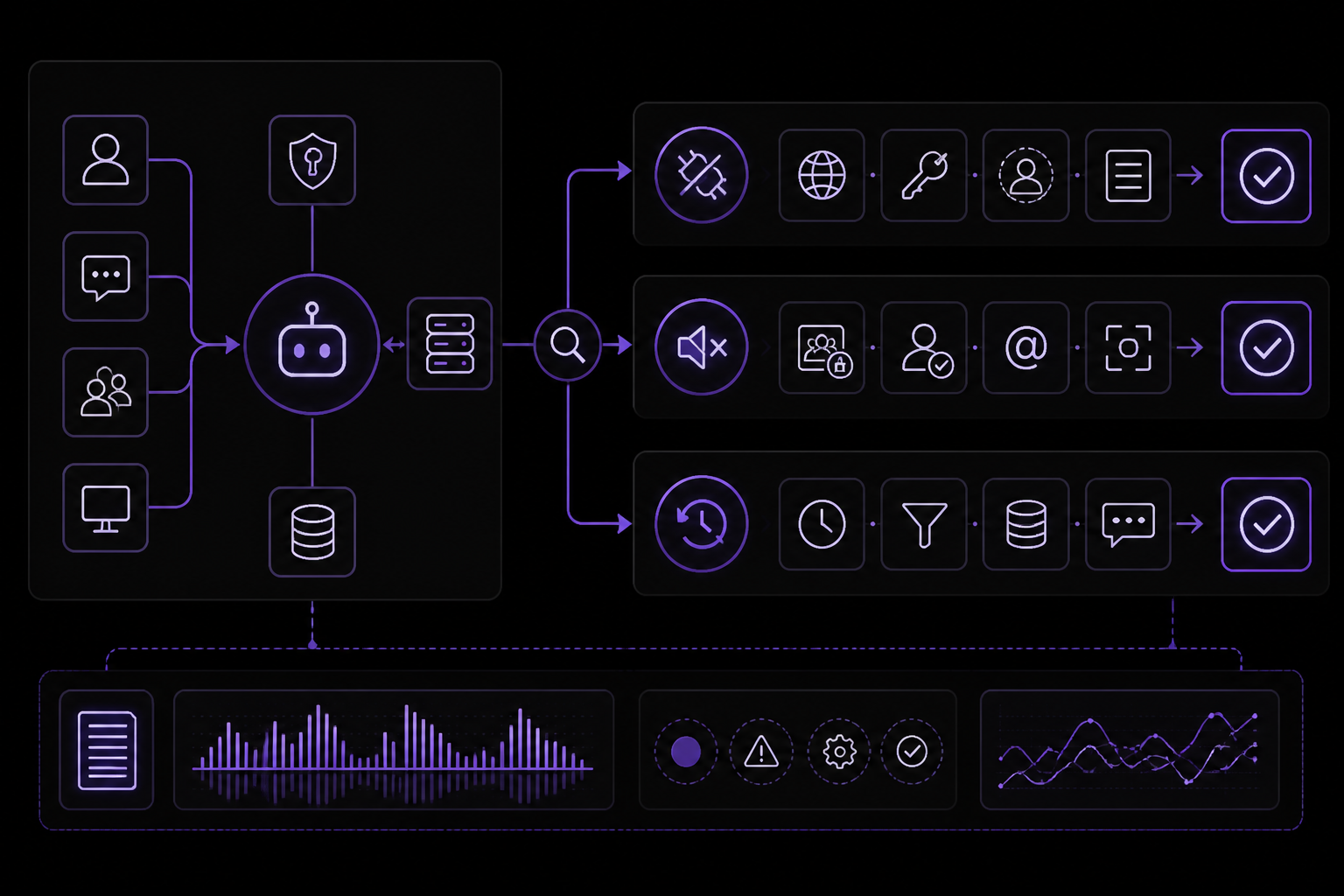
The documentation lists several common setup issues and their solutions:
Bot Does Not Connect
Verify MATRIX_HOMESERVER, token validity, and the active Hermes profile. Inspect current gateway logs rather than rotating credentials blindly. The documentation advises against rotating credentials without first checking logs.
DM Works but Room Is Silent
Confirm the room is in MATRIX_ALLOWED_ROOMS, the sender is allowed, and the message includes an @mention unless that exact room is free-response. If the room is not in the allowlist, the bot will ignore all messages.
Bot Answers Old Events After Restart
Update Hermes and mautrix. Current handling ignores stale startup events, duplicate IDs, edits, notices, and the bot's own events. If you are on an older version, the bot may replay old events after a restart.
Users See Wrong Context
Inspect MATRIX_SESSION_SCOPE, real thread roots, and group_sessions_per_user. Room scope and per-user isolation are separate controls. If users are seeing each other's context, check that group_sessions_per_user is set to true.
Encrypted Messages Fail
Verify mautrix encryption support, libolm, the device/store path, and whether MATRIX_E2EE_MODE is optional or required. If crypto cannot initialize, messages will fail silently in optional mode or fail loudly in required mode.
Bridge Creates Loops
Add the bridge's ghost-user naming pattern to MATRIX_IGNORE_USER_PATTERNS and leave notices disabled unless trusted humans need them. Bridge loops can cause infinite message exchanges.
Cron Runs but No Matrix Report Arrives
Verify the Matrix home room or explicit delivery target, gateway uptime, provider health, room membership, and one manual message to the same room. If the gateway is down, cron reports will not be delivered.
Media Fails
Matrix downloads must use mxc:// content and remain under MATRIX_MAX_MEDIA_BYTES. Inspect the attachment type and limit before widening access. The default media size limit may be too small for large files.
FAQ
How do I connect Hermes Agent to Matrix?
Create a Matrix account for the bot, copy an access token, run hermes gateway setup, configure user and room allowlists, restart the gateway, invite the bot, and verify one real DM or room reply.
Does Hermes Agent support Matrix threads?
Yes. Real MSC3440 threads keep their own context, and Hermes can auto-create response threads in rooms. Use room scope when a project room needs one stable unthreaded lane.
Does Hermes Agent support encrypted Matrix rooms?
Yes, with mautrix encryption support and libolm installed. Use MATRIX_E2EE_MODE=required to fail closed instead of silently continuing without E2EE.
Why does Hermes require a mention in Matrix rooms?
Mention gating is the safe default in shared rooms. Disable it globally only with care, or add exact room IDs to MATRIX_FREE_RESPONSE_ROOMS.
Do people in one Matrix room share the same Hermes memory?
Not by default. group_sessions_per_user: true gives each participant a separate session inside the room. Set it to false only when one shared collaborative transcript is intentional.
Which Matrix environment variables are required?
Use MATRIX_HOMESERVER plus MATRIX_ACCESS_TOKEN; password login instead uses MATRIX_USER_ID and MATRIX_PASSWORD. A private deployment should also set MATRIX_ALLOWED_USERS and MATRIX_ALLOWED_ROOMS.
Can Matrix deliver Hermes cron reports?
Yes. Configure a Matrix home room or explicit delivery target, keep the gateway running, and verify the actual message in that room after the job runs.
Should I self-host Matrix access or use FlyHermes?
Self-host when federation, E2EE, homeserver control, and room-level customization justify the operational work. Choose FlyHermes when managed browser/mobile/channel uptime matters more than running that stack yourself.
Going Further
Once your Matrix gateway is working, the documentation suggests several next steps:
- Hermes gateway troubleshooting: Debug a connected homeserver or gateway that still does not receive or deliver real messages.
- Hermes profiles guide: Isolate Matrix credentials, memory, skills, and tool permissions from other agents.
- Hermes Web UI: Inspect the active profile, provider, sessions, logs, cron jobs, and gateway state.
- Hermes cron jobs: Schedule work and verify the report reaches the intended Matrix room.
- Signal setup: Compare Matrix rooms and federation with a lighter private messaging gateway.
You can also explore other integrations like Telegram, Discord, Slack, and WhatsApp, each with their own setup guides on the Hermes Agent documentation site.
The #1 AI Newsletter
The most important ai updates, guides, and fixes — one weekly email.
No spam, unsubscribe anytime. Privacy policy