
Hermes Agent WhatsApp Setup: Baileys vs Cloud API Guide
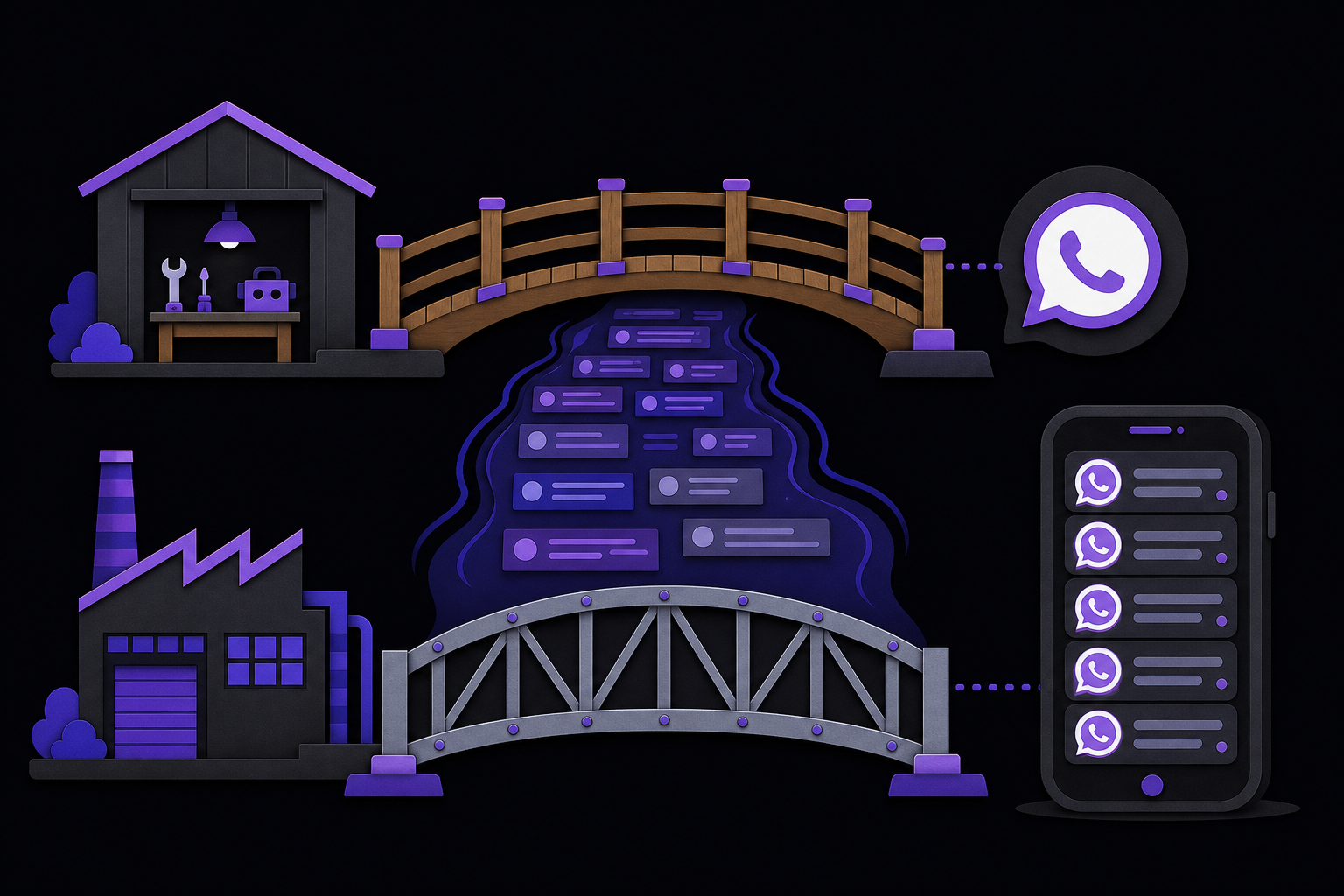
This guide covers the two ways to connect Hermes Agent to WhatsApp: the quick Baileys bridge for personal projects and Meta's official Cloud API for production business bots. It is written for developers and operators who need to choose a path, run the setup commands, configure security, and troubleshoot common issues.
What You Need
Before starting, ensure you have the following:
- Hermes Agent installed and running. The guide assumes you have a working Hermes gateway. If not, install it first per the official Hermes documentation.
- Node.js and npm. Required for the Baileys bridge. The Cloud API path does not need them, but the gateway itself may.
- A WhatsApp account. For Baileys, this can be your personal number or a dedicated one. For Cloud API, you need a Meta Business account with a dedicated business phone number.
- For Cloud API only: A public HTTPS endpoint for webhooks (e.g., Cloudflare Tunnel, ngrok, or a reverse proxy). You also need a Meta Developer account and a Meta Business App.
- Terminal access. All setup is command-line driven.
- A text editor. For editing environment variables or configuration files.
Choose the Right WhatsApp Path
The most important decision is which adapter to use. The two paths have completely different setup procedures, security models, and operational constraints. According to the official Hermes documentation, you can run both adapters simultaneously against different phone numbers, but each needs its own allowlist and delivery target.
Baileys Bridge: The Quick Personal Agent Path
Use hermes whatsapp for the Baileys bridge. It is the fastest way to get a personal agent on WhatsApp. You pair by scanning a QR code from your phone, just like linking a new device on WhatsApp Web. This path does not require a Meta developer account, a public URL, or any webhook configuration. It supports personal accounts and group chats. However, because it uses an unofficial protocol, there is a risk of your WhatsApp account being banned. The official documentation advises using a dedicated number rather than your personal account when possible.
WhatsApp Cloud API: The Production Business Path
Use hermes whatsapp-cloud for Meta's official Business Cloud API. This is the production path for customer-facing bots. It requires a Meta Business account, a dedicated business phone number, and a public HTTPS webhook endpoint. It is more stable and supported by Meta, but it comes with compliance requirements, including the 24-hour conversation window for free-form messages. The Cloud API adapter in Hermes currently handles direct messages only, not group chats. If you need groups, you must use Baileys.
Setup: Baileys Bridge
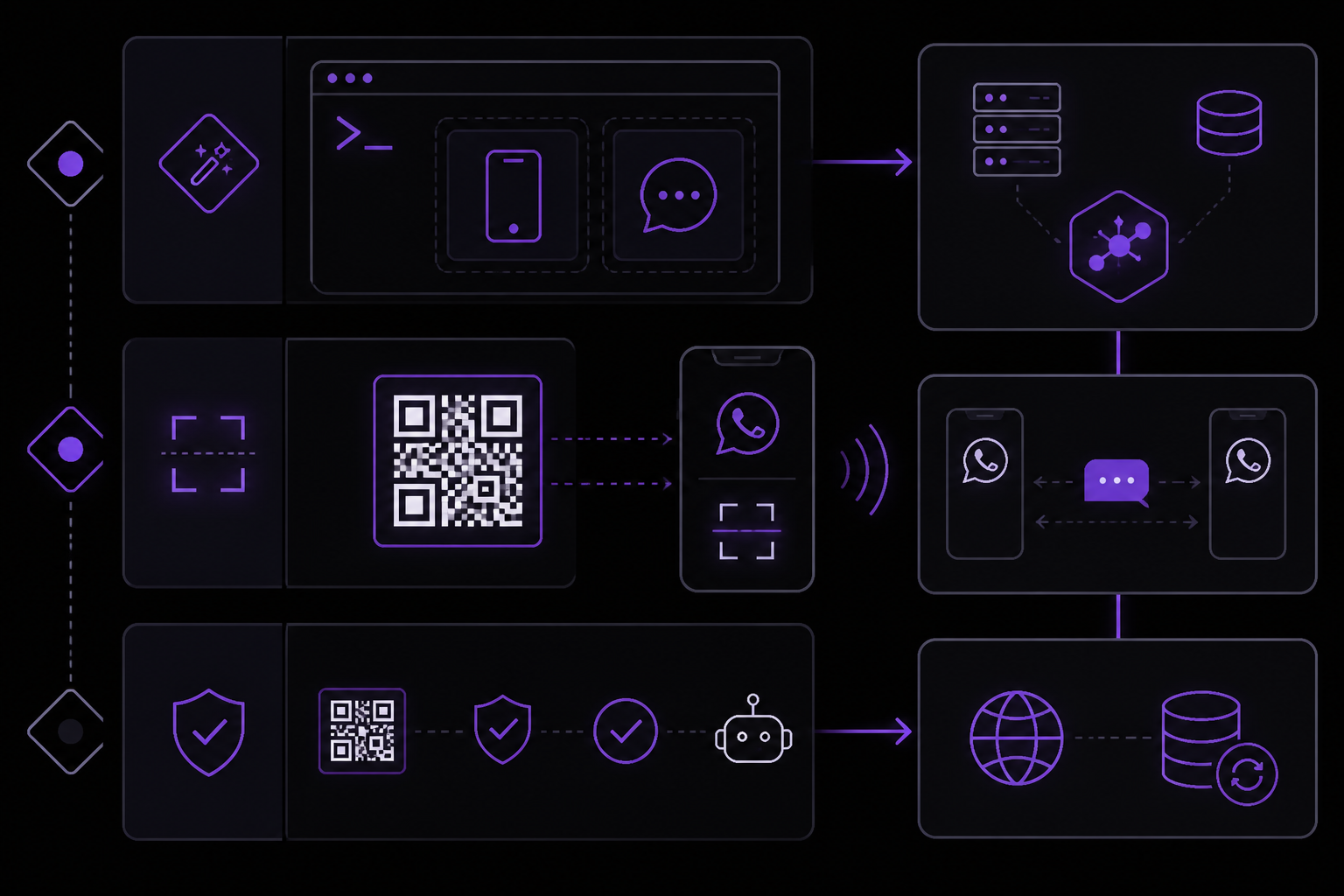
Step 1: Run the Setup Wizard
Open your terminal and run:
hermes whatsapp
This launches an interactive wizard. You will be asked to choose between using a separate bot number or self-chat mode. Self-chat mode means the agent will message itself, which is useful for testing.
Step 2: Scan the QR Code
The wizard will display a QR code in your terminal. Open WhatsApp on your phone, go to Settings > Linked Devices, and scan the code. If the QR code is too large for your terminal, widen the terminal window or use the latest refreshed code. The official documentation warns that you must verify you are linking the intended WhatsApp account, not a different one.
Step 3: Session Persistence
Hermes saves the encrypted session data to ~/.hermes/platforms/whatsapp/session. This directory must be protected like a password. If you are using Docker, you must mount this directory as a persistent volume. If the session disappears after a restart, it means the directory was not persisted or was lost. The official documentation states: "protect that directory like a password and persist it when using Docker."
Step 4: Configure the Allowlist
Before sending any live messages, set the environment variable WHATSAPP_ALLOWED_USERS. This is a comma-separated list of phone numbers in international format without the leading +. For example:
export WHATSAPP_ALLOWED_USERS="1234567890,1987654321"
This is a critical security step. The official documentation says: "A WhatsApp message can reach the same terminal, files, browser, MCP servers, and integrations available to the active Hermes profile." If you want a private Baileys number to ignore messages from unknown senders, set whatsapp.unauthorized_dm_behavior: ignore in your Hermes configuration instead of returning pairing codes.
Step 5: Start or Restart the Gateway
After the wizard completes, start or restart the Hermes gateway:
hermes gateway restart
Then verify the gateway status:
hermes gateway status
A green status does not mean the WhatsApp adapter is fully working. The official documentation warns: "A saved QR session, green webhook check, or gateway status result alone does not prove the provider and delivery path work."
Step 6: Send a Test Message
Send one harmless direct message from an allowlisted number. Check the gateway log for the inbound event:
tail -f ~/.hermes/logs/agent.log
Confirm that the reply came from the intended Hermes profile. Only after this DM works should you enable groups, voice or media handling, cron delivery, customer workflows, or broader tools.
Setup: WhatsApp Cloud API
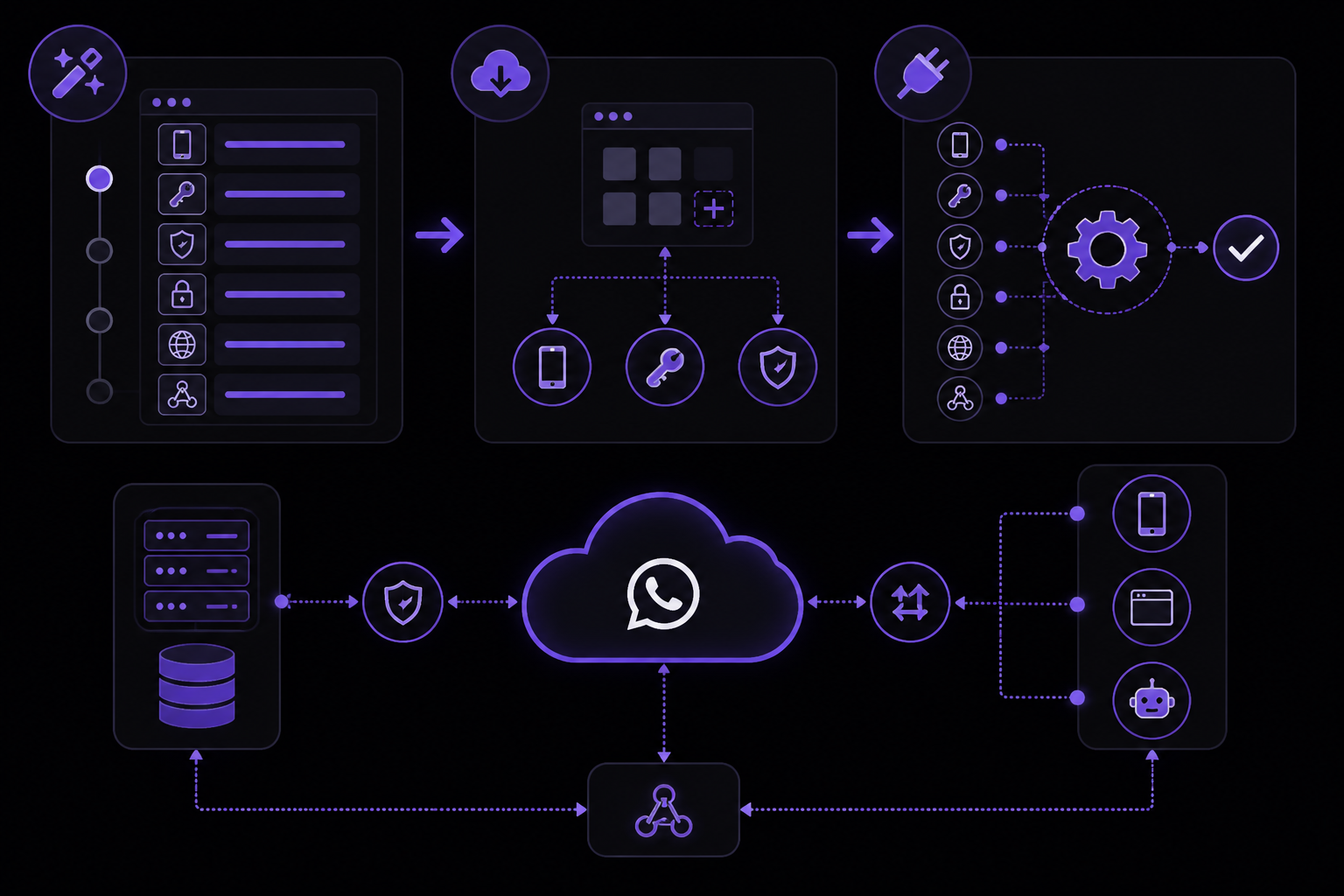
Step 1: Run the Setup Wizard
Run:
hermes whatsapp-cloud
This wizard will prompt you for several pieces of information: Phone Number ID, access token, App Secret, verify token, allowlist, and webhook settings. Have these ready before starting.
Step 2: Obtain Meta Credentials
You need a Meta Business App with the WhatsApp Business API product added. From the Meta Developer dashboard, you will get:
- Phone Number ID: The ID of your dedicated business phone number.
- Access Token: For production, use a System User permanent token. Meta's temporary setup token expires after 24 hours. The official documentation explicitly says: "Use a System User permanent token for production; Meta's temporary setup token expires after 24 hours."
- App Secret: This is used to verify webhook signatures. Keep
WHATSAPP_CLOUD_APP_SECRETconfigured so Hermes can validate incoming webhooks. - Verify Token: A string you choose. Meta will send this back to confirm your webhook endpoint.
Step 3: Set Up the Public Webhook
You need a public HTTPS route to your Hermes gateway. Common options include:
- Cloudflare Tunnel: Recommended for production.
- ngrok: Good for testing.
- Your own reverse proxy: For full control.
The webhook endpoint path is /whatsapp/webhook. In the Meta Developer dashboard, configure your webhook to point to https://your-public-url/whatsapp/webhook. Subscribe to the messages field. The official documentation says: "you must subscribe Meta's webhook to the messages field."
Step 4: Configure the Allowlist
Set the environment variable WHATSAPP_CLOUD_ALLOWED_USERS similarly to the Baileys allowlist:
export WHATSAPP_CLOUD_ALLOWED_USERS="1234567890"
Again, use international format without the +.
Step 5: Start or Restart the Gateway
hermes gateway restart
Check the gateway status and logs as with the Baileys setup.
Step 6: Send a Test Message
Send a DM from an allowlisted number. Confirm the inbound event in the gateway log and verify the reply. The official documentation repeats: "A saved QR session, green webhook check, or gateway status result alone does not prove the provider and delivery path work."
Fail Closed Before Connecting Tools
This is a critical operational principle. Before you enable any powerful tools, you must have the allowlist in place and have tested a single DM. The official documentation says: "Set WHATSAPP_ALLOWED_USERS or WHATSAPP_CLOUD_ALLOWED_USERS before the first live test." Start with one sender and one read-only prompt. Use a dedicated Hermes profile when the channel owns project-specific secrets, memory, or tools. Keep irreversible commands behind approvals. Run the gateway troubleshooting checklist before expanding access.
Features: Voice, Images, Documents, and Long Replies
Both modern WhatsApp adapters can pass media into Hermes, but the capabilities depend on your configuration.
- Voice notes: Require a configured speech-to-text (STT) provider. Without one, voice notes will not be transcribed.
- Images: Require a vision-capable model or routing. The image can be passed to a model that understands images.
- Documents: Cloud API can download documents for tool access. Baileys may also support this, but the official documentation specifically mentions Cloud API for document download.
- Long replies: Hermes splits long replies into 4,096-character chunks. Markdown is converted to WhatsApp-friendly formatting.
Baileys Batching
The official documentation notes: "Baileys batches rapid message fragments by default so paste-splits do not trigger several expensive agent runs." This is a performance feature that prevents multiple agent invocations when a user pastes a long message that WhatsApp splits into fragments.
Cloud API Buttons
Cloud API can show native buttons for clarifications and dangerous-command approvals. This is a UI feature not available in Baileys.
Cost and Rate Limits
Before enabling busy groups, voice, or frequent scheduled reports, check provider costs and rate limits. The official documentation advises: "Check provider costs and rate limits before enabling busy groups, voice, or frequent scheduled reports."
Cron Delivery and Notifications
Both adapters support WhatsApp as a delivery target for cron reports and agent notifications. However, there is a significant limitation with the Cloud API: Meta blocks free-form outbound messages more than 24 hours after the user's last inbound message. The official documentation says: "Free-form outbound replies are limited to 24 hours after the user's last message; delayed cron sends outside that window need Meta templates, which Hermes does not yet implement." If you need unattended cron reports, use Baileys or another channel like Telegram or email.
Self-Hosted vs Managed Mobile Access
Self-hosting gives you full control but requires maintenance. Baileys adds a Node subprocess, pairing state, and protocol updates. Cloud API adds Meta credentials, a public HTTPS webhook, token rotation, and the 24-hour window. If your actual goal is simply an always-on Hermes agent from your phone, the official documentation points to FlyHermes as a managed route that avoids owning that operations stack. The documentation says: "Choose self-hosting for custom infrastructure, private profiles, and deep tool control. Choose managed hosting when uptime, mobile access, and fewer bridge/webhook failures matter more than server control."
Troubleshooting
Baileys QR Code Will Not Scan
- Widen your terminal window.
- Use the latest refreshed code (the wizard may refresh it periodically).
- Verify you are linking the intended WhatsApp account, not a different one.
Baileys Session Disappears After Restart
- Persist and protect
~/.hermes/platforms/whatsapp/session. - In Docker, mount it as a volume.
Bridge Reconnect Loop After an Update
- Update Hermes to the latest version.
- Fully restart the gateway.
- Re-pair if WhatsApp invalidated the linked session.
No Inbound Message
- Verify the correct allowlist variable is set (
WHATSAPP_ALLOWED_USERSfor Baileys,WHATSAPP_CLOUD_ALLOWED_USERSfor Cloud API). - Ensure the phone number is in international format without the
+. - Check that the correct Hermes profile is active.
- Look for the inbound event in
~/.hermes/logs/agent.log.
Cloud Webhook Validation Fails
- Check that your HTTPS tunnel is live and accessible.
- Verify the exact verify token matches what you configured in Meta.
- Ensure the gateway is running.
- Confirm
WHATSAPP_CLOUD_APP_SECRETis set correctly. - Verify the webhook path is
/whatsapp/webhook. - Confirm the webhook is subscribed to the
messagesfield.
Cloud Error 190
This error means the access token is expired or invalid. Replace it with a new one. For production, use a correctly permissioned System User token that does not expire.
Cloud Error 131047
This error means the 24-hour service window has expired. The user must message the bot again, or you need an approved Meta template. Hermes does not yet implement the template workaround, so the only option is to ask the user to send a new message.
High Token Usage
If you are hitting rate limits or high costs, the official documentation suggests:
- Send
/usagein the same chat to see current usage. - Reduce group or free-response scope.
- Tune message batching.
- Review model and auxiliary provider routes.
Going Further
After your WhatsApp setup is working, the official documentation points to several next steps:
- WhatsApp setup guide: Follow the exact Baileys and Cloud API setup paths with commands and smoke tests.
- Gateway troubleshooting: Diagnose profile, process, provider, allowlist, bridge, and delivery failures in order.
- Run Hermes from your phone: Compare WhatsApp with Telegram, Discord, and browser access by operating model.
- Pricing and managed cloud: Choose managed hosting when mobile uptime matters more than maintaining a bridge or webhook.
- Other integrations: Explore connecting Hermes to Telegram, Discord, Slack, Signal, or email.
The official documentation also notes that older instructions telling you to install a WhatsApp plugin or use generic allowedNumbers config are obsolete. Current Hermes ships two built-in adapters: Baileys via hermes whatsapp and the official Meta Cloud API via hermes whatsapp-cloud.
The #1 AI Newsletter
The most important ai updates, guides, and fixes — one weekly email.
No spam, unsubscribe anytime. Privacy policy