Fix MCPToolConversionError: Failed to get tools from MCP server: 404
Error message
MCPToolConversionError: Failed to get tools from MCP server: 404
The MCPToolConversionError: Failed to get tools from MCP server: 404 error means that the to_langchain_tool() function from the python-a2a package sent an HTTP GET request to the MCP server's /tools endpoint, but the server returned a 404 Not Found status. The most common cause is a transport mismatch: the MCP server is configured to use the stdio transport, but the to_langchain_tool() function expects an HTTP-based transport and sends a GET request to a URL path that the server does not expose. This error occurs specifically when using the python-a2a library (version 0.5.9 as of this writing) to convert an MCP server into a LangChain tool, and it is a known issue in the python-a2a repository (Issue #74).
What Causes This Error
1. MCP server uses stdio transport instead of streamable-http
This is the most common cause. The to_langchain_tool() function from python-a2a expects the MCP server to be running with an HTTP-based transport (specifically streamable-http), because it sends HTTP GET requests to the server. If the server is started with the default stdio transport, it does not listen on any HTTP port, so any HTTP request to it will fail with a 404. According to the accepted answer on Stack Overflow (by furas), the server needs transport=streamable-http because it was using transport=stdio, and this was giving error 404.
2. to_langchain_tool() sends GET instead of POST
Even when the server is correctly configured with streamable-http, the to_langchain_tool() function has a bug: it sends an HTTP GET request to the /tools endpoint, but the MCP protocol expects a POST request to the /mcp endpoint for tool discovery. According to the accepted answer on Stack Overflow, when using client.list_tools() with a normal MCP client, the server shows POST requests:
INFO: 127.0.0.1:43026 - "POST /mcp HTTP/1.1" 307 Temporary Redirect
INFO: 127.0.0.1:43026 - "POST /mcp/ HTTP/1.1" 200 OK
But when using to_langchain_tool('http://localhost:8000/mcp', 'add') to get a tool, the server shows GET instead of POST (with code 406):
INFO: 127.0.0.1:47460 - "GET /mcp/tools HTTP/1.1" 406 Not Acceptable
The source code of to_langchain_tool() uses:
tools_response = requests.get(f"{mcp_url}/tools")
This is a bug in the python-a2a library. The function constructs a URL by appending /tools to the provided mcp_url, then sends a GET request. The MCP server does not expose a /tools endpoint via GET, so it returns 404 or 406.
3. Incorrect URL or missing trailing slash
If the mcp_url passed to to_langchain_tool() is incorrect (e.g., wrong port, wrong path, or missing the /mcp suffix), the server will return a 404. The MCP server started with FastMCP and stateless_http=True listens on http://localhost:8080/mcp by default. If you pass http://localhost:8080 without the /mcp path, the request goes to the root, which does not serve the MCP protocol.
4. Server not running or not reachable
If the MCP server process is not running, or if it is running on a different host or port, the HTTP request will fail. The error message will still be 404 if the server is running but the path is wrong, or it could be a connection refused error if the server is not running at all.
5. Version incompatibility
The python-a2a library version 0.5.9 may have a bug that was not present in earlier versions, or that has been fixed in a later version. The issue is reported on the python-a2a repository (Issue #74). The fastmcp version 2.10.5 and langchain-mcp-adapters version 0.1.9 may also have compatibility issues with python-a2a.
How to Fix It
Solution 1: Use streamable-http transport on the server (most likely to work)
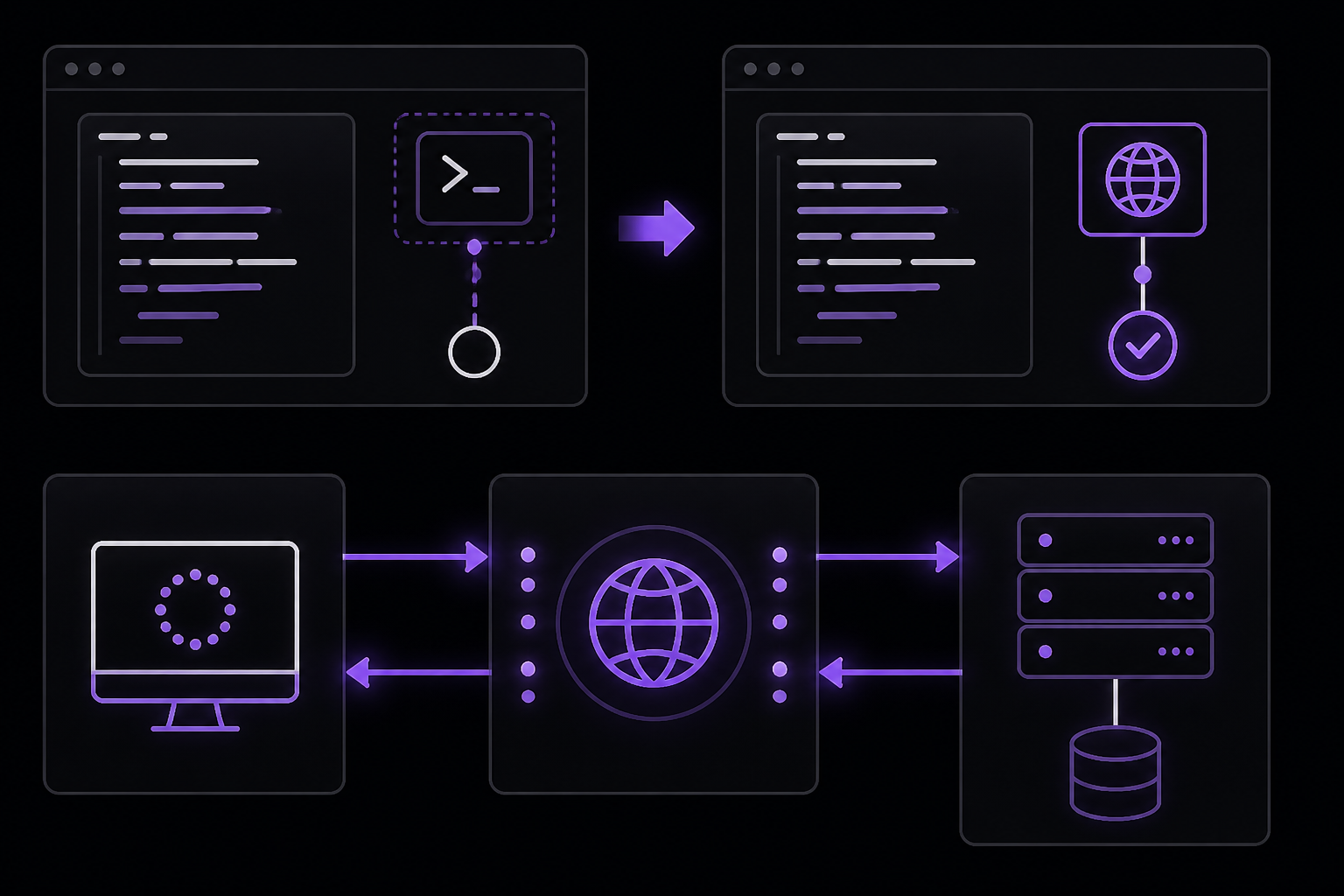
This fix addresses the root cause: the server must be configured to use an HTTP-based transport. According to the accepted answer on Stack Overflow, the server needs transport=streamable-http.
Step 1: Modify your MCP server code
Change your server from using the default stdio transport to using streamable-http. If you are using FastMCP, set stateless_http=True and specify the transport when calling mcp.run().
Example server code (from the Stack Overflow question):
from fastmcp import FastMCP

mcp = FastMCP("Demo", stateless_http=True)

@mcp.tool
def add(a: int, b: int) -> int:
    print(a + b)
    return a + b

if __name__ == "__main__":
    mcp.run()
Step 2: Run the server with the correct transport
Run the server with the streamable-http transport. The exact command depends on your server framework. For FastMCP, you can run it directly:
python add_mcp.py
This will start the server on http://localhost:8080/mcp by default. You should see output like:
INFO:     Started server process [12345]
INFO:     Waiting for application startup.
INFO:     Application startup complete.
INFO:     Uvicorn running on http://0.0.0.0:8080
Step 3: Verify the server is running with a POST request
Use curl to test that the server responds to POST requests on the /mcp endpoint:
curl -X POST http://localhost:8080/mcp \
  -H "Content-Type: application/json" \
  -d '{"jsonrpc": "2.0", "method": "tools/list", "id": 1}'
If the server is working, you should get a JSON response listing the available tools. If you get a 404, the server is not listening on that path.
Step 4: Use the correct URL in to_langchain_tool()
Make sure you pass the full URL including the /mcp path:
from python_a2a.langchain import to_langchain_tool

add = to_langchain_tool("http://localhost:8080/mcp", "add")
print(add)
What to expect when it works:
If the server is correctly configured and the to_langchain_tool() function works, you will see the tool object printed. However, due to the bug in to_langchain_tool() (it sends GET instead of POST), this solution alone may not be sufficient. See Solution 2 for a workaround.
Solution 2: Use a normal MCP client instead of to_langchain_tool() (community-reported workaround)
Since to_langchain_tool() has a known bug (it sends GET requests to /tools instead of POST to /mcp), the most reliable workaround is to use the standard MCP client to list and call tools, then wrap them manually for LangChain. This approach is confirmed to work by the Stack Overflow question author, who successfully used fastmcp.client.Client.
Step 1: Use the standard MCP client to list tools
from fastmcp.client import Client

client = Client("http://localhost:8080/mcp")

async with client:
    tools = await client.list_tools()
    print(tools)
    result = await client.call_tool("add", arguments={"a": 10, "b": 20})
    print(result.content)
Step 2: Manually wrap the tool for LangChain (if needed)
If you need to use the tool within a LangChain chain or agent, you can create a LangChain tool wrapper manually. Here is an example based on the standard MCP client pattern:
from langchain.tools import tool
from fastmcp.client import Client

@tool
def add(a: int, b: int) -> int:
    """Add two numbers together."""
    import asyncio
    async def _call():
        async with Client("http://localhost:8080/mcp") as client:
            result = await client.call_tool("add", arguments={"a": a, "b": b})
            return result.content[0].text
    return asyncio.run(_call())
What to expect when it works:
The client.list_tools() call will return a list of tools, and client.call_tool() will return the result. The server logs will show POST requests with 200 OK responses.
Solution 3: Use langchain-mcp-adapters instead of python-a2a (alternative library)
According to the version list in the Stack Overflow question, langchain-mcp-adapters version 0.1.9 is installed. This library is designed to bridge MCP tools with LangChain and may work correctly where python-a2a fails.
Step 1: Install langchain-mcp-adapters
If not already installed:
pip install langchain-mcp-adapters
Step 2: Use langchain-mcp-adapters to load tools
Refer to the langchain-mcp-adapters documentation for the correct API. A typical usage might look like:
from langchain_mcp_adapters.client import MultiServerMCPClient

async with MultiServerMCPClient() as client:
    tools = client.get_tools()
    # Use tools in a LangChain agent
What to expect when it works:
The tools will be available as LangChain-compatible tools without the 404 error.
Solution 4: Patch to_langchain_tool() to send POST requests (advanced)
If you must use python-a2a and cannot switch libraries, you can monkey-patch the to_langchain_tool() function to send POST requests instead of GET. This is a temporary workaround until the library is fixed.
Step 1: Create a patched version of the function
import requests
from python_a2a.langchain.mcp import MCPToolConversionError

def patched_to_langchain_tool(mcp_url, tool_name=None):
    # Use POST instead of GET
    payload = {
        "jsonrpc": "2.0",
        "method": "tools/list",
        "id": 1
    }
    tools_response = requests.post(mcp_url, json=payload)
    if tools_response.status_code != 200:
        raise MCPToolConversionError(f"Failed to get tools from MCP server: {tools_response.status_code}")
    available_tools = tools_response.json()
    # ... rest of the function logic (filter by tool_name, etc.)
    # This is a simplified example; you would need to replicate the full logic
    return available_tools
Step 2: Apply the patch before using the original function
from python_a2a.langchain import to_langchain_tool
# Override the function with the patched version
to_langchain_tool = patched_to_langchain_tool

add = to_langchain_tool("http://localhost:8080/mcp", "add")
print(add)
What to expect when it works:
The patched function will send a POST request to the MCP server, which will respond with the list of tools. The server logs will show POST requests with 200 OK.
Solution 5: Use asyncio.run(main()) for async client code
If you are writing your own async client code (not using to_langchain_tool()), make sure you wrap the async call in asyncio.run(). According to the accepted answer on Stack Overflow, the client has to be in an async function and use asyncio.run(main()).
import asyncio
from fastmcp.client import Client

async def main():
    client = Client("http://localhost:8080/mcp")
    async with client:
        tools = await client.list_tools()
        print(tools)
        result = await client.call_tool("add", arguments={"a": 10, "b": 20})
        print(result.content)

asyncio.run(main())
What to expect when it works:
The async function runs, connects to the server, lists tools, and calls the tool successfully.
If Nothing Works
1. Report the issue to the python-a2a repository
The problem is a known bug in the python-a2a library. It has been reported as Issue #74 on the themandojesai/python-a2a GitHub repository. You can add your reproduction steps to that issue or open a new one. The bug is that to_langchain_tool() sends a GET request to /tools instead of a POST request to /mcp.
2. Use an alternative library
Switch to langchain-mcp-adapters (version 0.1.9 as listed in the question) which is designed for this purpose and may not have the same bug. The official Anthropic documentation recommends using MCP servers with Claude Code, and the langchain-mcp-adapters library is more actively maintained for LangChain integration.
3. Use the raw MCP client and manually wrap tools
As shown in Solution 2, you can use fastmcp.client.Client to interact with the MCP server directly, then manually create LangChain tools from the results. This bypasses the bug entirely.
4. Check for server-side issues
- Ensure the server is running:
ps aux | grep python(Linux/macOS) or check Task Manager (Windows). - Verify the port: Use
netstat -an | grep 8080(Linux/macOS) ornetstat -an | findstr :8080(Windows) to confirm the server is listening. - Check firewall rules: Ensure no firewall is blocking the port.
- Test with a simple curl command:
curl -X POST http://localhost:8080/mcp -H "Content-Type: application/json" -d '{"jsonrpc": "2.0", "method": "tools/list", "id": 1}'
5. Downgrade or upgrade python-a2a
Try installing a different version of python-a2a to see if the bug was introduced or fixed in a specific version:
pip install python-a2a==0.5.8  # Try an older version
# or
pip install python-a2a==0.6.0  # Try a newer version if available
How to Prevent It
1. Always use streamable-http transport for HTTP-based MCP clients
When you intend to use an MCP server with HTTP-based clients (like to_langchain_tool() or fastmcp.client.Client), configure the server with stateless_http=True and ensure it runs with the streamable-http transport. The default stdio transport is for local process-to-process communication and does not expose an HTTP endpoint.
2. Verify the server transport before writing client code
Before writing client code that uses to_langchain_tool(), verify that the server is running with HTTP transport. Check the server startup logs for lines like Uvicorn running on http://0.0.0.0:8080. If the server starts without a URL, it is likely using stdio.
3. Use the correct URL format
Always include the full path to the MCP endpoint. For FastMCP servers, the default path is /mcp. The URL should be http://localhost:8080/mcp, not just http://localhost:8080.
4. Test with a simple POST request first
Before integrating with to_langchain_tool(), test the server with a simple POST request using curl or a tool like Postman. This confirms the server is reachable and responding correctly.
5. Keep libraries up to date
Monitor the python-a2a repository for fixes to Issue #74. Once a fix is released, update your library:
pip install --upgrade python-a2a
6. Prefer langchain-mcp-adapters for new projects
If you are starting a new project that needs to convert MCP tools to LangChain tools, use langchain-mcp-adapters instead of python-a2a. It is more actively maintained and integrates directly with LangChain's tool system.
7. Use async patterns correctly
When writing async MCP client code, always wrap the entry point with asyncio.run(). This is a common source of errors when using async libraries in synchronous contexts.
8. Read the server logs
When debugging MCP connection issues, watch the server's terminal output. It will show the HTTP method, path, and status code for each request. This can quickly reveal whether the client is sending GET instead of POST, or hitting the wrong path.
The #1 Claude Newsletter
The most important claude updates, guides, and fixes — one weekly email.
No spam, unsubscribe anytime. Privacy policy
Related Error Solutions
Keep exploring Claude
Claude resources
Latest AI answers
Skip the manual work
Ready-made AI workflows and automation templates — import and run instead of building from scratch.