Fix: pip install anthropic Fails on Python 3.13 (tokenizers dependency)
Error message
`pip install anthropic` currently fails on Python 3.13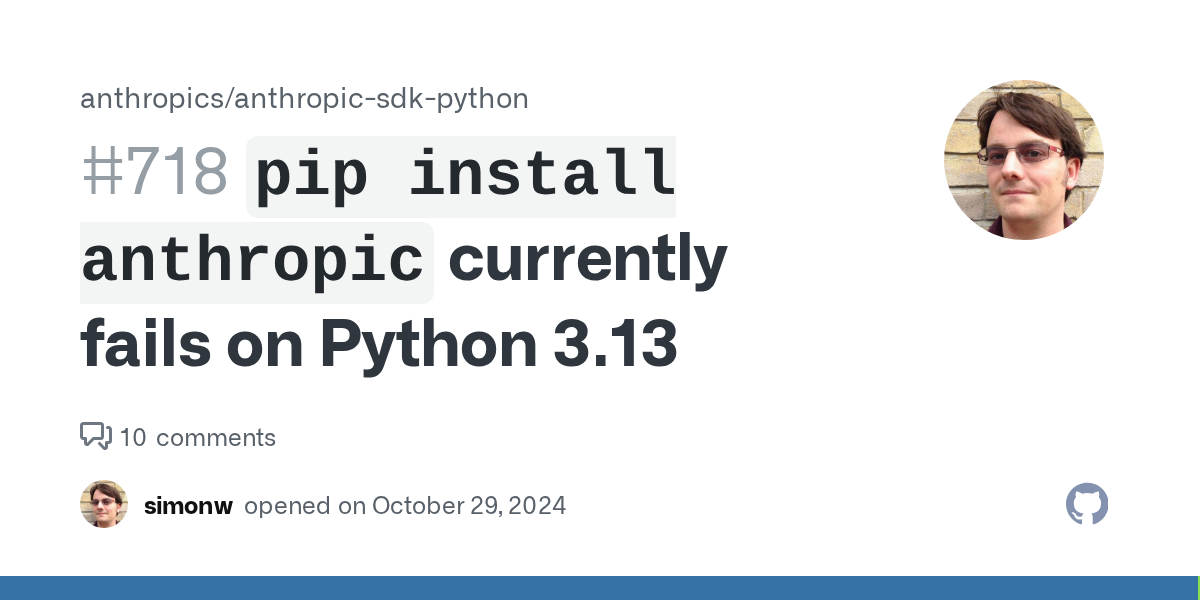
Diagnosis
Running pip install anthropic on Python 3.13 currently fails because one of the SDK's dependencies, tokenizers, requires pyo3-ffi, which is not yet compiled for Python 3.13. The exact error you will see is a build failure for tokenizers, typically ending with something like error: can't find Rust compiler or a more cryptic ModuleNotFoundError for pyo3-ffi during the pip install process. The root cause is that the tokenizers package (a dependency of anthropic) has not yet published a wheel for Python 3.13, and its source build requires pyo3-ffi, which also lacks a Python 3.13 compatible release. This means that as of now, no environment running Python 3.13 can successfully pip install anthropic without a workaround.
What Causes This Error
1. The tokenizers dependency is not yet available for Python 3.13
This is the primary cause, confirmed in the GitHub issue discussion. The anthropic Python SDK lists tokenizers as a dependency. The tokenizers package is a Rust-based library that provides fast tokenization for natural language processing models. It relies on pyo3-ffi, a Rust-to-Python bridge, to compile its native extensions. As of the time of this writing, pyo3-ffi has not been updated to support Python 3.13. This creates a chain of failures:
pip install anthropicpulls intokenizersas a dependency.tokenizersattempts to build from source because no precompiled wheel exists for Python 3.13 on your platform.- The build process requires
pyo3-ffi, which fails because it doesn't recognize Python 3.13's internal API changes. - The entire installation fails with a build error.
2. The tokenizers dependency may be unnecessary for most users
According to the GitHub issue reporter, the tokenizers dependency is only used for a "VERY old count tokens feature" that relies on the Claude 2 tokenizer. This feature is not actively useful for most modern use cases, as the Claude 2 tokenizer is outdated and the SDK's primary token counting mechanism (via the API) does not require tokenizers. The relevant code in the SDK is located in src/anthropic/_client.py around lines 270-286, where a local token counting function is defined. This function is a fallback and is not called in the normal API request flow. The dependency is therefore a legacy artifact that creates an unnecessary barrier for Python 3.13 users.
3. No official fix from Anthropic yet
At the time of the GitHub issue, the Anthropic team had not released a patch to remove or replace the tokenizers dependency. The issue remains open, and the workaround is community-driven. This means that simply waiting for a new release of the anthropic package may not resolve the problem immediately, as the fix requires either:
- The
tokenizerspackage to release a Python 3.13 compatible wheel, or - The
anthropicSDK to drop or conditionalize thetokenizersdependency.
4. Environment-specific factors
- Operating system: Linux, macOS, and Windows all experience this issue because it's a Python version problem, not an OS-specific one. However, users on systems without a preinstalled Rust compiler may see a different error message (e.g., "error: can't find Rust compiler") before the
pyo3-ffifailure. - Python installation method: Whether you use the official Python.org installer, Homebrew, pyenv, or conda, the issue persists because it's tied to the Python 3.13 version identifier, not the distribution.
- Virtual environment: Using a virtual environment does not help because the dependency resolution happens at the package level, not the environment level.
How to Fix It
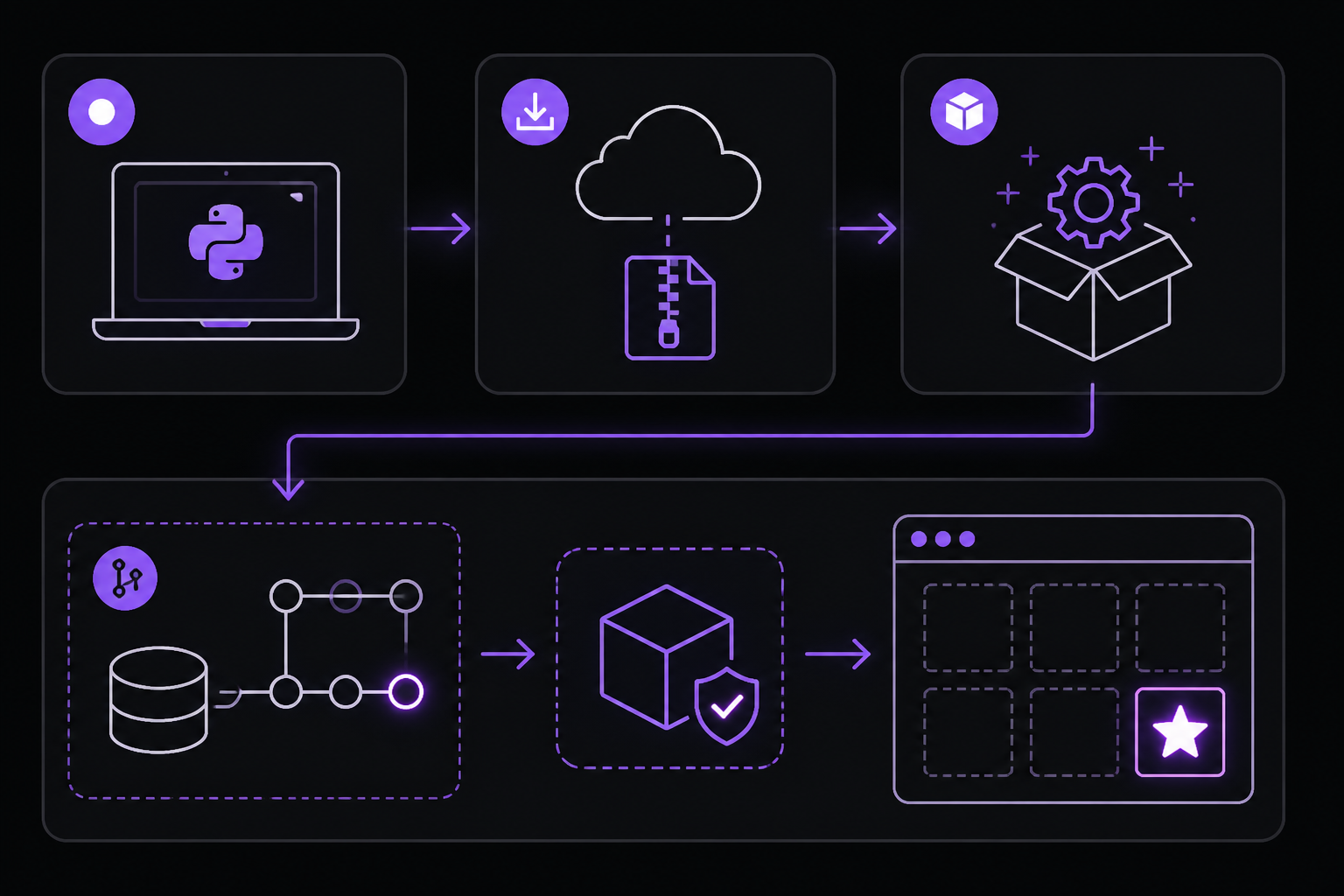
Solution 1: Install from a community-maintained fork (Recommended for immediate use)
This is the most reliable workaround as of the current state of the issue. Community member simonw created a fork of the anthropic-sdk-python repository that removes the tokenizers dependency. You can install directly from this fork using pip.
Steps:
- Ensure you are using Python 3.13 and have pip installed.
- Run the following command:
python -m pip install https://github.com/simonw/anthropic-sdk-python/archive/9c13bb441ee4eb88a100ed363fc431ec8fd30c43.zip
This command downloads a zip archive of the fork at a specific commit (9c13bb441ee4eb88a100ed363fc431ec8fd30c43) and installs it. The fork has the tokenizers dependency removed from setup.py or pyproject.toml, allowing the installation to complete on Python 3.13.
What to expect:
- The installation should succeed without errors.
- You can then import
anthropicand use the SDK as normal. - The only missing functionality is the local token counting feature, which is not used in typical API calls. The SDK will still count tokens via the API when you send messages, so this is transparent.
- If you need to update the SDK later, you will need to repeat this process with a newer commit from the same fork, or switch back to the official package once it's fixed.
Caveats:
- This is a community fork, not an official Anthropic release. Use it at your own risk in production environments. The fork may not receive updates as quickly as the official package.
- The fork may lag behind the official SDK in terms of features and bug fixes.
- If you are using a dependency manager like Poetry or Pipenv, you will need to specify this URL as the source for the
anthropicpackage.
Solution 2: Downgrade to Python 3.12 or earlier
If you cannot use a community fork and need the official anthropic package, the most straightforward solution is to use a Python version that is supported by all dependencies. Python 3.12 and earlier versions work without issue.
Steps:
- Install Python 3.12 (or 3.11, 3.10) using your preferred method:
- pyenv:
pyenv install 3.12.0thenpyenv local 3.12.0 - Homebrew:
brew install python@3.12 - Official installer: Download from python.org
- pyenv:
- Create a new virtual environment with Python 3.12:
python3.12 -m venv myenv
source myenv/bin/activate  # On Windows: myenv\Scripts\activate
- Install the official package:
pip install anthropic
What to expect:
- The installation will succeed because
tokenizershas precompiled wheels for Python 3.12. - All features of the SDK, including local token counting, will work.
- You lose the ability to use Python 3.13 specific features or performance improvements, but for most projects this is not a significant loss.
Caveats:
- This is a temporary solution. Once the dependency issue is resolved, you can migrate back to Python 3.13.
- If your project requires Python 3.13 for other reasons (e.g., new language features), this is not an option.
Solution 3: Install the tokenizers dependency from a pre-release or alternative source
If you want to keep Python 3.13 and still use the official anthropic package, you can try to install a pre-release version of tokenizers that may have Python 3.13 support. This is a more advanced solution and may not work immediately.
Steps:
- First, try installing the latest pre-release of
tokenizers:
pip install --pre tokenizers
This tells pip to include pre-release versions. If a Python 3.13 compatible version exists as a release candidate or alpha, this will install it.
- If that fails, try installing from the
tokenizersGitHub repository's main branch:
pip install git+https://github.com/huggingface/tokenizers.git
This builds from source. You will need a Rust compiler installed on your system. See the prerequisites below.
- Once
tokenizersis installed, installanthropic:
pip install anthropic
Prerequisites for building from source:
- Rust: Install Rust via
rustup(https://rustup.rs/) or your system package manager. On macOS:brew install rust. On Ubuntu:sudo apt install rustc cargo. - Build tools: On Linux, you may need
python3-devorpython3-develandbuild-essential. On macOS, Xcode command line tools are required (xcode-select --install).
What to expect:
- The build process may take several minutes.
- If successful, both
tokenizersandanthropicwill be installed. - This solution is fragile because it depends on the
tokenizersmain branch being compatible with Python 3.13 at the time you run the command. It may break if the main branch introduces breaking changes.
Caveats:
- This is not guaranteed to work. The
pyo3-ffiissue may still prevent compilation. - You are now using a potentially unstable version of
tokenizers. - If the
anthropicSDK updates itstokenizersversion requirement, you may encounter version conflicts.
Solution 4: Patch the anthropic package locally
If you prefer not to use a fork and cannot downgrade Python, you can manually patch the installed package to remove the tokenizers dependency. This is a hacky solution but works in a pinch.
Steps:
- Download the official
anthropicpackage source:
pip download anthropic --no-binary :all: -d ./anthropic-src
cd ./anthropic-src
tar -xzf anthropic-*.tar.gz
cd anthropic-*/
-
Edit
setup.pyorpyproject.tomlto remove thetokenizersline from theinstall_requireslist. Look for a line like"tokenizers>=0.13.0"or similar and delete it. -
Build and install the patched package:
pip install .
What to expect:
- The installation will succeed without
tokenizers. - The SDK will work, but the local token counting function will raise an
ImportErrorif called. Since this function is not used in normal operation, you may never encounter this. - If you need to update the package later, you will have to repeat this process.
Caveats:
- This is a manual process and error-prone.
- The patched package is not managed by pip for updates. You will need to track new releases manually.
- If the SDK's internal code changes in a future version to rely more heavily on
tokenizers, this patch may break functionality.
If Nothing Works
If none of the above solutions work for your specific situation, consider these escalation paths:
1. Monitor the official GitHub issue
The primary issue tracking this problem is on the anthropic-sdk-python repository: https://github.com/anthropics/anthropic-sdk-python/issues/718. Subscribe to this issue to get notifications when an official fix is released. You can also contribute by commenting if you have additional information or a working patch.
2. Check the pyo3 issue tracker
The underlying blocker is tracked at https://github.com/PyO3/pyo3/issues/4554. Once pyo3-ffi supports Python 3.13, tokenizers can be updated, and the chain of failures will be broken. You can monitor this issue for progress.
3. Use the Anthropic API directly without the SDK
As a last resort, you can bypass the SDK entirely and make HTTP requests directly to the Anthropic API. This eliminates the dependency issue entirely. Here is a minimal example using the requests library:
import requests

API_KEY = "your-api-key"
headers = {
    "x-api-key": API_KEY,
    "anthropic-version": "2023-06-01",
    "content-type": "application/json"
}

data = {
    "model": "claude-3-5-sonnet-20241022",
    "max_tokens": 1024,
    "messages": [{"role": "user", "content": "Hello, Claude"}]
}

response = requests.post(
    "https://api.anthropic.com/v1/messages",
    headers=headers,
    json=data
)
print(response.json())
This approach gives you full control and avoids the SDK's dependency tree. You will need to handle authentication, retries, and error handling yourself, but it is a viable workaround.
4. Contact Anthropic support
If you are an enterprise customer or have a support contract with Anthropic, reach out to their support team directly. They may be able to provide a pre-release version of the SDK with the dependency removed, or expedite the fix.
5. Use a containerized environment
If you must use Python 3.13 but cannot install the SDK, consider running your code in a Docker container with Python 3.12. This isolates the Python version issue and allows you to use the official SDK. Example Dockerfile:
FROM python:3.12-slim
WORKDIR /app
COPY requirements.txt .
RUN pip install anthropic
COPY . .
CMD ["python", "app.py"]
How to Prevent It
1. Check Python version compatibility before starting a project
Before beginning a new project that depends on the anthropic SDK, verify that your Python version is supported by all critical dependencies. You can do this by:
- Checking the
anthropicpackage'spyproject.tomlorsetup.pyforpython_requires(e.g.,python_requires=">=3.7, <4"). This tells you the officially supported range. - Checking the
tokenizerspackage's PyPI page for supported Python versions. - Running a test install in a clean environment:
python -m venv test-env && source test-env/bin/activate && pip install anthropic.
2. Use a dependency pinning strategy
In your requirements.txt or pyproject.toml, pin the anthropic version to one that works with your Python version. For example:
anthropic==0.39.0
tokenizers==0.19.1
This prevents unexpected upgrades that might introduce incompatible dependencies. However, this does not solve the Python 3.13 issue itself; it only protects against future breakage.
3. Monitor the tokenizers and pyo3 release notes
Subscribe to the release notes or GitHub releases for both tokenizers and pyo3. When they announce Python 3.13 support, you can upgrade your environment and remove any workarounds.
4. Use a virtual environment per project
Always use virtual environments (venv, virtualenv, conda) to isolate project dependencies. This prevents conflicts between projects that may require different Python versions or dependency versions. It also makes it easier to test compatibility before committing to a Python version.
5. Consider using the Anthropic API via HTTP directly for critical paths
If your application's core functionality does not require the SDK's convenience features (like streaming, retries, or token counting), consider implementing a thin HTTP client wrapper. This reduces your dependency footprint and makes your application more portable across Python versions. You can always switch to the SDK later when compatibility is resolved.
6. Stay informed about Python version support in the AI/ML ecosystem
The Python AI/ML ecosystem often lags behind the latest Python release because many core libraries (like tokenizers, torch, tensorflow) rely on native code that requires time to compile for new Python versions. Before upgrading to a new Python version, check the compatibility status of your critical dependencies. Websites like https://pyreadiness.org/ track which packages support the latest Python versions.
7. Use a package manager that handles dependency resolution better
Tools like poetry or pdm have more sophisticated dependency resolvers that can sometimes find workarounds (e.g., using an older version of tokenizers that doesn't require pyo3-ffi). However, in this specific case, no version of tokenizers currently supports Python 3.13, so this is unlikely to help until the underlying issue is fixed.
Summary
The pip install anthropic failure on Python 3.13 is caused by the tokenizers dependency's reliance on pyo3-ffi, which has not been updated for Python 3.13. The most reliable immediate fix is to install from simonw's community fork, which removes the unnecessary tokenizers dependency. Alternatively, downgrading to Python 3.12 or using the Anthropic API directly via HTTP are viable workarounds. Monitor the official GitHub issue and the pyo3 issue tracker for an official resolution. Once pyo3-ffi supports Python 3.13 and tokenizers releases a compatible wheel, the standard pip install anthropic will work again.
The #1 Claude Newsletter
The most important claude updates, guides, and fixes — one weekly email.
No spam, unsubscribe anytime. Privacy policy
Related Error Solutions
Keep exploring Claude
Claude resources
Latest AI answers
Skip the manual work
Ready-made AI workflows and automation templates — import and run instead of building from scratch.