Fix Claude Code API Error 500 Internal Server Error
Error message
[BUG] API Error: 500 {"type":"error","error":{"type":"api_error","message":"Internal server error"}}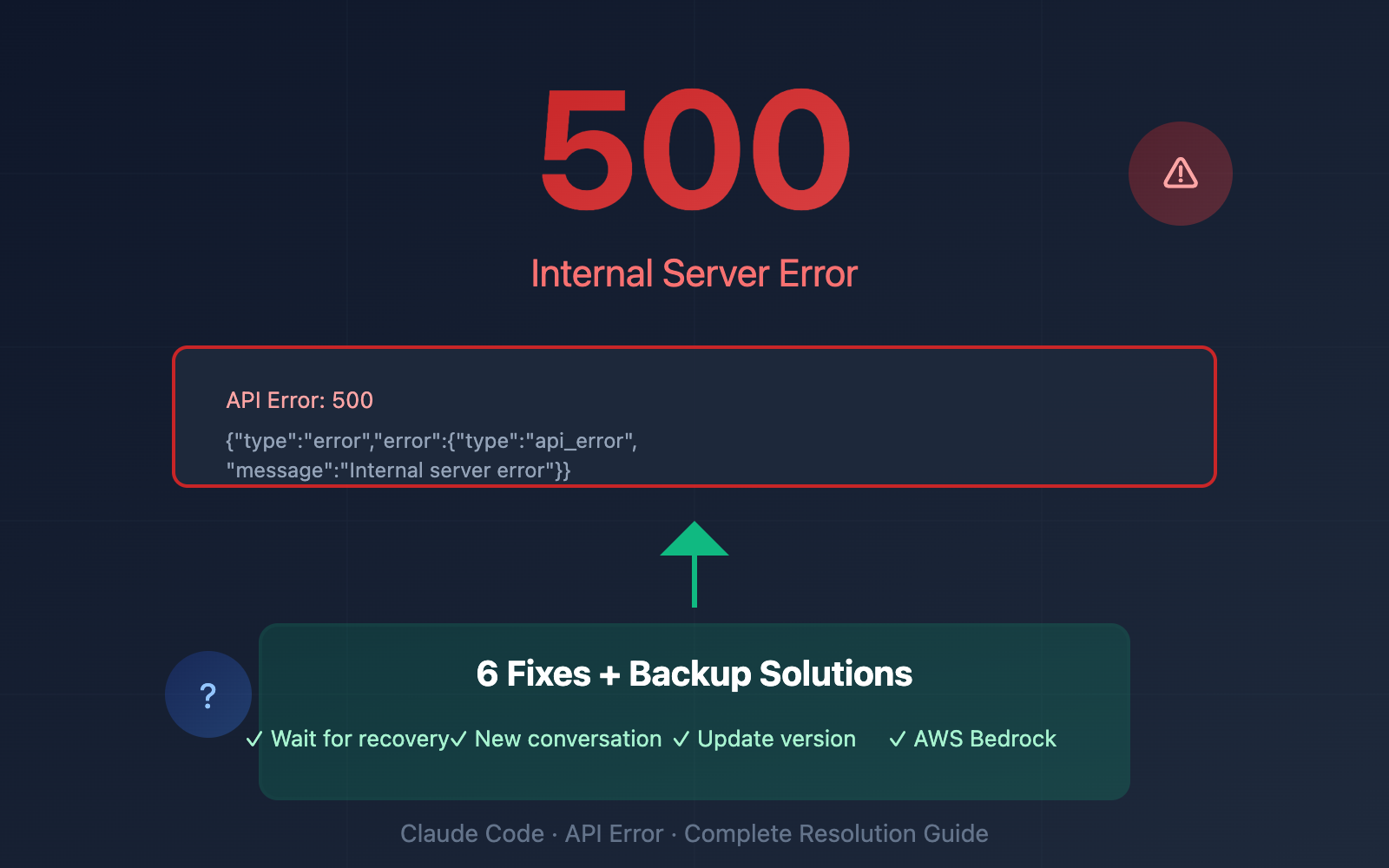
This error occurs when Claude Code's session context is full and auto-compaction fails, causing the API to reject requests with a 500 status. The exact error message is: API Error: 500 {"type":"error","error":{"type":"api_error","message":"Internal server error"}}. The most common cause is running out of context window space in an active session, though other factors like transient API issues or authentication problems can also trigger it.
What Causes This Error
Context Window Exhaustion (Most Common)
According to the GitHub issue report (Source 3), the primary trigger is when "the remaining context left is at exactly 0% and Claude Code has failed to auto-compact in a timely manner." Claude Code maintains a context window that tracks the conversation history, file contents, and tool outputs. When this window fills up completely, the tool attempts to auto-compact by summarizing or discarding older content. If compaction fails or is too slow, subsequent API calls return a 500 error.
This is a session-specific condition. The same user reported that "regenerated API Token didn't work, but just starting a new chat did. Resuming the old one failed." This confirms the error is tied to the session state, not to authentication or network issues.
Transient API Outage
A 500 Internal Server Error from the Anthropic API can also indicate a temporary server-side problem. The API may be overloaded, undergoing maintenance, or experiencing a brief outage. This is less common than context exhaustion but can affect any user at any time.
Authentication Token Issues
While the GitHub reporter found that regenerating the API token did not resolve the error, authentication problems can still cause 500 errors in some edge cases. Expired tokens, revoked tokens, or tokens with insufficient permissions may produce this response. However, the primary source indicates this is not the typical cause for this specific error pattern.
Network or Proxy Interference
Corporate networks, VPNs, or proxy servers that intercept or modify API traffic can cause the Anthropic API to return a 500 error. This is especially relevant for users behind strict firewalls or content inspection proxies.
Outdated Claude Code Version
Running an older version of Claude Code may have bugs related to context management or API communication. The GitHub issue was filed against version 1.0.44 on macOS Sequoia 15.5 with iTerm2. Newer versions may include fixes for the auto-compaction failure.
How to Fix It
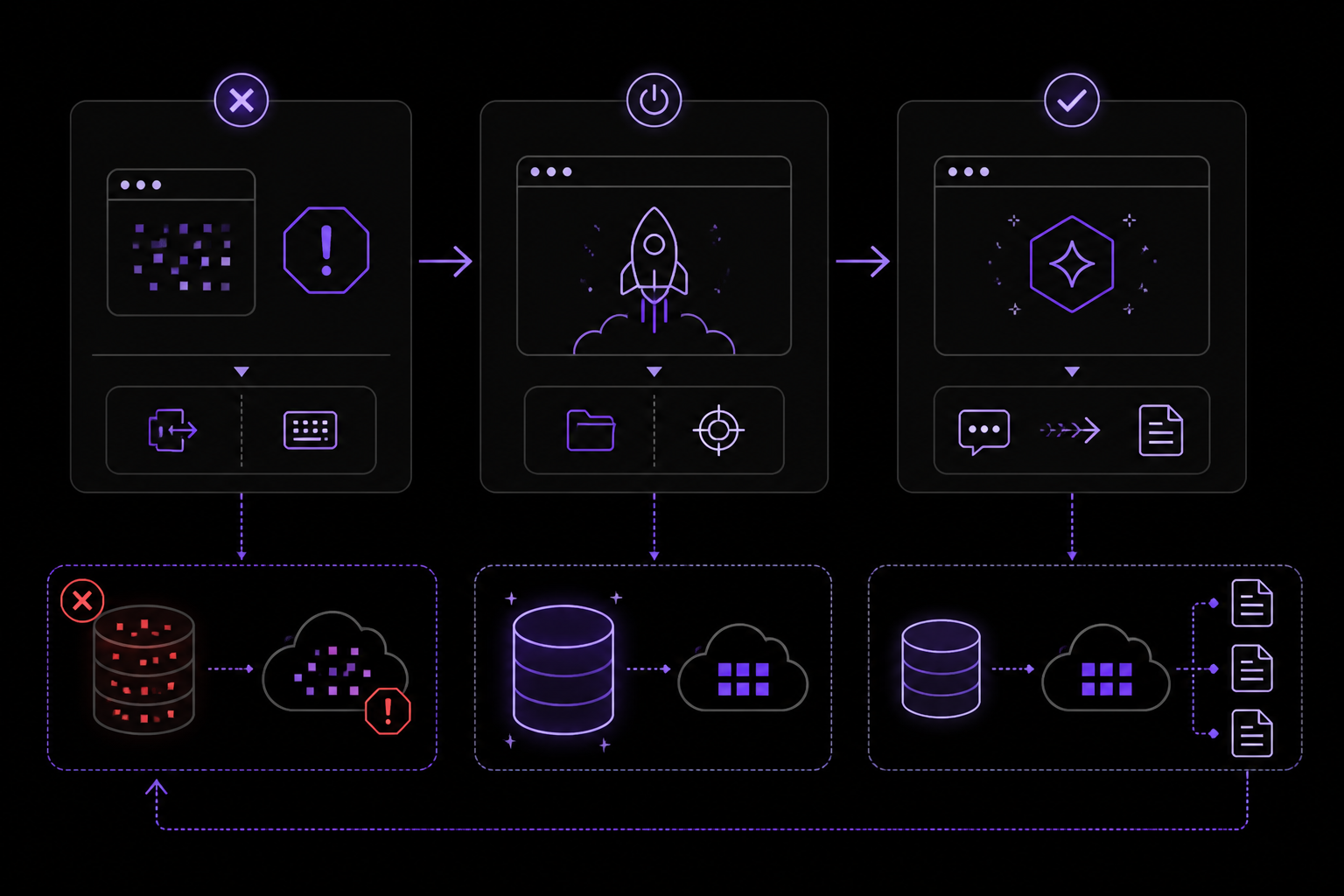
Solution 1: Start a New Session (Most Effective)
This is the only confirmed fix from the GitHub issue (Source 3). The error is session-specific, so starting a fresh session clears the corrupted context state.
- Exit the current Claude Code session by typing
/exitor pressingCtrl+Dtwice. - Start a new session in the same project directory:
cd /path/to/your/project
claude
- If you need to continue work from the broken session, describe the task again in the new session. Claude Code will re-read your project files and re-establish context.
What to expect: The new session should work immediately. The 500 error will not reappear unless the new session also reaches 0% context and compaction fails again.
Why this works: Starting a new session resets the context window to empty. The corrupted state that caused the API to reject requests is gone. As the GitHub reporter noted, "just starting a new chat did" resolve the issue, while "resuming the old one failed."
Solution 2: Clear Conversation History Within the Session
If you cannot exit the session (e.g., you have unsaved work or want to preserve some context), try clearing the conversation history first.
- Inside the Claude Code session, type:
/clear
- This clears the conversation history but keeps the session alive. The context window is reset to empty.
- Continue working. If the error persists, proceed to Solution 1.
What to expect: The /clear command removes all previous messages from the context. This frees up the context window and should allow new API calls to succeed. However, if the session state is already corrupted, a full restart may still be necessary.
Why this works: The context window is filled by conversation history. Clearing it reduces the context size to zero, giving the auto-compaction mechanism room to work again.
Solution 3: Wait and Retry (For Transient API Issues)
If the error occurs early in a session (when context is not full), it may be a transient API outage.
- Wait 30-60 seconds.
- Retry the same request. In the Claude Code session, you can press
↑to recall the previous command and run it again. - If the error persists after 3-5 retries over a few minutes, move to Solution 1.
What to expect: A transient outage typically resolves within a few minutes. If the API is under maintenance, you may see longer delays. Check the Anthropic status page at status.anthropic.com for known issues.
Why this works: Server-side 500 errors are often temporary. Retrying after a short delay allows the API to recover from a brief overload or hiccup.
Solution 4: Re-authenticate Your Session
Although the GitHub reporter found that regenerating the API token did not help, re-authenticating within the session can resolve token-related issues that might produce a 500 error.
- Inside the Claude Code session, type:
/login
-
Follow the prompts to complete authentication in your browser. You can log in using any of these account types:
- Claude Pro, Max, Team, or Enterprise
- Claude Console (API access with pre-paid credits)
- Amazon Bedrock, Google Cloud's Agent Platform, or Microsoft Foundry
- A self-hosted Claude apps gateway
-
After successful authentication, retry your previous request.
What to expect: If the error was caused by an expired or invalid token, re-authentication will resolve it. The session will continue with fresh credentials.
Why this works: Tokens can expire during long sessions. Re-authenticating refreshes the credentials, which may resolve 500 errors caused by authentication failures.
Solution 5: Update Claude Code to the Latest Version
An outdated version may have bugs that contribute to context compaction failures. Updating ensures you have the latest fixes.
For native installations (macOS, Linux, WSL): Native installations auto-update in the background. To force an update, re-run the install script:
curl -fsSL https://claude.ai/install.sh | bash
For Homebrew installations: Homebrew installations do not auto-update. Run:
brew upgrade claude-code
Or if you installed the latest channel:
brew upgrade claude-code@latest
For WinGet installations: WinGet installations do not auto-update. Run:
winget upgrade Anthropic.ClaudeCode
To verify the update:
claude --version
The command prints a version number followed by (Claude Code). Compare it to the latest version listed in the Claude Code changelog.
What to expect: After updating, start a new session. The 500 error should no longer appear if it was caused by a version-specific bug.
Why this works: Newer versions may include improvements to context management, auto-compaction logic, and API error handling. The GitHub issue was filed against version 1.0.44, and later versions may have addressed the root cause.
Solution 6: Check Network and Proxy Configuration
If you are behind a corporate firewall, VPN, or proxy, the Anthropic API may return 500 errors due to traffic inspection or blocking.
- Test direct API access from your terminal:
curl -I https://api.anthropic.com/v1/messages
If this returns anything other than a 200 or 401 status, your network may be interfering.
- If you use a proxy, configure Claude Code to use it by setting environment variables:
export HTTP_PROXY=http://your-proxy:port
export HTTPS_PROXY=http://your-proxy:port
- Try disabling your VPN temporarily and retrying the Claude Code session.
What to expect: If network interference was the cause, the error will stop after removing the interference. The API will respond normally.
Why this works: Proxies and firewalls that inspect or modify HTTPS traffic can corrupt API requests, causing the server to return a 500 error. Direct access or proper proxy configuration avoids this.
If Nothing Works
If none of the above solutions resolve the error, escalate through these channels:
Check Anthropic Status
Visit the Anthropic status page at status.anthropic.com to see if there is a known API outage or maintenance window. If the status shows a major incident, wait for it to be resolved.
Report the Issue on GitHub
The Claude Code issue tracker is at github.com/anthropics/claude-code/issues. Search for existing issues matching your error before creating a new one. When filing a new issue, include:
- Your Claude Code version (
claude --version) - Your operating system and terminal
- The exact error message
- Steps to reproduce
- Whether starting a new session resolved it
Contact Anthropic Support
If you have a paid subscription (Pro, Max, Team, or Enterprise), contact Anthropic support through the help center at support.anthropic.com. Include the same information as for a GitHub issue.
Workaround: Use a Different Surface
Claude Code runs on multiple surfaces: terminal, VS Code, desktop app, web, and JetBrains. If one surface is consistently failing, try another:
- Web: Start a session at claude.ai/code. No local setup required.
- Desktop app: Download and install the desktop app for macOS or Windows.
- VS Code extension: Install the Claude Code extension from the VS Code marketplace.
Each surface connects to the same Claude Code engine, but a fresh environment may bypass the corrupted state.
Workaround: Use the CLI with One-Off Commands
Instead of an interactive session, use one-off commands that do not maintain context:
claude -p "explain this function"
claude "fix the build error"
These commands start a fresh context for each invocation, avoiding the context exhaustion issue entirely.
How to Prevent It
Monitor Context Usage
Pay attention to the context percentage displayed at the top of the Claude Code session. When it approaches 100%, take action before it reaches 0%:
- Clear the conversation history with
/clear - Start a new session
- Use one-off commands (
claude -p "query") for simple tasks
Use Shorter Sessions
Break long development sessions into shorter ones. Instead of keeping one session open for hours, start fresh sessions for each major task. This prevents the context window from filling up.
use CLAUDE.md for Persistent Instructions
Store project-level instructions in a CLAUDE.md file in your project root. Claude Code reads this file at the start of every session, so you do not need to repeat instructions. This reduces the amount of context consumed by repetitive setup.
Use Auto Memory
Claude Code builds auto memory as it works, saving learnings like build commands and debugging insights across sessions. This reduces the need to keep long sessions alive for context retention.
Keep Claude Code Updated
Regularly update Claude Code to the latest version. New releases often include improvements to context management and error handling. For native installations, updates happen automatically. For Homebrew and WinGet, run the upgrade commands periodically.
Avoid Long-Running Sessions with Heavy Context
Tasks that involve large file reads, extensive codebase analysis, or many tool calls consume context quickly. For such tasks:
- Use the
planpermission mode to review changes without executing them, reducing tool output - Break the task into smaller subtasks and run them in separate sessions
- Use background agents for parallel work, which run in separate contexts
Configure Permission Modes
Use permission modes to control how much context is consumed by tool outputs:
acceptEdits: Auto-approves file edits, reducing the back-and-forth that fills contextplan: Lets Claude propose changes without editing, minimizing tool outputauto: Runs background safety checks and blocks risky actions, returning to prompts only after repeated blocks
Press Shift+Tab to cycle through modes during a session.
Use the /loop Command for Polling
For recurring checks (e.g., monitoring a log file), use the /loop command instead of keeping a long session open. /loop repeats a prompt within a CLI session for quick polling without accumulating excessive context.
The #1 Claude Newsletter
The most important claude updates, guides, and fixes — one weekly email.
No spam, unsubscribe anytime. Privacy policy
Related Error Solutions
Keep exploring Claude
Claude resources
Latest AI answers
Skip the manual work
Ready-made AI workflows and automation templates — import and run instead of building from scratch.