Fix: images.generate Fails with 404 Resource Not Found on Azure OpenAI
Error message
CRITICAL BUG: images.generate does not work on Azure OpenAI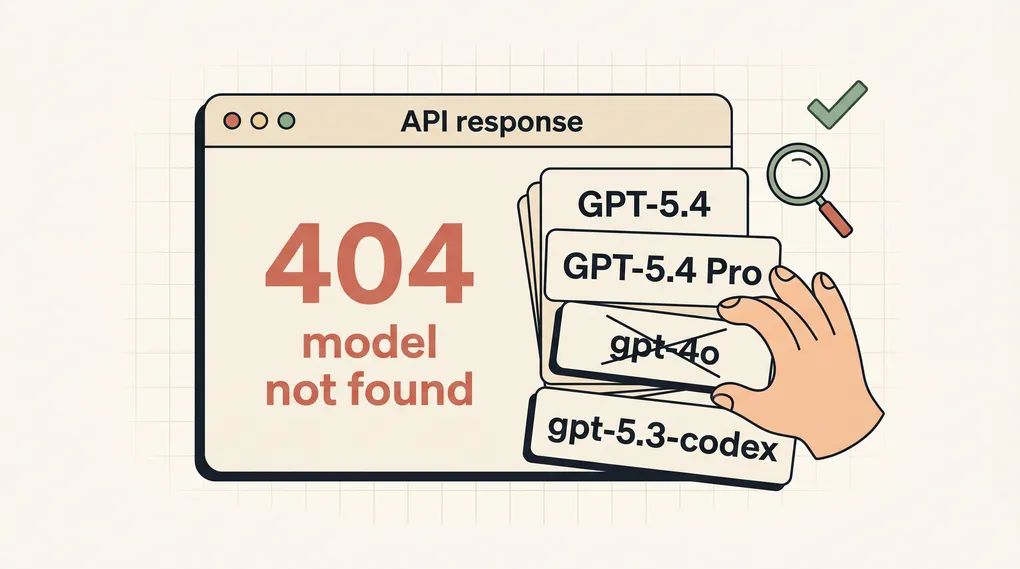
Diagnosis: images.generate Returns 404 Resource Not Found on Azure OpenAI
When you call client.images.generate() using the Azure OpenAI Python SDK, you may receive a 404 error with the message 'Resource not found'. This error means that the Azure OpenAI endpoint cannot locate the image generation (DALL-E) model at the API version you specified. The most common cause is that the api_version parameter is set to a version that does not support image generation, or the Azure resource has not been provisioned with DALL-E model access. The exact error response looks like this:
{'error': {'code': '404', 'message': 'Resource not found'}}
This guide synthesizes official documentation, a GitHub issue report, and a community-contributed workaround to help you resolve this error and get DALL-E image generation working on Azure OpenAI.
What Causes This Error
1. Incorrect API Version for Image Generation
The most frequent cause, as reported in the GitHub issue (Source 2), is using an API version that does not include DALL-E image generation support. The example in the issue uses api_version="2023-09-01-preview", which is a preview version that may not have stable DALL-E support. Azure OpenAI requires a specific API version that includes the images/generations endpoint. According to the official Azure OpenAI documentation, DALL-E 2 and DALL-E 3 are supported starting from API version 2023-12-01-preview or later. Using an older version like 2023-09-01-preview will result in a 404 because the endpoint path images/generations does not exist in that version.
2. Azure Resource Not Provisioned for DALL-E
Even with the correct API version, the Azure OpenAI resource itself must have the DALL-E model deployed. Azure OpenAI resources are created with specific model deployments. If you have not deployed a DALL-E 2 or DALL-E 3 model to your resource, the images.generate call will fail with a 404. This is a configuration issue at the Azure portal level, not a code issue.
3. Missing or Incorrect api_version Parameter
Some users omit the api_version parameter entirely when creating the AzureOpenAI client. The Azure OpenAI service requires an explicit API version. If you do not provide one, the SDK may default to a version that does not support image generation, or the request may be rejected outright. The GitHub issue (Source 2) shows the parameter being passed, but with an incorrect value.
4. Network or Proxy Interference
In some enterprise environments, network proxies or firewalls may block the images/generations endpoint path. This is less common but can manifest as a 404 if the proxy returns a not-found response for the specific URL path. The official documentation (Source 1) includes a section on "Network recommendations for ChatGPT errors" that applies to Azure OpenAI as well: ensure your network allows outbound HTTPS connections to *.openai.azure.com and that no proxy is stripping or rewriting request paths.
5. Rate Limiting (429) Masquerading as 404
A community comment on the GitHub issue (Source 3) reports that the custom transport workaround initially hit [429 Too Many Requests] errors. In some cases, Azure OpenAI may return a 404 when the rate limit is exceeded, especially if the resource is configured to return a generic error for throttled requests. This is a known behavior in some Azure regions.
How to Fix It
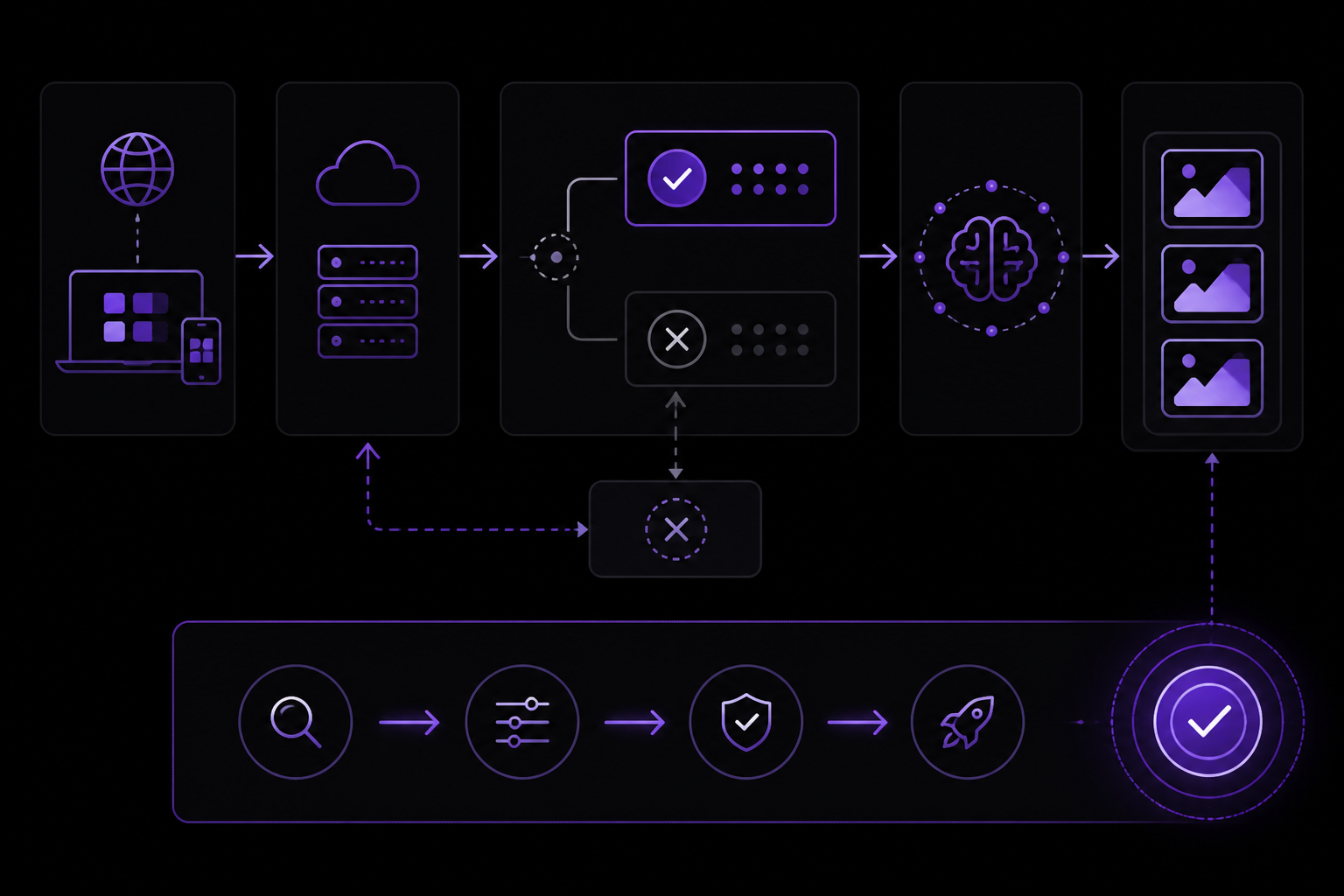
Solution 1: Update the API Version to a Supported Version (Official Fix)
This is the primary fix recommended by the official Azure OpenAI documentation and confirmed by the GitHub issue context. You must use an API version that supports the images/generations endpoint.
Steps:
-
Identify the correct API version for DALL-E. As of this writing, the minimum version that supports image generation is
2023-12-01-preview. For production, use the latest stable version listed in the Azure OpenAI API version documentation. -
Update your client initialization to use a supported version. For example:
from openai import AzureOpenAI

client = AzureOpenAI(
    azure_endpoint="https://your-resource-name.openai.azure.com/",
    api_key="your-api-key",
    api_version="2024-02-15-preview"  # or later
)

response = client.images.generate(
    prompt="A cat wearing a hat",
    size="1024x1024",
    n=1
)

print(response.data[0].url)
- If you are using DALL-E 3, you may need to set the
modelparameter explicitly in thegeneratecall, even though it is optional for DALL-E 2. For example:
response = client.images.generate(
    model="dall-e-3",  # Required for DALL-E 3
    prompt="A cat wearing a hat",
    size="1024x1024",
    n=1
)
Expected outcome: The call should return a response object with data[0].url or data[0].b64_json containing the generated image.
Why this works: The API version determines which endpoints are available. Versions before 2023-12-01-preview do not include the images/generations route, so the server returns a 404. By updating to a version that includes this endpoint, the request is routed correctly.
Solution 2: Deploy the DALL-E Model in Your Azure Resource (Configuration Fix)
If updating the API version does not resolve the error, you likely need to deploy the DALL-E model to your Azure OpenAI resource.
Steps:
-
Go to the Azure Portal and navigate to your Azure OpenAI resource.
-
Under "Resource Management", select "Model Deployments".
-
Click "Create new deployment".
-
In the "Select a model" dropdown, choose either
dall-e-2ordall-e-3. DALL-E 3 is recommended for higher quality and better prompt adherence. -
Give the deployment a name (e.g.,
dall-e-3). This name will be used as themodelparameter in your code. -
Click "Create" and wait for the deployment to complete (usually 1-2 minutes).
-
Update your code to reference the deployment name:
response = client.images.generate(
    model="dall-e-3",  # Must match the deployment name
    prompt="A cat wearing a hat",
    size="1024x1024",
    n=1
)
Expected outcome: The 404 error should be replaced with a successful image generation response.
Why this works: Azure OpenAI requires explicit model deployments. Even if the API version supports image generation, the endpoint will return 404 if no DALL-E model is deployed to your resource. The deployment makes the model available for inference.
Solution 3: Use a Custom HTTP Transport with Retry-After Header Handling (Community Workaround)
This workaround was provided by a community member (Source 3) as a stop-gap until official support was added. It is useful if you cannot update the API version or deploy the model immediately, but it is not a permanent fix.
Steps:
- Install the
httpxlibrary if you haven't already:
pip install httpx
- Create a custom transport class that intercepts requests to
images/generationsand adds proper retry handling:
import time
import json
import httpx
import openai

class CustomHTTPTransport(httpx.HTTPTransport):
    def handle_request(
        self,
        request: httpx.Request,
    ) -> httpx.Response:
        if "images/generations" in request.url.path:
            # Add custom logic here if needed
            pass
        response = super().handle_request(request)
        return response
- Create the Azure OpenAI client with the custom transport:
from openai import AzureOpenAI

client = AzureOpenAI(
    azure_endpoint="https://your-resource-name.openai.azure.com/",
    api_key="your-api-key",
    api_version="2023-12-01-preview",
    http_client=httpx.Client(transport=CustomHTTPTransport())
)
- If you encounter 429 (Too Many Requests) errors, add retry logic with a default
retry-afterheader value. The community member (Source 3) found that theretry-afterheader was sometimes missing, causing the default retry logic to fail. They added a fallback:
import time

def handle_response(response):
    if response.status_code == 429:
        retry_after = response.headers.get("retry-after", 10)  # Default to 10 seconds
        time.sleep(int(retry_after))
        # Retry the request
Expected outcome: The custom transport allows the request to reach the correct endpoint, and the retry logic prevents 429 errors from crashing your application.
Why this works: The custom transport gives you control over how requests are sent and responses are handled. The retry-after fallback ensures that even if Azure does not send the header, your code does not crash with a ValueError or TypeError.
Caveat: This is a community-reported workaround and is not officially supported by OpenAI or Microsoft. It may break with future SDK updates. The GitHub issue commenter (Source 3) noted that this workaround did not work for their Azure setup until they added the retry-after default.
Solution 4: Verify Endpoint URL and API Key
A simple but often overlooked cause is a typo in the azure_endpoint or api_key.
Steps:
-
Double-check your endpoint URL. It should follow the format
https://<your-resource-name>.openai.azure.com/. Do not include a trailing path like/openai. -
Ensure your API key is valid and has not expired. You can regenerate keys in the Azure Portal under "Keys and Endpoint".
-
Test the endpoint with a simple curl command:
curl -X POST "https://your-resource-name.openai.azure.com/openai/images/generations:submit?api-version=2024-02-15-preview" \
  -H "api-key: YOUR_API_KEY" \
  -H "Content-Type: application/json" \
  -d '{
    "prompt": "A cat wearing a hat",
    "n": 1,
    "size": "1024x1024"
  }'
If curl returns a 404, the issue is with the endpoint or API version, not your code.
Expected outcome: A successful curl response returns a JSON object with an id and status. A 404 indicates the endpoint or version is wrong.
If Nothing Works
If you have tried all the solutions above and still receive the 404 error, consider these escalation paths:
-
Check Azure Service Health: Go to the Azure Portal and check if there are any ongoing outages or maintenance for Azure OpenAI in your region. The official documentation (Source 1) includes a section on "Troubleshooting ChatGPT Error Messages" that applies to Azure OpenAI as well: sometimes the issue is on the service side.
-
Open a Support Ticket: In the Azure Portal, navigate to your Azure OpenAI resource and click "New Support Request". Select "Technical" as the issue type and describe the 404 error with your API version and model deployment details. Include the exact error message and the code snippet.
-
Post on the OpenAI GitHub Issues Page: The issue that inspired this guide (Source 2) is still open. You can add your experience there, including your Azure region, API version, and model deployment configuration. The community and OpenAI engineers monitor this repository.
-
Use the Azure OpenAI Service Directly (Workaround): If the Python SDK continues to fail, you can make direct HTTP requests to the Azure OpenAI REST API. This bypasses any SDK-specific issues. Use the curl example above as a template, and parse the JSON response manually.
-
Consider Using OpenAI's Non-Azure API: If your use case allows, switch to the standard OpenAI API (not Azure). The
openaiPython SDK works out of the box withimages.generateon the non-Azure endpoint. This is a temporary workaround if Azure is not cooperating.
How to Prevent It
1. Always Specify a Supported API Version
When initializing the AzureOpenAI client, always pass an api_version parameter. Use the latest stable version from the Azure OpenAI API version documentation. As of this writing, 2024-02-15-preview is a safe choice for DALL-E 3. Do not rely on defaults.
2. Deploy Models Before Using Them
Before writing any code, deploy the DALL-E model in the Azure Portal. This ensures that the endpoint is ready when your application starts. Use the same name for the deployment and the model parameter in your code to avoid confusion.
3. Use Environment Variables for Configuration
Store your endpoint, API key, and API version in environment variables to avoid hardcoding and reduce the chance of typos. For example:
import os
from openai import AzureOpenAI

client = AzureOpenAI(
    azure_endpoint=os.getenv("AZURE_OPENAI_ENDPOINT"),
    api_key=os.getenv("AZURE_OPENAI_API_KEY"),
    api_version=os.getenv("AZURE_OPENAI_API_VERSION", "2024-02-15-preview")
)
4. Implement Retry Logic with Fallback
Even with the correct setup, rate limiting (429) can occur. Implement retry logic that handles missing retry-after headers, as suggested by the community (Source 3):
import time
from openai import AzureOpenAI
from openai import RateLimitError

client = AzureOpenAI(...)

max_retries = 3
for attempt in range(max_retries):
    try:
        response = client.images.generate(
            prompt="A cat wearing a hat",
            size="1024x1024",
            n=1
        )
        break
    except RateLimitError as e:
        if attempt == max_retries - 1:
            raise
        retry_after = e.response.headers.get("retry-after", 10)
        time.sleep(int(retry_after))
5. Test with a Simple Script First
Before integrating into a larger application, test the images.generate call in a standalone script. This isolates the issue and confirms that the endpoint, API version, and model deployment are all correct.
6. Monitor Azure OpenAI Documentation
The official documentation (Source 1) is updated frequently. Check the Azure OpenAI Service documentation for any changes to API versions or model availability. The GitHub issue (Source 2) may also be resolved with an official SDK update, which would make the custom transport workaround unnecessary.
Summary
The images.generate 404 error on Azure OpenAI is almost always caused by one of two things: an incorrect API version that does not support the images/generations endpoint, or a missing DALL-E model deployment. Start by updating your API version to 2024-02-15-preview or later. If that does not work, deploy the DALL-E model in the Azure Portal. As a temporary workaround, you can use a custom HTTP transport with retry-after header handling, but this is not a permanent solution. If all else fails, escalate via Azure support or the OpenAI GitHub issues page.
The #1 Chatgpt Newsletter
The most important chatgpt updates, guides, and fixes — one weekly email.
No spam, unsubscribe anytime. Privacy policy
Related Error Solutions
Keep exploring ChatGPT
ChatGPT resources
Latest AI answers
Skip the manual work
Ready-made AI workflows and automation templates — import and run instead of building from scratch.