Fix LangChain AzureOpenAI 404 Error: Model Not Found vs AzureChatOpenAI
Error message
Why can't (langchain) AzureOpenAI find a model that AzureChatOpenAI can?
Diagnosis
When using LangChain's AzureOpenAI class with a model like gpt-4o-2024-08-06, you may encounter a openai.NotFoundError: Error code: 404 - {'detail': 'Not Found'} error, even though the same configuration works perfectly with AzureChatOpenAI. This error means the model name you provided cannot be found by the Azure OpenAI text completion endpoint. The root cause is a fundamental mismatch between the model type and the API class you are using.
What Causes This Error
1. Using a Chat Completion Model with a Text Completion Class (Most Common)
According to the accepted answer on Stack Overflow by Ahmad Abdallah (Source 3), AzureChatOpenAI supports chat completion models, including newer models like gpt-4o-2024-08-06. AzureOpenAI supports text completion models, but NOT chat completion models (like the new gpt-4 models). This is the primary reason for the 404 error.
Azure OpenAI offers two distinct API endpoints: one for text completions (used by AzureOpenAI) and one for chat completions (used by AzureChatOpenAI). The text completion endpoint does not recognize or serve chat-optimized models like gpt-4 or gpt-4o. When you pass a chat model name to the text completion endpoint, it returns a 404 because that model does not exist in that endpoint's registry.
2. Incorrect Model Name or Deployment Name
While not the primary cause in the Stack Overflow example, the GitHub issue (Source 2) highlights that Azure OpenAI deployments often use a deployment name that differs from the base model name. For example, you might deploy gpt-35-turbo-16k under a deployment name like my-gpt35-16k. If you pass the base model name instead of the deployment name, the API cannot find it. This can also cause a 404 or a warning like "Warning: model not found. Using cl100k_base encoding."
3. Missing or Incorrect API Version
Both sources use an api_version parameter. If you omit this or use an outdated version, the Azure OpenAI endpoint may not recognize newer models. The error may manifest as a 404 or a different error code.
How to Fix It
Solution 1: Switch to AzureChatOpenAI for Chat Models (Recommended)
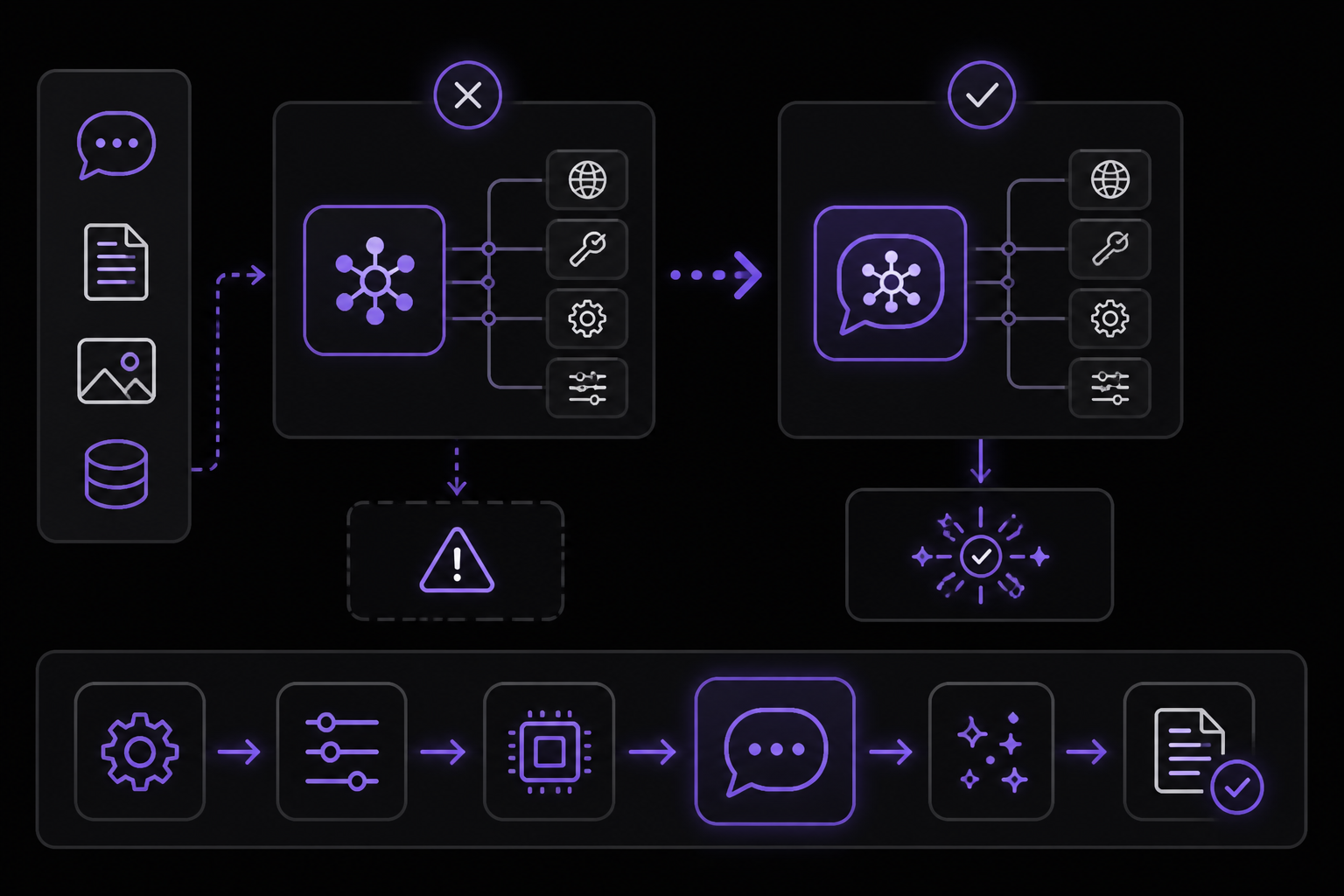
This is the fix confirmed by the accepted answer (Source 3). If you are using a chat model like gpt-4, gpt-4o, gpt-35-turbo, or any model with a date suffix (e.g., gpt-4o-2024-08-06), you must use AzureChatOpenAI instead of AzureOpenAI.
Steps:
- Change your import from
AzureOpenAItoAzureChatOpenAI. - Keep all other configuration parameters the same (endpoint, API key, API version, model name).
- Invoke the model using
.invoke()as before.
Working code example (from Source 1):
import os
from dotenv import load_dotenv
from langchain_openai import AzureChatOpenAI

load_dotenv()

llm = AzureChatOpenAI(
    azure_endpoint=os.getenv("AZURE_ENDPOINT"),
    api_key=os.getenv("TOOL_KEY"),
    api_version=os.getenv("API_VERSION"),
    model="gpt-4o-2024-08-06"
)

response = llm.invoke("what is 2+3?")
print(response.content)
Expected output:
2 + 3 equals 5.
Why this works: AzureChatOpenAI sends requests to the chat completions endpoint (/chat/completions), which is designed to handle chat-optimized models. The text completions endpoint (/completions) used by AzureOpenAI does not support these models.
Solution 2: Use a Text Completion Model with AzureOpenAI (Alternative)
If you must use AzureOpenAI (for example, because your codebase relies on the text completion interface), you need to use a model that supports text completions. Legacy models like text-davinci-003 or text-curie-001 work with AzureOpenAI, but these are being deprecated by OpenAI and may not be available in all Azure regions.
Steps:
- Deploy a text completion model in your Azure OpenAI resource (e.g.,
text-davinci-003). - Use the deployment name as the
modelparameter. - Use
AzureOpenAIas in your original code.
Example:
import os
from dotenv import load_dotenv
from langchain_openai import AzureOpenAI

load_dotenv()

llm = AzureOpenAI(
    azure_endpoint=os.getenv("AZURE_ENDPOINT"),
    api_key=os.getenv("TOOL_KEY"),
    api_version=os.getenv("API_VERSION"),
    model="text-davinci-003"  # or your deployment name
)

response = llm.invoke("what is 2+3?")
print(response)
Caveat: This solution is not recommended for new projects because text completion models are being phased out. The official documentation (referenced in Source 3) advises using chat completion models for all new development.
Solution 3: Use the Deployment Name Instead of the Model Name
If you are already using AzureChatOpenAI and still getting a warning like "Warning: model not found. Using cl100k_base encoding" (as reported in Source 2), the issue may be that you are passing the base model name instead of the deployment name.
Steps:
- In your Azure OpenAI Studio, note the deployment name you created for your model. For example, you might have deployed
gpt-35-turbo-16kwith a deployment namemy-gpt35-16k. - Pass the deployment name as the
modelparameter (ordeployment_namein older LangChain versions). - The warning should disappear, and the model will be correctly identified.
Example from Source 2 (adapted):
from langchain_openai import AzureChatOpenAI

llm_summary = AzureChatOpenAI(
    openai_api_base=azure_api_base,
    openai_api_version=azure_openai_api_version,
    deployment_name="my-gpt35-16k",  # Use deployment name, not model name
    openai_api_key=azure_openai_api_key,
    openai_api_type=azure_api_type,
    model_name="gpt-35-turbo-16k",  # This is the base model name
    temperature=0.7
)
Note: In newer versions of langchain-openai, the deployment_name parameter may be deprecated in favor of model. Check your LangChain version documentation.
Solution 4: Verify API Version
Ensure your api_version is current. As of 2024, Azure OpenAI supports versions like 2024-02-15-preview or 2024-06-01. Using an older version may cause the API to not recognize newer models.
Check your API version:
import os
api_version = os.getenv("API_VERSION")
print(f"Using API version: {api_version}")
If you are unsure which version to use, consult the Azure OpenAI documentation for the latest stable version.
If Nothing Works
If you have tried all solutions above and still encounter the 404 error or the model not found warning, consider the following escalation paths:
-
Check Azure OpenAI Resource Configuration: Log into the Azure Portal and verify that your model deployment exists and is in a healthy state. Ensure the deployment region supports the model you are trying to use.
-
Update LangChain and Dependencies: Outdated versions of
langchainorlangchain-openaimay have bugs. Upgrade to the latest versions:pip install --upgrade langchain langchain-openai openai -
File a GitHub Issue: If you believe this is a bug in LangChain, open an issue at https://github.com/langchain-ai/langchain/issues. Include your LangChain version, Python version, Azure OpenAI configuration (redact keys), and the full error traceback.
-
Community Support: Post on Stack Overflow with the tags
langchain,azure-openai, andopenai. The community may have encountered similar issues with specific model versions. -
Workaround: If you cannot resolve the model detection issue, you can manually set the encoding. The warning "Using cl100k_base encoding" indicates LangChain fell back to a default tokenizer. While the output may still be usable (as asked in Source 2), the token counting may be inaccurate, which can affect chains that depend on token limits (like
load_summarize_chain). To suppress the warning, you can explicitly set the encoding:import tiktoken encoding = tiktoken.get_encoding("cl100k_base") # This does not fix the model detection but stops the warningHowever, this is a cosmetic fix. The underlying issue of model mismatch remains.
How to Prevent It
-
Always match the class to the model type: Use
AzureChatOpenAIfor any model with "gpt-4", "gpt-3.5-turbo", or "gpt-4o" in its name. UseAzureOpenAIonly for legacy text completion models liketext-davinci-003. -
Use deployment names consistently: When you deploy a model in Azure OpenAI Studio, note the deployment name and use it in your code. The deployment name is often different from the base model name.
-
Keep API versions up to date: Regularly check the Azure OpenAI documentation for the latest API version and update your environment variables accordingly.
-
Test with a minimal example: Before integrating into a complex chain, test your model configuration with a simple invocation (like the
2+3example in Source 1) to confirm the class and model are compatible. -
Read the official documentation: The top banner of the Azure OpenAI documentation (referenced in Source 3) clearly states which models work with which endpoints. Bookmark this page and consult it when adding new models.
The #1 Chatgpt Newsletter
The most important chatgpt updates, guides, and fixes — one weekly email.
No spam, unsubscribe anytime. Privacy policy
Related Error Solutions
Keep exploring ChatGPT
ChatGPT resources
Latest AI answers
Skip the manual work
Ready-made AI workflows and automation templates — import and run instead of building from scratch.