Fixing 'model_not_found' Error for OpenAI o3-mini Model
Error message
Why am I getting "model_not_found" error when using OpenAI's o3-mini model?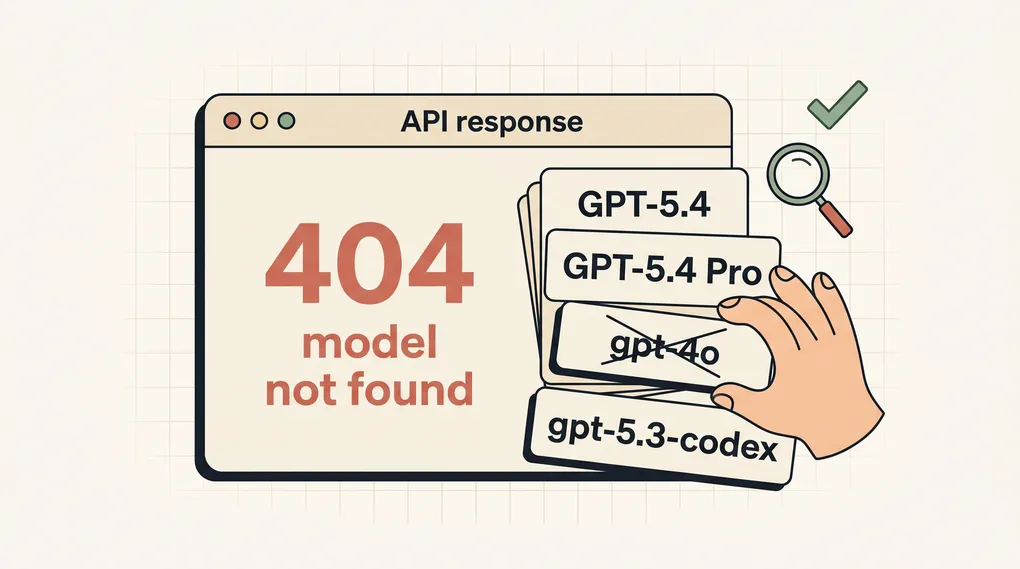
Diagnosis: What the 'model_not_found' Error Means
When you attempt to use OpenAI's o3-mini model via the API and receive a 404 error with the message 'The model o3-mini does not exist or you do not have access to it.', it means the API cannot locate the model identifier you provided or your account does not have permission to use it. The full error, as reported by developers on Stack Overflow, looks like this:
Error: Error code: 404 - {'error': {'message': 'The model o3-mini does not exist or you do not have access to it.',
'type': 'invalid_request_error', 'param': None, 'code': 'model_not_found'}}
The most common cause is that the model name you are using is incorrect, or the model has not yet been made available to your account tier or region. This guide covers every known cause and fix, drawing from official OpenAI documentation, the error codes reference, and community reports.
What Causes This Error
1. Incorrect Model Name
The model name you pass in the API request must match exactly what OpenAI expects. According to the official OpenAI documentation for embeddings and chat completions, model names are case-sensitive and must be spelled precisely. For example, the embedding models are text-embedding-3-small and text-embedding-3-large, not text-embedding-3-small with a typo. Similarly, the o3-mini model name might be o3-mini, but there could be a version suffix or a different naming convention. The community on Stack Overflow reports that the announced name o3-mini may not be the final API identifier.
2. Model Not Yet Available to Your Account
OpenAI sometimes rolls out new models gradually. The o3-mini model was announced around January 31, 2025, but as confirmed by multiple users on Stack Overflow, it may not be immediately accessible to all API users. The error message explicitly says "you do not have access to it." This could be because:
- The model is in limited access or testing phase.
- Your account is on a free or low-tier plan that does not include the latest models.
- Your organization or project has not been granted access.
3. API Key or Authentication Issues
While the error code is model_not_found, it can sometimes be a symptom of an authentication problem. According to the OpenAI error codes documentation, a 401 error means invalid authentication, but a 404 with model_not_found is a distinct error. However, if your API key is valid for other models but not for o3-mini, it suggests a permission issue rather than a key problem. The official documentation states that NotFoundError (which maps to 404) means "Requested resource does not exist" and advises to "Ensure you are using the correct resource identifier."
4. Regional or Organizational Restrictions
OpenAI may restrict model availability by region or organization. The error codes page mentions that a 403 error can occur for unsupported countries, regions, or territories. While model_not_found is a 404, it could be related if the model is not deployed in your region. Additionally, if you are part of an organization, the organization owner may need to enable access to new models.
5. Temporary API Outage or Delay
Sometimes the model is available but the API is experiencing a temporary issue. The error codes documentation covers 503 errors ("The engine is currently overloaded") and 500 errors (server error). A 404 with model_not_found could be a transient issue if the model was just released and the API is still propagating. However, this is less likely based on community reports.
How to Fix It
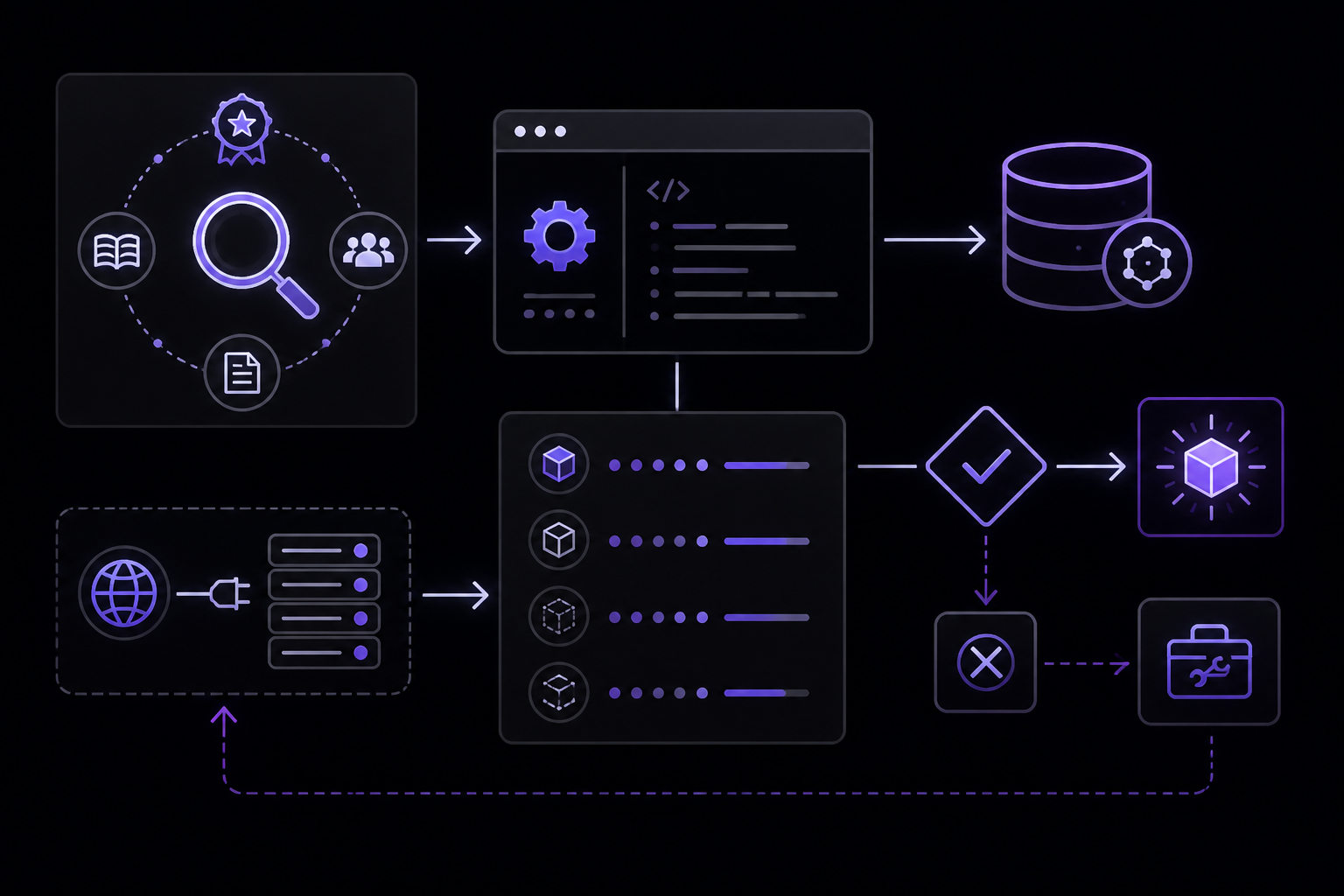
Solution 1: Verify the Exact Model Name (Most Likely to Work)
Source: Official OpenAI documentation and Stack Overflow community.
Before trying anything else, double-check the model name. The announced name o3-mini might be correct, but there could be a version suffix like o3-mini-2025-01-31 or o3-mini-0125. Check the latest OpenAI model list documentation or the API reference for the exact string. You can also list available models via the API:
curl https://api.openai.com/v1/models \
  -H "Authorization: Bearer $OPENAI_API_KEY"
This returns a JSON object with all models you have access to. Look for any model containing "o3" or "mini". If you don't see it, proceed to the next solutions.
If you find the exact model name, use it in your request. For example, in Python:
from openai import OpenAI
client = OpenAI()

response = client.chat.completions.create(
    model="o3-mini",  # Replace with the exact name from the list
    messages=[
        {"role": "user", "content": "Hello, how are you?"}
    ]
)
print(response.choices[0].message.content)
If the model name is correct, this should work. If you still get the error, move to Solution 2.
Solution 2: Check Your Account Tier and Billing
Source: OpenAI error codes documentation (429 quota error) and community reports.
The o3-mini model may only be available to paid accounts or specific tiers. According to the error codes page, a 429 error with "You exceeded your current quota" indicates you have run out of credits or hit your maximum monthly spend. While model_not_found is a 404, it can occur if the model is restricted to certain plans. To check:
- Log into your OpenAI account dashboard.
- Go to the "Billing" or "Usage" section.
- Verify your plan. If you are on a free plan, consider upgrading to a pay-as-you-go plan.
- Check your limits on the limits page: https://platform.openai.com/account/limits
If you are on a paid plan but still get the error, your organization owner may need to increase budgets for your project. The error codes documentation says: "Reach out to your organization owner to increase the budgets for your project."
Solution 3: Generate a New API Key
Source: OpenAI error codes documentation (401 authentication errors).
Although the error is model_not_found, it could be related to an API key that has been revoked or does not have permissions for the new model. The documentation advises: "If you are unsure whether your API key is correct, you can generate a new one." To do this:
- Go to https://platform.openai.com/api-keys.
- Click "Create new secret key."
- Copy the key and replace it in your code.
- Ensure there are no extra spaces or characters.
Test with a simple request to a known model like gpt-3.5-turbo to confirm the key works, then try o3-mini again.
Solution 4: Use the Correct API Endpoint and Parameters
Source: OpenAI error codes documentation (BadRequestError) and official API reference.
A model_not_found error can also occur if you are using the wrong endpoint or missing required parameters. For chat completions, the endpoint is https://api.openai.com/v1/chat/completions. Ensure you are sending a POST request with the correct headers and body. Here is a minimal curl example:
curl https://api.openai.com/v1/chat/completions \
  -H "Content-Type: application/json" \
  -H "Authorization: Bearer $OPENAI_API_KEY" \
  -d '{
    "model": "o3-mini",
    "messages": [{"role": "user", "content": "Hello"}]
  }'
If you are using the Python library, make sure you are using the latest version. The official Python library error types include BadRequestError for malformed requests. Update the library:
pip install --upgrade openai
Then try again.
Solution 5: Wait for Model Availability
Source: Stack Overflow community discussion.
If you have verified the model name, your account is on a paid plan, and your API key is valid, the model may simply not be available to you yet. OpenAI sometimes rolls out models in phases. The Stack Overflow question notes that the model was announced on January 31, 2025, and users are reporting that it is not accessible. One user commented: "Is there a delay between the announcement and API availability?" The answer is yes, there can be a delay of days or even weeks. Check the OpenAI status page (https://status.openai.com) for any announcements about model availability. You can also follow OpenAI's official blog or Twitter account for updates.
Solution 6: Contact OpenAI Support
Source: OpenAI error codes documentation (persistent errors section).
If none of the above solutions work, contact OpenAI support. The error codes page provides a process for persistent errors:
-
Gather the following information:
- The model you were using (
o3-mini). - The error message and code (
model_not_found). - The request data and headers you sent.
- The timestamp and timezone of your request.
- Any other relevant details.
- The model you were using (
-
Contact support via chat at https://help.openai.com.
-
Alternatively, post in the OpenAI Community Forum (https://community.openai.com) but omit any sensitive information like your API key.
The documentation notes: "Our support team will investigate the issue and get back to you as soon as possible. Note that our support queue times may be long due to high demand."
If Nothing Works
Escalation Paths
If you have tried all the solutions above and still get the model_not_found error, consider these escalation paths:
-
Check the OpenAI Status Page: Visit https://status.openai.com to see if there is an ongoing incident or maintenance that might affect model availability.
-
Use an Alternative Model: While waiting for o3-mini access, you can use other models like
gpt-4-turboorgpt-3.5-turbowhich are widely available. The Stack Overflow user confirmed these work. This is a practical workaround. -
Monitor Community Channels: The OpenAI Community Forum and Stack Overflow are good places to see if other users are experiencing the same issue. If many users report it, it is likely a broader availability problem.
-
Request Access from Organization Owner: If you are part of an organization, ask the owner to check if o3-mini needs to be enabled for your project. The error codes documentation says: "Reach out to your organization owner to increase the rate limits on your project" and "Reach out to your organization owner to increase the budgets for your project." While these refer to rate limits and budgets, the same principle applies to model access.
Workarounds
- Use the Responses API: If you are using the chat completions endpoint, try the Responses API (if applicable). The error codes documentation mentions WebSocket mode errors, but the Responses API might have different model availability.
- Use a Different SDK: If you are using the Python library, try making a raw HTTP request with curl to rule out library-specific issues.
- Check for Typos in Environment Variables: Ensure your
OPENAI_API_KEYenvironment variable is set correctly and not being overridden by a.envfile with a wrong key.
How to Prevent It
1. Always Verify Model Names from Official Sources
Before using a new model, check the official OpenAI documentation or API reference for the exact model string. The model list endpoint (GET https://api.openai.com/v1/models) returns all models available to your account. Use this to confirm the name before coding.
2. Keep Your API Client Updated
OpenAI frequently updates its Python library and API. Run pip install --upgrade openai regularly to ensure you have the latest endpoints and model support. The error codes documentation emphasizes that using an outdated library can cause BadRequestError or NotFoundError.
3. Monitor Your Account Tier and Usage
Set up usage alerts in your OpenAI dashboard to avoid hitting quota limits. If you plan to use new models, ensure your account is on a paid plan that supports them. The error codes page mentions that free plans have lower rate limits and may not have access to all models.
4. Implement Proper Error Handling
Programmatically handle errors in your code to gracefully manage model availability issues. The OpenAI error codes documentation provides a Python example:
import openai
from openai import OpenAI
client = OpenAI()

try:
    # Make your OpenAI API request here
    response = client.chat.completions.create(
        model="o3-mini",
        messages=[{"role": "user", "content": "Hello world"}]
    )
except openai.APIError as e:
    # Handle API error here, e.g. retry or log
    print(f"OpenAI API returned an API Error: {e}")
    pass
except openai.APIConnectionError as e:
    # Handle connection error here
    print(f"Failed to connect to OpenAI API: {e}")
    pass
except openai.RateLimitError as e:
    # Handle rate limit error (we recommend using exponential backoff)
    print(f"OpenAI API request exceeded rate limit: {e}")
    pass
except openai.NotFoundError as e:
    # Handle model not found error
    print(f"Model not found: {e}")
    pass
This way, if the model is not available, your application can fall back to another model or log the error for later investigation.
5. Stay Informed About Model Releases
Follow OpenAI's official blog, Twitter, or the community forum to learn about new model releases and their availability timeline. The Stack Overflow question highlights that there can be a delay between announcement and API access. Being aware of this can save debugging time.
6. Use Feature Flags for Model Selection
In production applications, use feature flags or configuration files to specify which model to use. This allows you to switch models without code changes. For example, store the model name in an environment variable:
OPENAI_MODEL=o3-mini
Then in your code:
import os
from openai import OpenAI
client = OpenAI()

model = os.getenv("OPENAI_MODEL", "gpt-3.5-turbo")
response = client.chat.completions.create(
    model=model,
    messages=[{"role": "user", "content": "Hello"}]
)
If o3-mini becomes unavailable, you can quickly fall back to a known working model by changing the environment variable.
Summary
The model_not_found error when using OpenAI's o3-mini model is typically caused by an incorrect model name, account tier restrictions, or the model not yet being available to your account. Start by verifying the exact model name via the API model list, then check your account plan and billing. If those are fine, generate a new API key and ensure your request is properly formatted. If the issue persists, wait for broader availability or contact OpenAI support. By following the prevention practices outlined above, you can minimize future disruptions when adopting new models.
The #1 Chatgpt Newsletter
The most important chatgpt updates, guides, and fixes — one weekly email.
No spam, unsubscribe anytime. Privacy policy
Related Error Solutions
Keep exploring ChatGPT
ChatGPT resources
Latest AI answers
Skip the manual work
Ready-made AI workflows and automation templates — import and run instead of building from scratch.