How to Get LLMs to Accurately Infer Relative Days of the Week
Original question: How to get LLMs to accurately infer relative days of the week

Provide each date option with its explicit relative label (e.g., "Today at 12:00", "Tomorrow at 14:00", "This Wednesday at 16:00") rather than listing a separate calendar. This direct interpolation eliminates the hallucination of days of the week that occurs when the model must cross-reference a separate date list.
The Full Answer
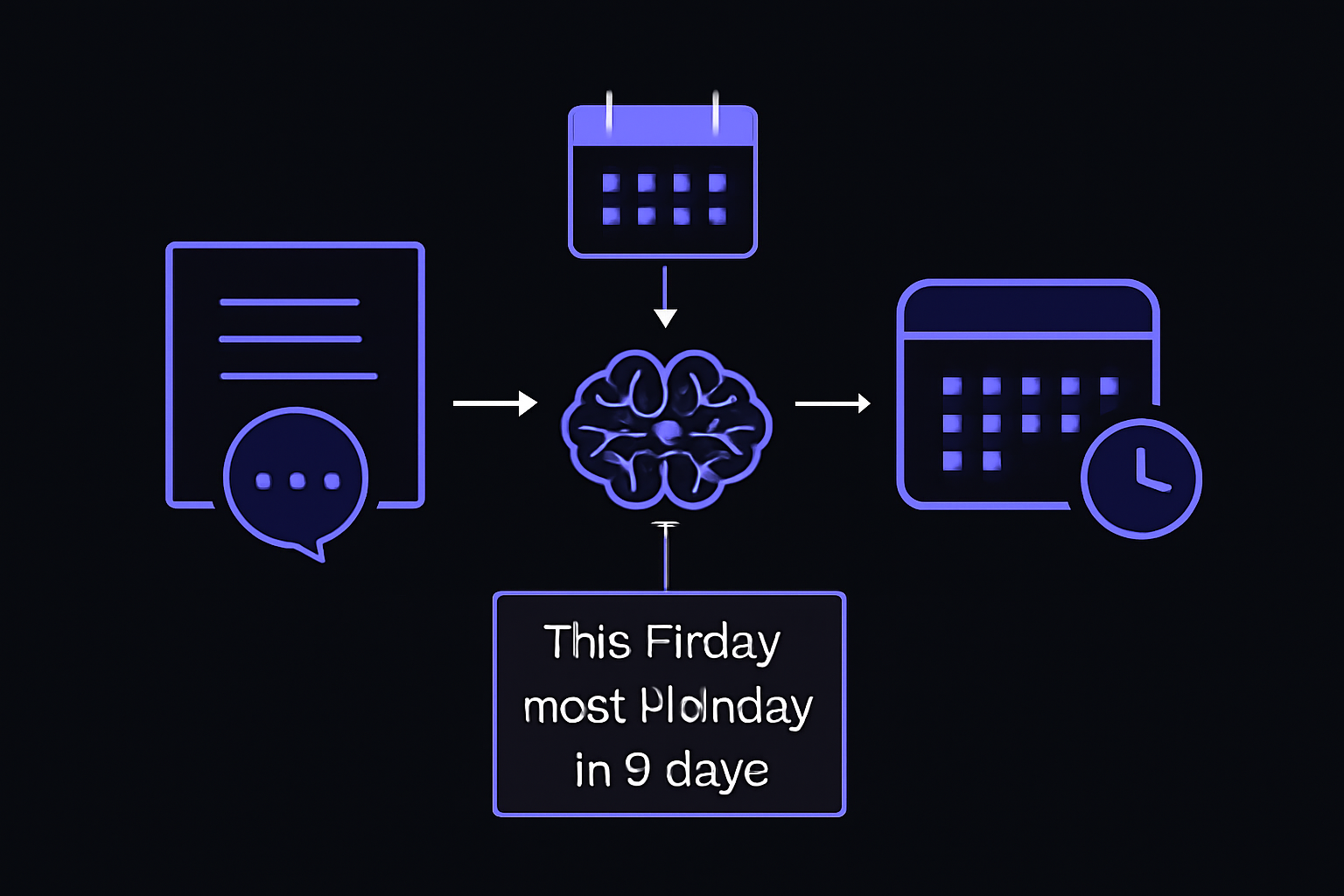
When you ask an LLM to map a natural language phrase like "this Friday" or "next Monday" to an actual calendar date, the model must perform two tasks: (1) understand the current reference date (usually "today") and (2) compute the offset in days. Many LLMs, even advanced ones, struggle with this because they are not natively arithmetic engines. They pattern-match on language, and the arithmetic of day-of-week offsets is a weak point.
The Problem with a Separate Date List
A common initial approach is to give the LLM a list of candidate dates and a separate list of the next few days with their day names. For example:
Options:
03/03/2025 12:00
04/04/2025 14:00
05/03/2025 16:00

Next 3 days and their corresponding days of the week:
3 March 2025 - Monday
4 March 2025 - Tuesday
5 March 2025 - Wednesday
According to the accepted solution on Stack Overflow (source 2), this approach "typically led to hallucinated days of the week." The model would often say "this Friday" is an incorrect date, or get the date correct but assign the wrong day name. The reason is that the LLM must hold two separate pieces of information in its context window (the options list and the day-of-week mapping) and then perform a mental join. This is a fragile operation for a transformer-based model.
The Working Solution: Interpolate Relativity Directly
The accepted solution reports that a small change in formatting produced much better results. Instead of a separate mapping, each date option is annotated with its relative label:
Options:
03/03/2025 12:00 - Today at 12:00
04/04/2025 14:00 - Tomorrow at 14:00
05/03/2025 16:00 - This Wednesday at 16:00
By interpolating each date to explicitly declare the relativity next to each date, the model no longer needs to cross-reference a separate list. The relative label is directly attached to the date string. The model sees "05/03/2025 16:00 - This Wednesday at 16:00" and can immediately associate the date with the relative phrase. This reduces the cognitive load on the LLM and eliminates the hallucination of day names.
Why This Works
LLMs are sequence models. They predict the next token based on the tokens that came before. When you place the relative label immediately after the date, the model can learn a direct association between the two. In contrast, when the date and the day name are in separate sections, the model must attend to tokens far apart in the sequence, which is more error-prone.
Additionally, the explicit label "Today at 12:00" or "Tomorrow at 14:00" is a natural language phrase that the model has seen millions of times in its training data. It is a familiar pattern. The model does not need to compute the offset; it just needs to match the phrase to the date.
When to Use This Approach
Use this interpolation technique whenever your LLM application needs to resolve relative dates from a fixed set of options. Examples include:
- Scheduling assistants that must pick from a list of available appointment slots.
- Event planners that need to map "next Tuesday" to a specific date.
- Booking systems that accept phrases like "this weekend" or "the day after tomorrow."
If your application allows free-form date input (not a fixed list), you may need a different strategy, such as using a dedicated date parser library (e.g., Python's dateparser or parsedatetime) before passing the resolved date to the LLM. The interpolation technique is best when you control the set of options.
Common Pitfalls
Hallucinated Day Names
As reported in the original Stack Overflow question (source 1), even when the model gets the date correct, it may assign the wrong day name. For example, it might say "2025-01-31 is a Saturday" when it is actually a Friday. This is a direct consequence of the model trying to compute the day-of-week offset from a separate list. The interpolation fix directly addresses this.
Inconsistent Performance Across Models
The original poster noted that "most LLMs I try perform inconsistently and poorly on this." Different models have different training data and architectures. Some may handle the separate-list approach better than others, but the interpolation technique is model-agnostic and should work across all LLMs.
Forgetting the Reference Date
If you do not provide the current date explicitly, the model may guess or use its training cutoff date. Always include the reference date in the prompt, for example: "Today is 2025-03-03." Then list the options with their relative labels.
Over-Reliance on Prompt Engineering
While the interpolation technique is effective, it is still a form of prompt engineering. For production systems, consider using a deterministic date parser as a fallback. If the LLM output is ambiguous, parse the relative date with a library and validate against the options list.
Related Questions
How do I get the current date into the LLM prompt?
You must inject the current date programmatically before sending the prompt to the LLM. In Python, you can use datetime.date.today() to get today's date and format it as a string. For example: today = datetime.date.today().strftime("%Y-%m-%d"). Then include it in the system message or user prompt: "Today is {today}. The available options are:". This ensures the model knows the reference point.
What if I have many date options (e.g., 30 days)?
The interpolation technique scales linearly. For each option, compute the relative label programmatically (e.g., "Today", "Tomorrow", "In 2 days", "This Friday") and append it to the date string. For options far in the future, you can use absolute labels like "On 2025-04-01 (Tuesday)" rather than relative ones, because the model may struggle with "In 30 days."
Can I use this technique for time-of-day as well?
Yes. The same principle applies to times. Instead of listing times separately, annotate each time with its relative label: "09:00 - Morning", "14:00 - Afternoon", "18:00 - Evening". For relative times like "in 2 hours", compute the absolute time and label it "In 2 hours at 16:00". This reduces ambiguity.
Is there a way to make the LLM compute the offset itself?
You can try prompting the model to use a chain-of-thought approach: "Today is Monday. If the user says 'this Friday', that is 4 days from now. So the date is 2025-03-07." However, this is less reliable than the interpolation technique because it requires the model to perform arithmetic. The interpolation technique offloads the arithmetic to your code, which is deterministic and error-free.
The #1 AI Newsletter
The most important ai updates, guides, and fixes — one weekly email.
No spam, unsubscribe anytime. Privacy policy
Related Answers
Keep exploring
AI resources
Latest error solutions
Skip the manual work
Ready-made AI workflows and automation templates — import and run instead of building from scratch.