Load Phi 3 Model, Extract Attention Layer, and Visualize It
Original question: Load Phi 3 model extract attention layer and visualize it

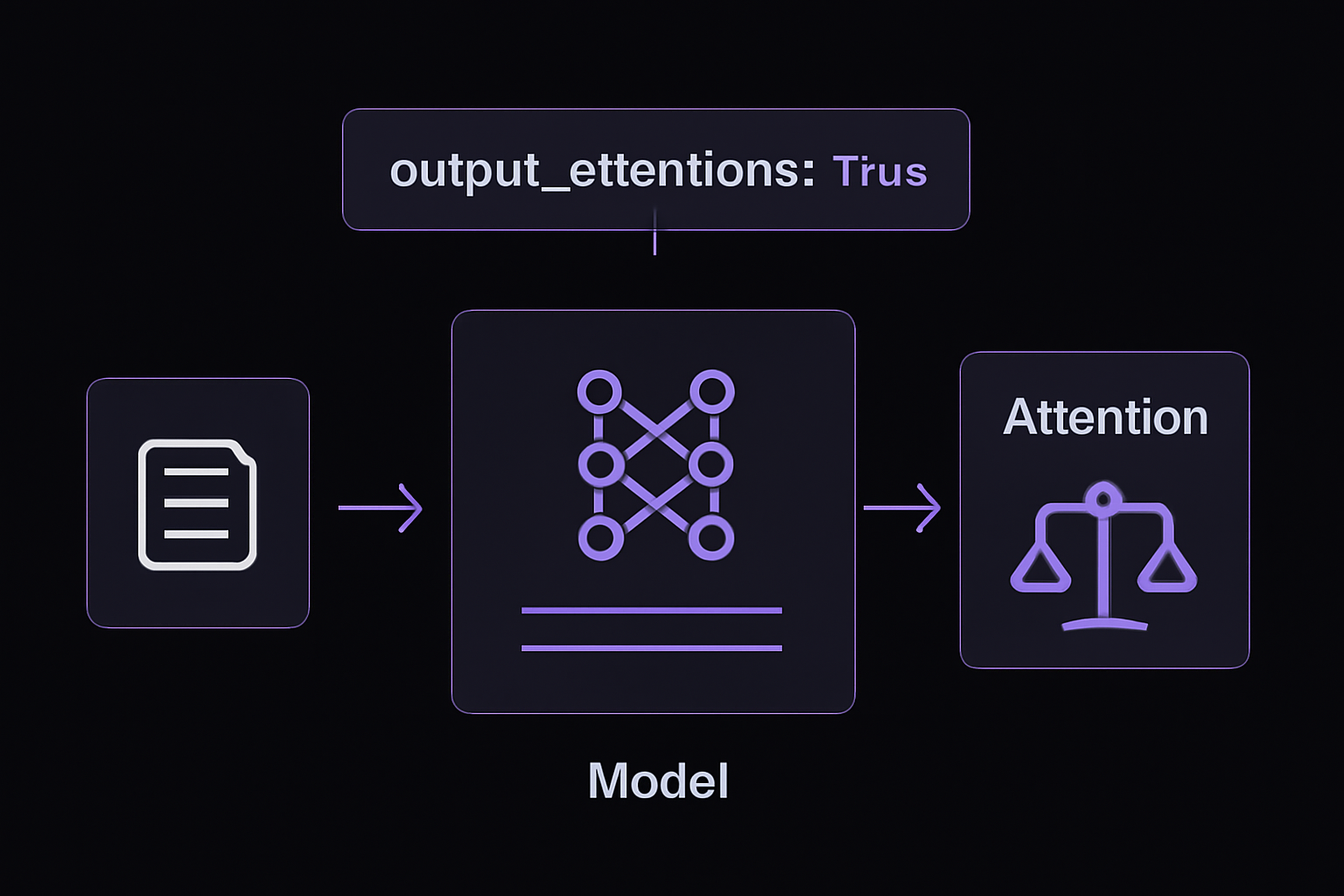
To load a Phi 3 model (medium or mini) from Hugging Face, extract its attention weights, and visualize them, you must pass output_attentions=True when calling the model. This produces a tuple outputs.attentions where each element is a tensor of shape (batch_size, num_heads, seq_len, seq_len). You then select a specific layer and head, convert the tensor to a numpy array, and plot it with matplotlib. Avoid calling model.model(input_ids) directly, as that may return a non-standard shape and is not guaranteed to work across model versions.
The Full Answer
Why You Must Use output_attentions=True
By default, Hugging Face models do not return attention weights. The model's forward pass only computes them internally for the attention mechanism, but discards them unless you explicitly request them. The correct way to retrieve attention is to pass output_attentions=True to the top-level model call. This is the standard Hugging Face Transformers API and is guaranteed to return a tuple of tensors with the expected shape.
If you instead call model.model(input_ids) directly (as shown in the question), you are accessing a lower-level forward method. That method may return a tuple of (hidden_states, present_key_values, attentions) or something else entirely, depending on how the model's internal code is written. The shape you observed (1x40x40x15x15 for the medium model, or 1x12x12x15x15 for the mini model) is actually a misinterpretation of that internal return structure. The first dimension is batch size, the second is the number of layers (40 for medium, 12 for mini), the third is the number of heads per layer, and the last two are the attention matrices (15x15 for 15 tokens). However, this shape is not the standard one you get from outputs.attentions, which is a tuple of tensors each shaped (batch_size, num_heads, seq_len, seq_len). The extra layer dimension in the first index of the tuple is already separated out, so you don't have a 5D tensor. The community advice is clear: always use the top-level model call with output_attentions=True to avoid confusion.
Step-by-Step: Loading the Model and Tokenizer
First, install the required libraries if you haven't already:
pip install transformers torch matplotlib
Then load the tokenizer and model. The example below uses the medium model, but you can replace it with "microsoft/Phi-3-mini-4k-instruct" for the smaller variant. Note the spelling: it's "Phi-3-medium-4k-instruct", not "meduium" as seen in the question's code (that typo will cause an error).
import torch
import matplotlib.pyplot as plt
from transformers import AutoModelForCausalLM, AutoTokenizer

tokenizer = AutoTokenizer.from_pretrained("microsoft/Phi-3-medium-4k-instruct")
model = AutoModelForCausalLM.from_pretrained(
    "microsoft/Phi-3-medium-4k-instruct",
    device_map="auto",
    torch_dtype=torch.float16,  # or torch.float32 if you prefer
    trust_remote_code=True
)
trust_remote_code=True is required because Phi 3 uses custom modeling code that is not part of the standard Transformers library. The device_map="auto" will place the model on available GPUs if present, otherwise on CPU. Using torch.float16 reduces memory usage and speeds up inference, but you can use torch.float32 if you need full precision.
Step-by-Step: Running the Model with Attention Output
Prepare a prompt and tokenize it. The example uses a short sentence, but you can use any text.
prompt = "The quick brown fox jumps over the lazy dog."
inputs = tokenizer(prompt, return_tensors="pt")
inputs = inputs.to("cuda:0")  # move to GPU if available
Now call the model with output_attentions=True. You can also set output_hidden_states=True if you need hidden states, but it's not required for attention.
outputs = model(
    input_ids=inputs.input_ids,
    output_attentions=True
)
The outputs.attentions attribute is a tuple. Each element corresponds to one layer. For the medium model (40 layers), the tuple has 40 elements. For the mini model (12 layers), it has 12 elements. Each element is a tensor of shape (batch_size, num_heads, seq_len, seq_len). For a batch size of 1, 32 heads (medium), and 15 tokens, that shape is (1, 32, 15, 15).
Step-by-Step: Extracting and Visualizing a Single Attention Head
To visualize a specific layer and head, index into the tuple and then into the tensor. The following code selects layer 0 and head 0, converts the tensor to a numpy array, and plots it.
layer = 0
head = 0
attn = outputs.attentions[layer][0, head].detach().cpu().numpy()  # shape (seq_len, seq_len)

tokens = tokenizer.convert_ids_to_tokens(inputs.input_ids[0])

plt.figure(figsize=(8, 8))
plt.imshow(attn, cmap="viridis")
plt.colorbar()
plt.xticks(range(len(tokens)), tokens, rotation=90)
plt.yticks(range(len(tokens)), tokens)
plt.title(f"Attention Matrix (Layer {layer}, Head {head})")
plt.show()
This produces a 15x15 heatmap where each cell represents the attention weight from the token on the y-axis (query) to the token on the x-axis (key). Darker colors indicate higher attention. The diagonal often shows strong self-attention, but patterns vary by head.
Alternative: Visualizing All Heads in a Layer
The question's code attempted to visualize all heads in a layer by iterating over the second dimension of the 5D tensor. With the correct approach, you can do the same using outputs.attentions. Here's a corrected version that works with the standard shape:
def save_attention_image(attention, tokens, layer=0, filename='attention.png'):
    """
    Save attention weights for all heads in a given layer as a grid image.

    :param attention: Tuple of attention tensors from outputs.attentions.
    :param tokens: List of token strings.
    :param layer: Layer index to visualize.
    :param filename: Output image filename.
    """
    attn = attention[layer][0].detach().cpu().float().numpy()  # shape (num_heads, seq_len, seq_len)
    num_heads = attn.shape[0]
    fig, axes = plt.subplots(3, 4, figsize=(20, 15))  # adjust grid as needed

    for i, ax in enumerate(axes.flat):
        if i < num_heads:
            cax = ax.matshow(attn[i], cmap='viridis')
            ax.set_title(f'Head {i + 1}')
            ax.set_xticks(range(len(tokens)))
            ax.set_yticks(range(len(tokens)))
            ax.set_xticklabels(tokens, rotation=90)
            ax.set_yticklabels(tokens)
        else:
            ax.axis('off')

    fig.colorbar(cax, ax=axes.ravel().tolist())
    plt.suptitle(f'Layer {layer + 1}')
    plt.savefig(filename)
    plt.close()

# Usage:
save_attention_image(outputs.attentions, tokens, layer=0, filename='layer_0_heads.png')
This function creates a grid of subplots, one per head. For the medium model with 32 heads, you may need to adjust the grid to 4x8 or 8x4. The example uses 3x4 (12 heads) which is suitable for the mini model (12 heads).
Common Pitfalls
Typo in Model Name
In the question's code, the model name is misspelled as "microsoft/Phi-3-meduium-4k-instruct" (double 'u'). This will raise an error. The correct name is "microsoft/Phi-3-medium-4k-instruct". Always double-check the spelling from the Hugging Face model page.
Using model.model(input_ids) Instead of model(input_ids, output_attentions=True)
This is the most common mistake. Calling model.model(input_ids) bypasses the top-level forward method that sets up the attention output. The returned tuple may have a different structure, and you cannot rely on outputs[-1] being the attention weights. The community advice is emphatic: always use the top-level call with output_attentions=True.
Interpreting Uniform Attention
Many heads in transformer models produce nearly uniform attention distributions, meaning they attend equally to all tokens. This is normal behavior. As confirmed in the Stack Overflow answer, some heads do not focus on any particular token. Do not assume something is wrong if you see a flat heatmap.
Memory Constraints
Storing attention tensors for all layers and heads can consume significant GPU memory, especially for long sequences. For a 15-token input with the medium model (40 layers, 32 heads), each attention tensor is 40 * 32 * 15 * 15 * 4 bytes (float32) = about 1.15 MB, which is fine. But for 512 tokens, it becomes 40 * 32 * 512 * 512 * 4 = 1.34 GB. If you run out of memory, consider only extracting attention for a subset of layers or using a smaller model (mini).
Tokenization and Padding
If your input is batched with padding, the attention matrices will include padding tokens. The model may attend to padding tokens, which can distort visualization. Either use a single sequence (batch size 1) or mask out padding tokens in the visualization. The examples above assume no padding.
Related Questions
How do I extract attention from a different Hugging Face model?
The same approach works for any Hugging Face model that supports attention output. Call model(input_ids, output_attentions=True) and access outputs.attentions. The shape is always (batch_size, num_heads, seq_len, seq_len) per layer. Some models, like BERT, also support output_attentions=True. For encoder-decoder models, you get both encoder and decoder attentions via outputs.encoder_attentions and outputs.decoder_attentions.
Can I get attention weights without running the full model?
No. Attention weights are computed during the forward pass. You must run the model at least once. However, you can use a very short input to minimize computation. There is no way to extract attention from a precomputed checkpoint without inference.
Why does my attention matrix show negative values?
Attention weights are always non-negative and sum to 1 across the key dimension (softmax output). If you see negative values, you may be looking at a different tensor, such as the raw attention scores before softmax, or you may have applied an incorrect transformation. Ensure you are using outputs.attentions, which contains the post-softmax weights.
How do I save attention weights to a file?
You can save the numpy array directly:
import numpy as np
np.save('attention_layer_0_head_0.npy', attn)
Then load it later with np.load(). This is useful for analysis without re-running the model.
The #1 AI Newsletter
The most important ai updates, guides, and fixes — one weekly email.
No spam, unsubscribe anytime. Privacy policy
Related Answers
Keep exploring
AI resources
Latest error solutions
Skip the manual work
Ready-made AI workflows and automation templates — import and run instead of building from scratch.