Fix ValueError: agent_scratchpad should be a list of base messages, got str
Error message
ValueError: variable agent_scratchpad should be a list of base messages, got of type <class 'str'>
Diagnosis
You are seeing the error ValueError: variable agent_scratchpad should be a list of base messages, got of type <class 'str'> when trying to create or invoke a LangChain agent. This error means that the agent_scratchpad variable in your prompt template is receiving a plain string instead of the list of BaseMessage objects that the agent expects. The most common cause is using MessagesPlaceholder with variable_name="agent_scratchpad" in a way that does not match how the agent executor passes data to the prompt.
What Causes This Error
According to the Stack Overflow question and its accepted answer, there is one primary cause and one related nuance:
-
Using
MessagesPlaceholderforagent_scratchpadin a structured chat agent prompt. Thecreate_structured_chat_agentfunction expects the prompt to have a placeholder foragent_scratchpadthat is a list of messages. However, when you useMessagesPlaceholder(variable_name="agent_scratchpad"), the agent executor may pass the scratchpad as a string in some configurations or LangChain versions, causing the type mismatch. This is the exact scenario described in the original question. -
LangChain version or API inconsistency. The error is discussed in LangChain GitHub issue #22885, as referenced in the answer. The issue appears to be related to how the agent executor formats the scratchpad input. In some LangChain versions (the question uses
langchain==0.3.27,langchain-core==0.3.74), theMessagesPlaceholderdoes not correctly receive a list of messages when used withcreate_structured_chat_agent.
How to Fix It
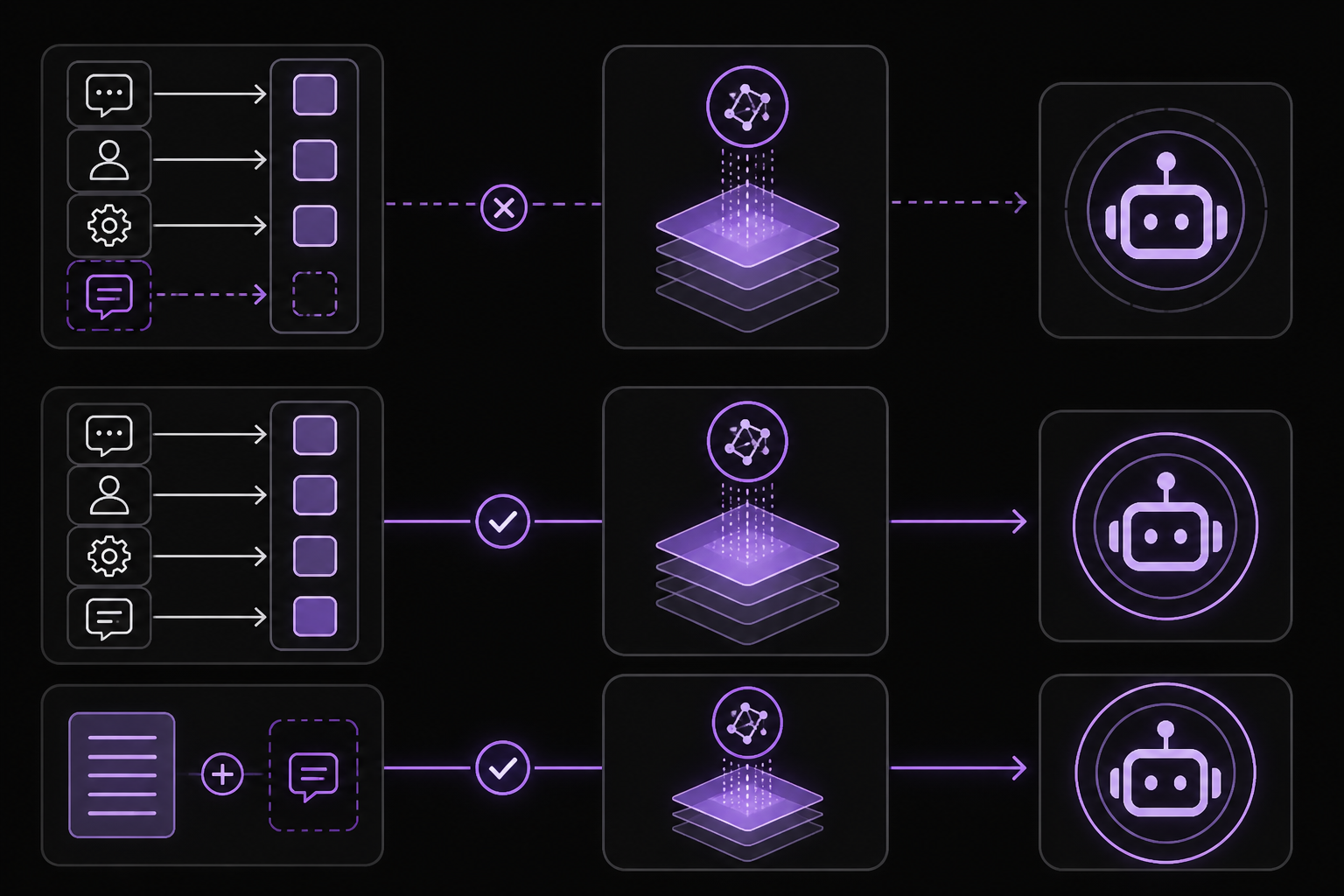
There are two working solutions reported in the sources. Both come from the accepted Stack Overflow answer by user furas, which references the LangChain GitHub discussion. The first solution is simpler and more aligned with the intended API. The second is a workaround that embeds the scratchpad directly into the system prompt string.
Solution 1: Replace MessagesPlaceholder with a string template for agent_scratchpad
This is the fix recommended by the accepted answer. Instead of using MessagesPlaceholder(variable_name="agent_scratchpad"), use a tuple with the role "ai" and the template "{agent_scratchpad}". This tells the prompt to expect a string variable named agent_scratchpad, which the agent executor will provide.
Step-by-step:
- Locate the prompt definition in your code. It will look something like this:
from langchain_core.prompts import ChatPromptTemplate, MessagesPlaceholder

prompt = ChatPromptTemplate.from_messages([
    ("system", """Respond to the human as helpfully and accurately as possible..."""),
    ("human", "{input}"),
    MessagesPlaceholder(variable_name="agent_scratchpad"),
])
- Remove the
MessagesPlaceholderline and replace it with a tuple that uses the"ai"role and a template string:
prompt = ChatPromptTemplate.from_messages([
    ("system", """Respond to the human as helpfully and accurately as possible..."""),
    ("human", "{input}"),
    ("ai", "{agent_scratchpad}"),
])
- Keep the rest of your agent creation code unchanged. The agent executor will now pass the scratchpad as a string, which matches the template.
What to expect: The agent should create and run without the ValueError. The accepted answer confirms this works: the output shows ✅ Agent and Executor created successfully. and the agent executes correctly, producing a final result like {'input': 'call the tool', 'output': "The tool call was successful. The tool said: 'The tool says hello back!'"}.
When to use this: This is the primary fix. It works for the exact code pattern in the original question (using create_structured_chat_agent with FakeMessagesListChatModel). It is likely to work for any LangChain agent that uses create_structured_chat_agent.
Solution 2: Embed {agent_scratchpad} directly into the system prompt string
This is an alternative workaround also provided by the accepted answer. Instead of having separate message roles for human and agent_scratchpad, you can put both {input} and {agent_scratchpad} directly into the system prompt string as placeholders.
Step-by-step:
- Modify your prompt so that the system message contains all the placeholders:
prompt = ChatPromptTemplate.from_messages([
    ("system", """Respond to the human as helpfully and accurately as possible. You have access to the following tools:

{tools}

Use a json blob to specify a tool by providing an action key (tool name) and an action_input key (tool input).

Valid "action" values: "Final Answer" or {tool_names}

Provide only ONE action per $JSON_BLOB, as shown:
{{ "action": $TOOL_NAME, "action_input": $INPUT }}
Follow this format:

Question: input question to answer
Thought: consider previous and subsequent steps
Action:
$JSON_BLOB
Observation: action result
... (repeat Thought/Action/Observation as needed)
Thought: I know what to respond
Action:
{{ "action": "Final Answer", "action_input": "Final response to human" }}
Begin! Reminder to ALWAYS respond with a valid json blob of a single action. Use tools if necessary. Respond directly if appropriate. Format is Action:```$JSON_BLOB```then Observation

{input}

{agent_scratchpad}
"""),
])
- Remove the
("human", "{input}")andMessagesPlaceholder(variable_name="agent_scratchpad")lines entirely. The entire prompt is now a single system message.
What to expect: The accepted answer reports this also works without error. The agent executor will fill in both {input} and {agent_scratchpad} as strings into the system message.
When to use this: This is a fallback if Solution 1 does not work for your specific LangChain version or agent configuration. It is less conventional but equally functional.
If Nothing Works
If neither solution resolves the error, consider the following escalation paths based on the sources:
-
Check your LangChain version. The original question uses
langchain==0.3.27,langchain-core==0.3.74, andlangchain-community==0.3.27. If you are on a different version, the behavior ofMessagesPlaceholderorcreate_structured_chat_agentmay differ. Try upgrading or downgrading to match these versions. -
Consult the LangChain GitHub issue tracker. The accepted answer references discussion #22885 in the
langchain-ai/langchainrepository. Search for that issue or open a new one with your exact code and version details. -
Simplify your agent. As a temporary workaround, try using a simpler agent type like
create_react_agentorcreate_tool_calling_agentwhich may not requireagent_scratchpadin the same way. The structured chat agent is the one that triggers this error. -
Use a different LLM. The original question uses
FakeMessagesListChatModelfor testing. If you are using a real model (e.g., fromlangchain-openaiorlangchain-aws), the error may still occur. The fix should be model-agnostic, but switching to a real model can help isolate whether the issue is with the fake model.
How to Prevent It
To avoid this error in future projects:
-
Always use
("ai", "{agent_scratchpad}")instead ofMessagesPlaceholderwhen working withcreate_structured_chat_agent. This is the pattern that works reliably based on the community reports. TheMessagesPlaceholderapproach is documented in some LangChain examples but appears to be incompatible with the structured chat agent in practice. -
Test with a fake model first. The original question uses
FakeMessagesListChatModelfromlangchain_community.chat_models.fake. This allows you to catch prompt template errors like this one without incurring API costs or latency. Always validate your prompt template with a fake model before switching to a production LLM. -
Keep LangChain versions consistent. The error may be version-specific. If you upgrade LangChain, test your agent creation code immediately. The versions used in the working solution are
langchain==0.3.27,langchain-community==0.3.27,langchain-core==0.3.74,langchain-aws==0.2.30, andlangchain-openai==0.3.29.
The #1 AI Newsletter
The most important ai updates, guides, and fixes — one weekly email.
No spam, unsubscribe anytime. Privacy policy
Related Error Solutions
Keep exploring
AI resources
Latest AI answers
Skip the manual work
Ready-made AI workflows and automation templates — import and run instead of building from scratch.